> ## Documentation Index
> Fetch the complete documentation index at: https://help.dingtalk.io/llms.txt
> Use this file to discover all available pages before exploring further.

# Option linkage

> Learn how to use option linkage in DingTalk OA Approval to dynamically show controls based on the value chosen in a Select or Multiselect field—for example, display different amount limit tips based on the reimbursement type—making approval forms smarter and more flexible.

## 1. Detailed instructions

For example, in a reimbursement approval, when a different reimbursement type is selected, the reimbursement amount field should display tip text indicating the amount limit for that type. Transportation has a maximum reimbursement of 200 CNY, meals 400 CNY, and office supplies 100 CNY.

### 1) How to set it up

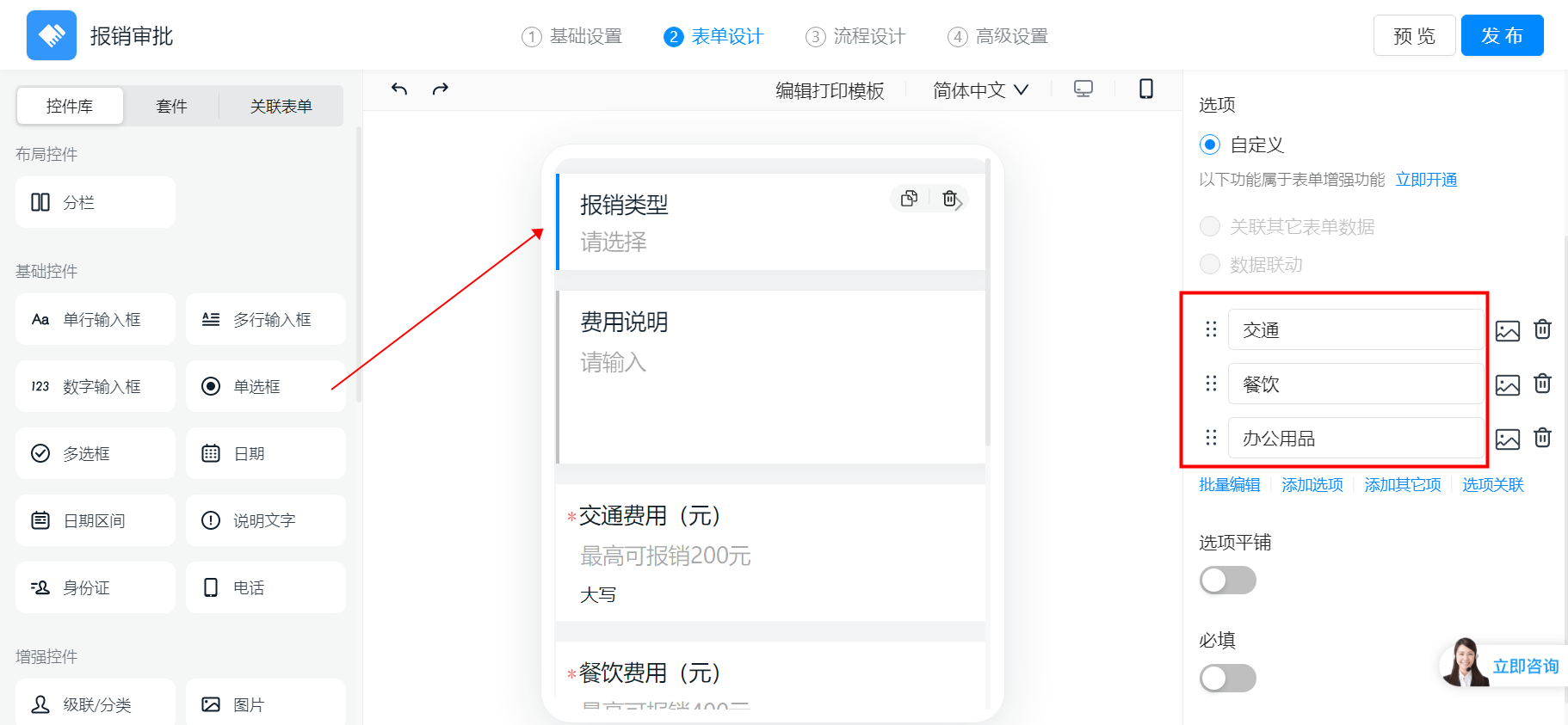
First, configure the reimbursement type Select field with three options: Transportation, Meals, and Office Supplies.
<Frame>
  ![Configure the reimbursement type Select field with three options](https://alidocs.oss-cn-zhangjiakou.aliyuncs.com/res/E8K4nyWb7ep5OLbj/img/a54d7e15-2ca9-4443-8e16-348d0d7aa7a7.png)
</Frame>

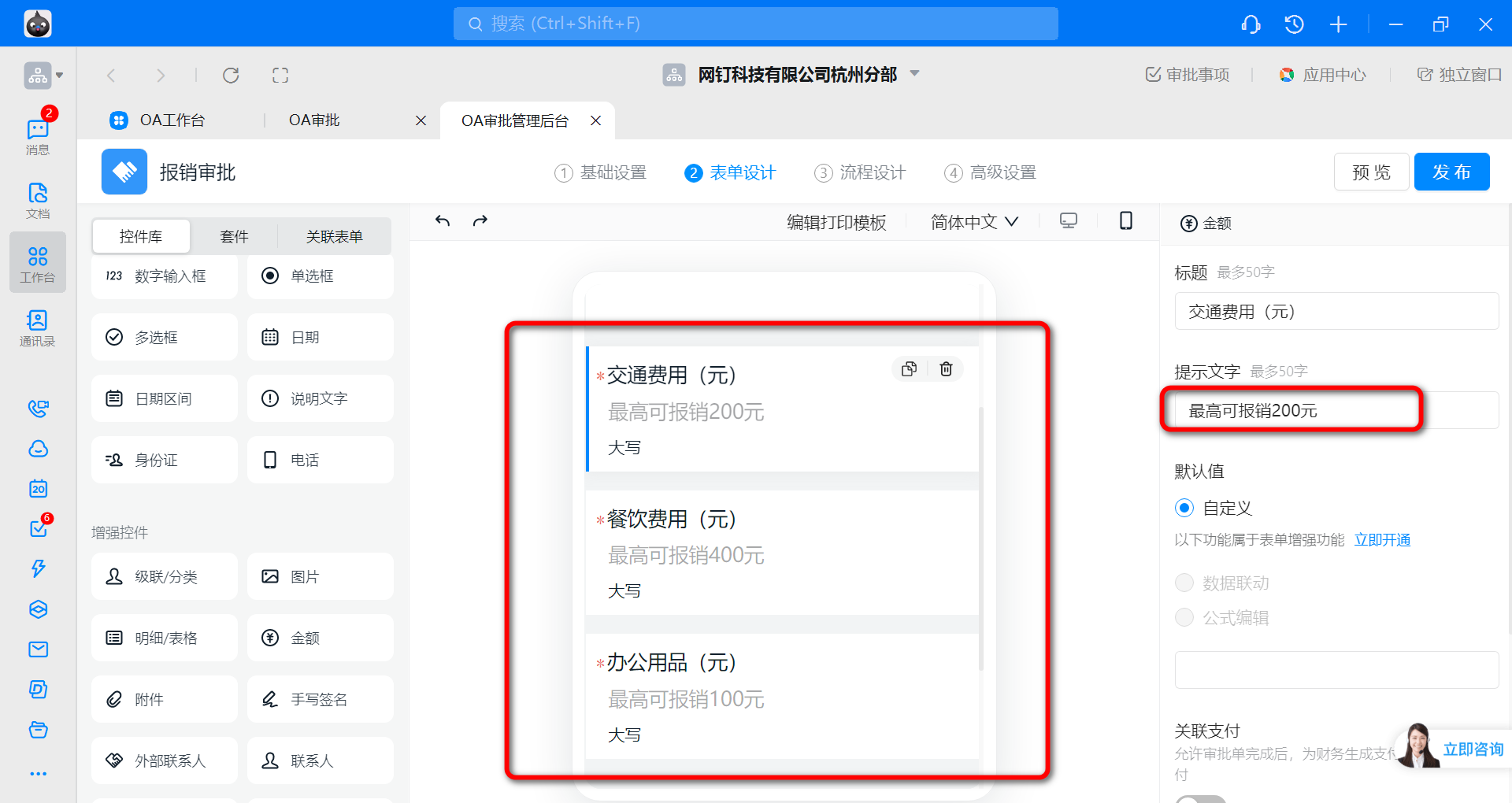
Next, set up the fields to be linked—that is, the amount fields shown for each reimbursement type—and configure the tip text. Edit the Title, tip text, and other properties in the panel on the right.
<Frame>
  ![Set up the linked amount fields and configure the tip text](https://alidocs.oss-cn-zhangjiakou.aliyuncs.com/res/E8K4nyWb7ep5OLbj/img/dfae00f9-d15c-42a7-8e62-8c16a3f1d207.png)
</Frame>

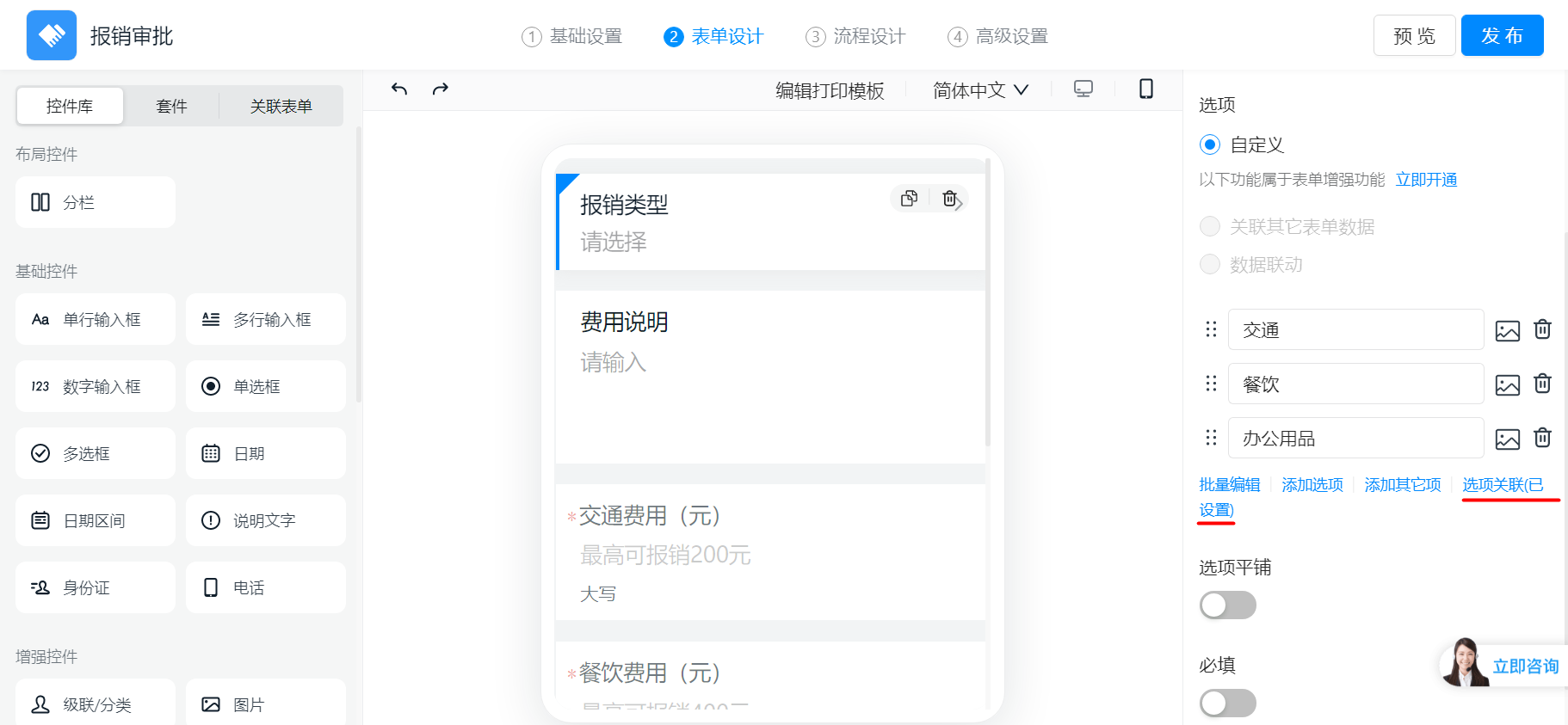
Then click the reimbursement type Select field, and click "Option linkage".

<Frame>
  ![Click the Select field and choose Option linkage](https://alidocs.oss-cn-zhangjiakou.aliyuncs.com/res/E8K4nyWb7ep5OLbj/img/7c45634f-677b-4446-8fd1-017b403b70d9.png)
</Frame>

Select the amount fields you configured earlier, then click "Confirm".

<div style={{display: 'flex', flexDirection: 'column', gap: '16px', margin: '16px 0'}}>
  <Frame>
    ![Select the previously configured amount fields](https://alidocs.oss-cn-zhangjiakou.aliyuncs.com/res/E8K4nyWb7ep5OLbj/img/3e751681-2203-48b9-83dc-1c2312c67932.png)
  </Frame>

  <Frame>
    ![Click Confirm to save the option linkage settings](https://alidocs.oss-cn-zhangjiakou.aliyuncs.com/res/E8K4nyWb7ep5OLbj/img/f3fe58c3-581a-4ec3-857f-99bea2fd1471.png)
  </Frame>
</div>

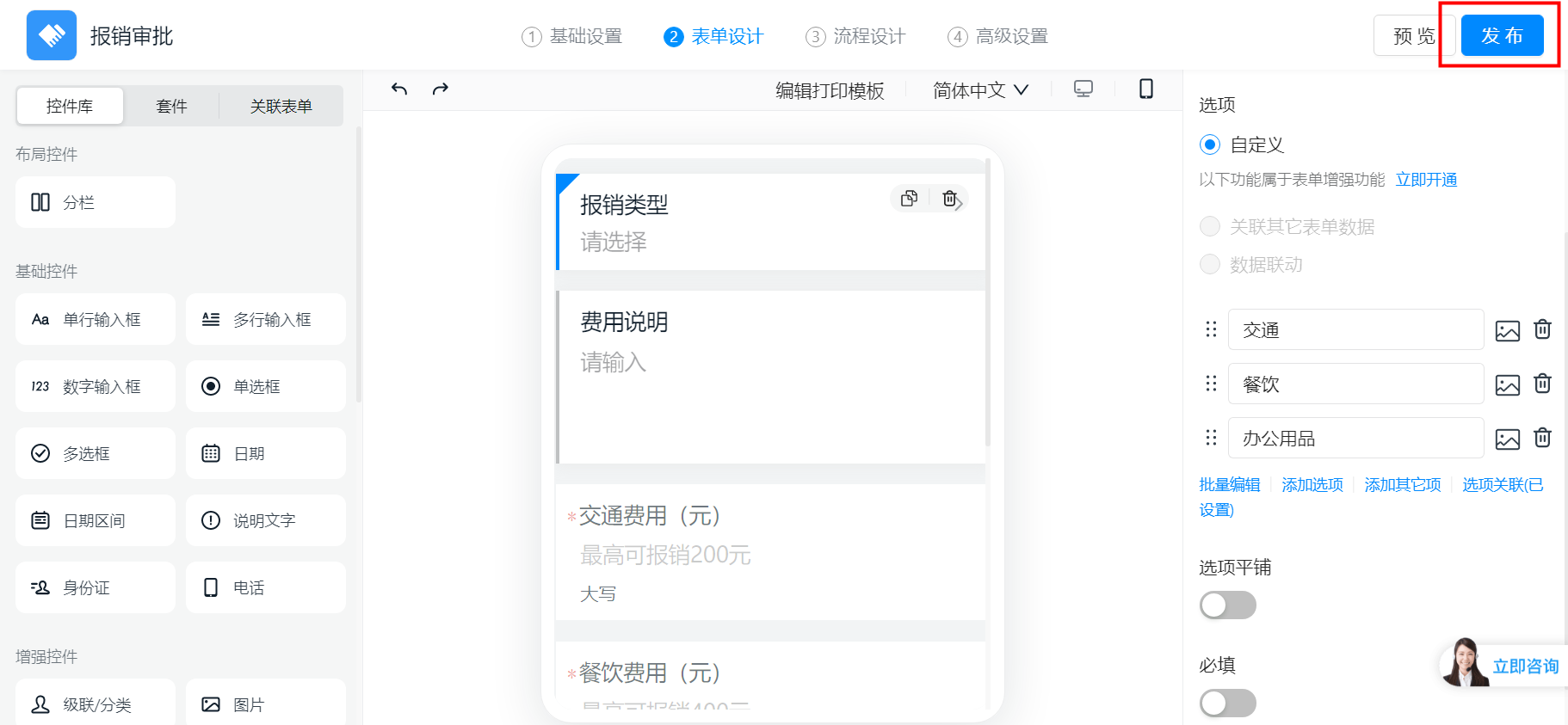
Finally, click "Publish" to complete the setup.
<Frame>
  ![Click Publish to finish the configuration](https://alidocs.oss-cn-zhangjiakou.aliyuncs.com/res/E8K4nyWb7ep5OLbj/img/eeb68b21-0c97-4fbf-b79a-c5e508e2498b.png)
</Frame>

### 2) Result preview

<Frame>
  ![Preview of the approval form with option linkage applied](https://alidocs.oss-cn-zhangjiakou.aliyuncs.com/res/E8K4nyWb7ep5OLbj/img/75d1f02c-b1c8-4751-9a57-3408c9d66a96.png)
</Frame>