> ## Documentation Index
> Fetch the complete documentation index at: https://help.dingtalk.io/llms.txt
> Use this file to discover all available pages before exploring further.
# Interface
> Overview of the common DingTalk OA Approval interface: fixed entries and the layouts and usage of the Approval Home, Approval Center, and Data Center — helping users get familiar with the Approval app quickly.
## 1. Common interface
### 1) Fixed entries
#### 1. Desktop

Shortcut to the OA Approval Admin Console.
**Permissions**: Only Admins can access the Admin Console.
When you take a short leave, use this entry to set a delegate. Pending approval forms will then be handled by the delegate on your behalf.
**Permission rules**:
* All Users can set a delegate.
* You can only set a delegate for yourself.
* Delegates can be set per form.
Keeps delegation records from the past 6 months.
**Visibility**: Visible to all Users.
Opens the official DingTalk help manual.
**Visibility**: Visible to all Users.
Opens the latest release notes for Approval.
**Visibility**: Visible to all Users.
#### 2. Mobile

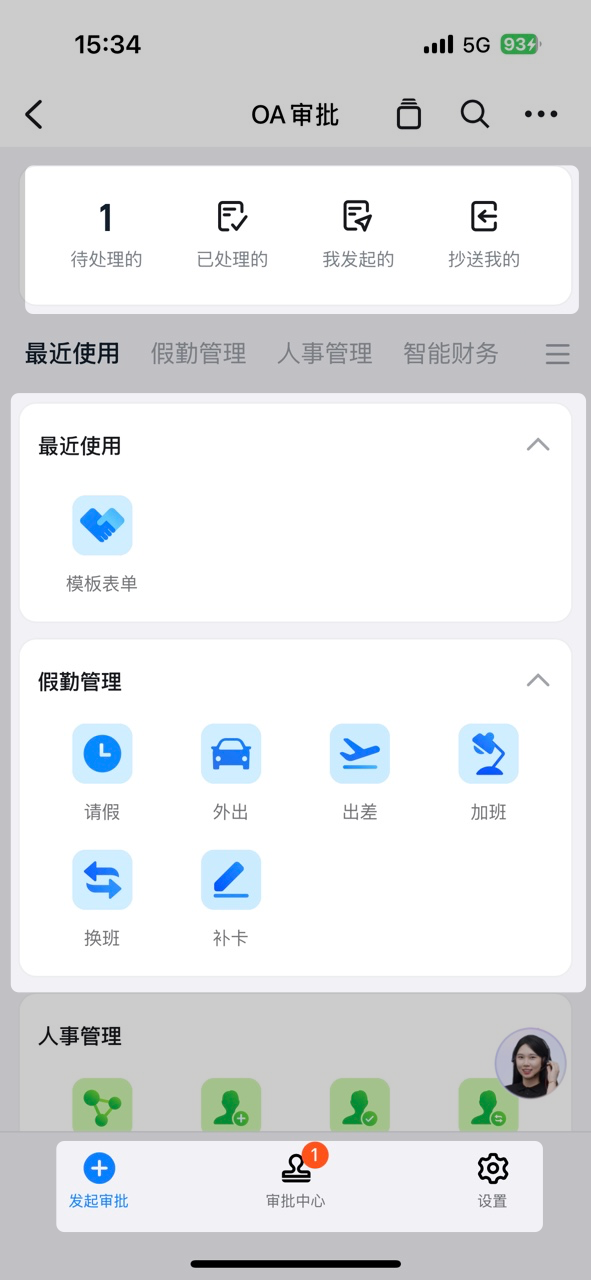
Shortcut to create an approval form.
**Permissions**: Only Admins can access the Admin Console.
Support and help entry.
**Visibility**: Visible to all Users.
Opens the latest release notes for Approval.
**Visibility**: Visible to all Users.
### 2) Approval Home
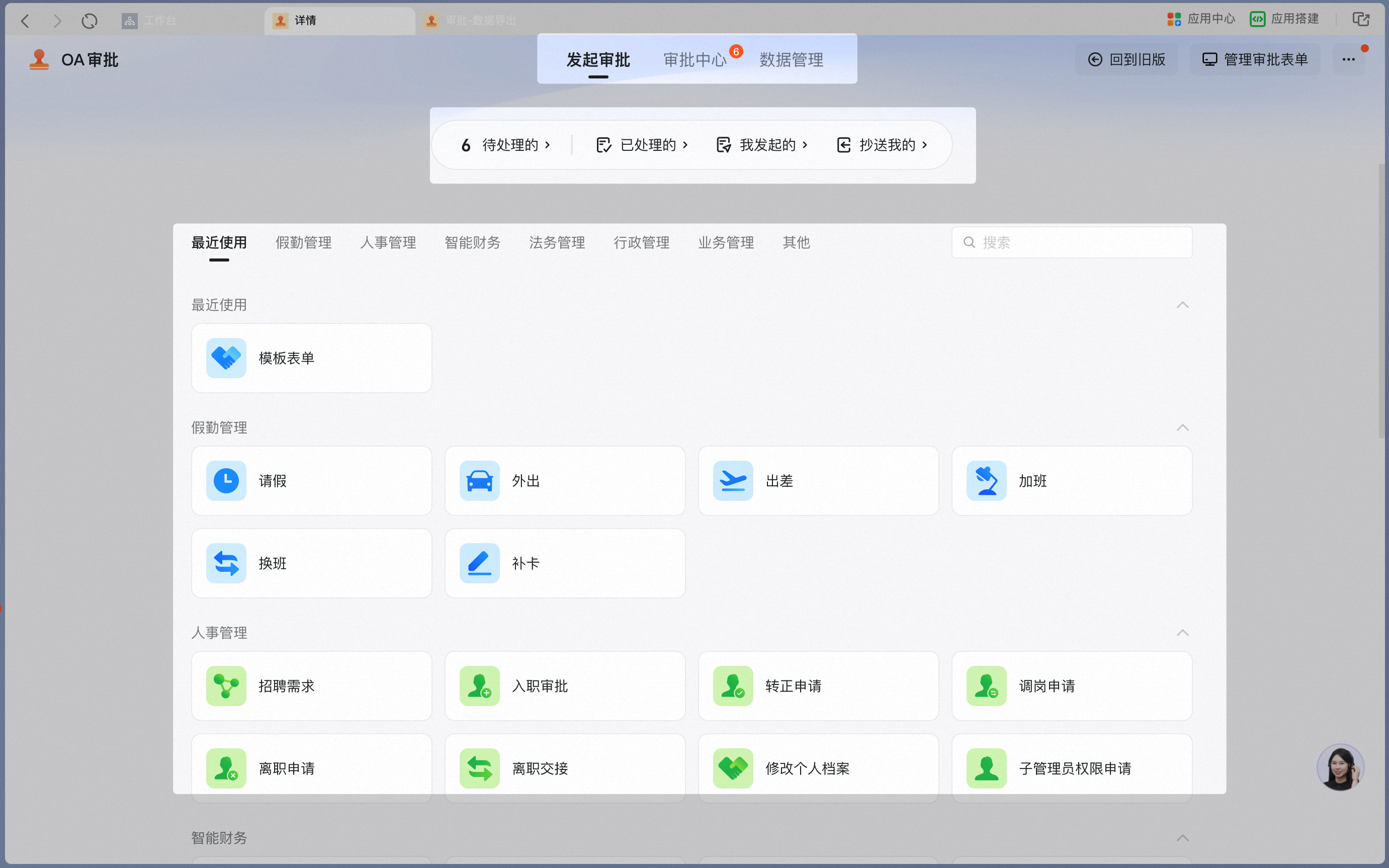
| **Entry** | **Description** | **Details** |
| --------------- | ------------------------------------------------------------------------------------------------------------------------------------------- | ----------- |
| Navigation bar | Switch between "Submit approval", "Approval Center", and "Data Center". | |
| Approval status | Jump to the corresponding category in the Approval Center: "Pending", "Processed", "Submitted by me", and "CC'd to me". | |
| Form entry | Use Search to quickly locate a specific form. Click a form Group to jump to that entire Group, or click a form to open its submission page. | |
| **Entry** | **Description** | **Details** |
| --------------- | ------------------------------------------------------------------------------------------------------------------------------------------- | ----------- |
| Approval status | Jump to the corresponding category in the Approval Center: "Pending", "Processed", "Submitted by me", and "CC'd to me". | |
| Form entry | Use Search to quickly locate a specific form. Click a form Group to jump to that entire Group, or click a form to open its submission page. | |
| Navigation bar | Switch between "Submit approval", "Approval Center", and "Data Center". | |
### 3) Approval Center
| **Entry** | **Description** | **Details** |
| --------------- | -------------------------------------------------------------------------------------------------------- | --------------------------------------------------------------------------------------------------------------------------------------------------------------------------------------------------------------------------------------------------------------------------------------------------------------------------------------------------------------------------------------------------------------------------------------------------------------------------------------------------------------------------------------------------- |
| Form categories | Four categories are supported: "Pending", "Processed", "Submitted by me", and "CC'd to me". | "Pending" forms: approval forms where you are the handler at the current Step.
"Processed" forms: approval forms where you were the handler at a previous Step.
"Submitted by me" forms: forms you submitted as the initiator.
"CC'd to me" forms: approval forms where you are a CC recipient. |
| Form Card | Use filters to quickly locate a form Card. | Supports precise filtering by form name, approval status, initiator, Submission time, and completion time.
Fuzzy Search is also supported.
**Note:** With precise filtering by initiator, if an Employee **left and rejoined the company** and their **original Employee Number was not reused** on rejoining, the system treats them as two different Employees, and filtering by Employee will fail to find their historical approval forms. Use fuzzy Search to retrieve all forms, or reuse the original Employee Number. |
| Form details | View the approval form's basic information, approval details and process, and complete approval actions. | Basic information: includes the approval Number (Copy supported), form name, initiator's Department, and approval form status.
Approval details: form Content is visible based on Field permissions.
Process: includes the Approval process, approval Steps, and approvers.
**Note:** The Approval process cannot be viewed for approval forms with **dynamic flow** or **parallel branches** turned On. |


### 4) Data Center
Filter by conditions such as form name, approval status, initiator, approval Number, Submission time, and completion time.

After you click Search, results appear in the filter results area.
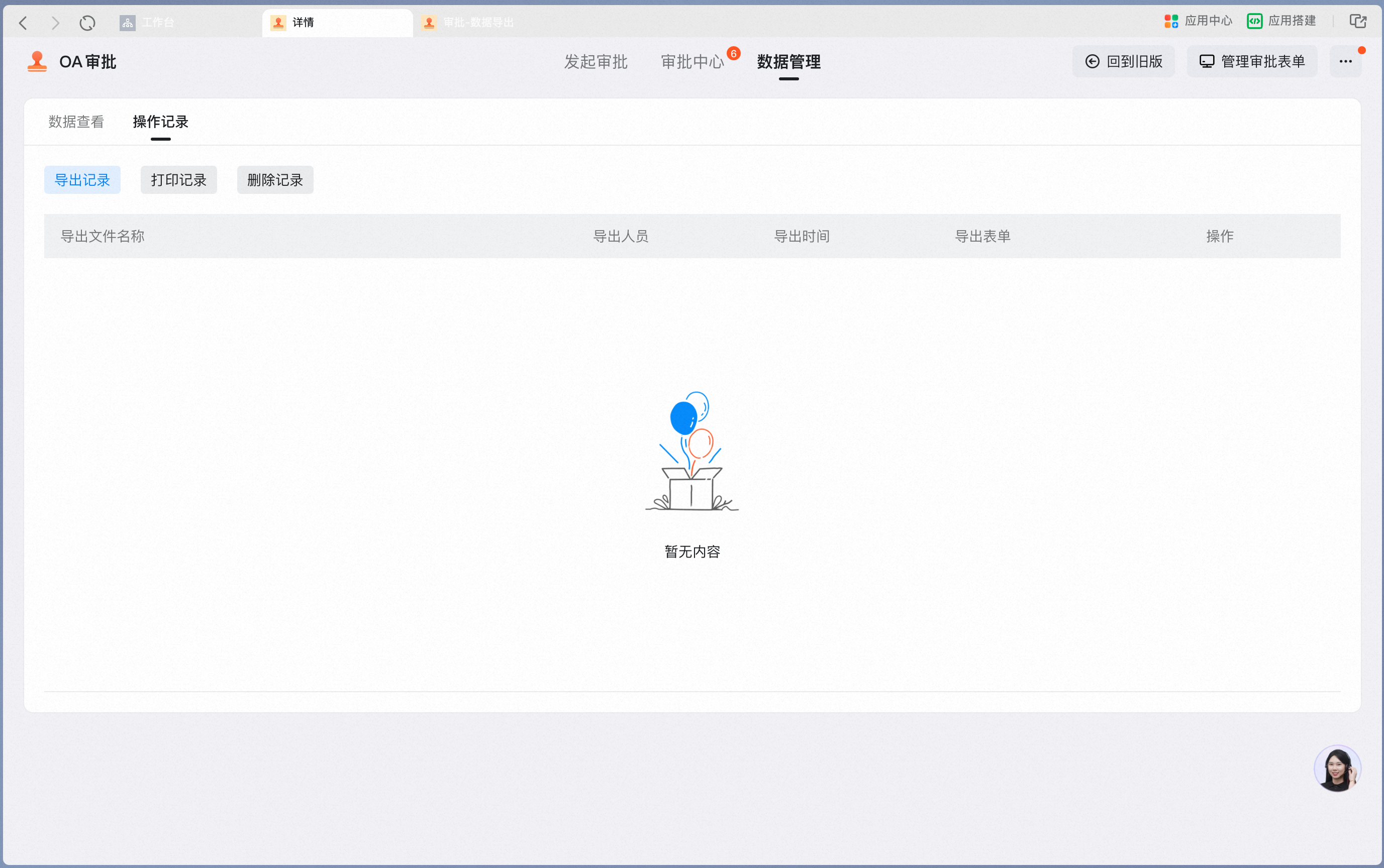
Export, Print, and Delete actions are recorded in the Activity log.