> ## Documentation Index
> Fetch the complete documentation index at: https://help.dingtalk.io/llms.txt
> Use this file to discover all available pages before exploring further.
# Node action permissions
> Learn how to configure node action permissions for DingTalk OA Approval: Admins can set Edit, Read-only, and other permissions on form controls for the initiator, approver, CC recipient, and handler at each node to enable fine-grained control.
## 1. Overview
Admins can configure node action permissions.
Default node action permissions: initiator: editable; approver, CC recipient, and handler: read-only.
In specific scenarios, node action permissions need to be adjusted.
For example, in salary or job-level evaluations, certain information can only be viewed by specific approvers. In such cases, specific fields must be hidden from certain users.
In other scenarios, such as item rating, certain information is filled in by the approver rather than the initiator. In such cases, specific approvers need edit permission for the rating field.
## 2. Prerequisites
* Only an Approval Admin can perform process design, so you must become an Approval Admin first.
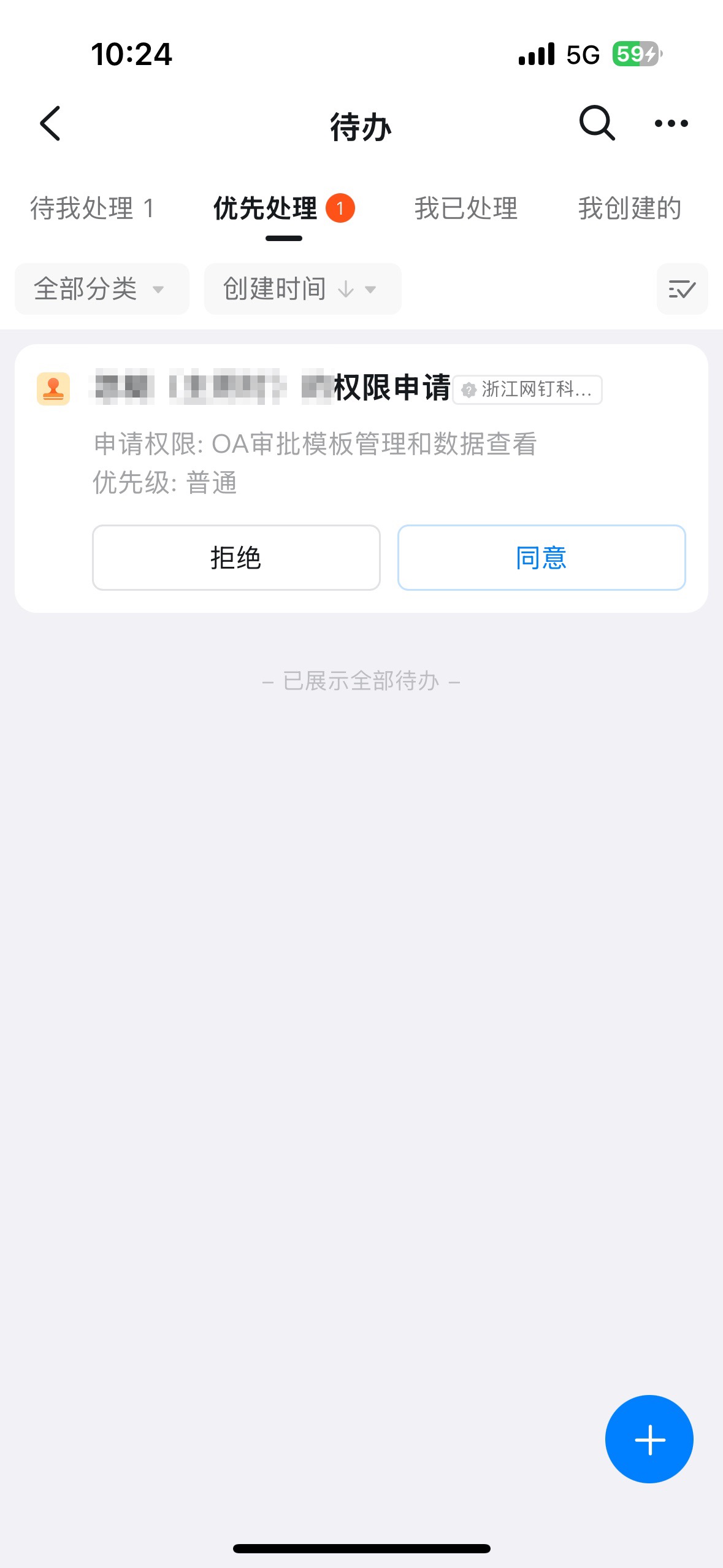
If you are not an Approval Admin, open DingTalk OA Approval, click **Settings**, click **Create Approval form**, click **Request Admin Permissions**, and click **Submit**.



Once the Admin receives the pending approval notice and approves the request, the corresponding Employee is automatically granted Approval Admin permissions.
## 3. Entry point
On the **Approval Admin Console** > **Form Management** page, click **Edit** in the Action column of the form.
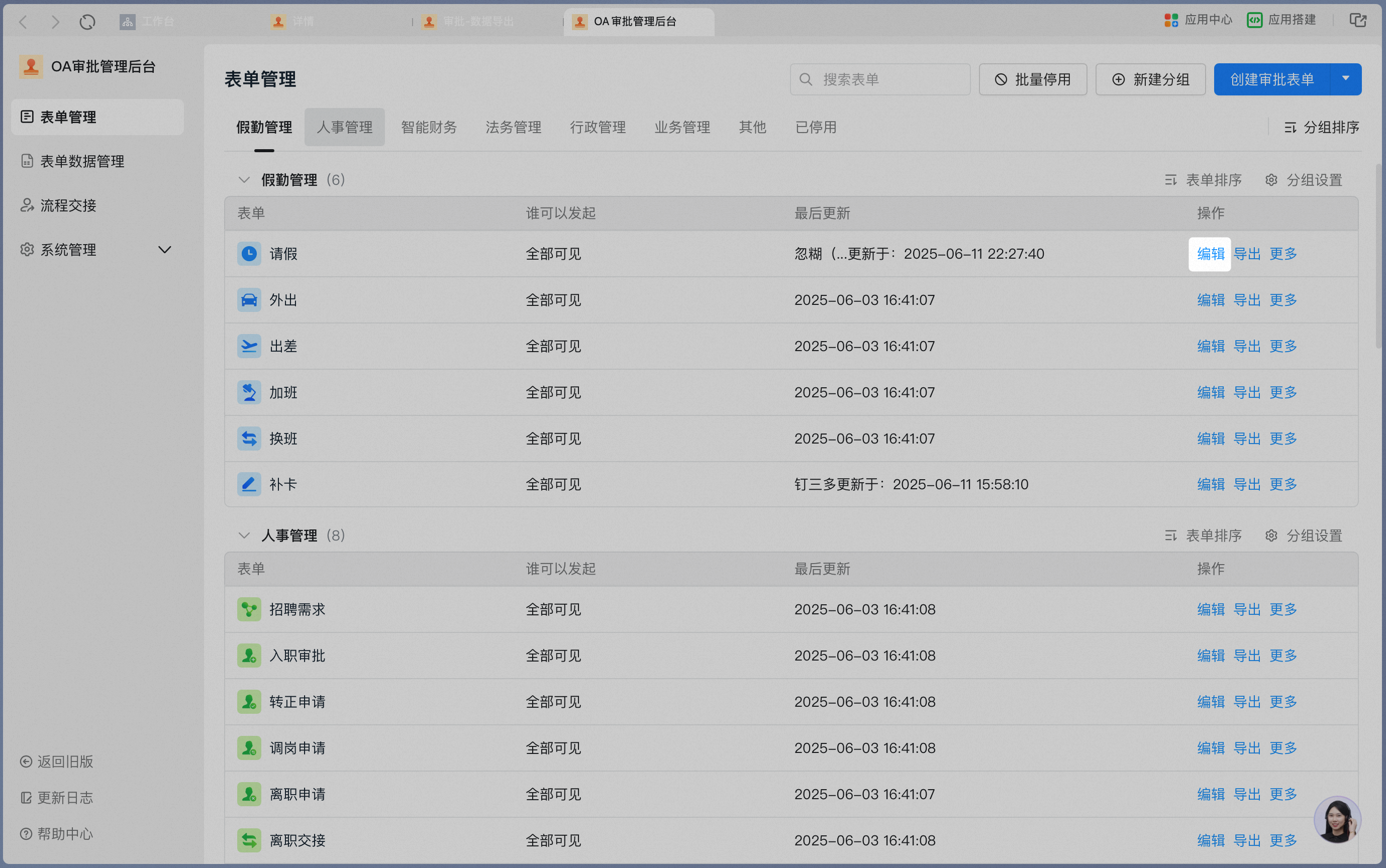
Click **Process Design** to enter the process design workspace.

## 4. Steps
Select the approval node whose form action permissions you want to adjust, click **Form Action Permissions**, select the control corresponding to the form content you want to hide, and change the permission to Hidden.
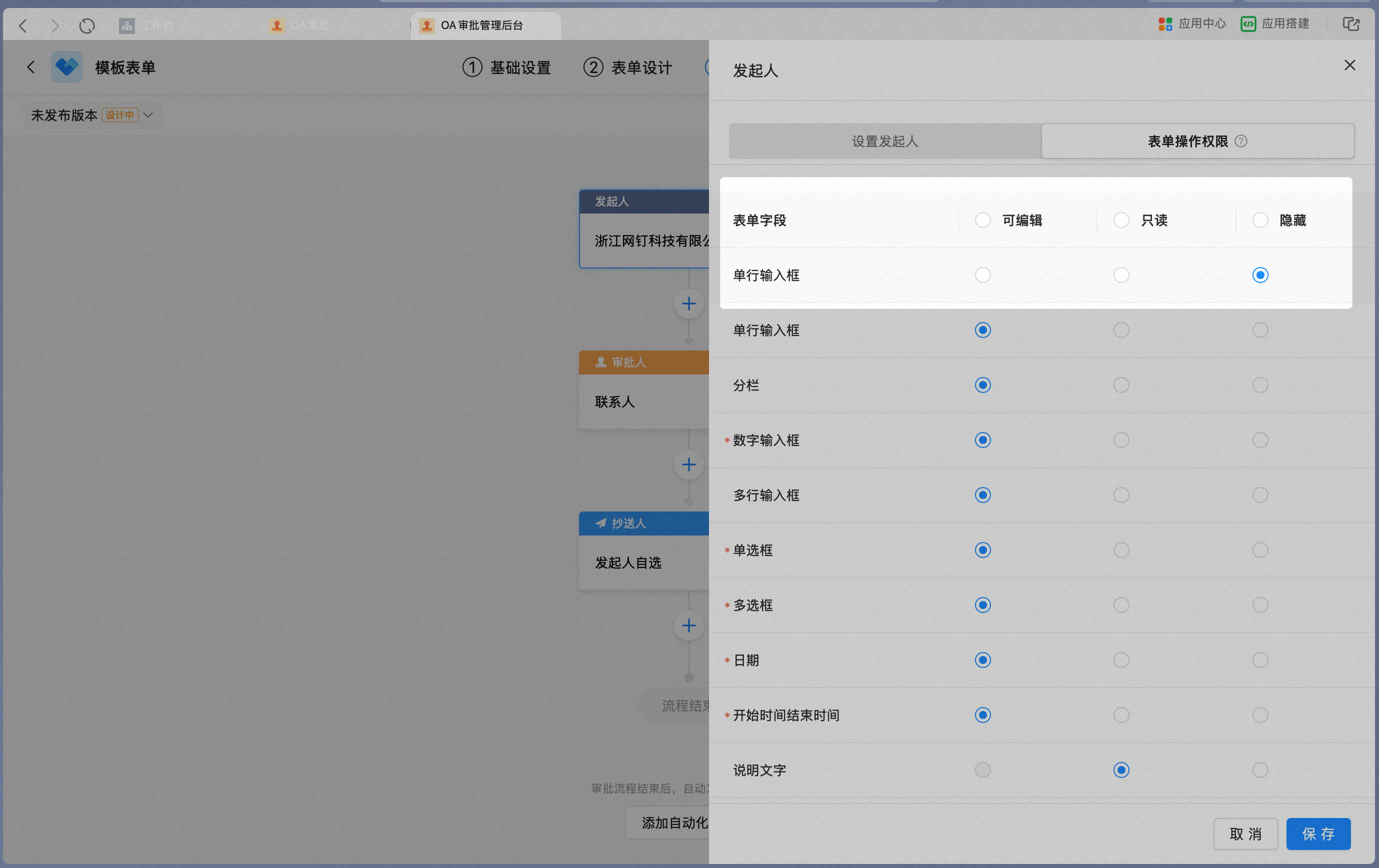
Select the approval node whose form action permissions you want to adjust, click **Form Action Permissions**, select the control corresponding to the content you want to edit, and change the permission to Editable.
