> ## Documentation Index
> Fetch the complete documentation index at: https://help.dingtalk.io/llms.txt
> Use this file to discover all available pages before exploring further.
# Clock-in result is being calculated
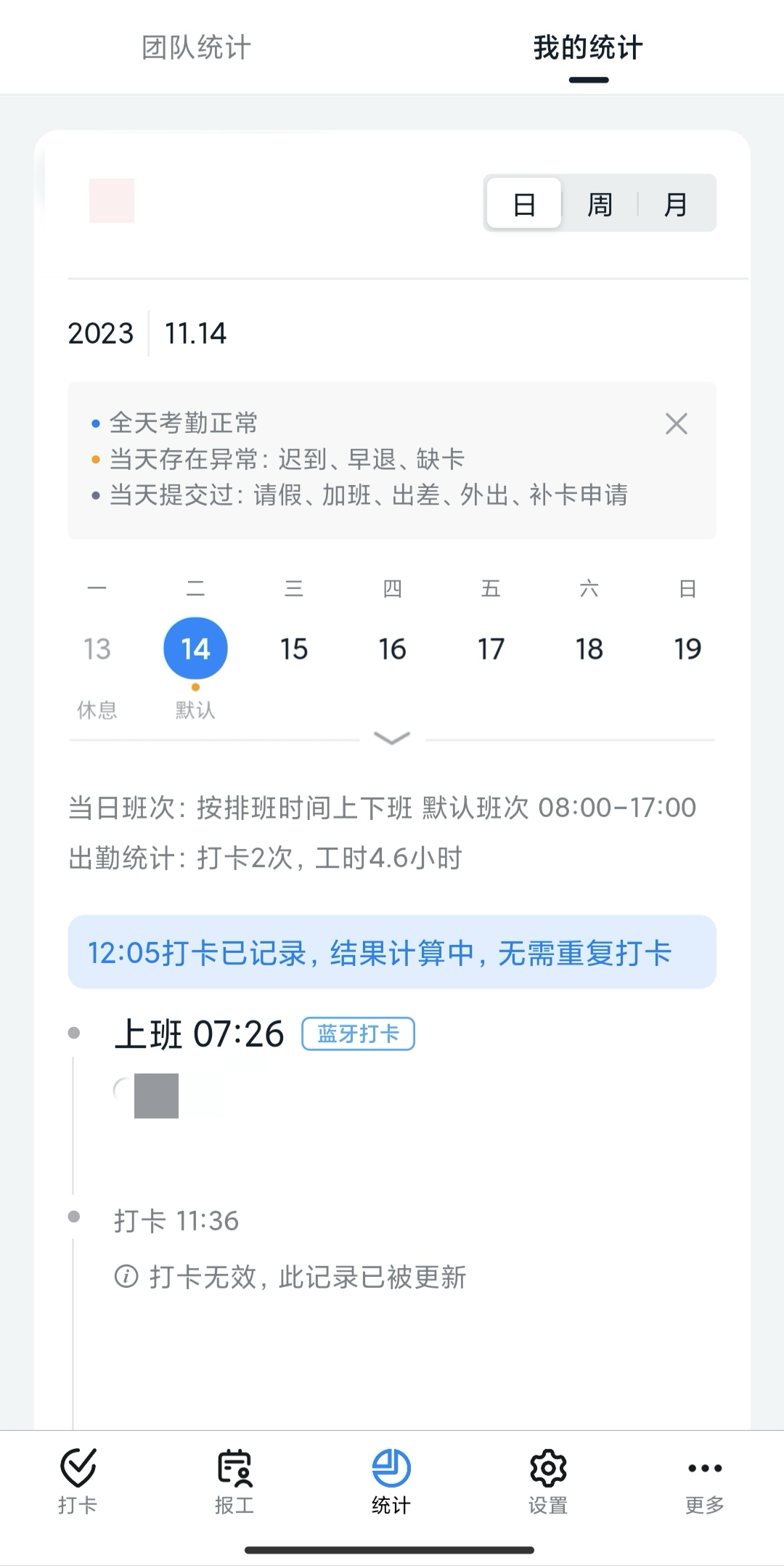
> Learn what the blue 'Clock-in recorded, result is being calculated' message on the DingTalk Attendance Home and personal statistics page means, so employees understand the status shown after clocking in.
After you complete a clock-in, do not worry if the message "Clock-in recorded, result is being calculated" appears. Your clock-in record has already been uploaded to the Attendance server, and the result is being calculated. Some latency is normal. **You do not need to clock in again.**
Once the result is calculated, the Home and personal statistics page update automatically. Please check back later.
## Tip screen preview