> ## Documentation Index
> Fetch the complete documentation index at: https://help.dingtalk.io/llms.txt
> Use this file to discover all available pages before exploring further.

# メールをすぐに相談する

> モバイル版DingTalk Mailからメールをチャットや参加者に転送し、DingTalk上でメッセージをその場ですぐに相談する方法を解説します。

モバイル版DingTalk Mailでは、メールからすぐにチャットを開始し、メールの参加者といつでも内容を相談できます。

## 操作手順

モバイル版でDingTalkを開く > **「その他」** > **「メール」** > 相談したいメールをタップ > 右下の **「 ... 」** をタップ > **「チャットに転送」** > グループに転送するか、メールの参加者を選択します。
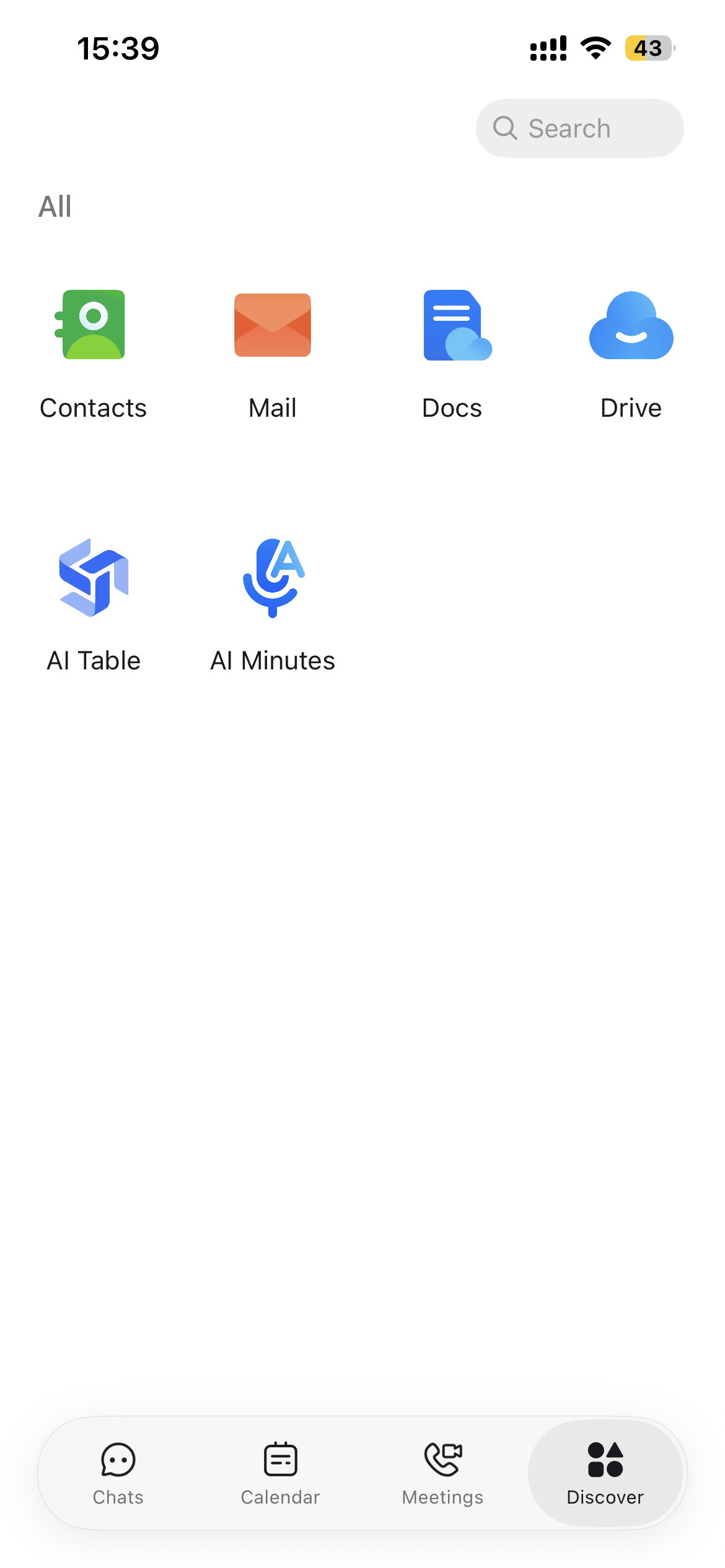
<div style={{display: 'flex', gap: '12px', justifyContent: 'center', flexWrap: 'wrap', margin: '16px 0'}}>
  <img src="https://alidocs.oss-cn-zhangjiakou.aliyuncs.com/res/mPdnpEbLRemPmqw9/img/8d434dd5-6070-45e2-aa0f-4f31af620074.png" alt="image.png" style={{width: '32%', minWidth: '180px', borderRadius: '8px', boxShadow: '0 2px 12px rgba(0,0,0,0.08)', margin: 0}} />

  <img src="https://alidocs.oss-cn-zhangjiakou.aliyuncs.com/res/54Lq35oXGzeGMl7E/img/b30254cd-3701-4955-b79c-9747d503a6f5.png" alt="image.png" style={{width: '32%', minWidth: '180px', borderRadius: '8px', boxShadow: '0 2px 12px rgba(0,0,0,0.08)', margin: 0}} />
</div>

<div style={{display: 'flex', gap: '12px', justifyContent: 'center', flexWrap: 'wrap', margin: '16px 0'}}>
  <img src="https://alidocs.oss-cn-zhangjiakou.aliyuncs.com/res/1GXn45KV0zX0QqDQ/img/cb95aaab-bf45-4e58-bf48-b5fe0af17657.png" alt="image.png" style={{width: '32%', minWidth: '180px', borderRadius: '8px', boxShadow: '0 2px 12px rgba(0,0,0,0.08)', margin: 0}} />

  <img src="https://alidocs.oss-cn-zhangjiakou.aliyuncs.com/res/1GXn45KV0zX0QqDQ/img/0d7f8e39-8eba-4055-a287-444510ba9c8f.png" alt="image.png" style={{width: '32%', minWidth: '180px', borderRadius: '8px', boxShadow: '0 2px 12px rgba(0,0,0,0.08)', margin: 0}} />
</div>
