> ## Documentation Index
> Fetch the complete documentation index at: https://help.dingtalk.io/llms.txt
> Use this file to discover all available pages before exploring further.
# 下拉复选
> 该页面介绍了适用于多选场景的组件功能,包括全选和搜索功能,并提供了如何关联其他数据表单的信息。
## 1. 适用场景
从多个下拉选项中选择多项选项时使用,适用于需要多选的时候,也可用于 [**关联其它数据表单**](/zh/yida/form/tg64d5) 和 [**数据联动**](/zh/yida/form/arpur0) 等多个场景。
如果是需要选项来源于其他表,且在选择完选项后,需要将选项相关的信息填充至表单(数据关联类的场景)比如合同管理场景中,在创建合同/订单时,将关联表单组件的选项与客户表关联,关联出客户信息等,建议使用 [**关联表单**](/zh/yida/form/agd540) 组件。
组件属性以及使用和示例请[**点击此处**](/zh/open/yida/components/interface)查看
## 2. 基础功能
### 2.1 全选功能
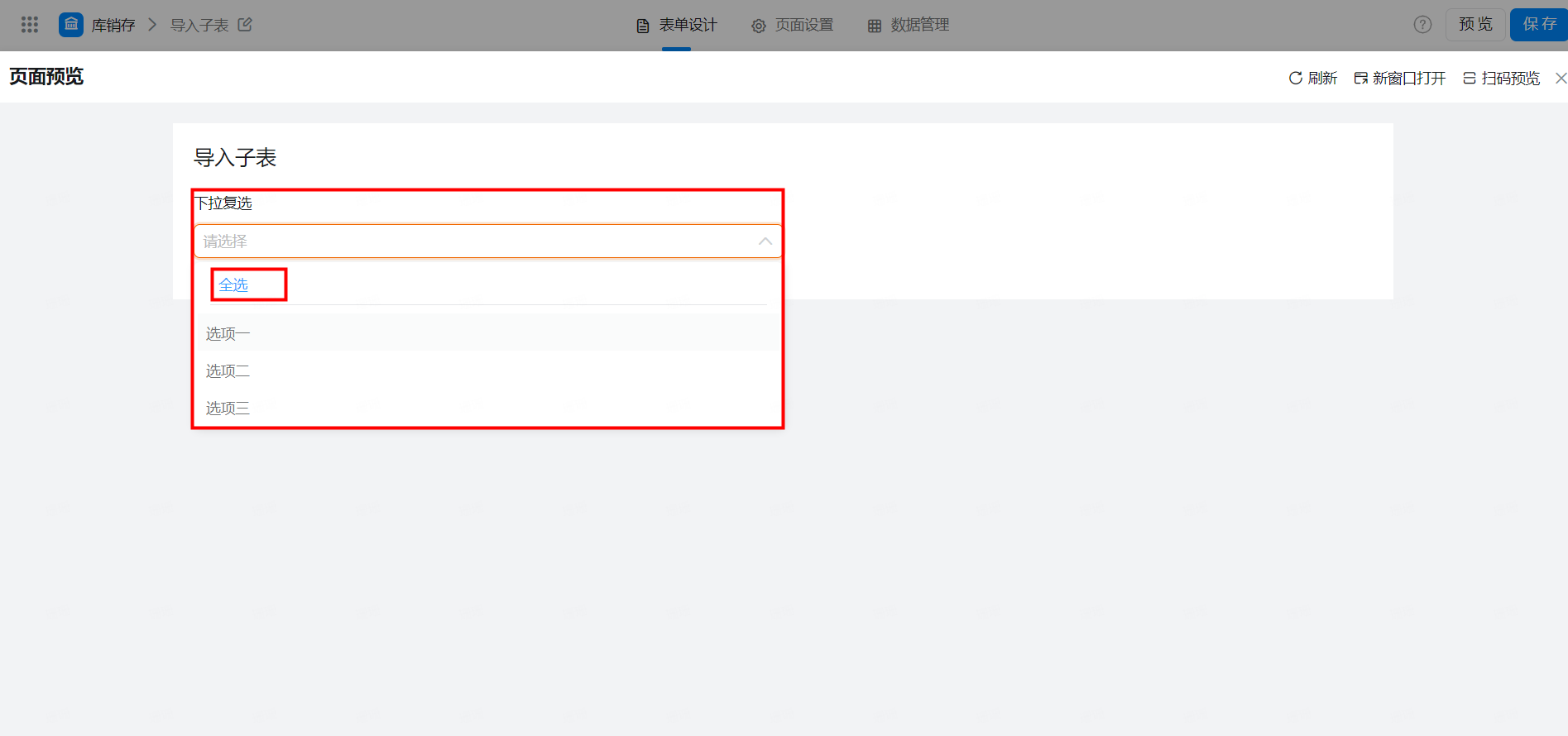
逐个点击选项内容全选太繁琐,可以使用全选功能快捷勾选所有选项内容。
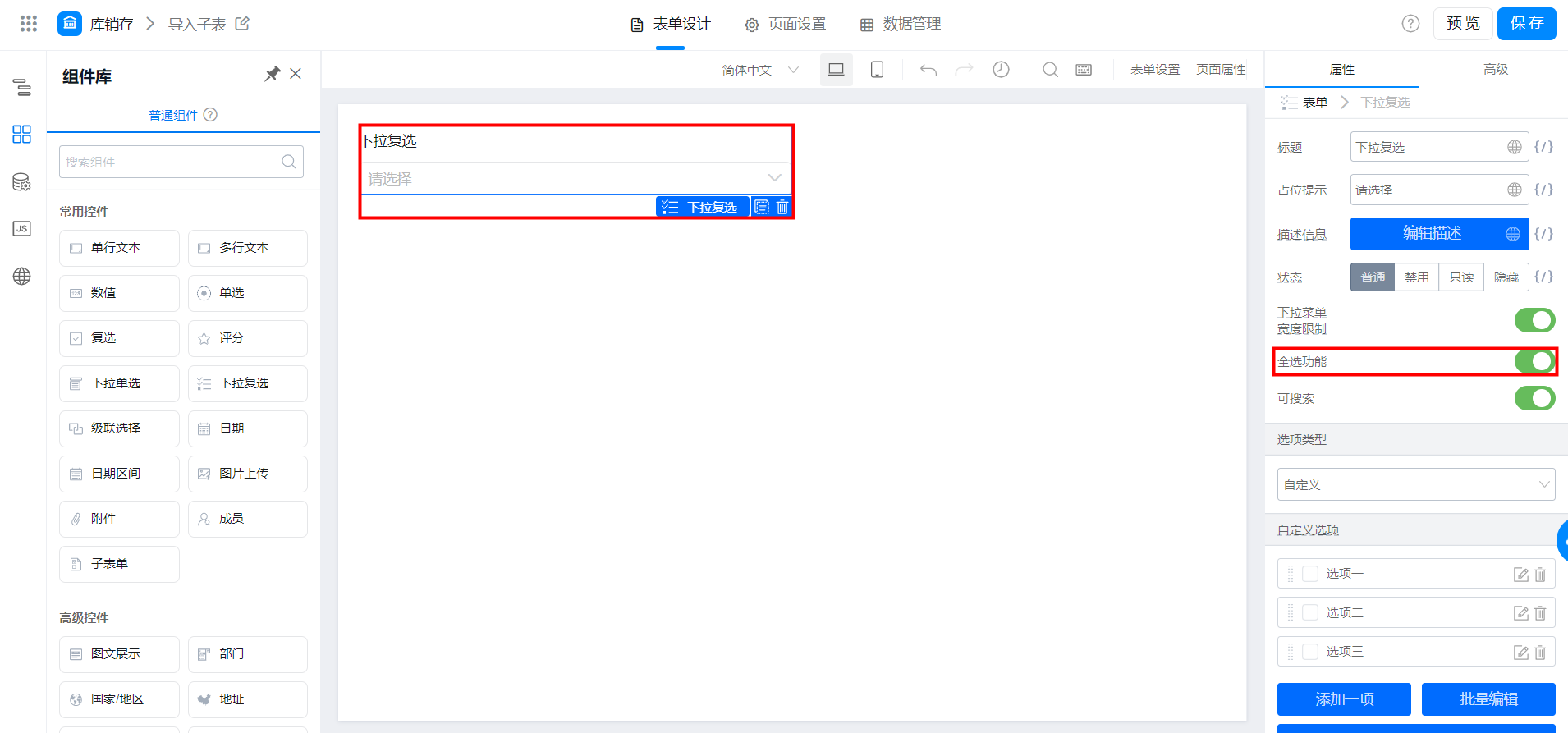
全选功能
### 2.2 可搜索
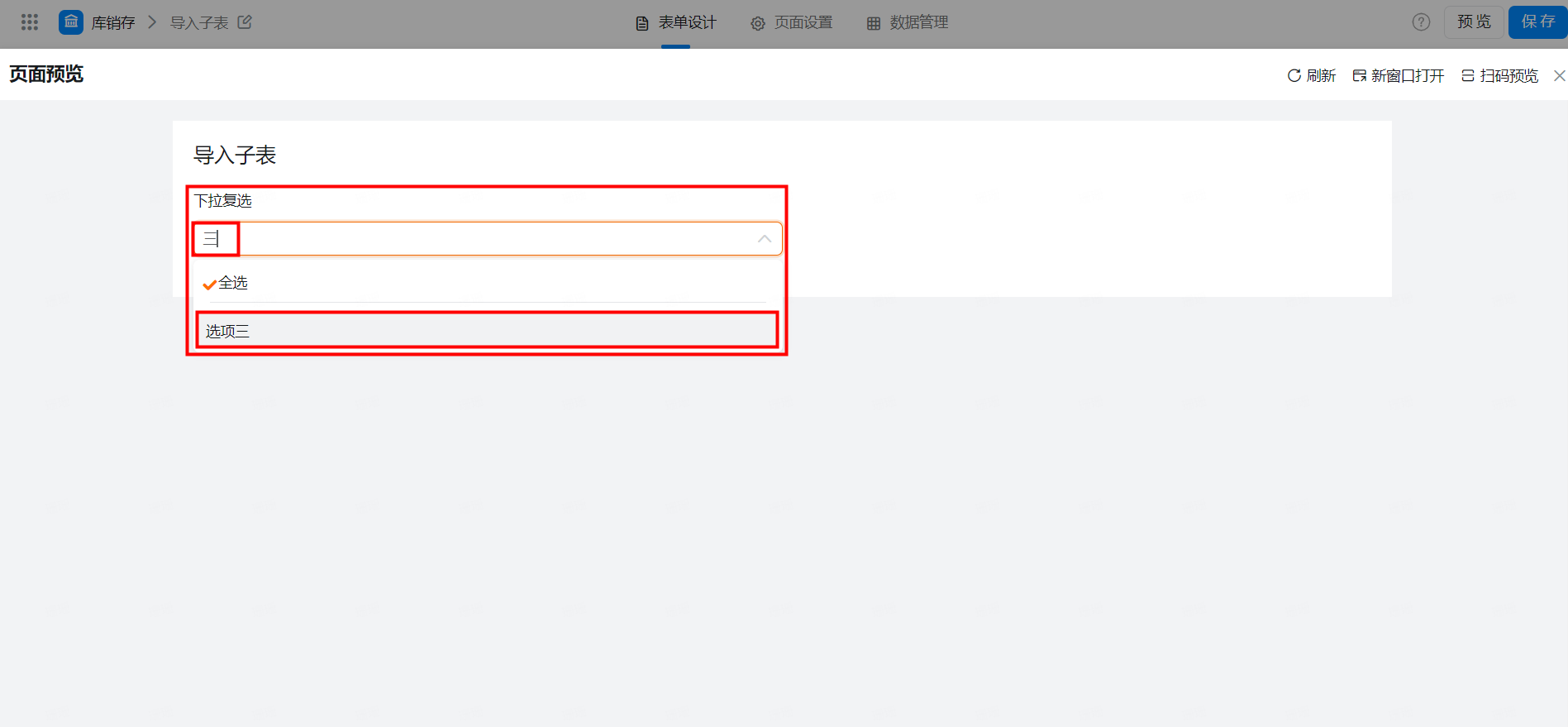
允许对于选项做搜索,当下拉选项内容过多时,可以通过搜索快速定位内容。
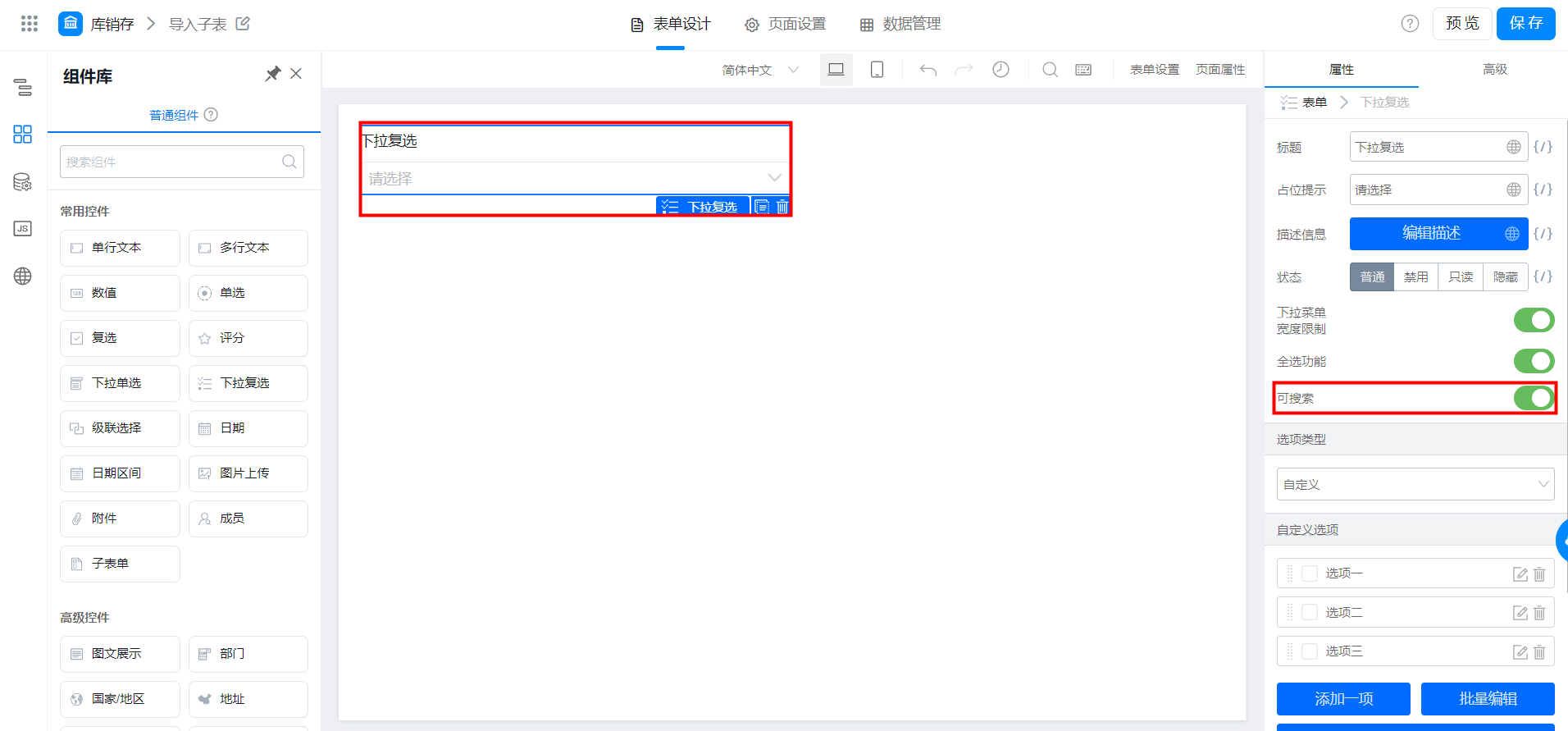
可搜索