> ## Documentation Index
> Fetch the complete documentation index at: https://help.dingtalk.io/llms.txt
> Use this file to discover all available pages before exploring further.

# 评分

> 了解如何在不同场景下使用评分组件，包括设置评分总数、启用半星评分以及显示分数等功能。适用于问卷调查等需要进行评价的场合。

## 1. 适用场景

可以打分进行评价，比如事情完成度、人物评价，多用于问卷调查等场景。

<Note>
  组件属性以及使用和示例请[**点击此处**](/zh/open/yida/components/form/rateField)查看
</Note>

## 2. 基础功能

### 2.1 评分总数

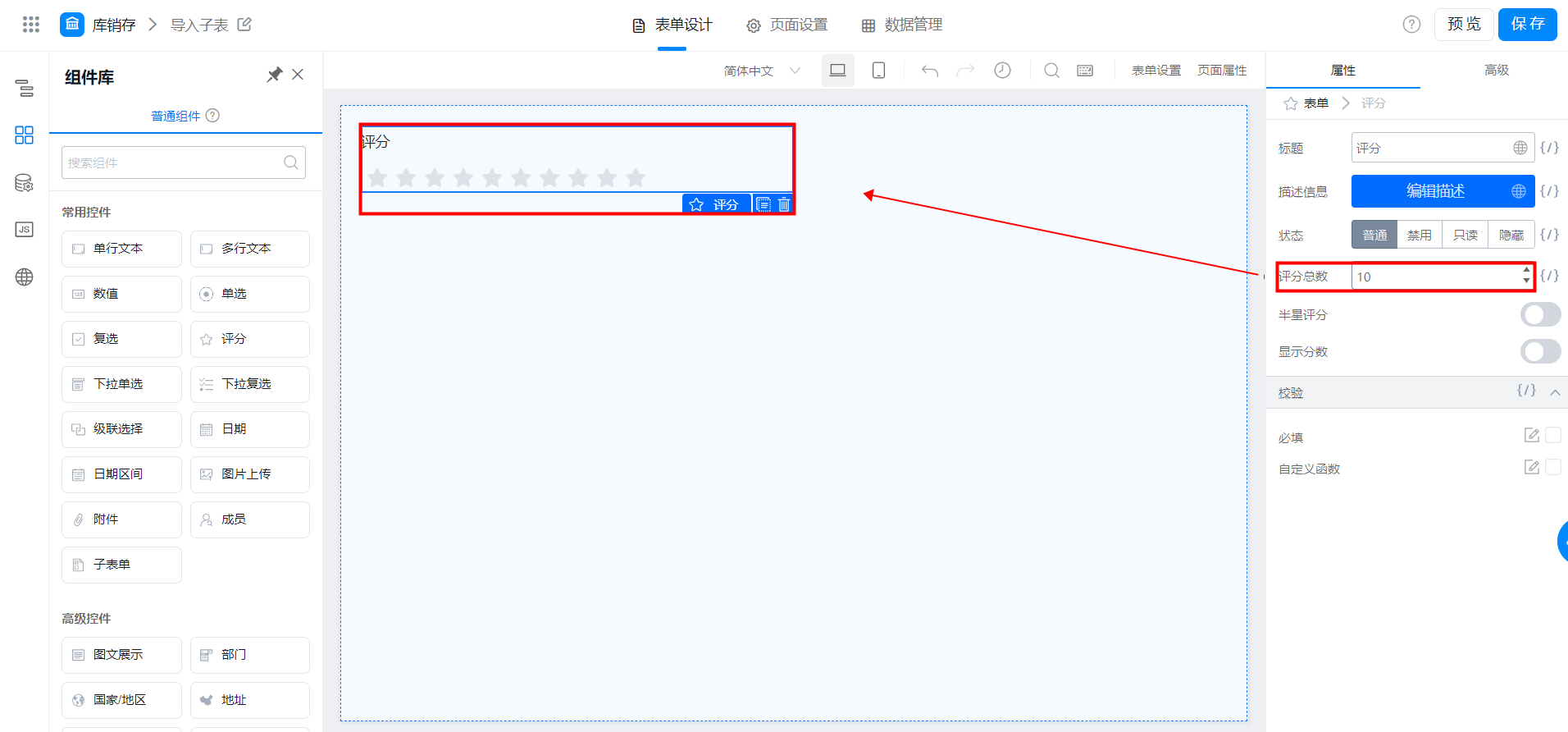
评分总数即总分值，有几分就对应几颗星，是可以设置评分上限，通常是五分制或者十分制。

<Frame>
  ![](https://yida-support.oss-cn-shanghai.aliyuncs.com/static/png/1639019790042-bd0bdc24-1b1e-4a33-993d-3208b6823e1d.png)
</Frame>

评分总数

### 2.2 半星评分

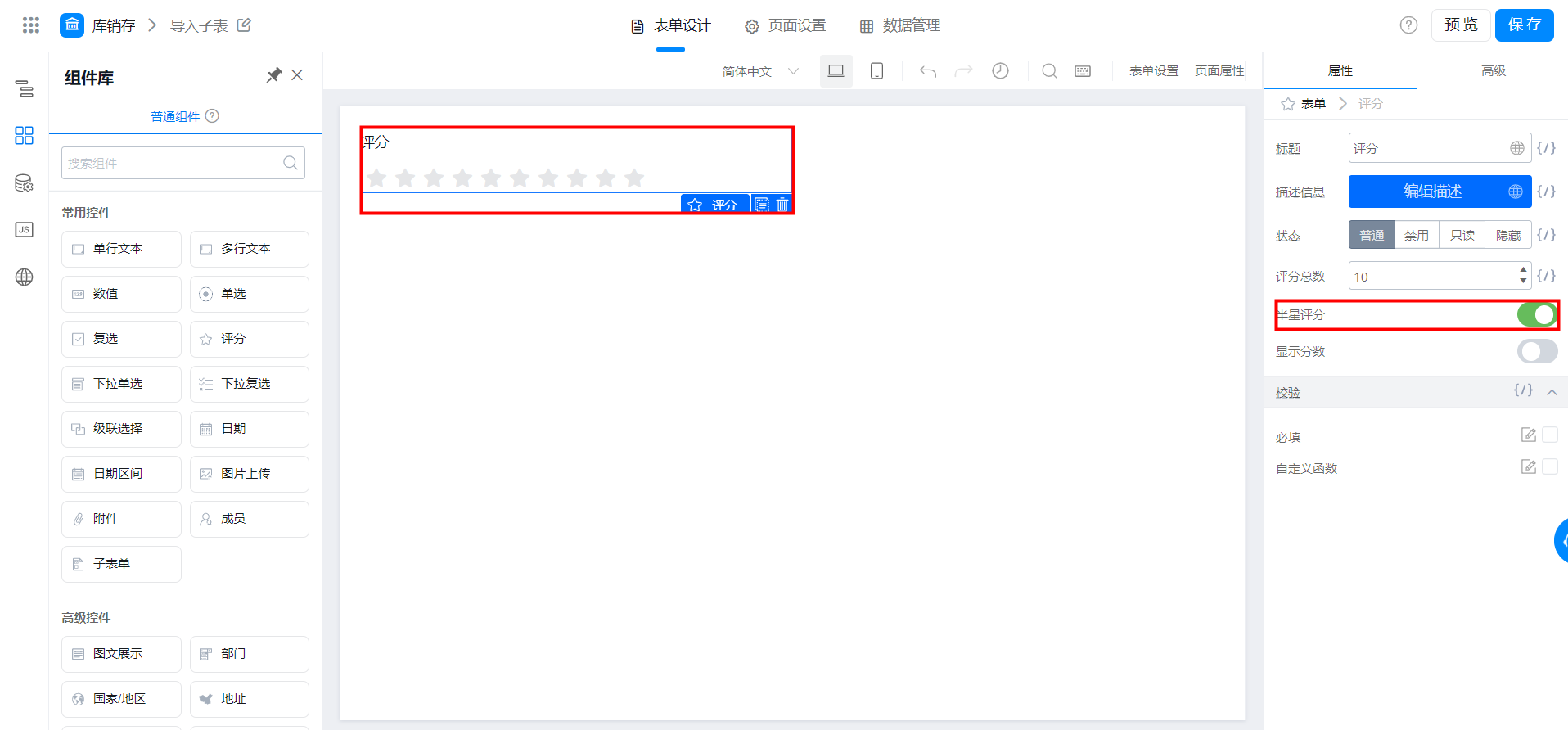
想要获得更为详细的评分时，可以使用半星评分，使评分更为精确。

注意：半星功能暂时仅支持电脑端，**移动端暂不支持半星评分**

<Frame>
  ![](https://yida-support.oss-cn-shanghai.aliyuncs.com/static/png/1639019816455-99d3967c-16af-4344-a091-5f035b26ffe7.png)
</Frame>

半星评分

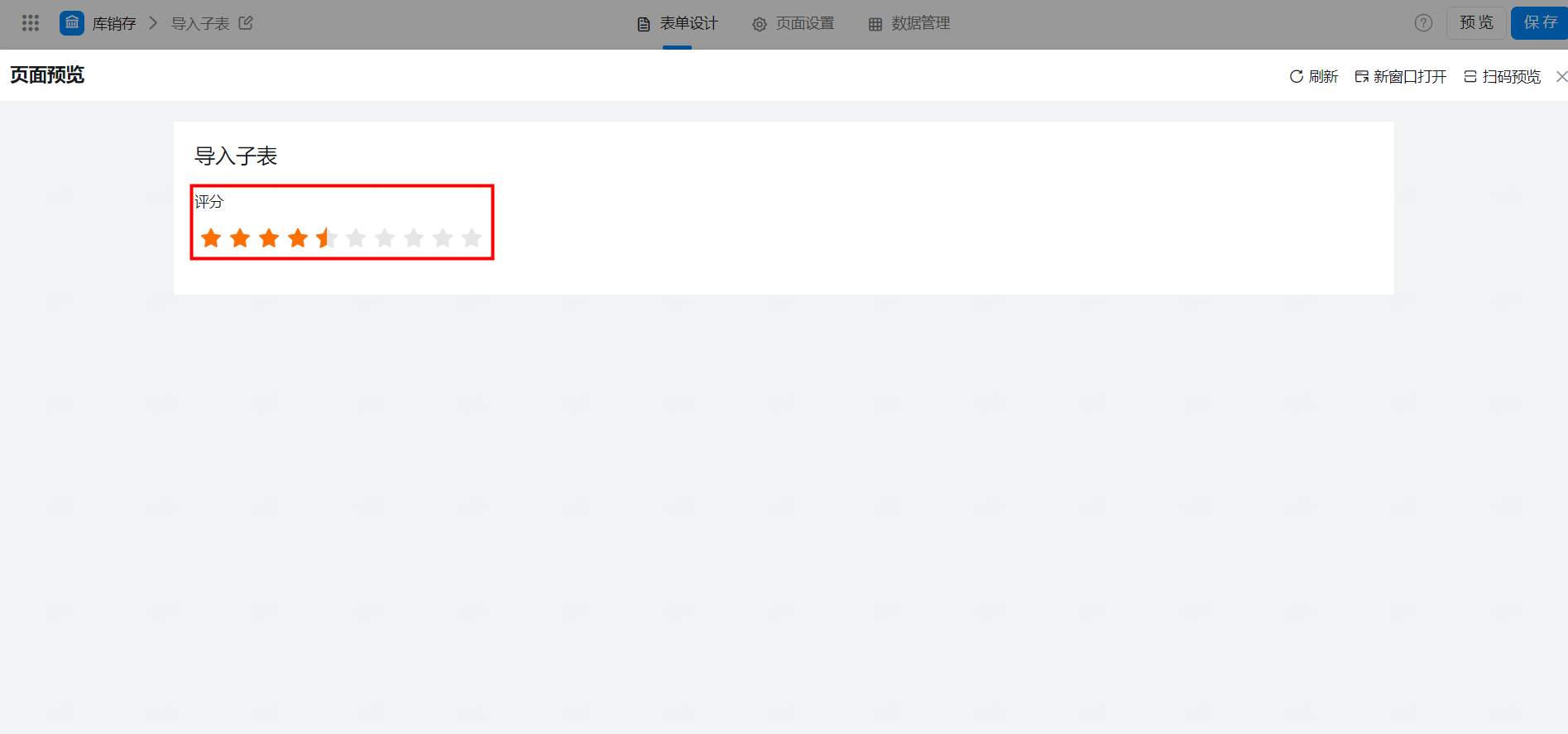
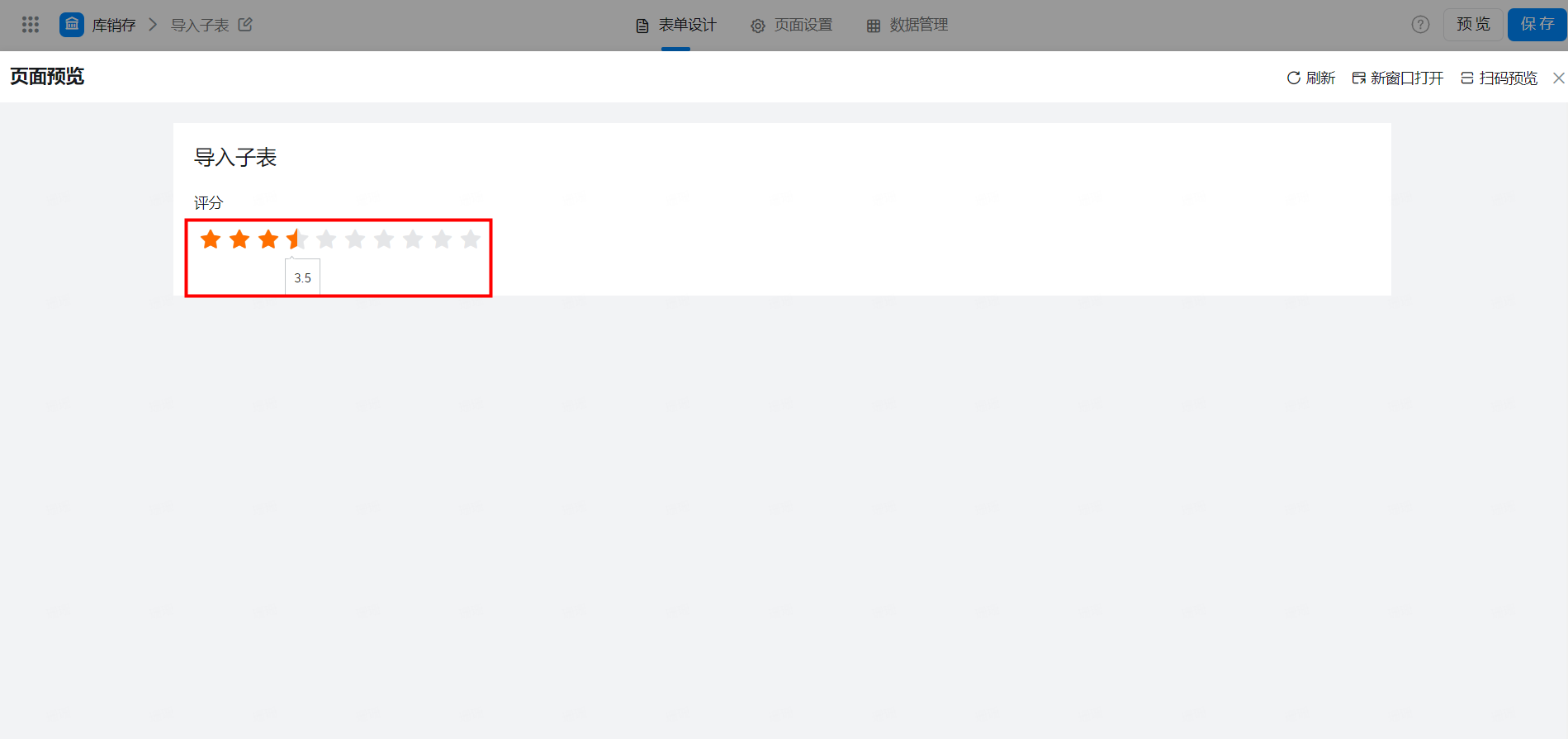
展示效果：

<Frame>
  ![](https://yida-support.oss-cn-shanghai.aliyuncs.com/static/png/1639019845279-7c587c46-9ee9-4584-8db3-330a4b93a98d.png)
</Frame>

### 2.3 显示分数

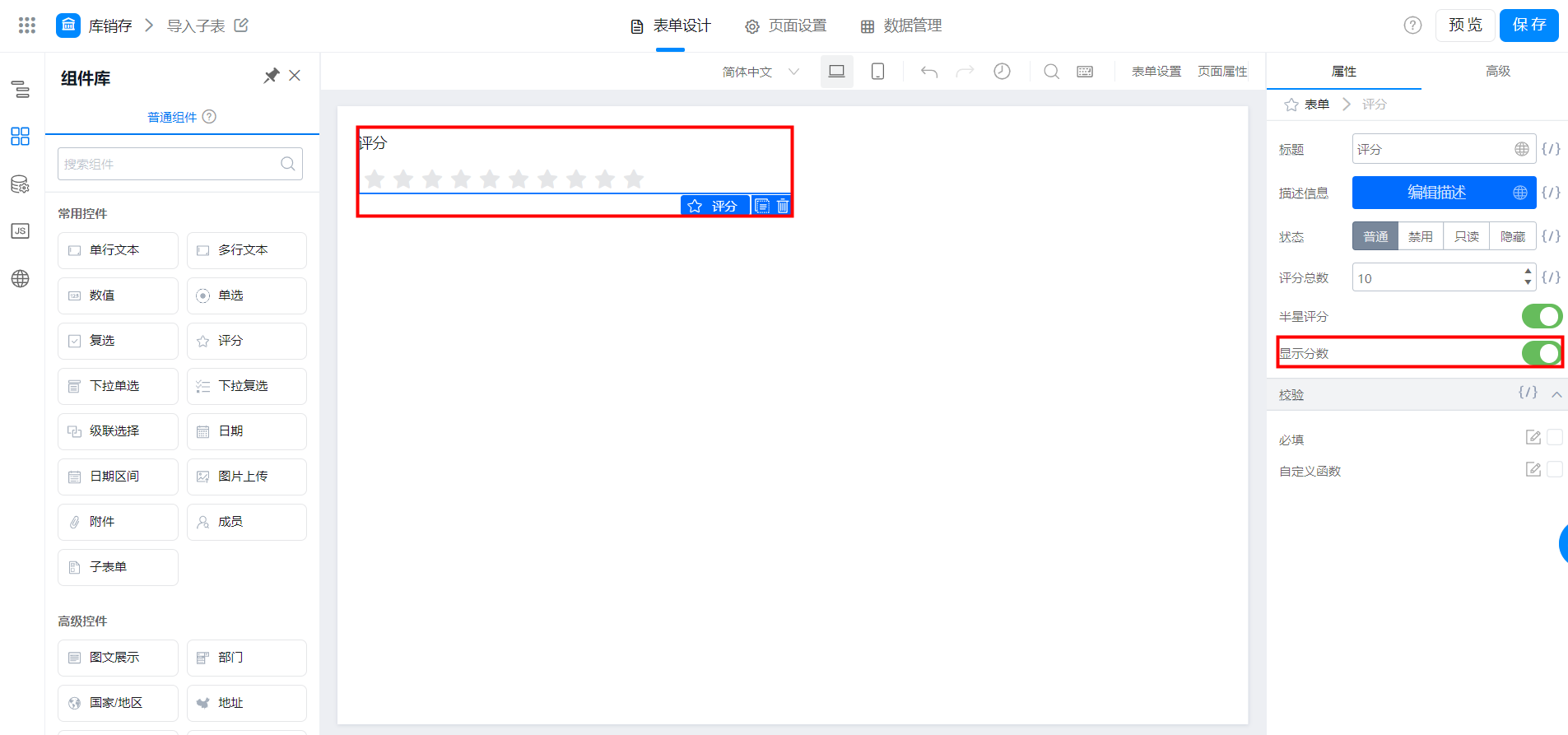
打分时，鼠标放在对应星星上，下方会自动显示将要打下的分数，可以帮助提交人更为了解当前的具体打分值。

<Frame>
  ![](https://yida-support.oss-cn-shanghai.aliyuncs.com/static/png/1639019954141-34ce9282-8314-4526-bc5f-60676c1a0607.png)
</Frame>

<Frame>
  ![](https://yida-support.oss-cn-shanghai.aliyuncs.com/static/png/1639019972466-9435c759-31f3-484e-846a-4017bade7dbe.png)
</Frame>