> ## Documentation Index
> Fetch the complete documentation index at: https://help.dingtalk.io/llms.txt
> Use this file to discover all available pages before exploring further.
# 复选
> 该页面介绍了如何在特定场景下使用组件选择多个选项,包括基础功能如水平和垂直排列方式,并提供了进一步的组件设置信息链接。
## 1. 适用场景
当需要一次性选择多个选项时, 例如在采购等场景中可以使用该组件。
[组件基础信息](/zh/yida/form/snftao)
组件属性以及使用和示例请[**点击此处**](/zh/open/yida/components/interface)查看
## 2. 基础功能
选项支持设置排列方式,目前选项支持水平排列、垂直排列,效果如图:
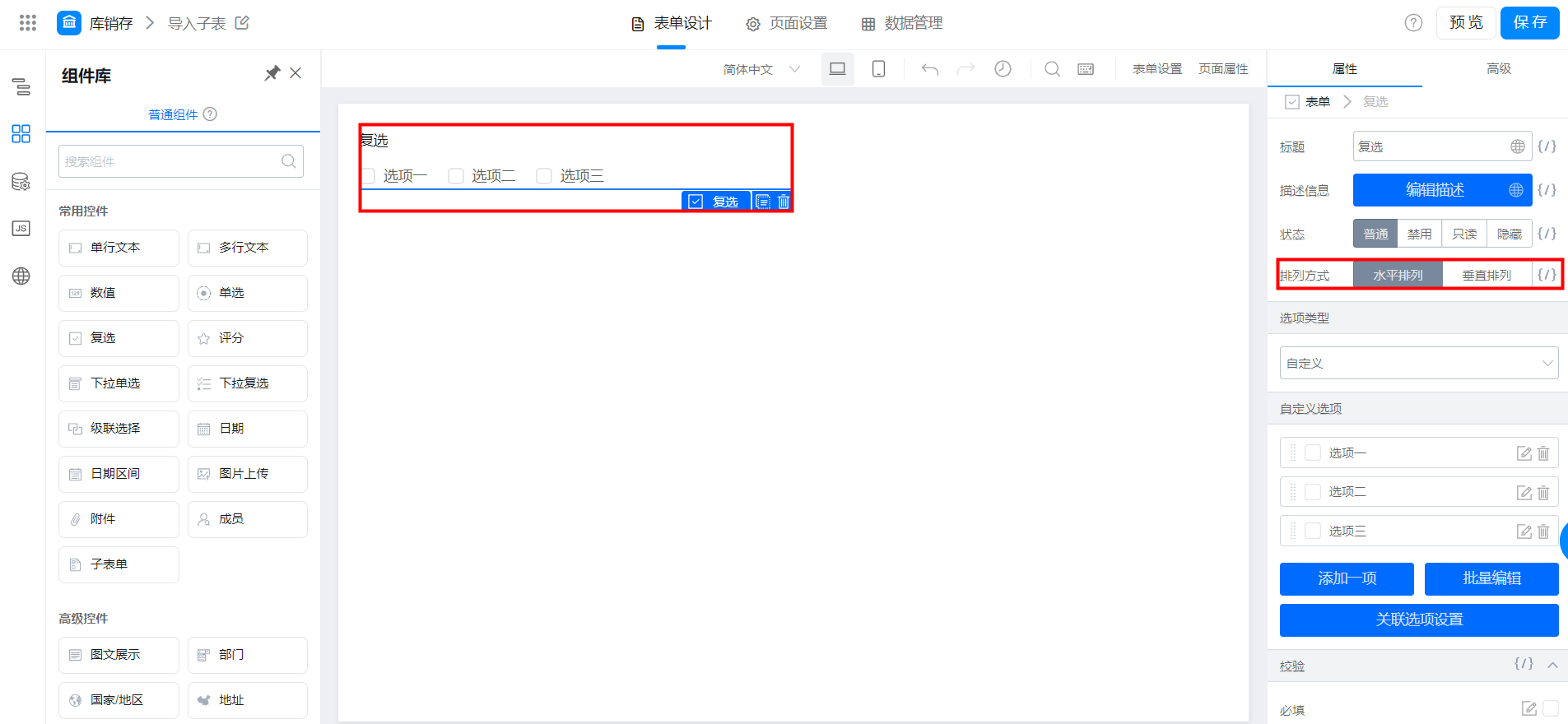
水平排列

垂直排列

**注**:复选框与单选框使用方法雷同,也可设置选项关联,参考 [**单选**](/zh/yida/form/ti6e4g) 组件设置。