Documentation IndexFetch the complete documentation index at: /llms.txtUse this file to discover all available pages before exploring further.
Fetch the complete documentation index at: /llms.txt
Use this file to discover all available pages before exploring further.
公告:DingTalk 国际组织商业版本将于 2026 年 10 月 21 日起调整。查看详情
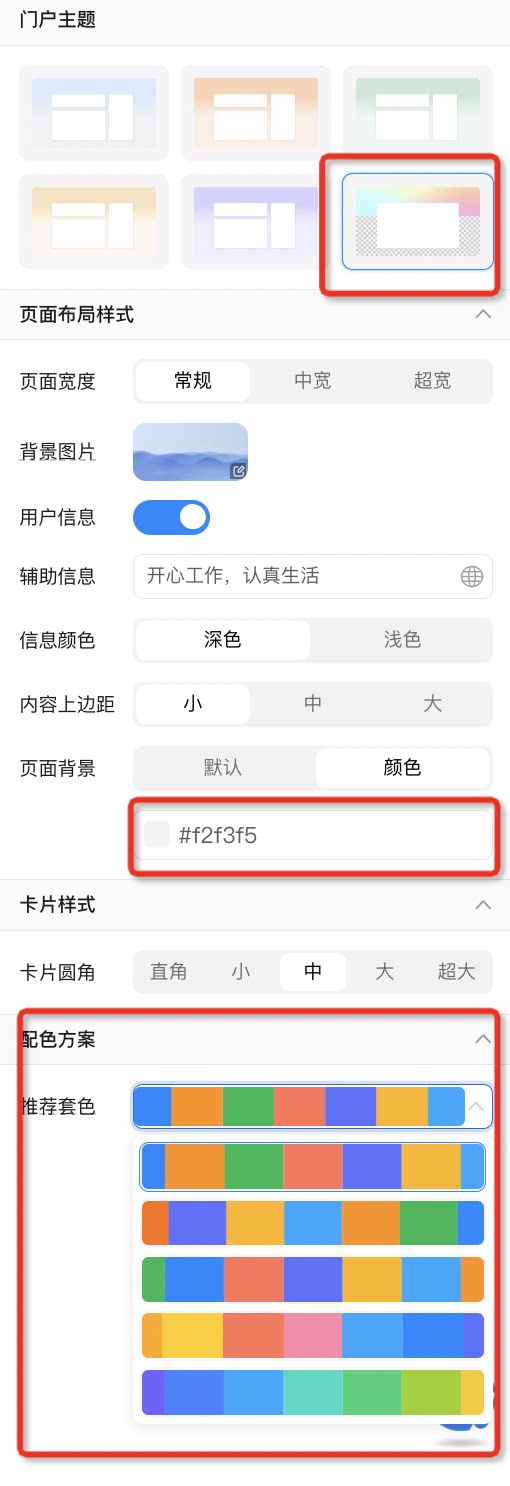
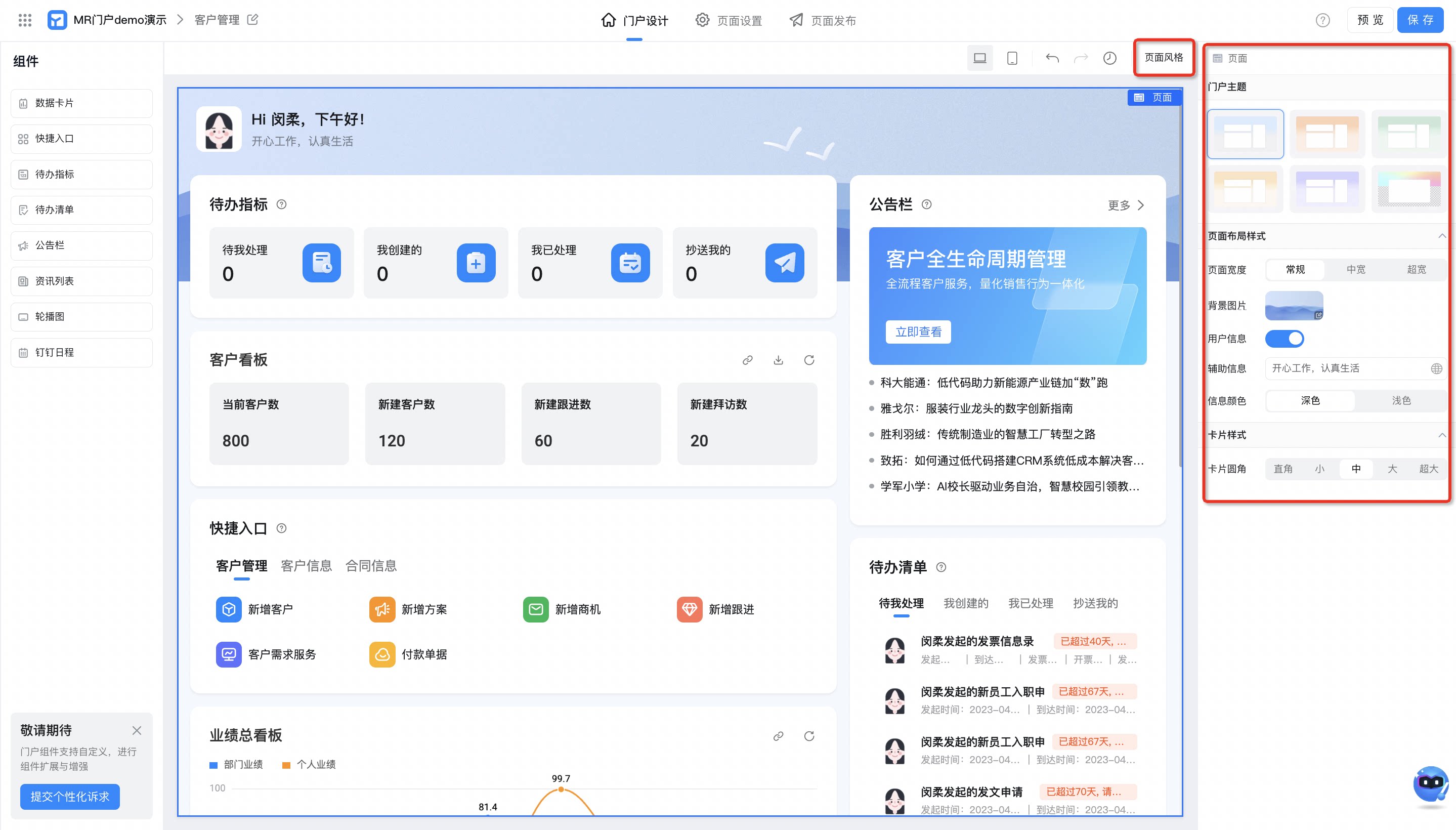
本页面介绍了如何设置可播报门户的整体风格样式,包括切换主题、设置布局样式等功能,使页面更加美观。
切换门户主题 :支持默认切换主题和自定义主题
设置页面布局样式 :
此页面对您有帮助吗?


 消息
消息 日历
日历 会议
会议 通讯录
通讯录 邮箱
邮箱 文档
文档 钉盘
钉盘 AI 表格
AI 表格 AI 听记
AI 听记 考勤
考勤 审批
审批 宜搭
宜搭 管理控制台
管理控制台