Developer Guide
Prerequisites
- You have developer permissions in the DingTalk Developer Console of your organization.
- You have an internal app in your DingTalk organization.
- You have completed the Develop a Stream mode push server (Recommended) process.
Procedure
1
Open the app details page
Log in to the Developer Console, click the target app, and go to the app details page.
2
Select Stream mode push
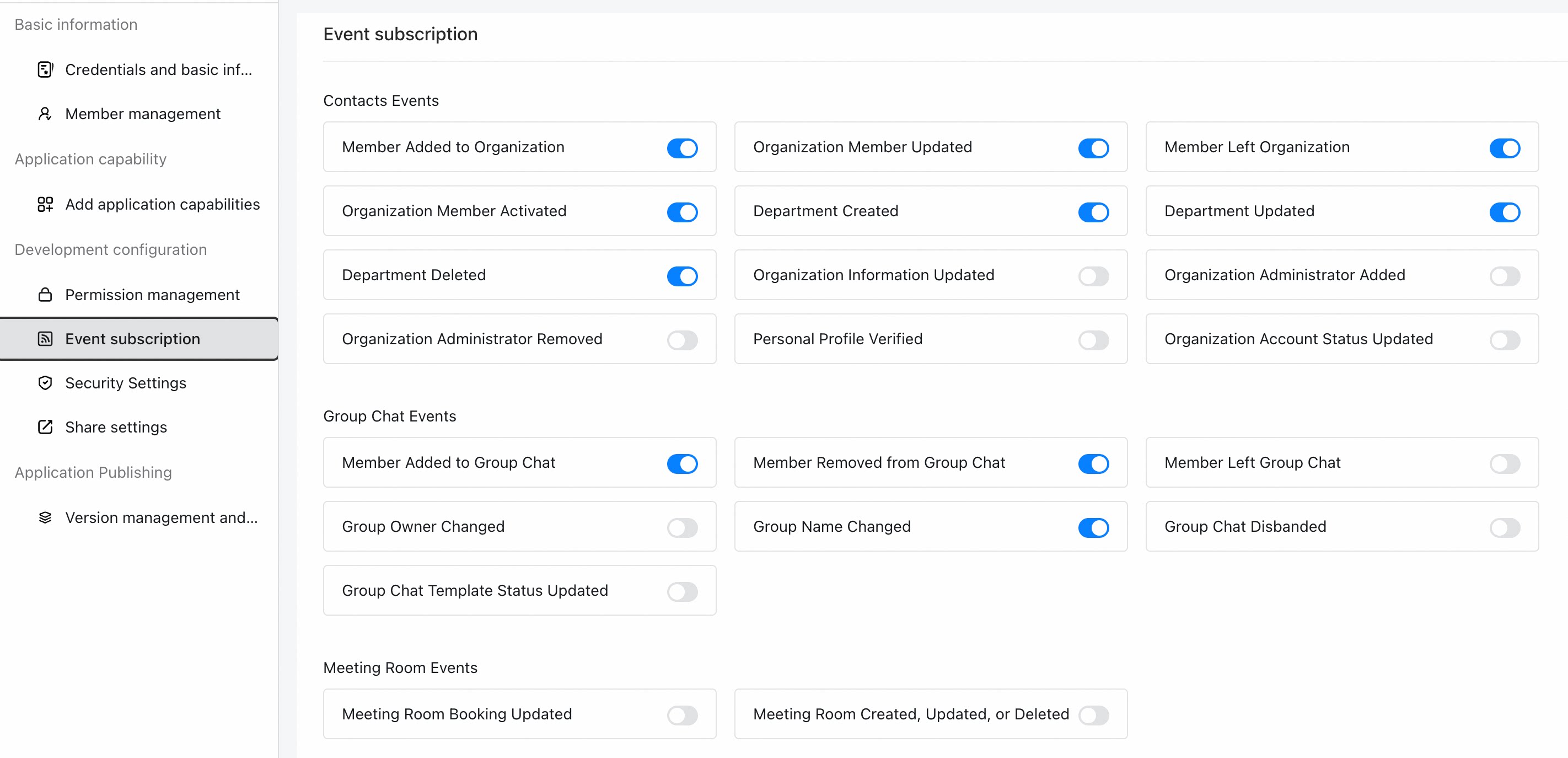
Click Development Configuration > Event Subscription, and select Stream mode push.
3
Verify the connection channel
After server-side development is complete, click Integration completed, verify the connection channel.
4
Save
Click Save. The event subscription list appears only after you save.