Chats
Chats Calendar
 Meetings
 Contacts
 Mail
Mail Docs
Docs Drive
Drive AI Table
 AI Minutes
 Attendance
 Approval
 YiDA
YiDA Admin Console
Method 1: Search for AI Minutes or Use the Navigation Entry to Open the AI Minutes List
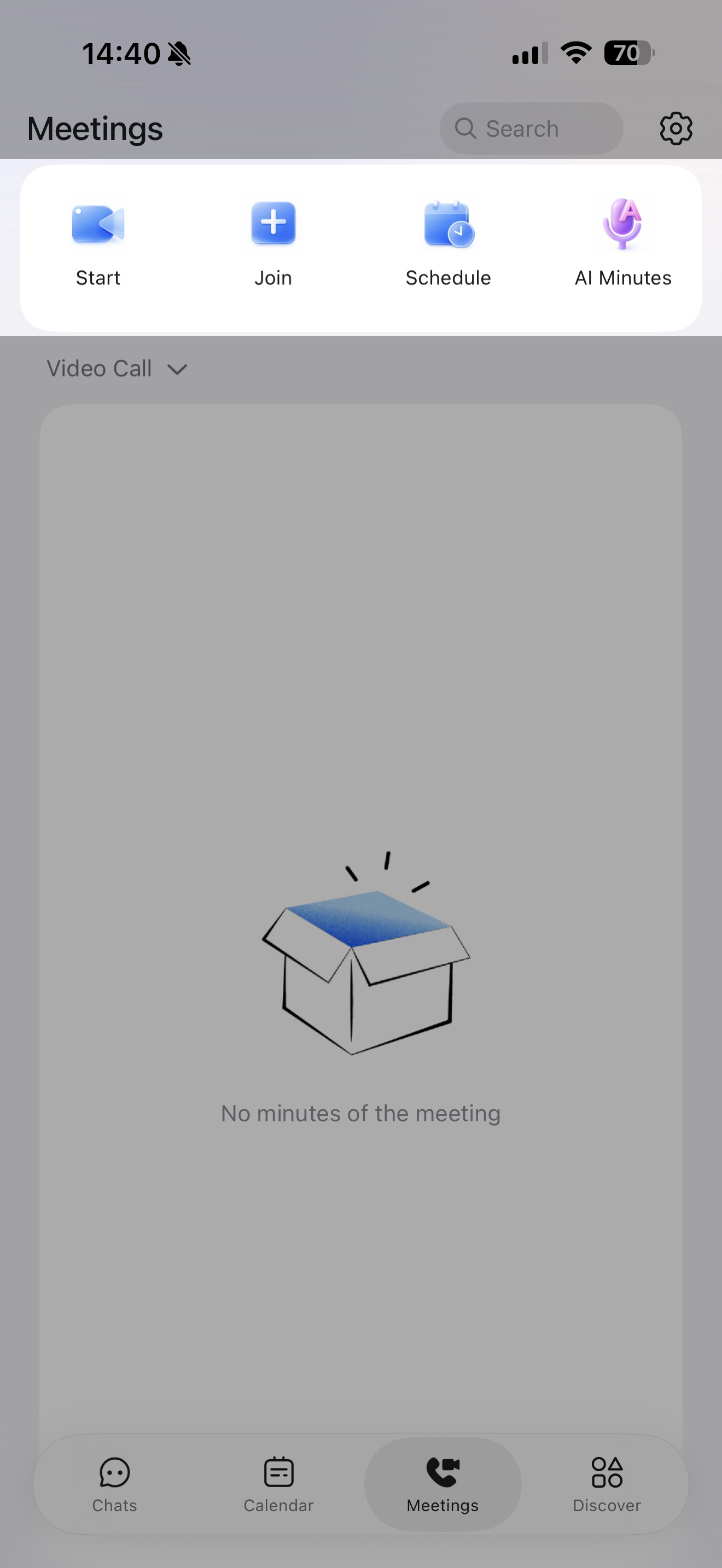
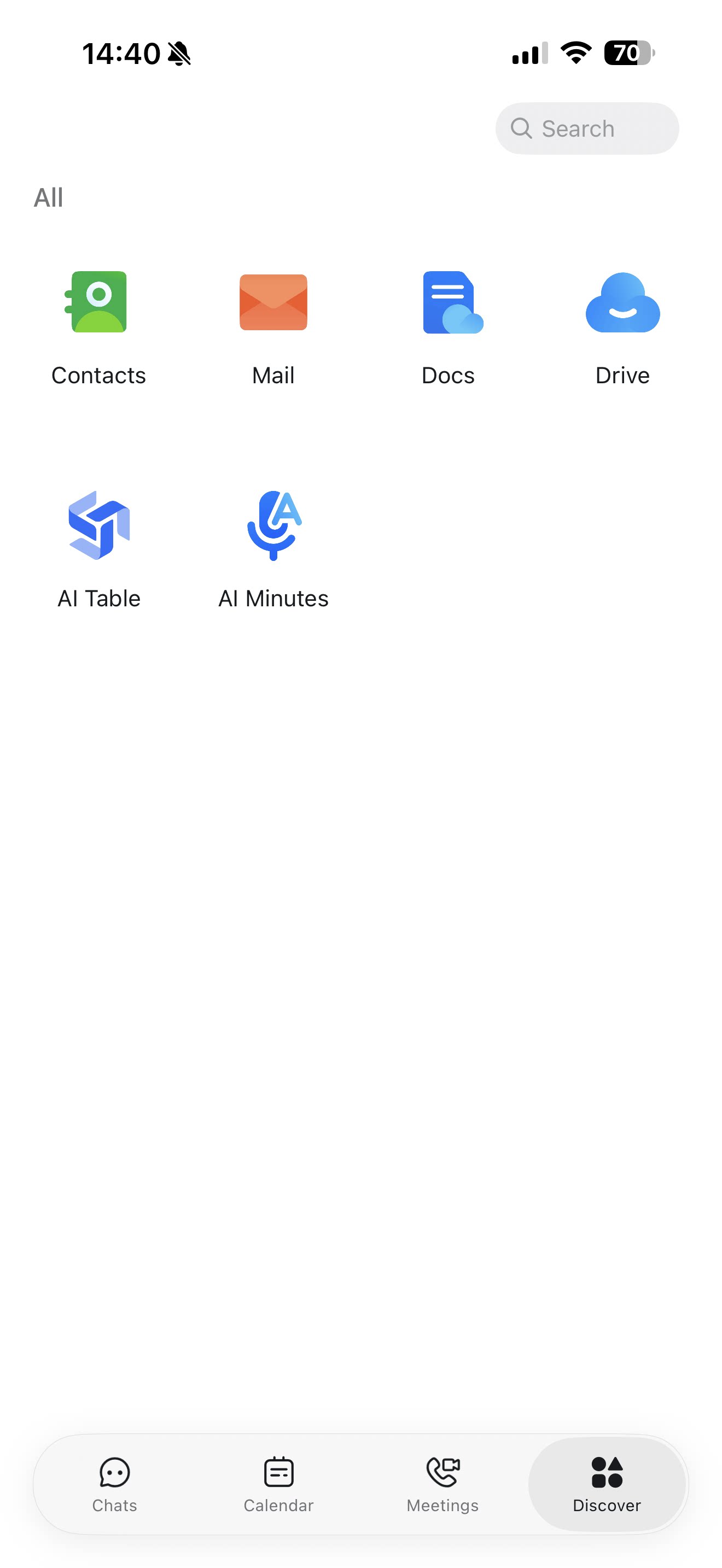
On desktop, search for AI Minutes in the DingTalk search box, or click AI Minutes from the navigation bar. On mobile, tap Meetings or Discover at the bottom of the DingTalk home screen, then find AI Minutes.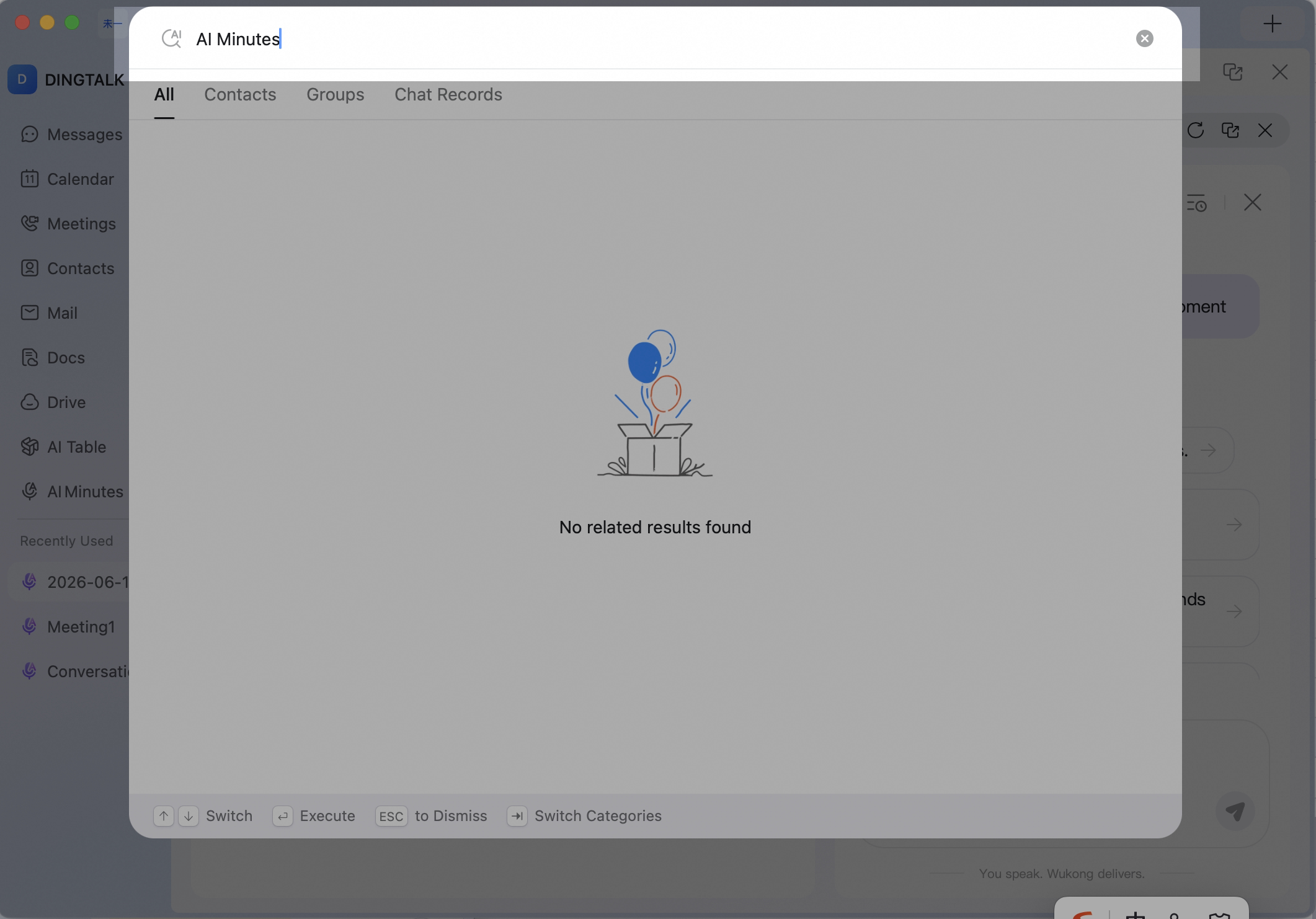 Search for AI Minutes and select the AI Minutes feature, or click AI Minutes in the left navigation bar.
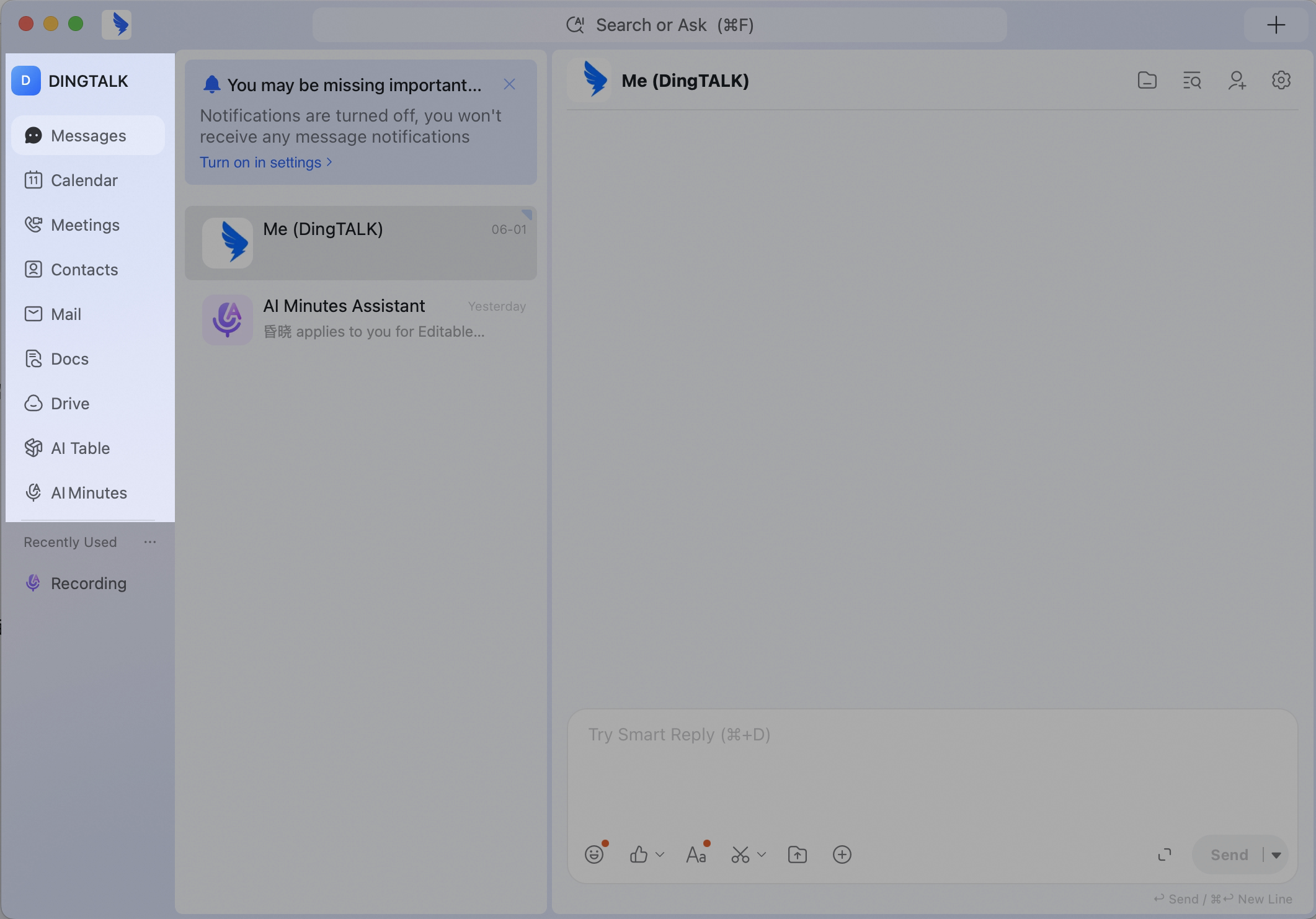 Open the AI Minutes home page.