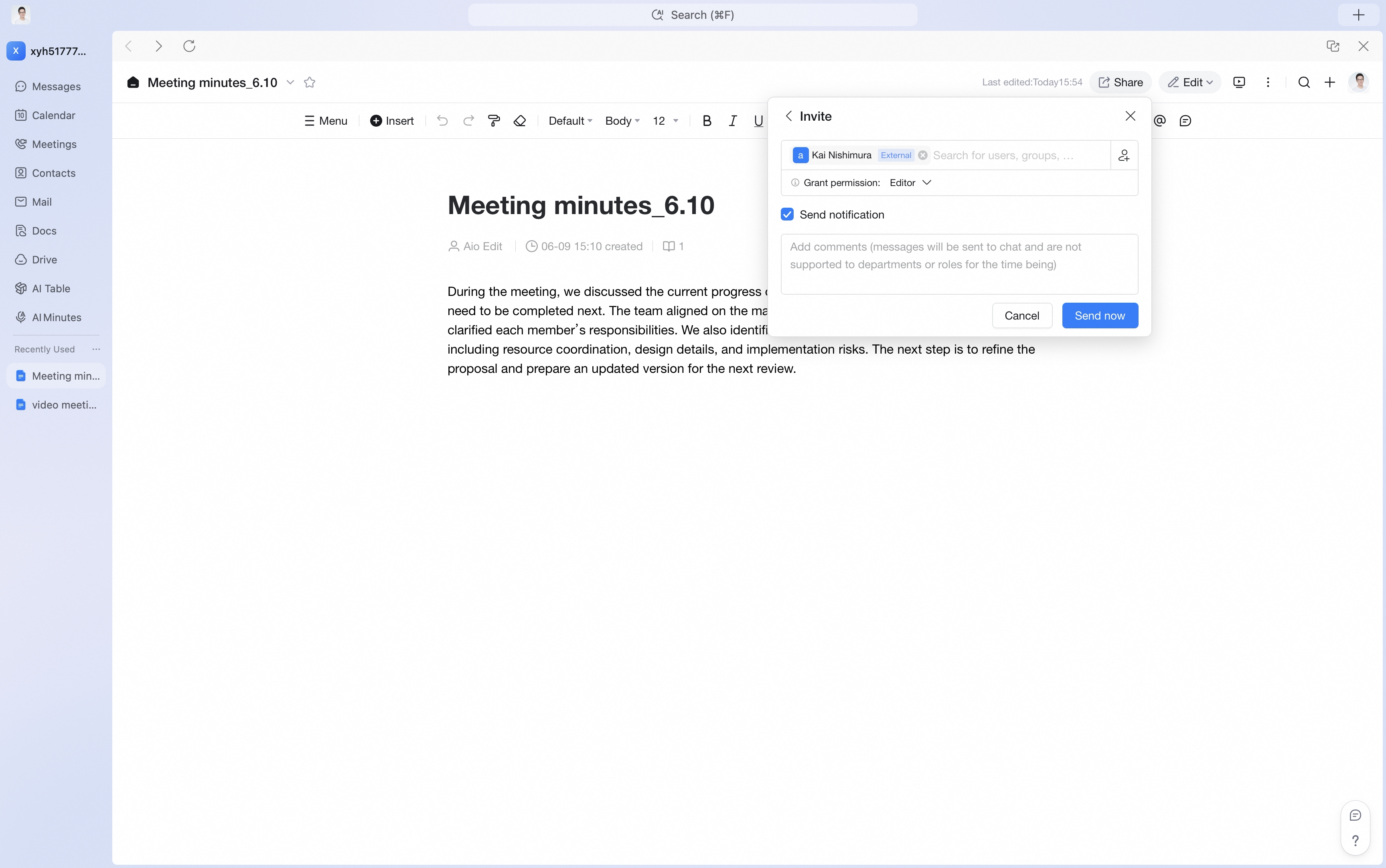
Chats
Chats Calendar
 Meetings
 Contacts
 Mail
Mail Docs
Docs Drive
Drive AI Table
 AI Minutes
 Attendance
 Approval
 YiDA
YiDA Admin Console
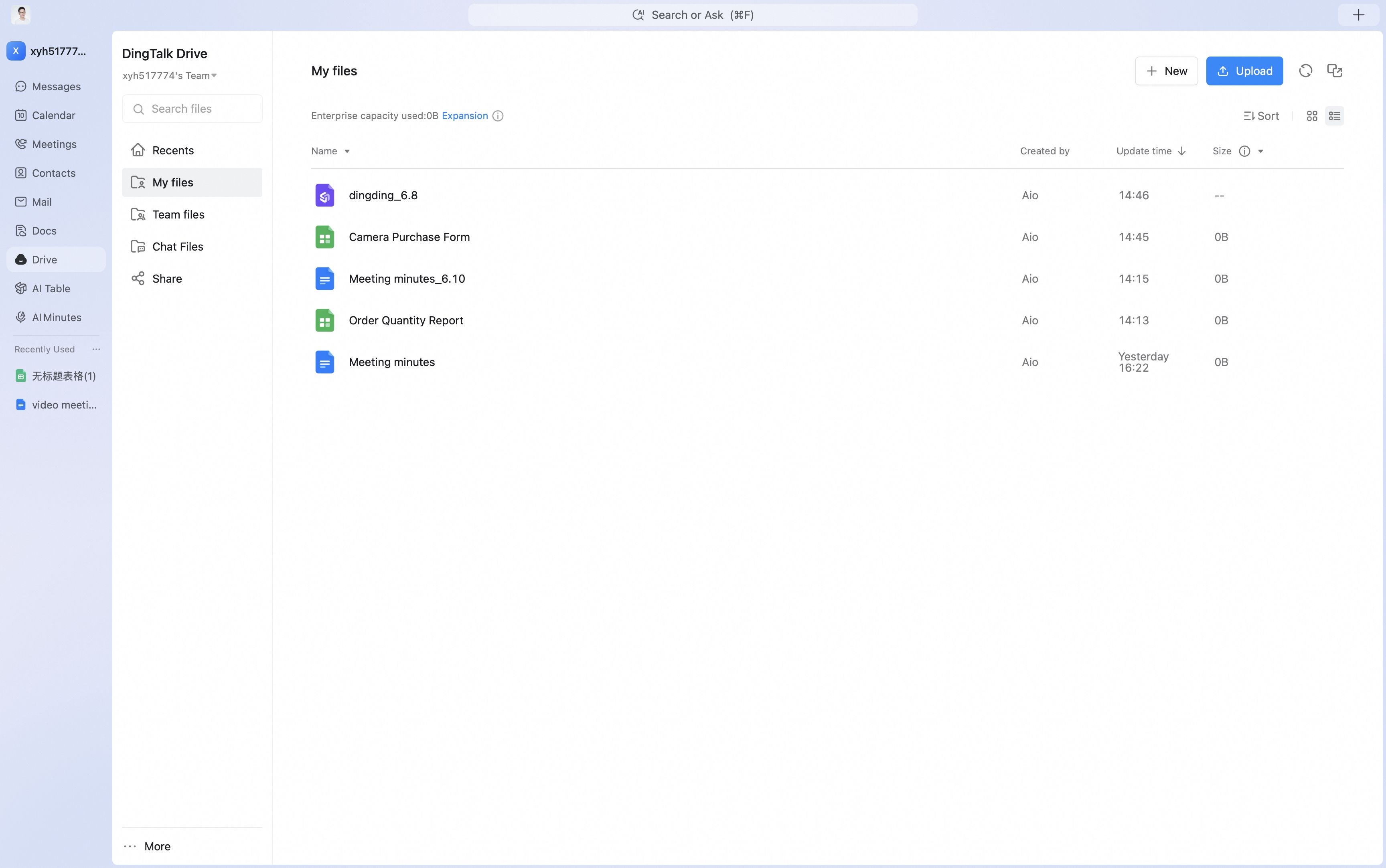
- My Files
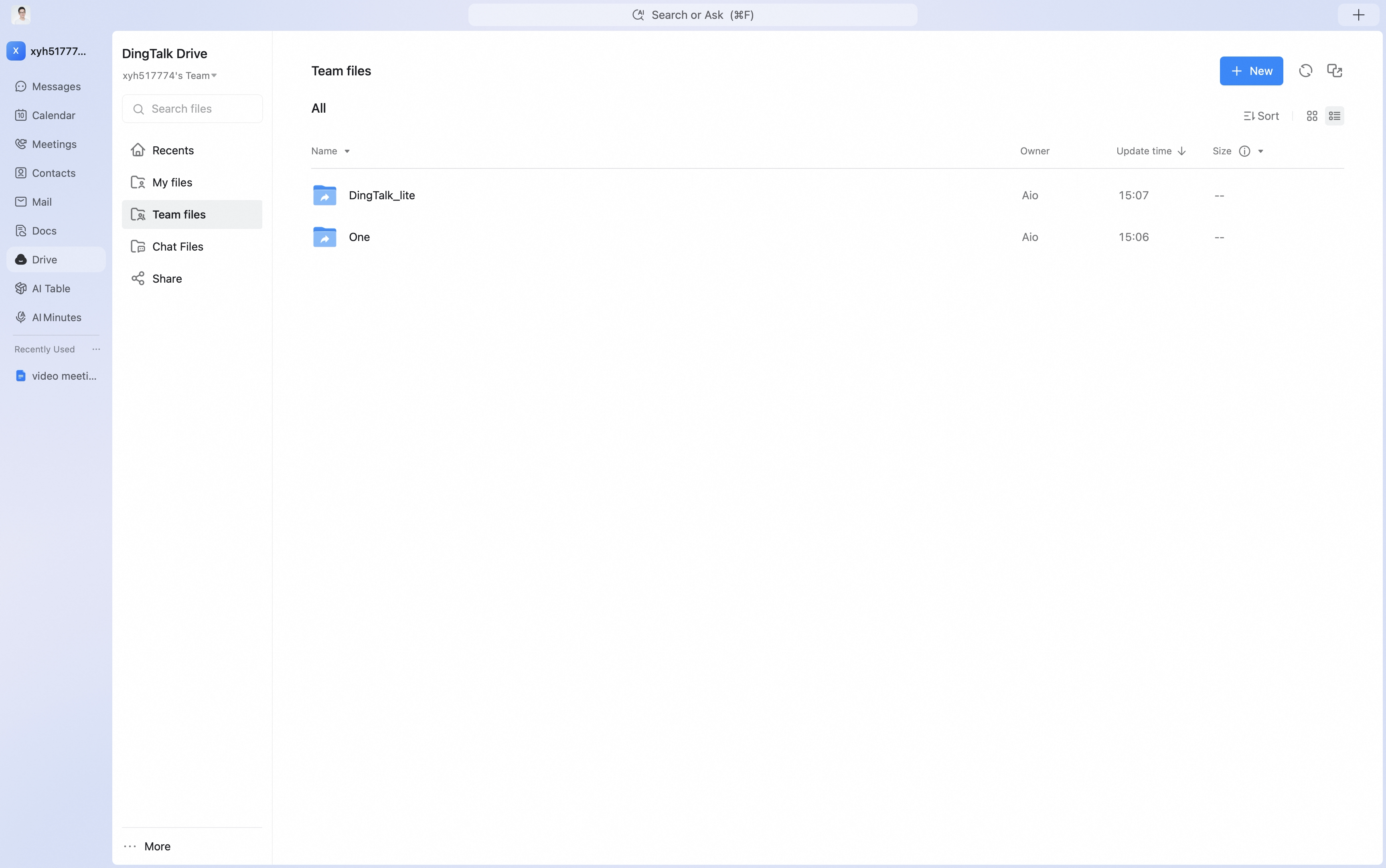
- Team Files
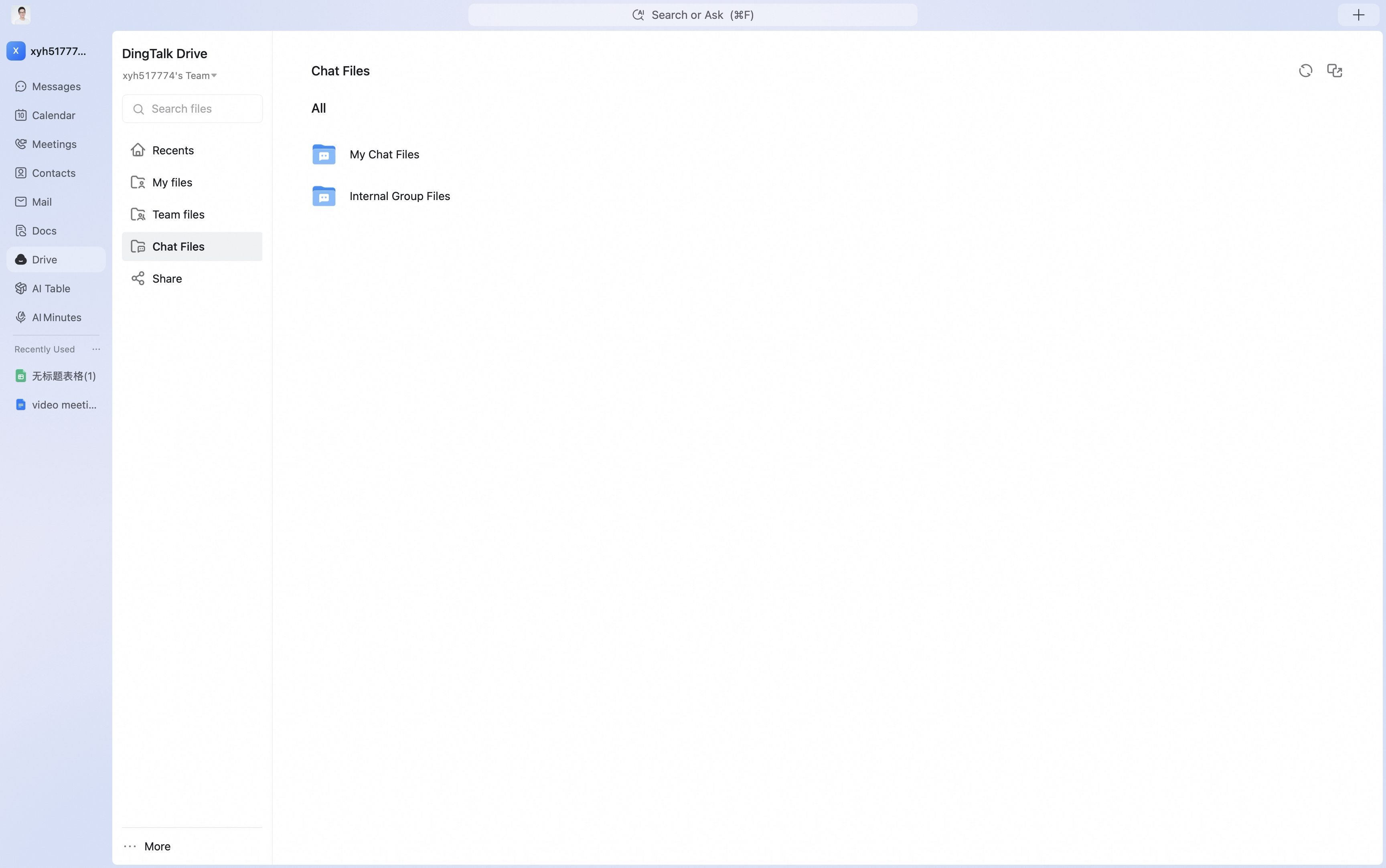
- Chat Files, including My Chat Files and Internal Group Files
Save to DingTalk Drive in One Click and Access Files Anytime
Files can be saved to DingTalk Drive in one click, so enterprise work assets can be managed in one place. The process is simple, and files can be viewed, edited, and organized at any time.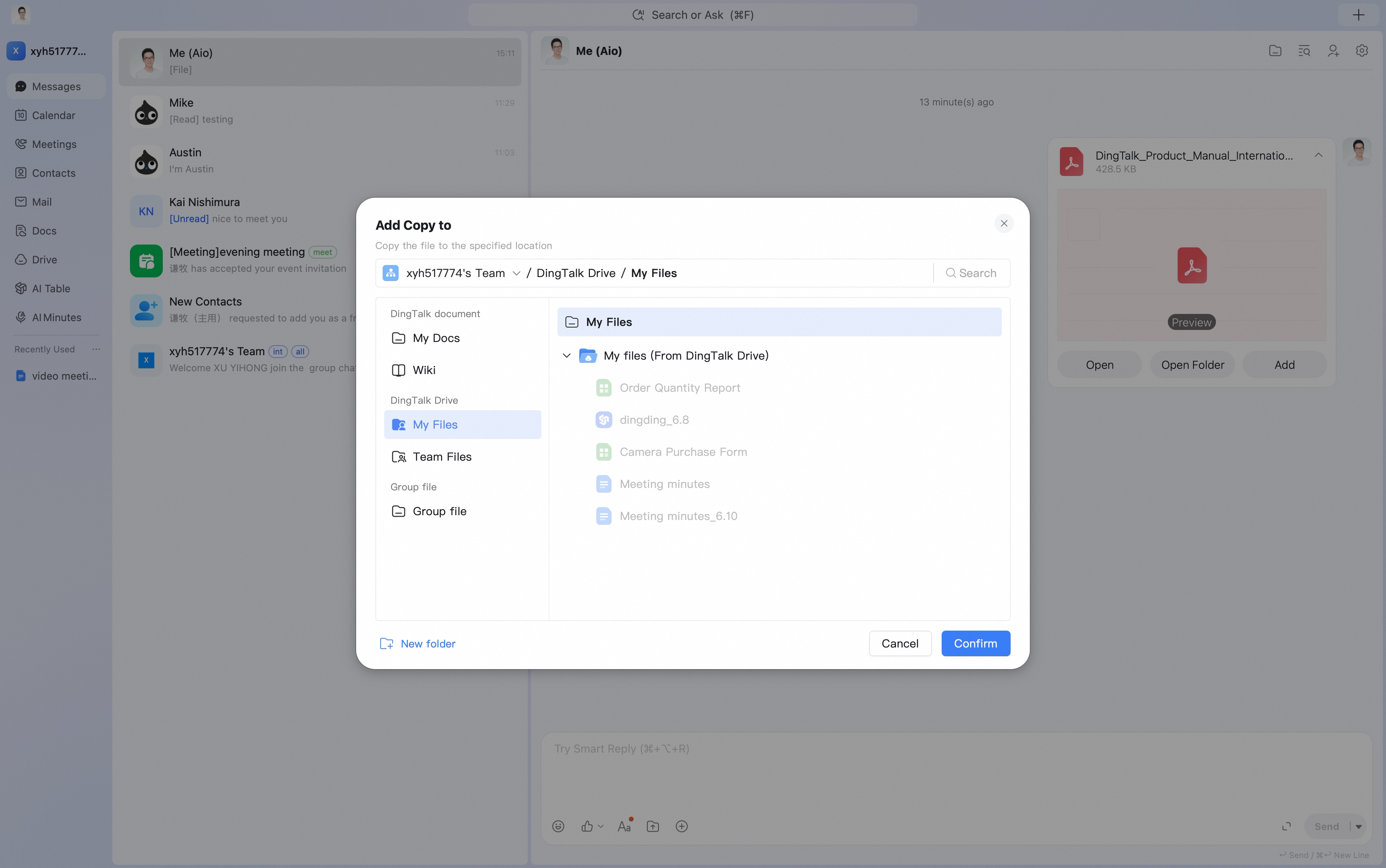
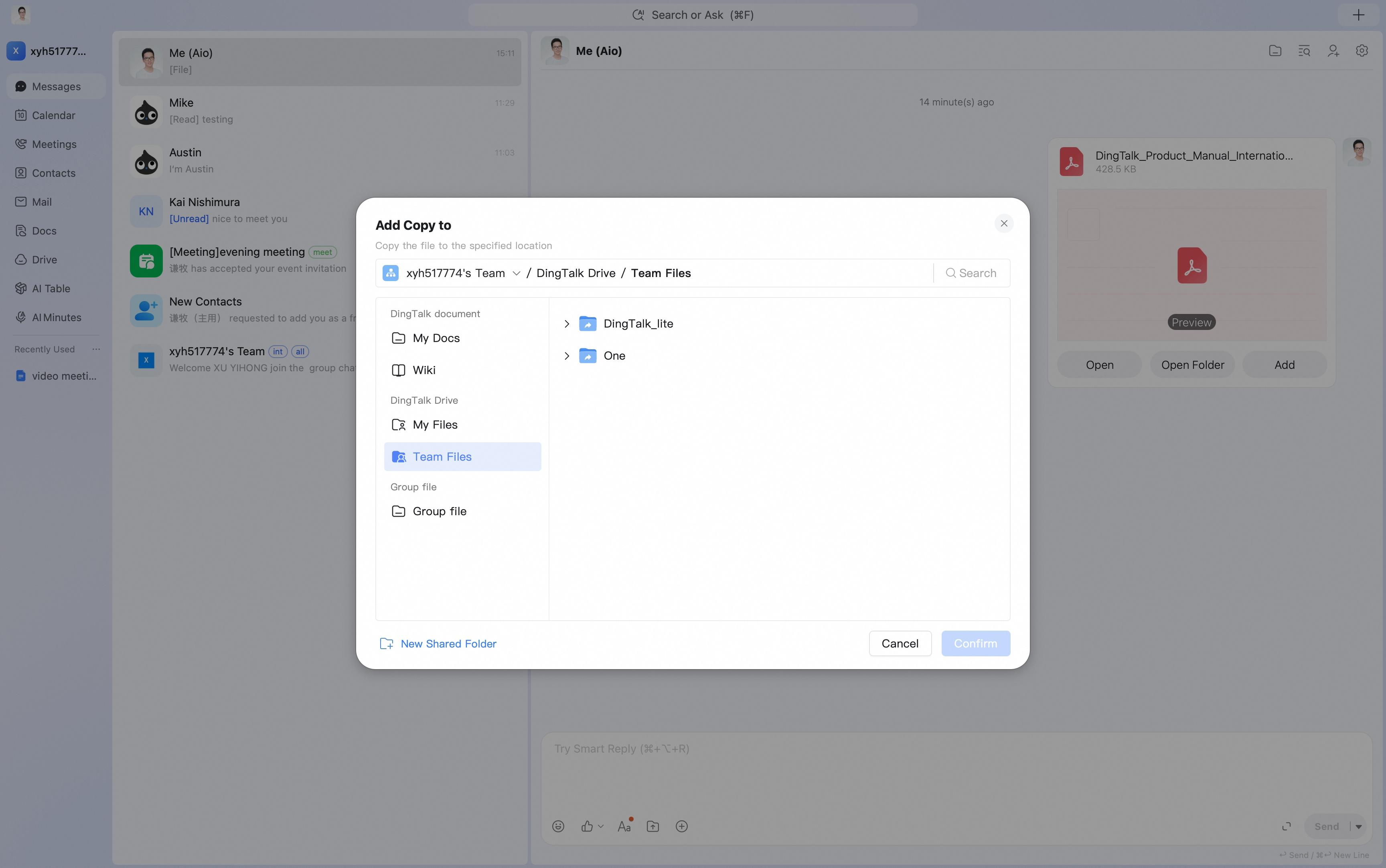
More Granular Permission Management
Fine-grained file permissions let you grant access precisely by file and by person, helping protect enterprise data assets.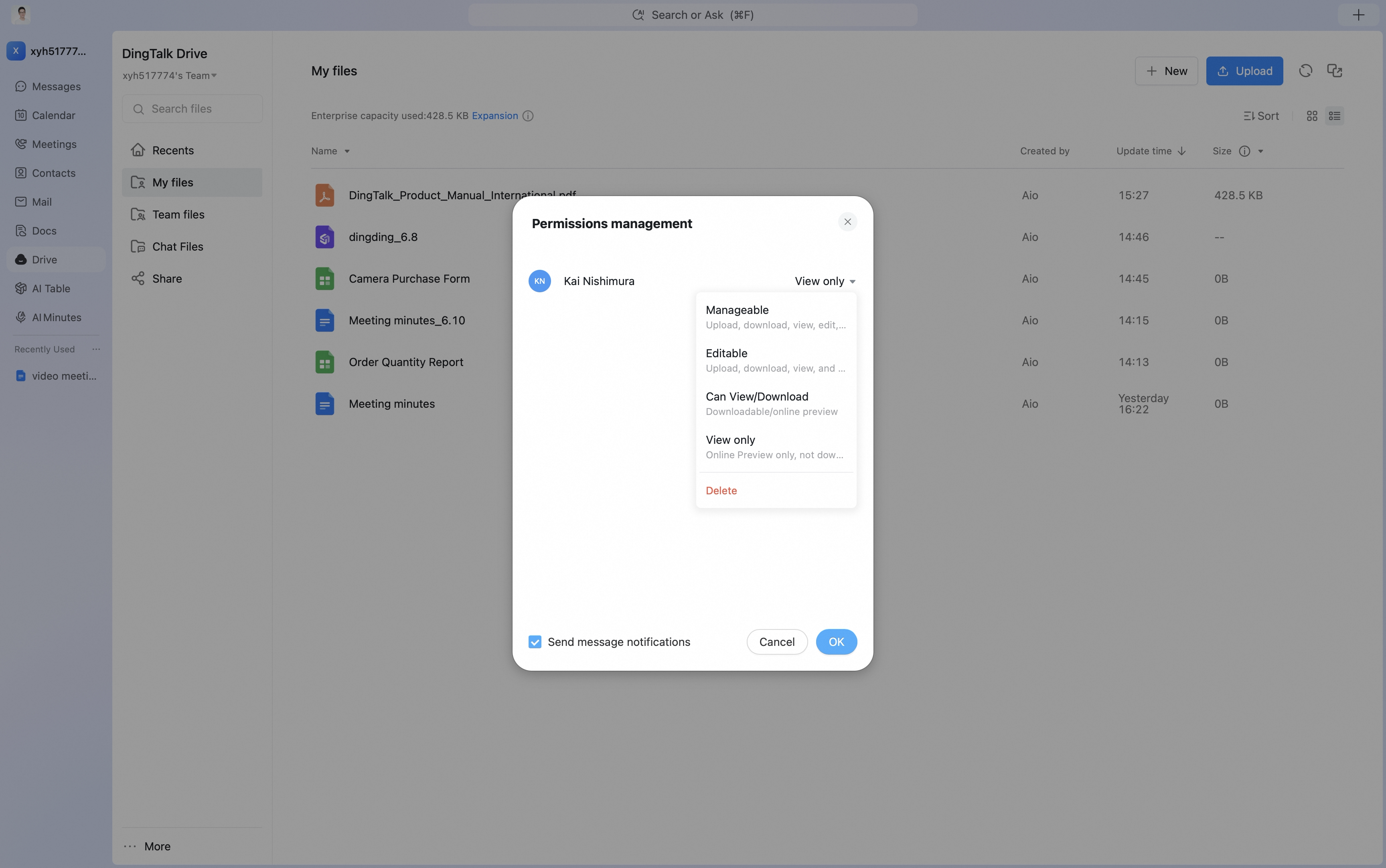
Edit Online Anytime, Anywhere
Open documents directly from DingTalk Drive on any device. Edits are saved automatically in real time, so you can create freely wherever you are.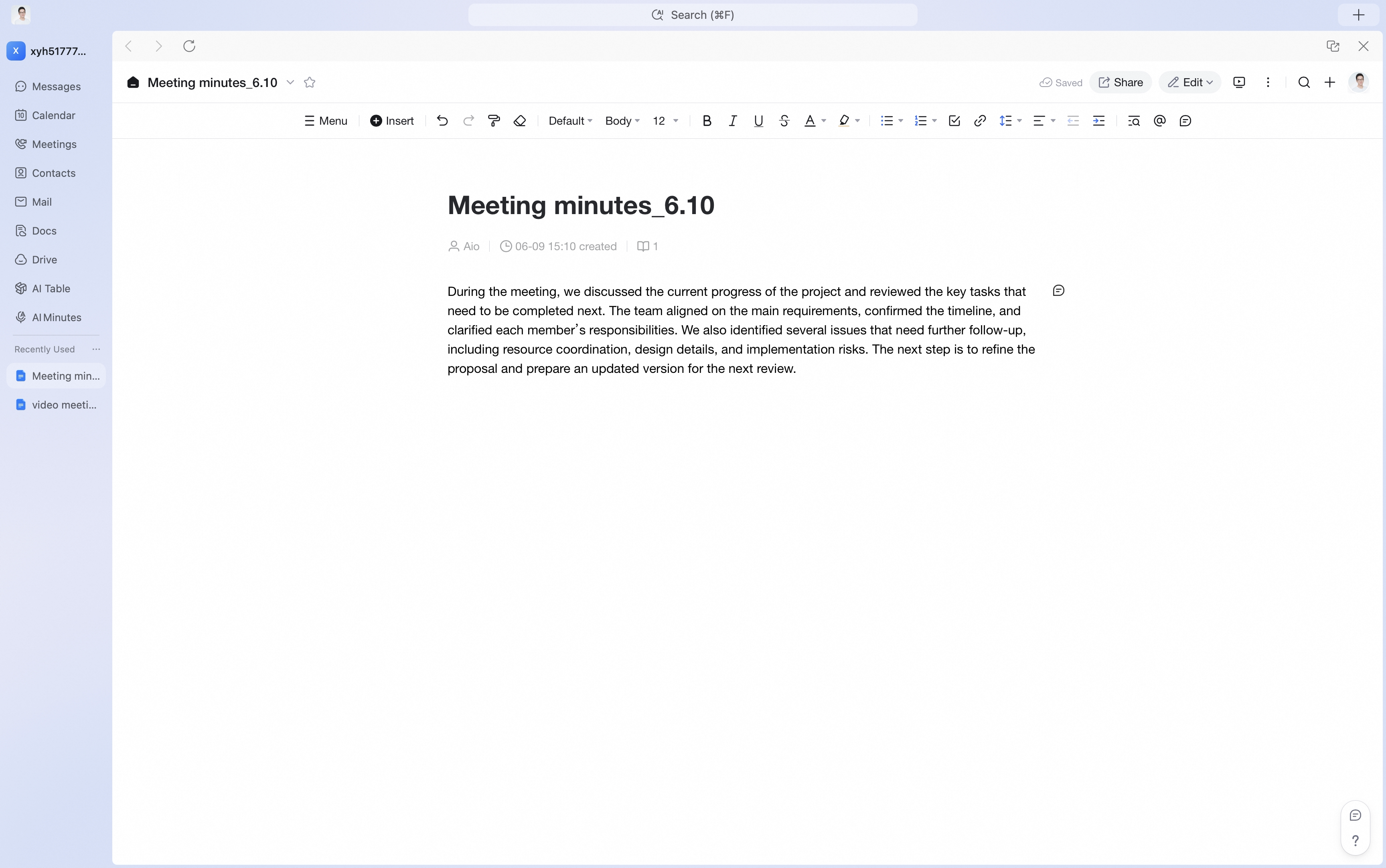
Effortless File Collaboration
There is no need to send files back and forth. Multiple people can collaborate online, content syncs in real time, and everyone sees the latest version.