Chats
Chats Calendar
 Meetings
 Contacts
 Mail
Mail Docs
Docs Drive
Drive AI Table
 AI Minutes
 Attendance
 Approval
 YiDA
YiDA Admin Console
Desktop
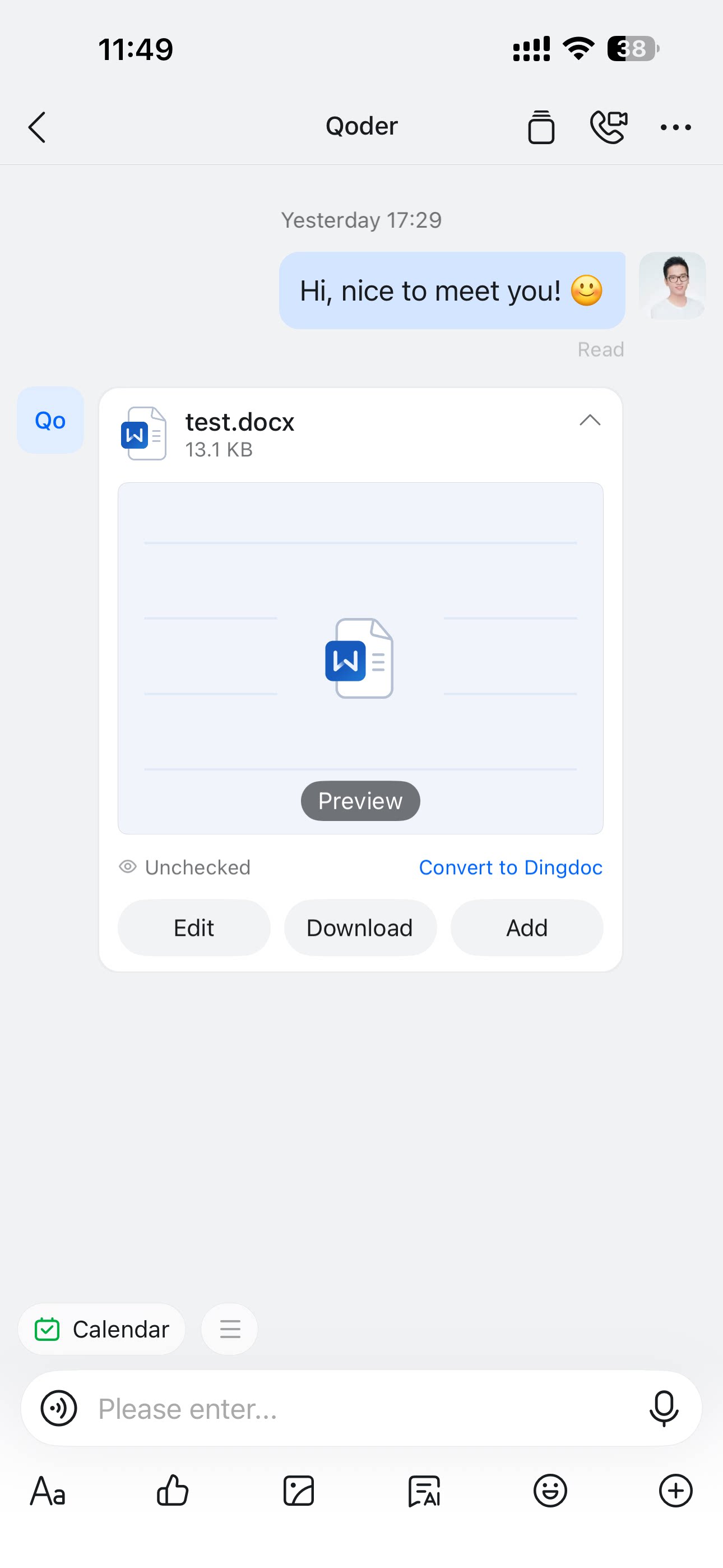
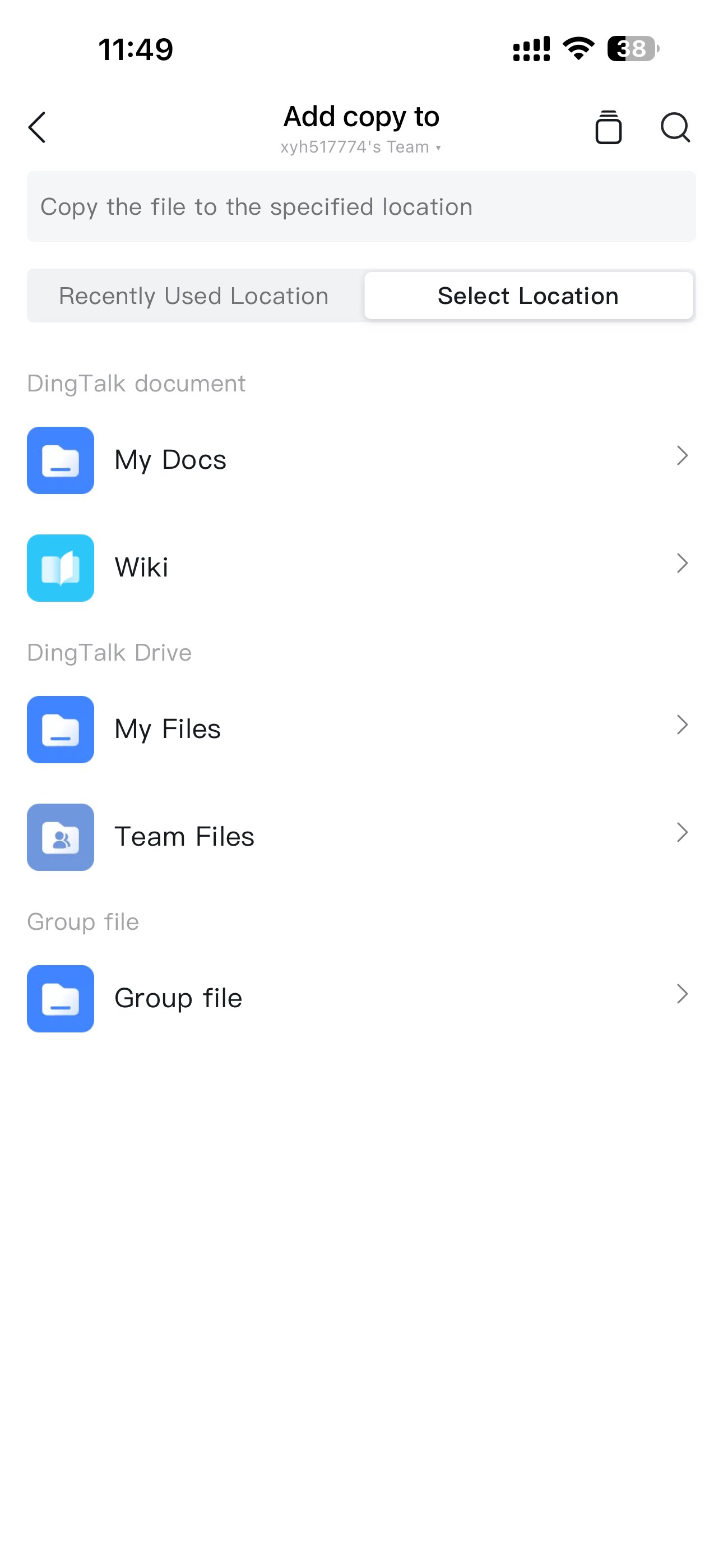
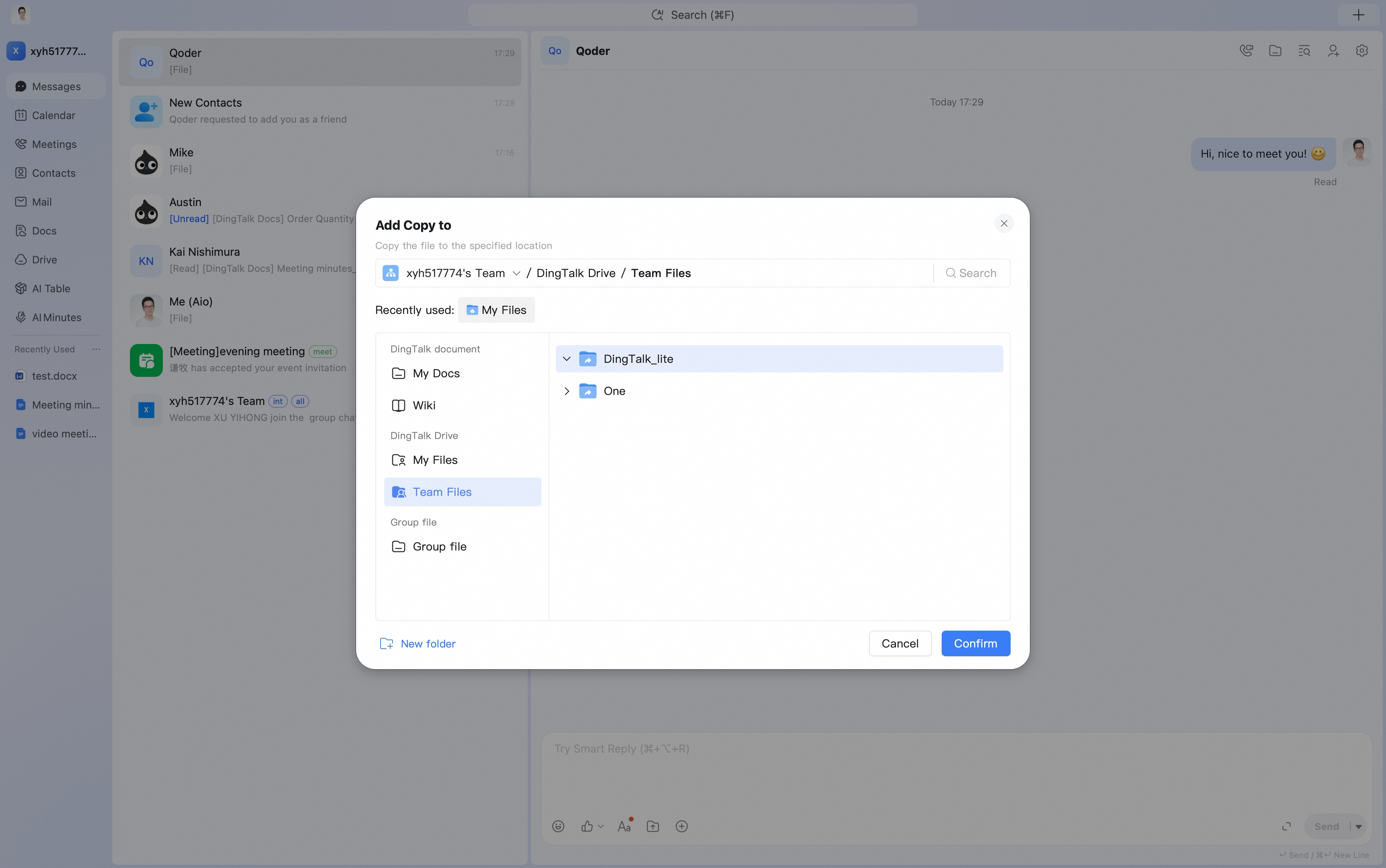
To save enterprise files from a DingTalk chat window, such as local files, online documents, videos, or images, select Add to on the message card and save the file to Team Files under DingTalk Drive.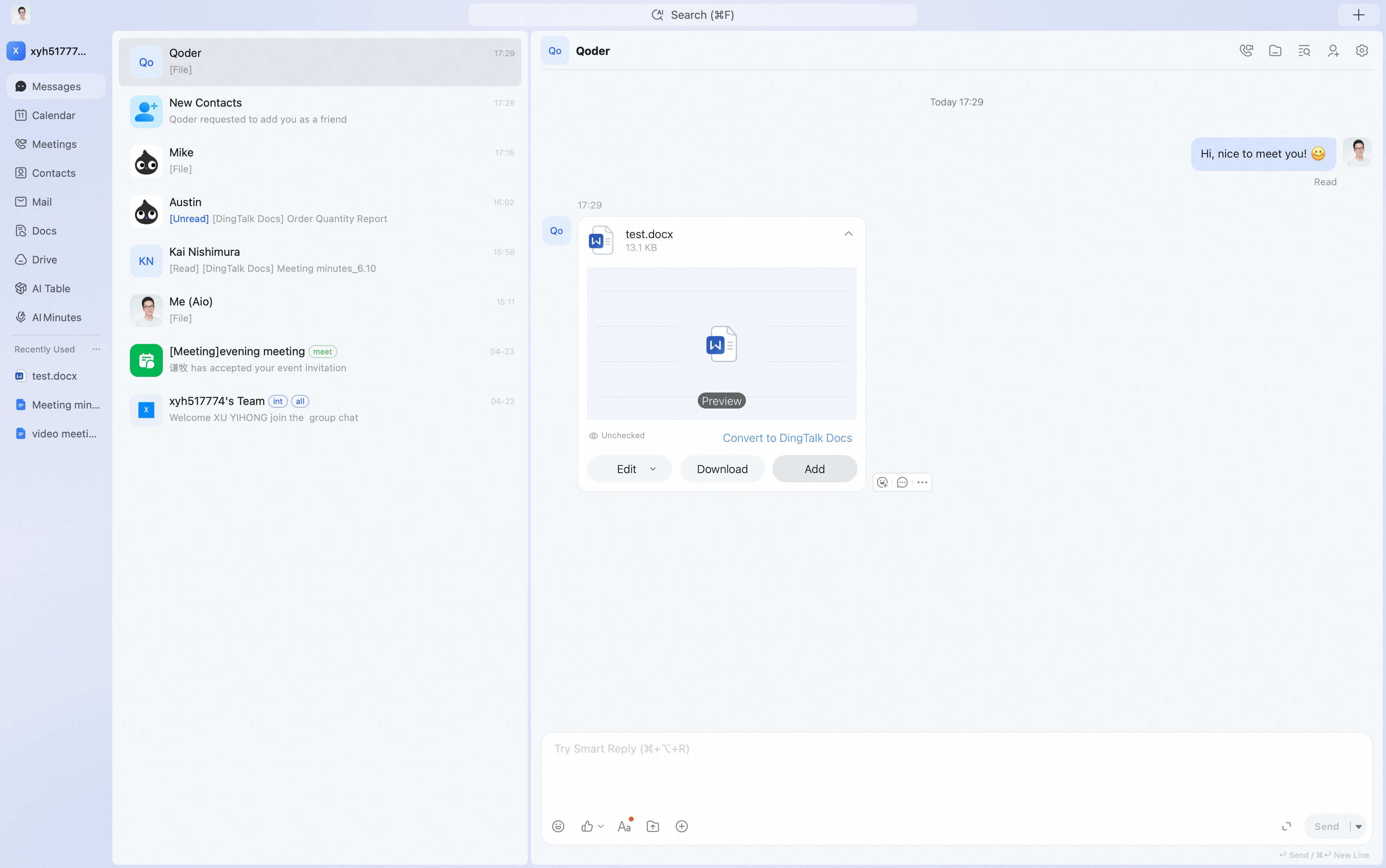
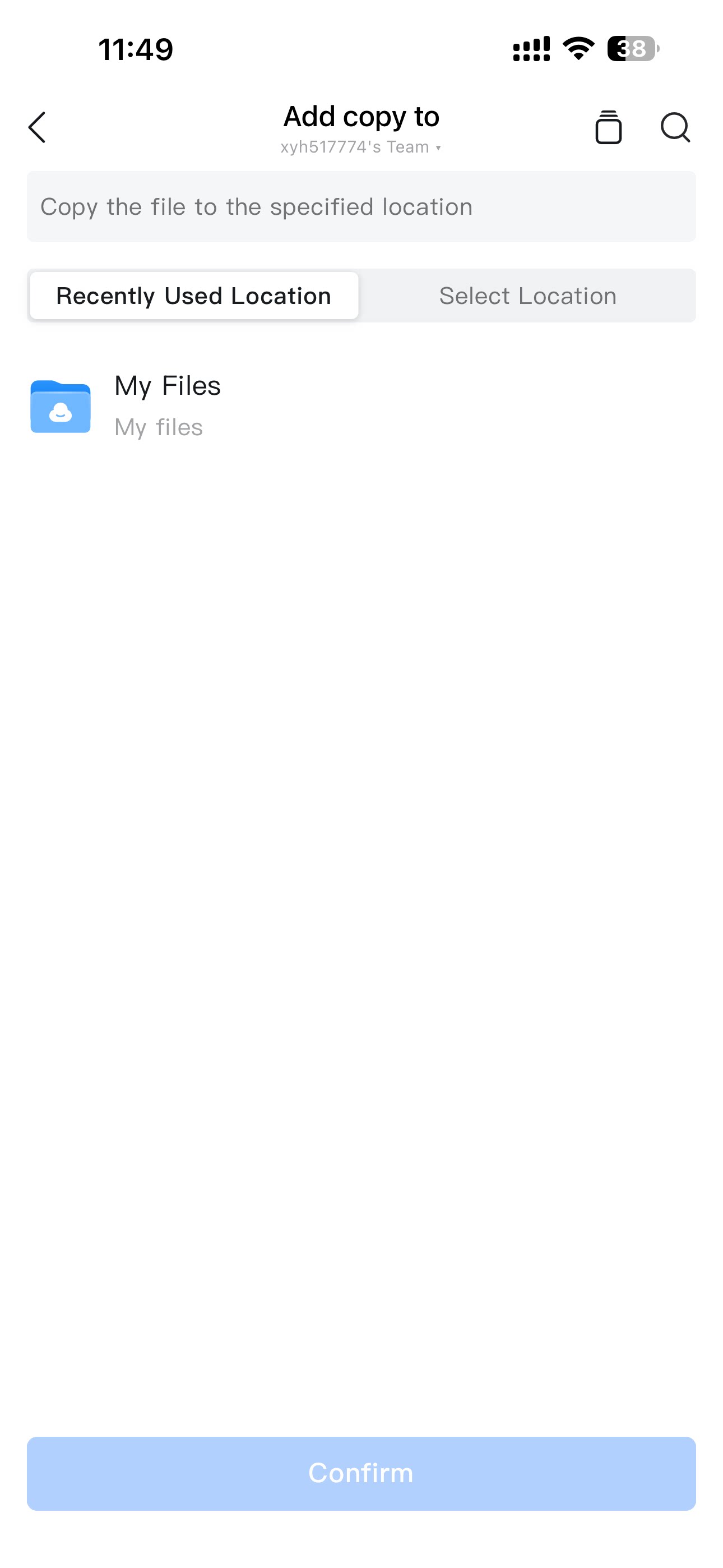
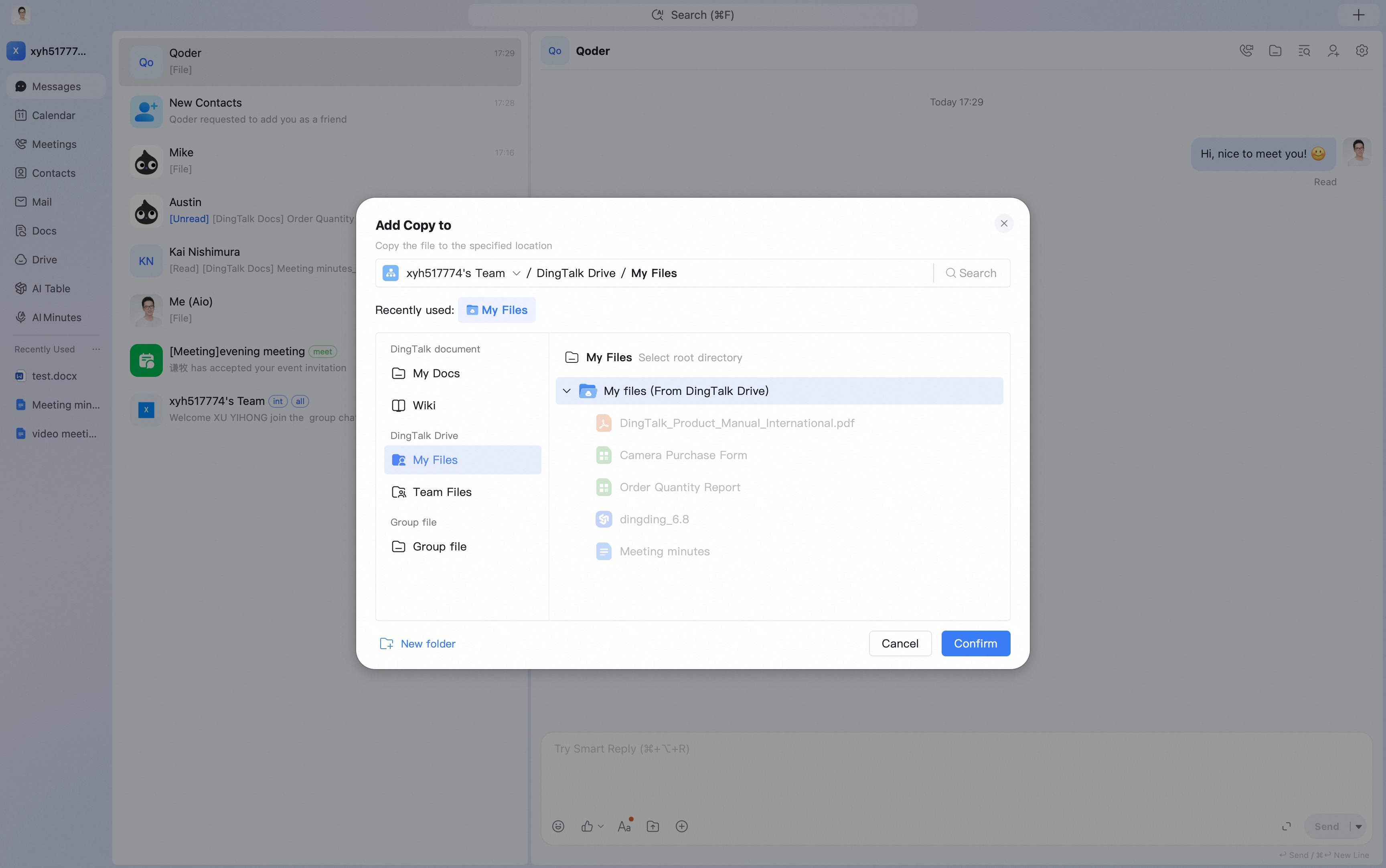
 To save personal files from a DingTalk chat window, such as local files, online documents, videos, or images, select Add to on the message card and choose My Files under DingTalk Drive.
Mobile
Tap Add to on the file message card, then choose to save the file to Team Files or My Docs.