Chats
Chats Calendar
 Meetings
 Contacts
 Mail
Mail Docs
Docs Drive
Drive AI Table
 AI Minutes
 Attendance
 Approval
 YiDA
YiDA Admin Console
Desktop
Method 1
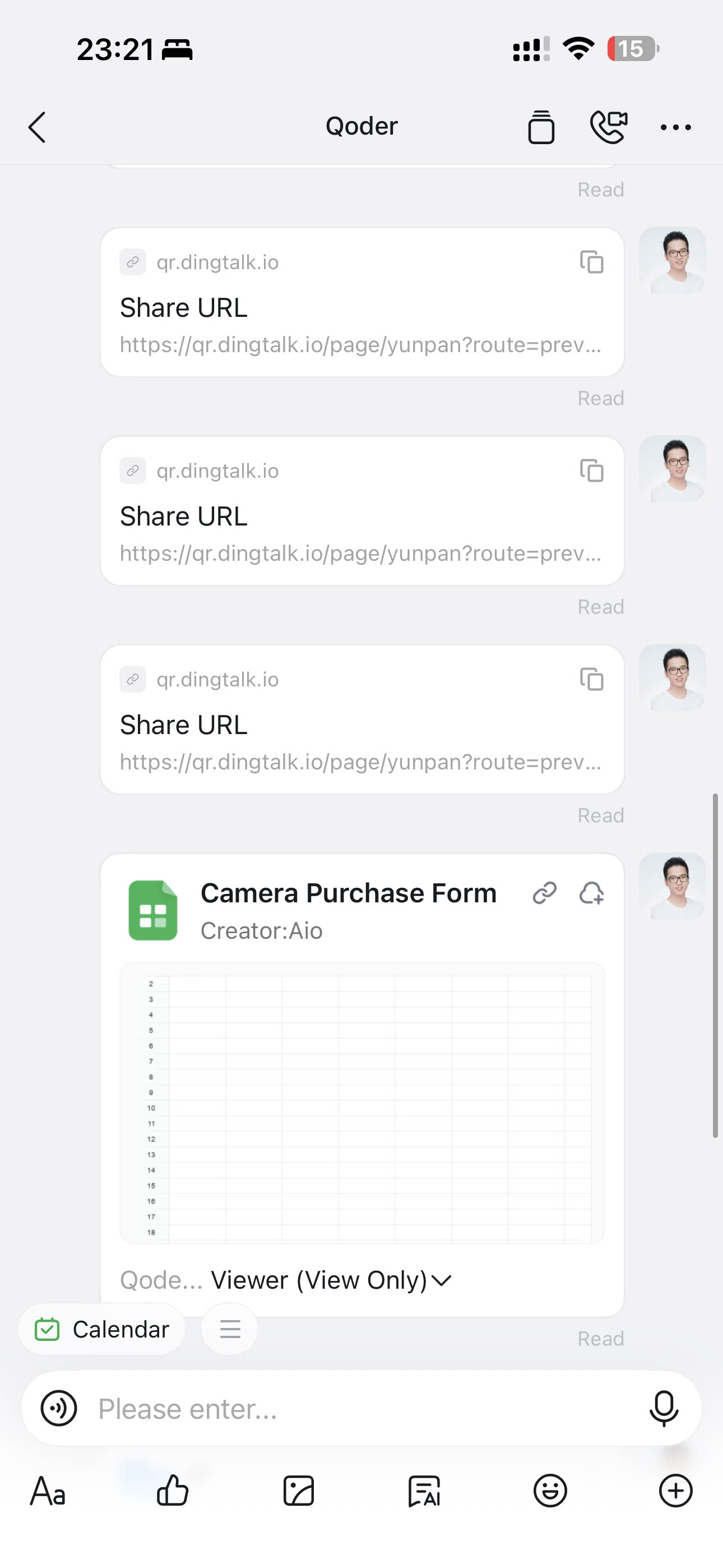
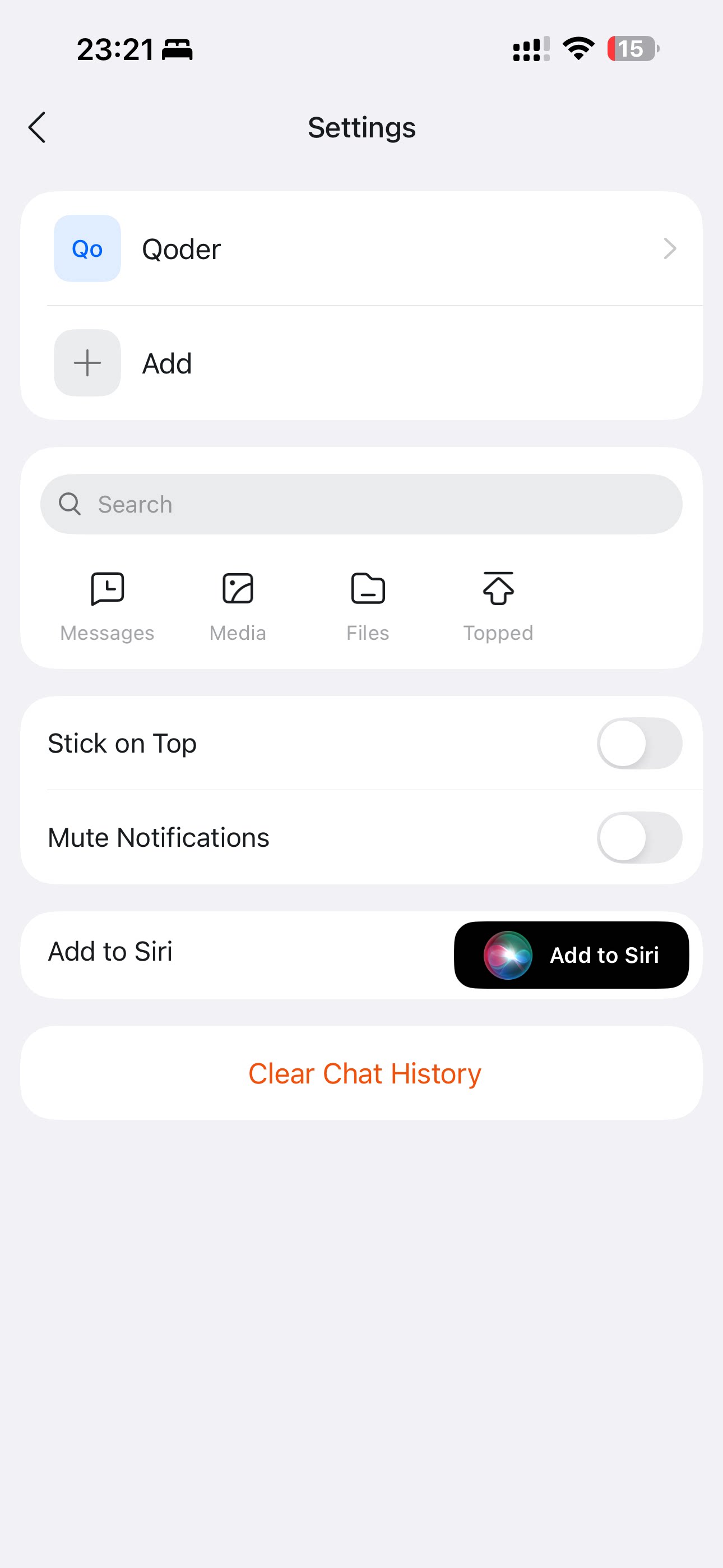
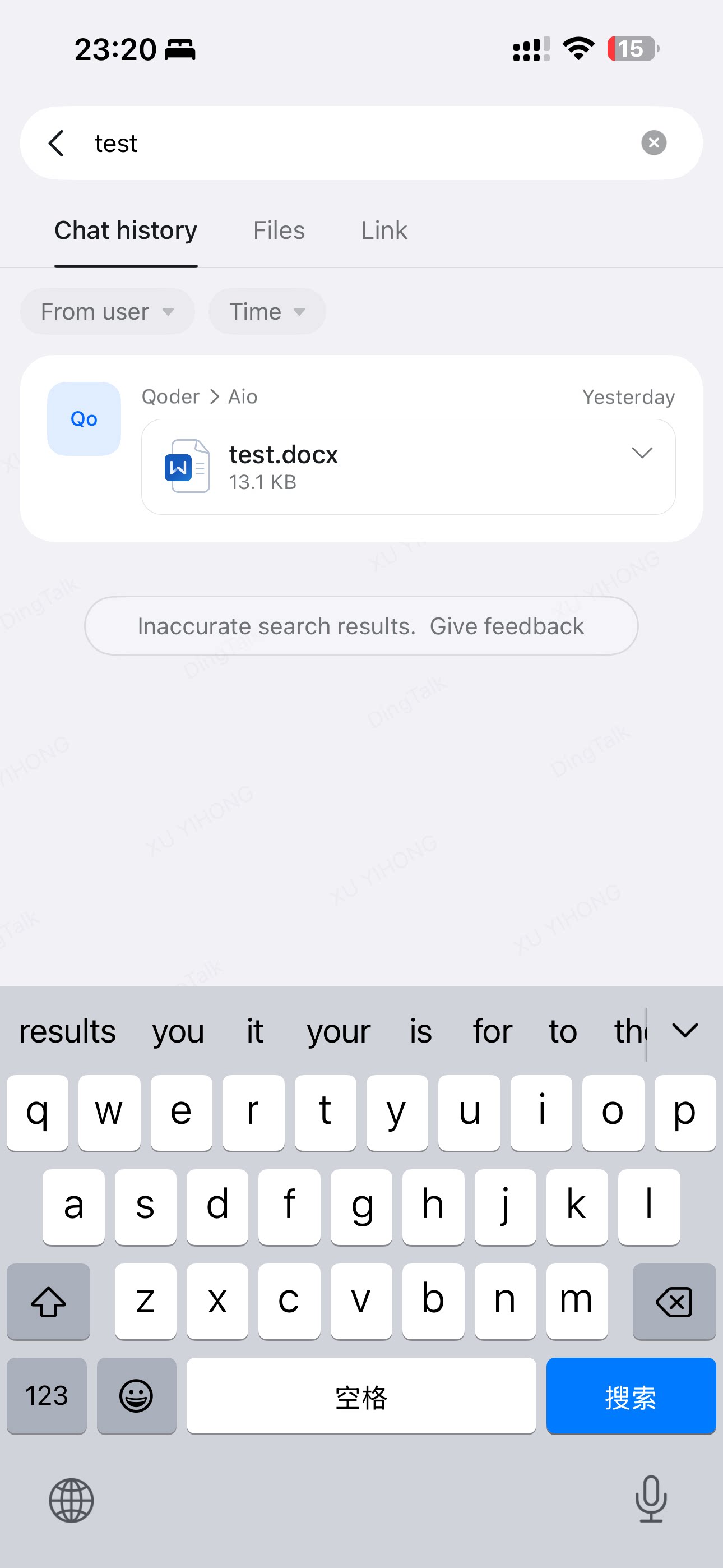
In the upper-right corner of a group chat, click the search icon and select Files. You can use search or filter conditions, and you can prioritize folder-type results, to quickly find historical files or folders from the chat.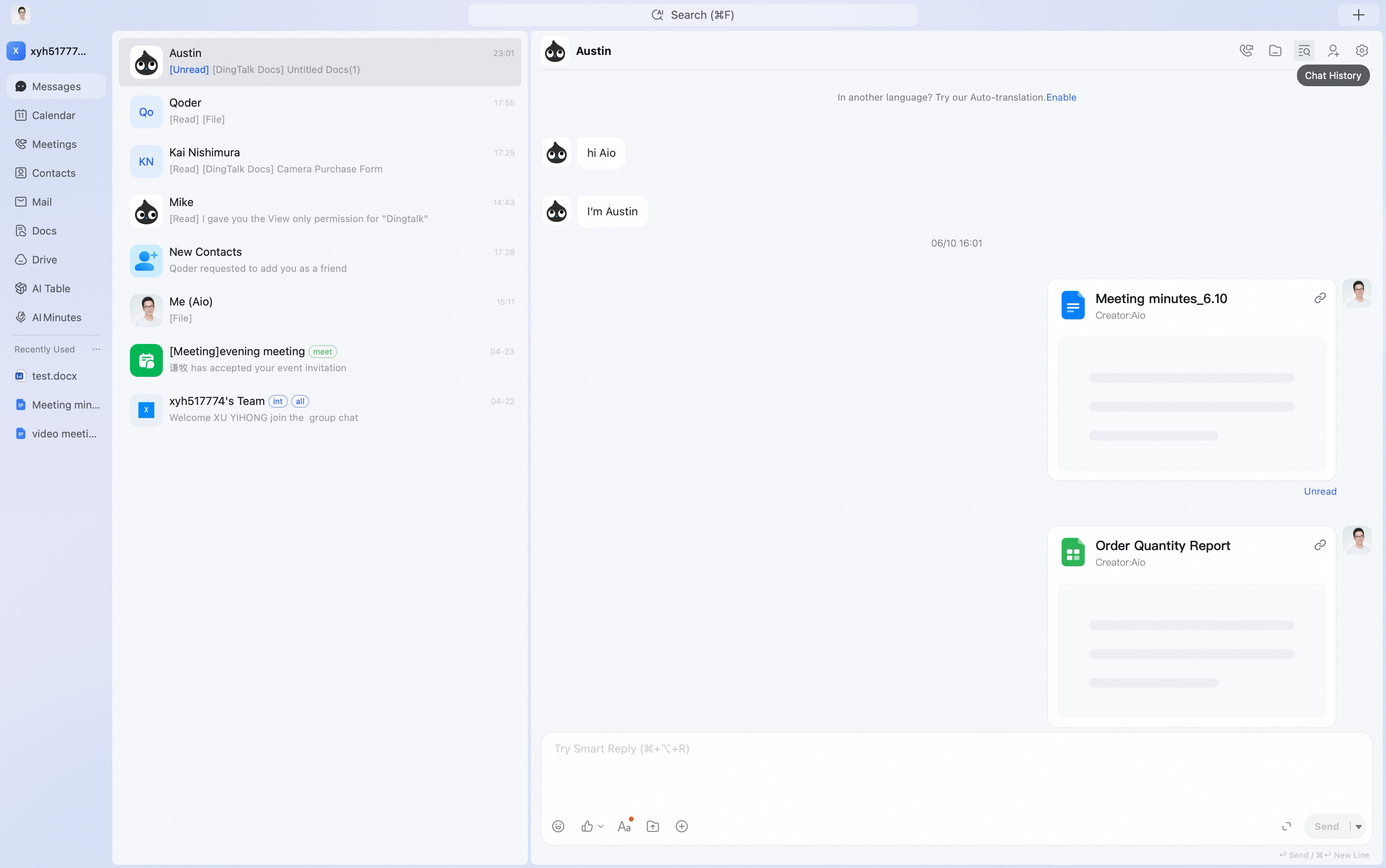

Method 2
On the DingTalk Drive home page, click Chat Files to view My Chat Files and Internal Group Files that have been synced to DingTalk Drive.
Mobile