Chats
Chats Calendar
 Meetings
 Contacts
 Mail
Mail Docs
Docs Drive
Drive AI Table
 AI Minutes
 Attendance
 Approval
 YiDA
YiDA Admin Console
Desktop
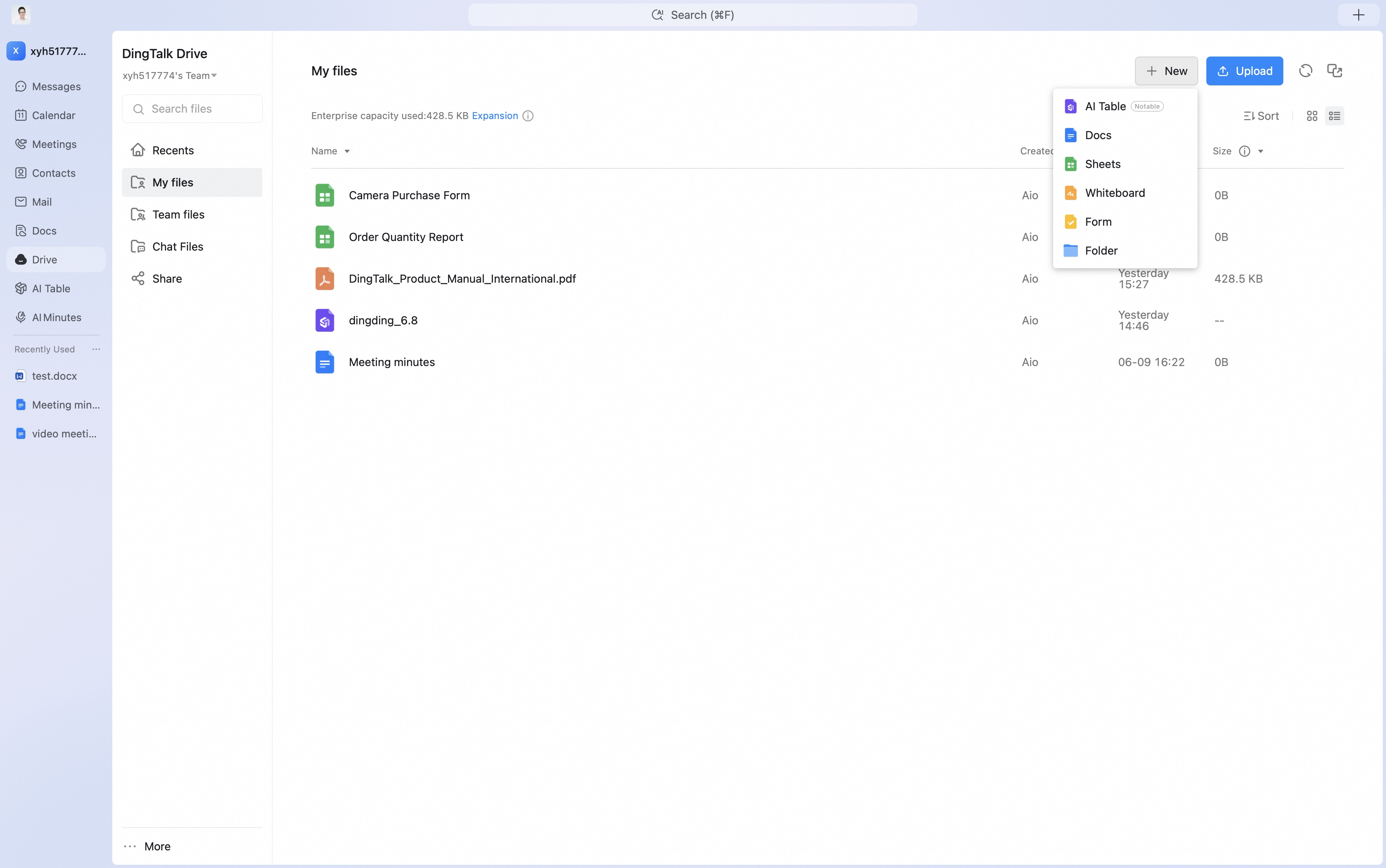
- Open DingTalk Drive. In Recents, click New in the upper-right corner, then select the file type or folder you want to create.
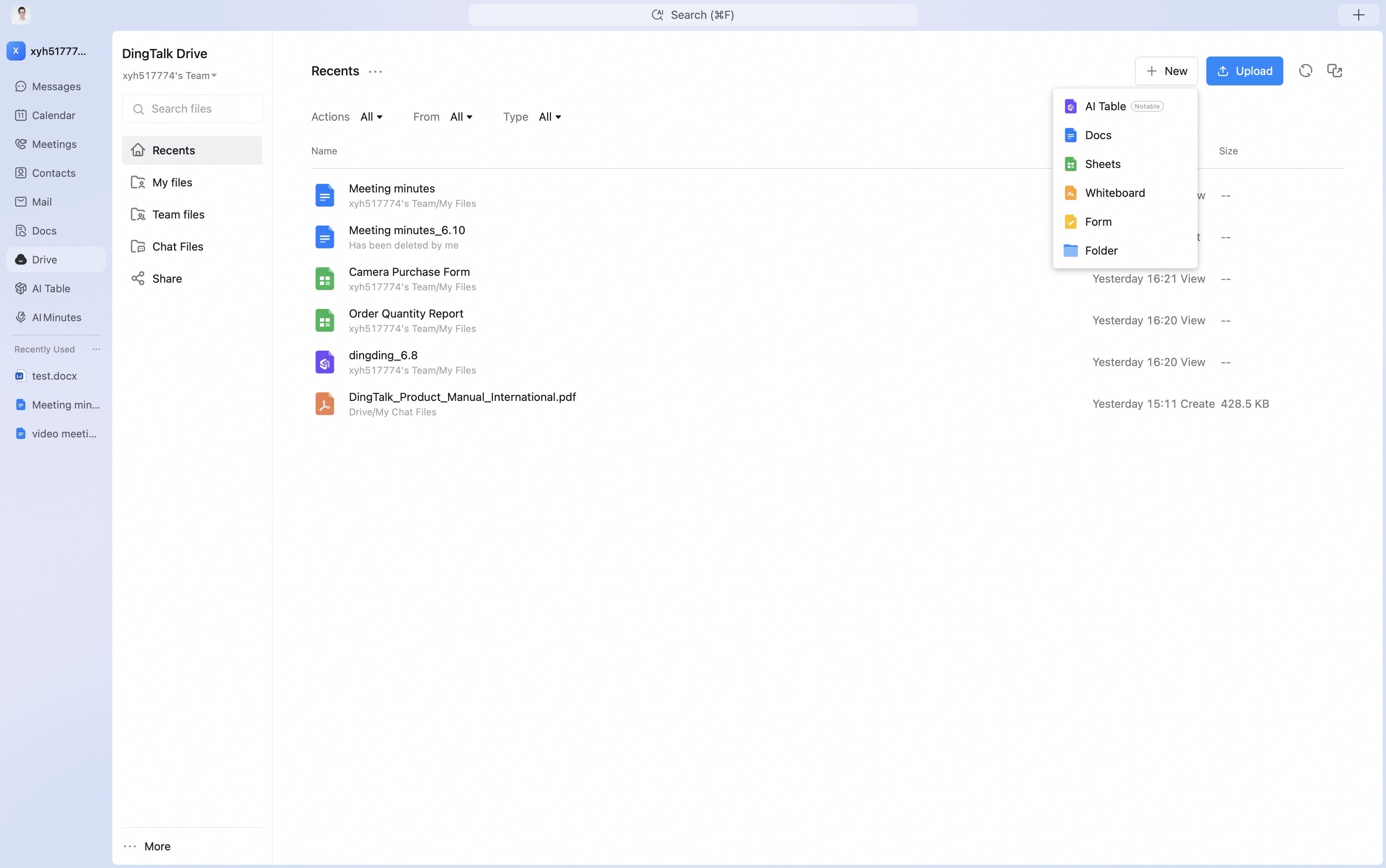
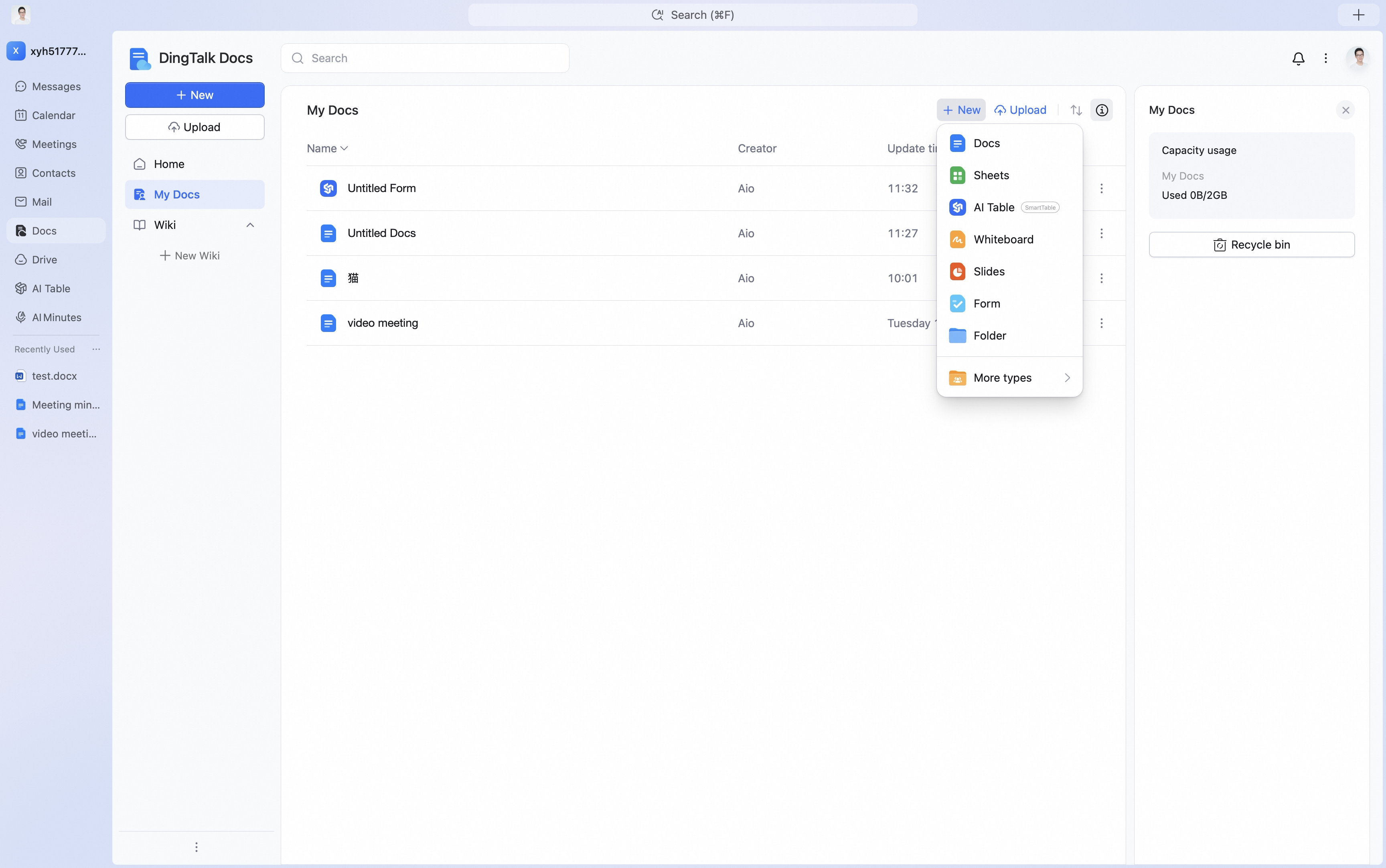
- On the DingTalk Drive home page, open My Files. You can also open My Docs on the Docs home page and go to My Files (from DingTalk Drive). Click New in the upper-right corner to create a file type, upload files, or upload folders.
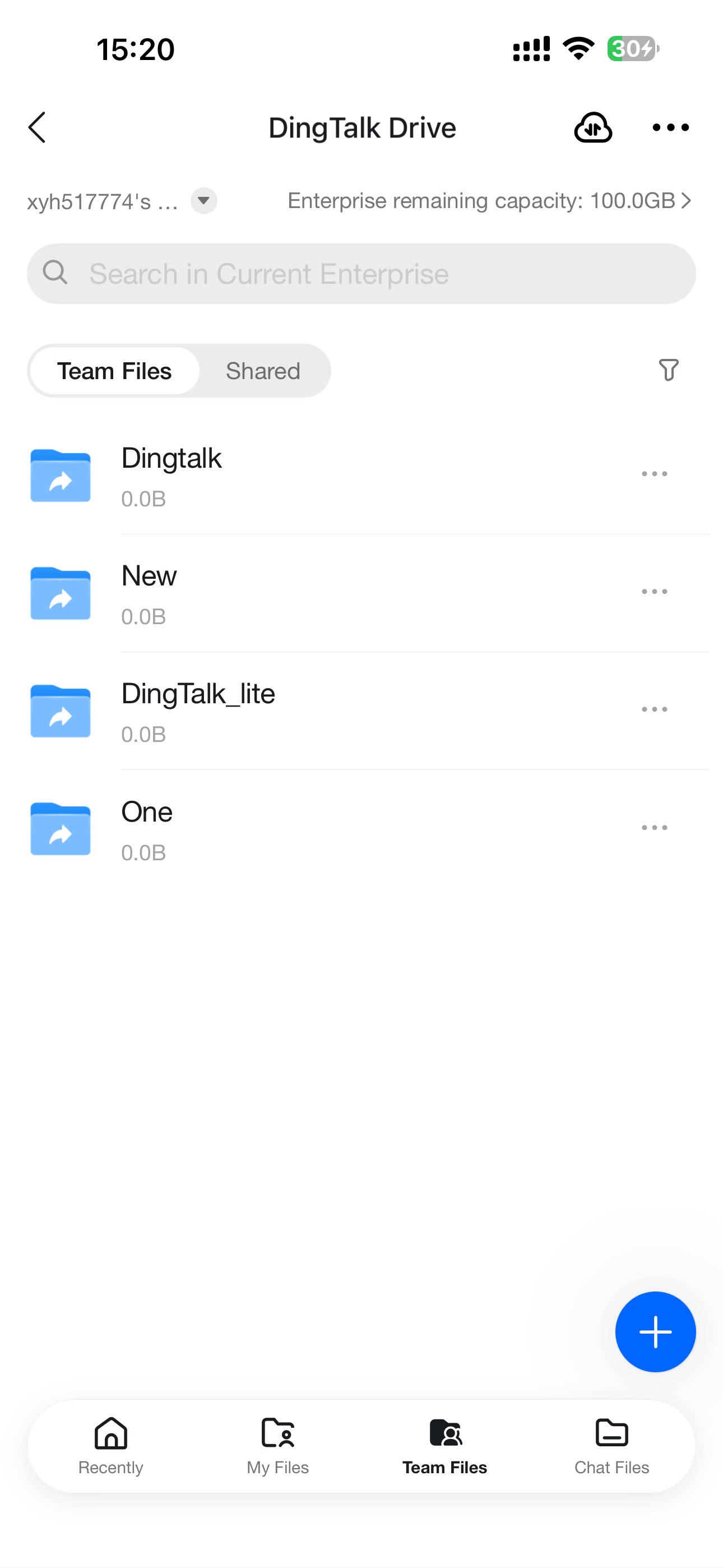
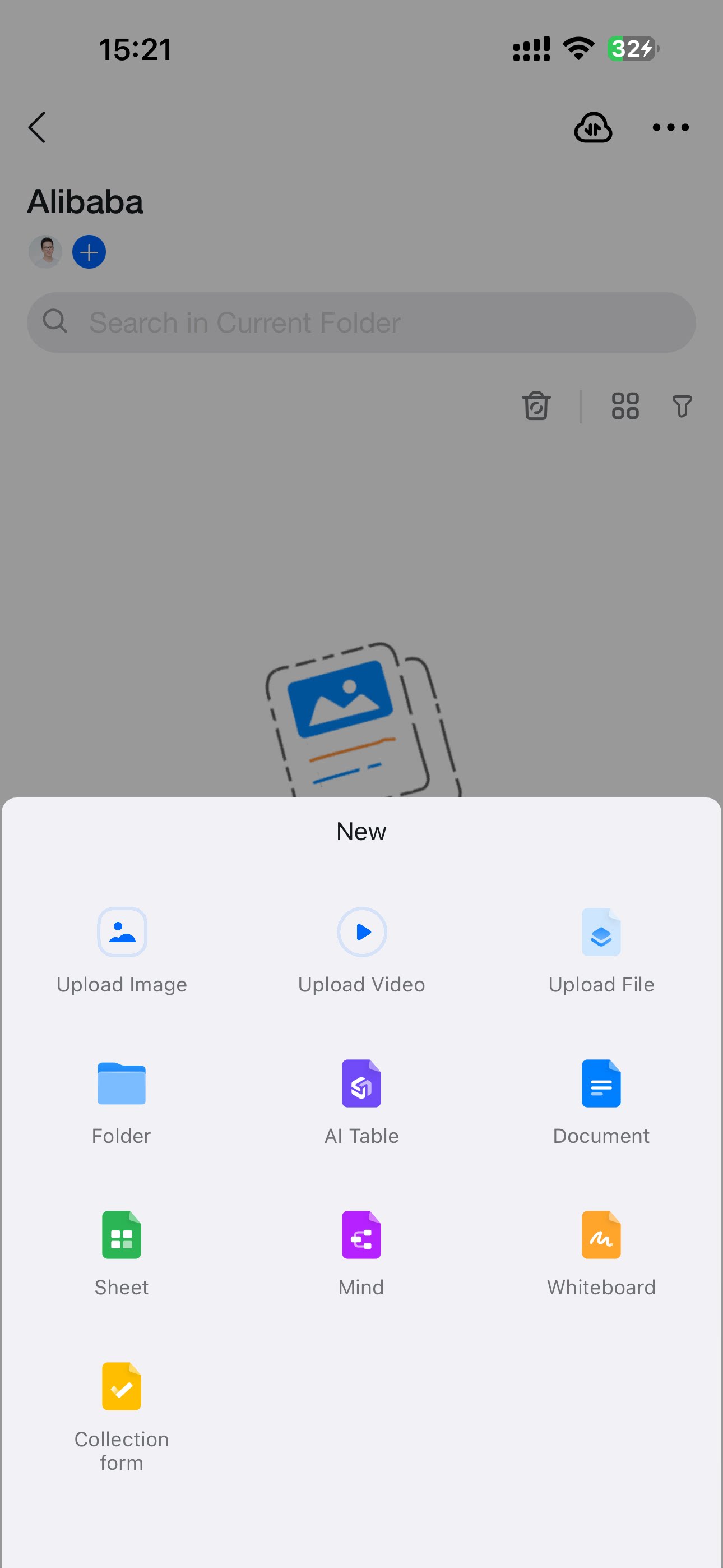
- On the DingTalk Drive home page, open Team Files. Create a folder first, then enter the folder to create file types, upload files, or upload folders.
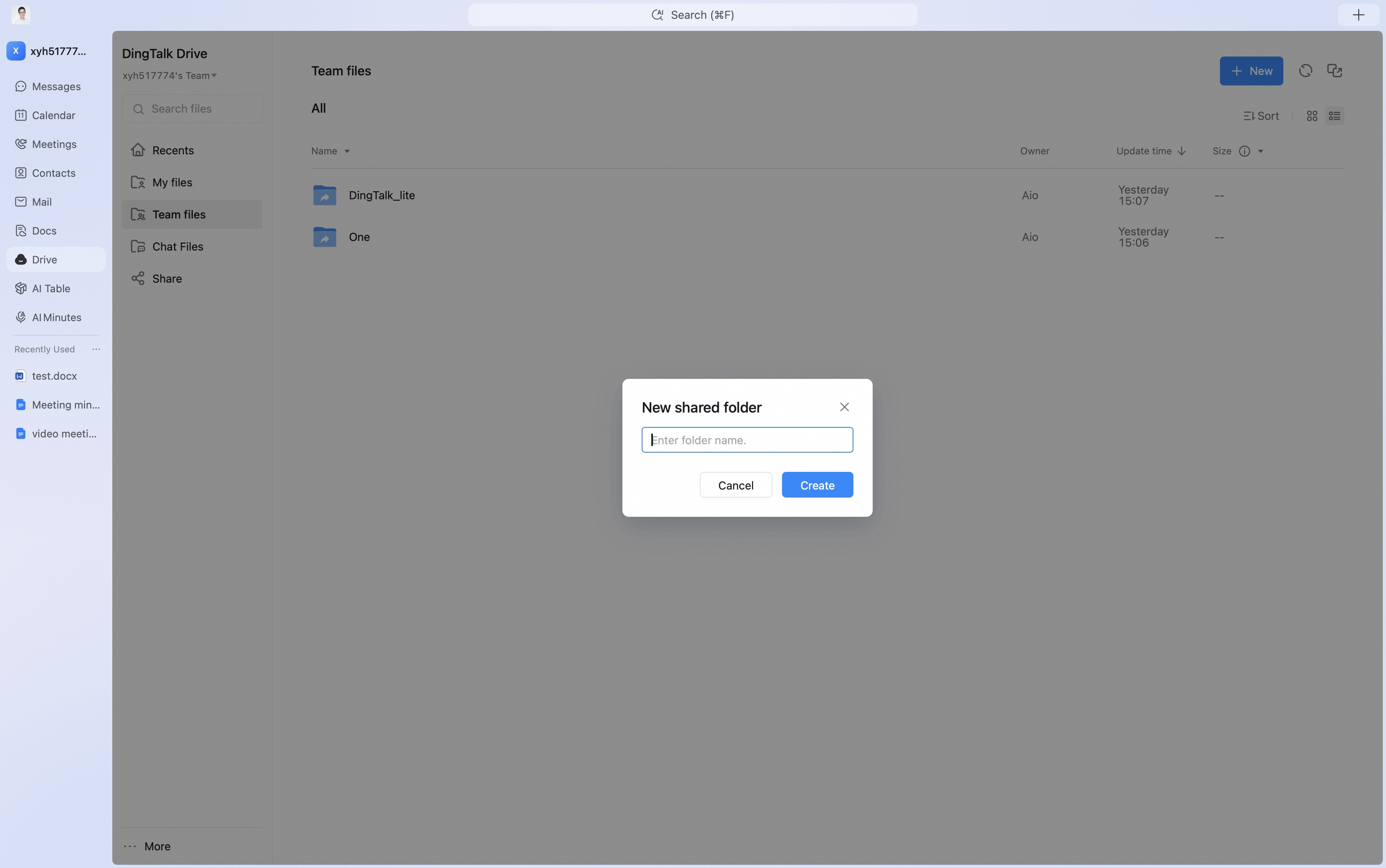
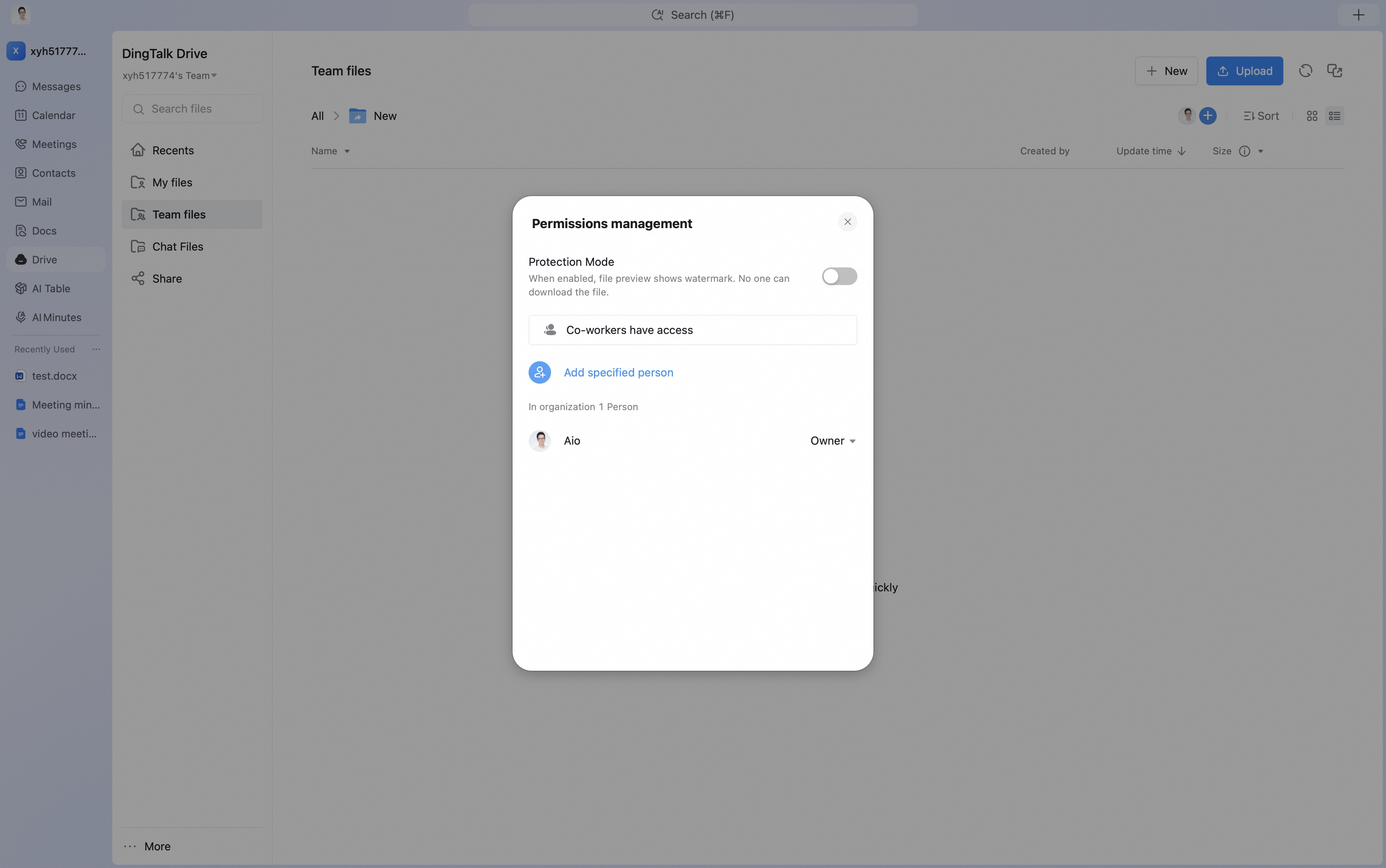
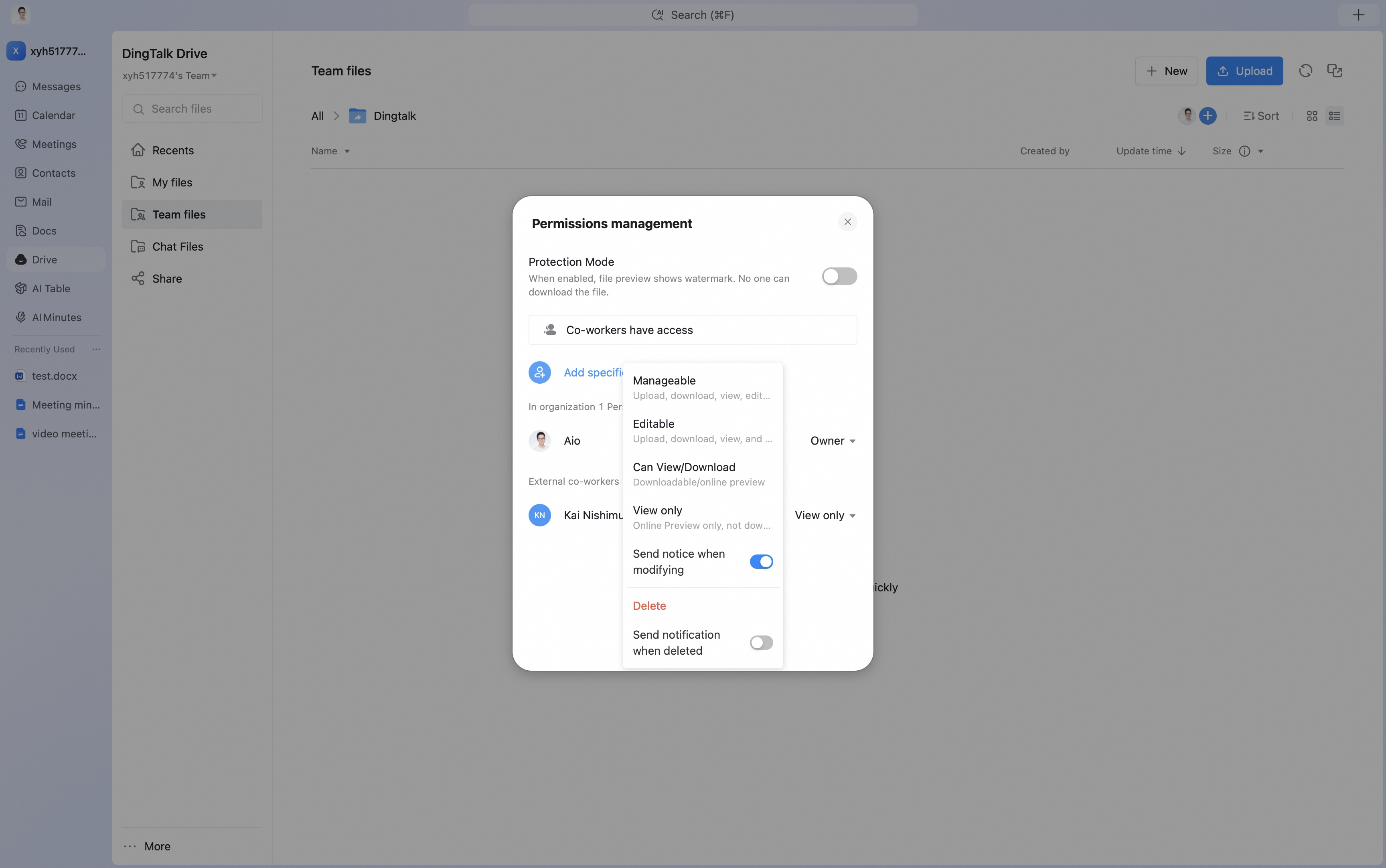
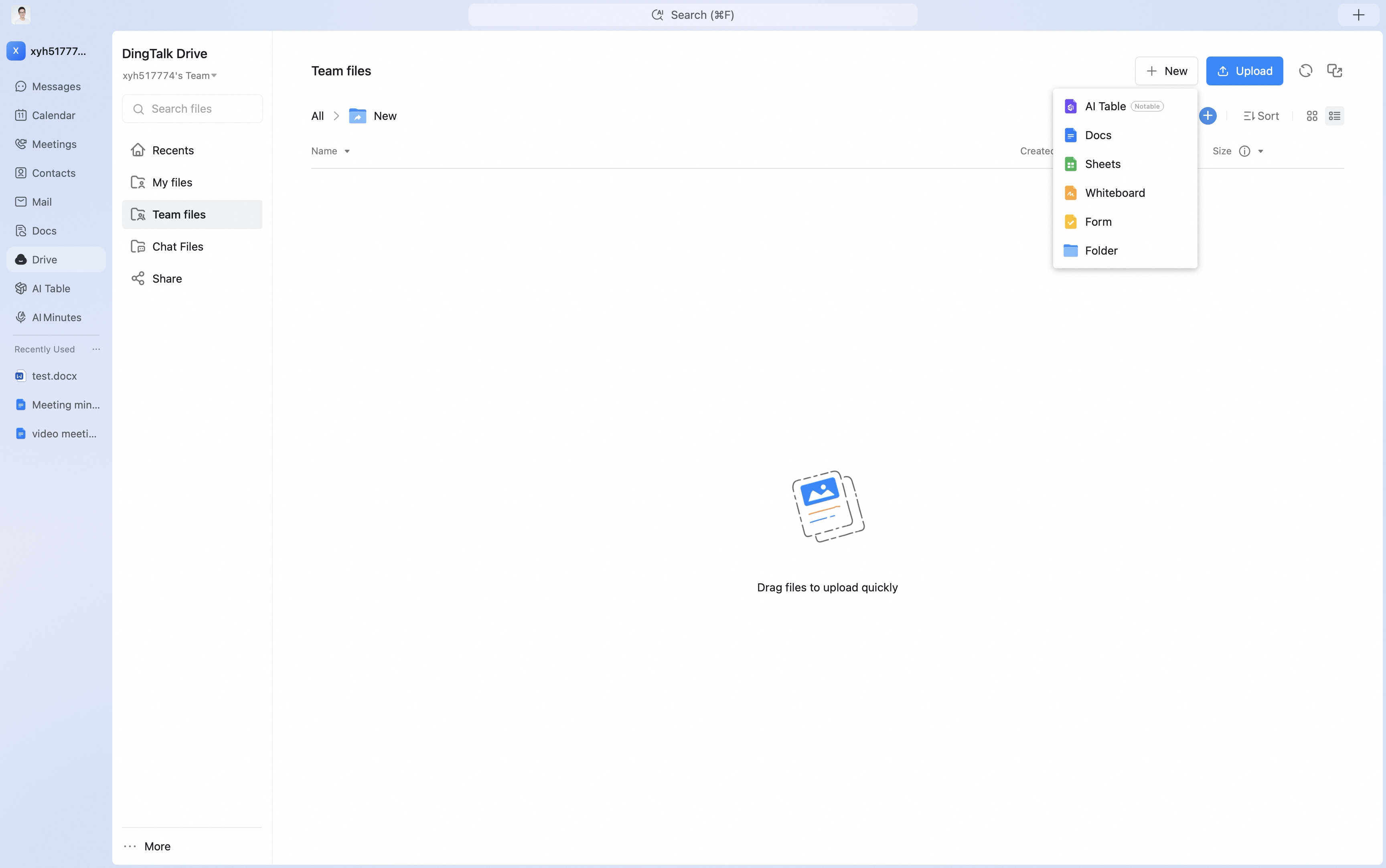 When creating a folder in Team Files, configure the corresponding permissions:
- Add specified people: Add members in the organization who can access the folder.
- Security configuration: Use file preview watermarks, anti-leakage protection, and flexible permission settings to reduce the risk of sensitive team information leakage and protect data security.
Mobile
Method 1
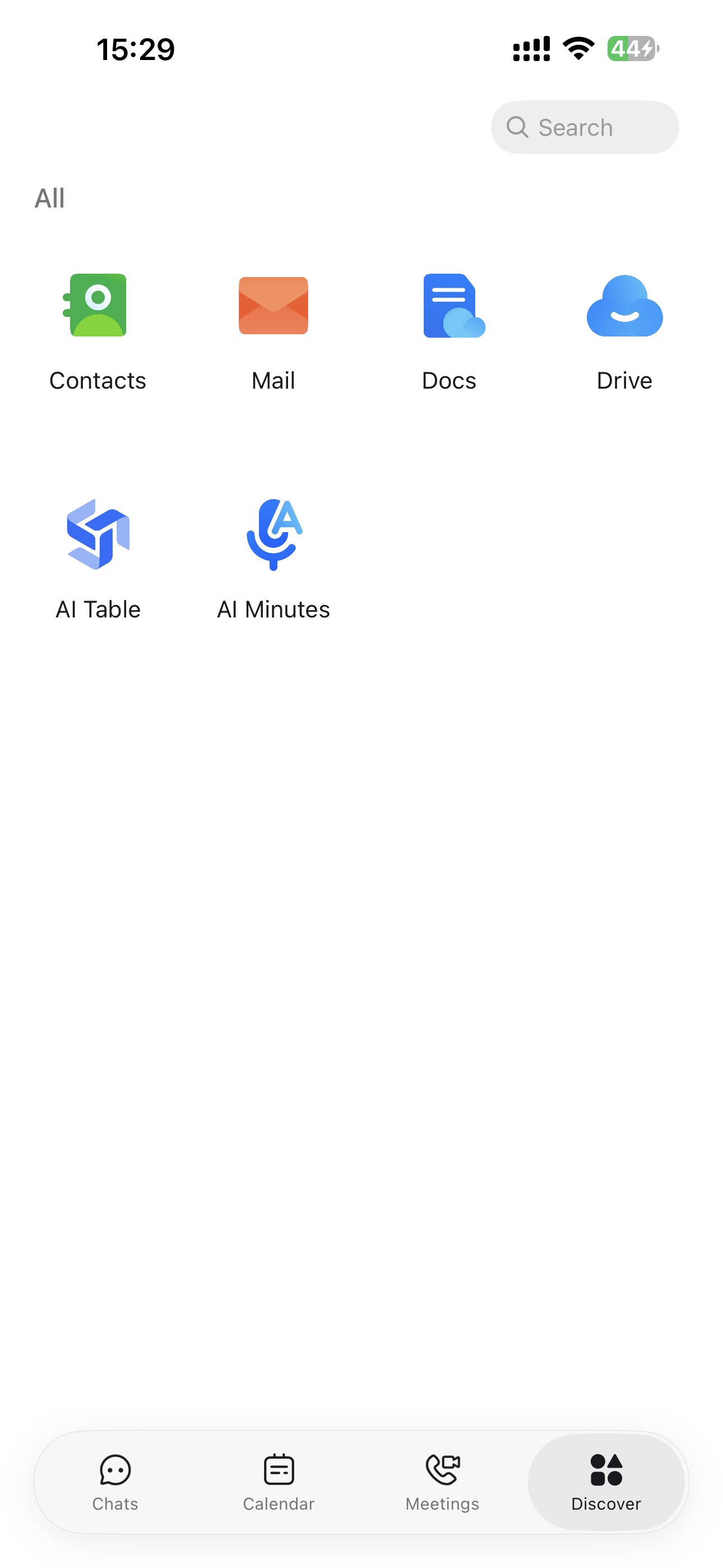
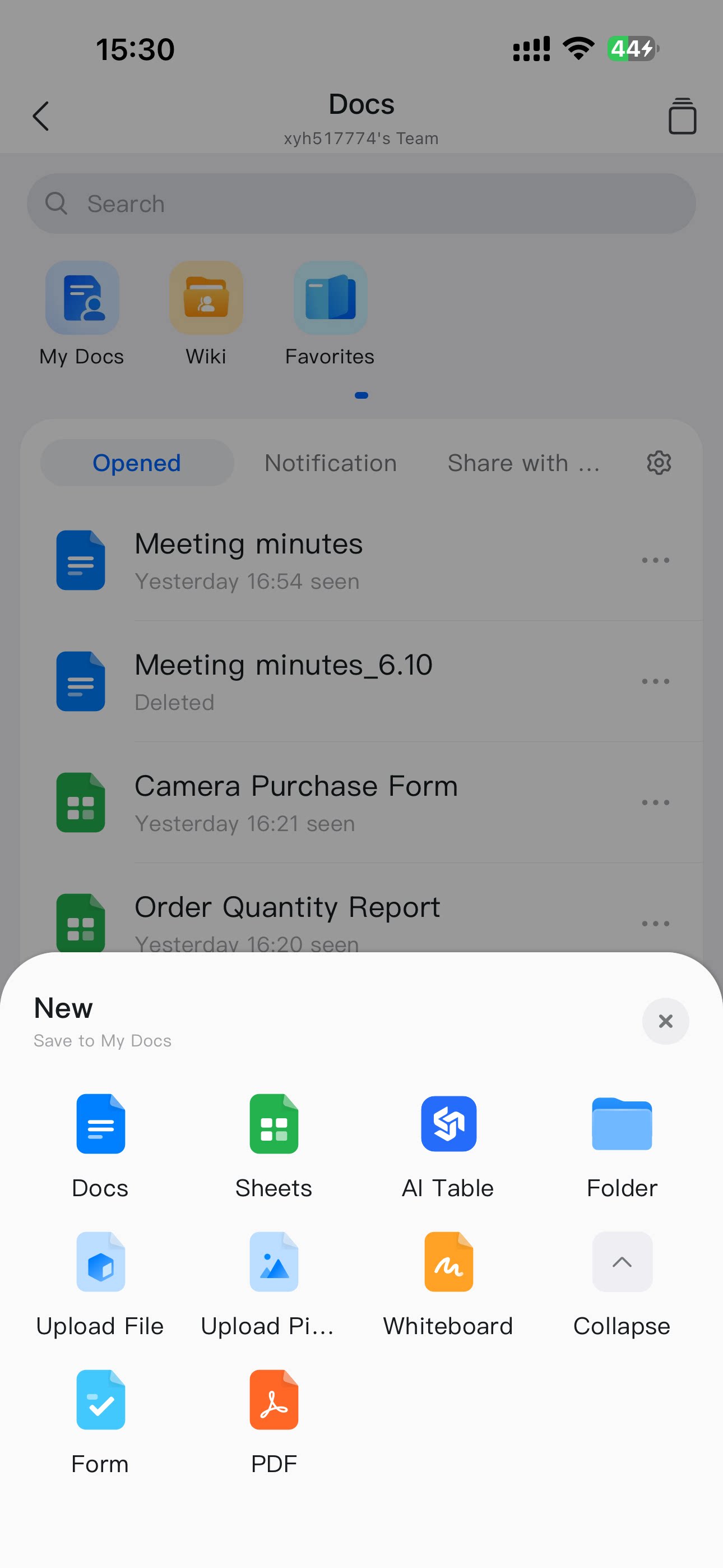
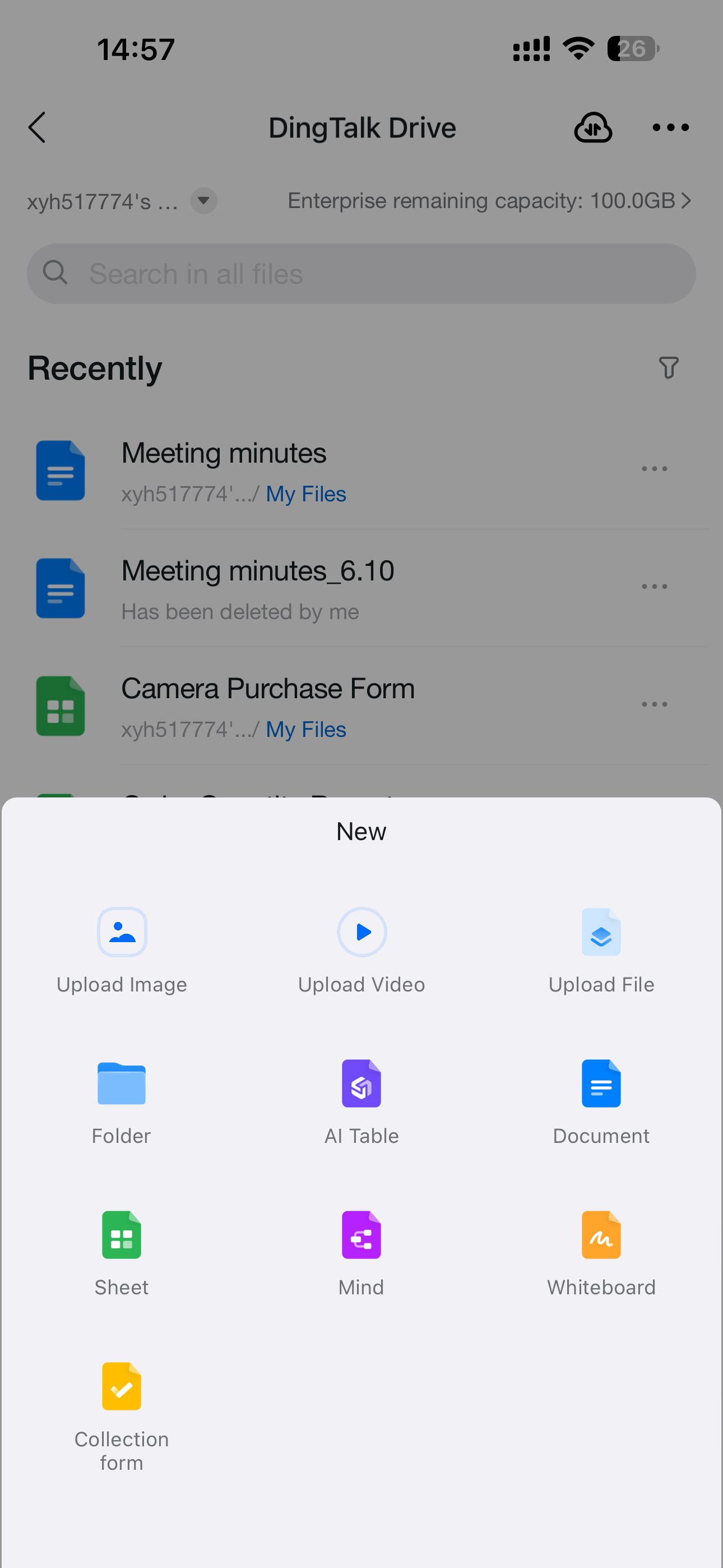
Open DingTalk, go to Workbench, and select DingTalk Drive. You can also search for the DingTalk Drive app in the DingTalk search box. As on desktop, you can open Recent or My Files and tap the + button in the lower-right corner to create folders, documents, sheets, collection forms, mind maps, whiteboards, and more.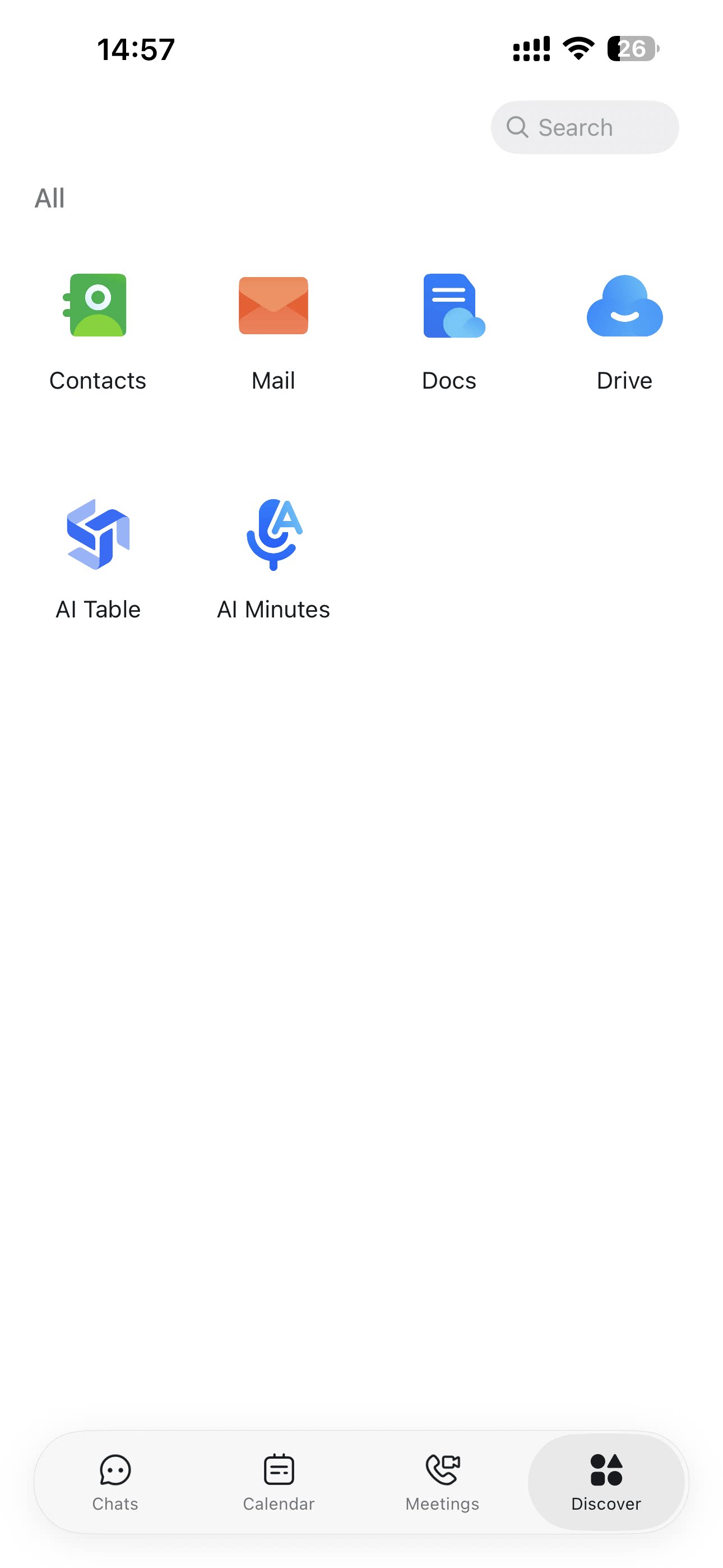
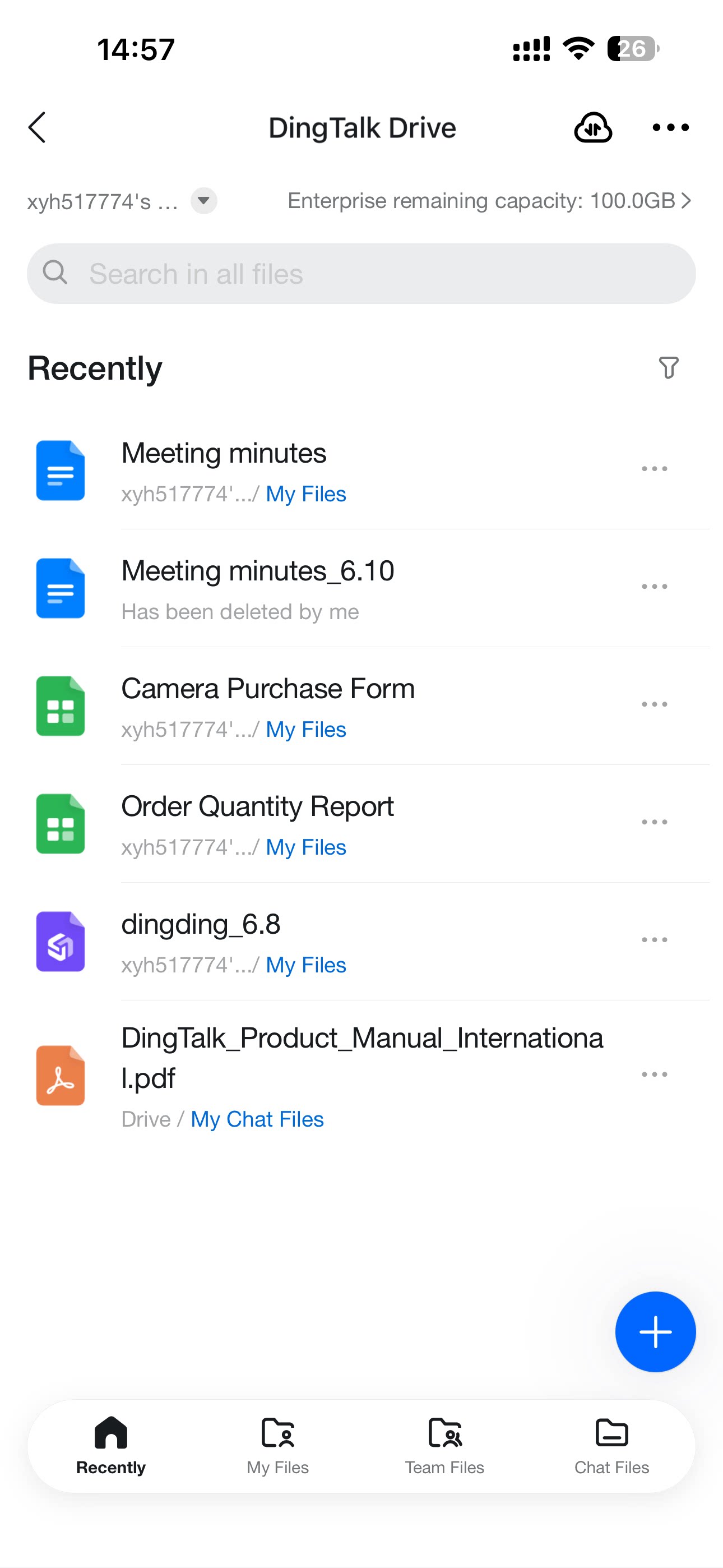

Method 2
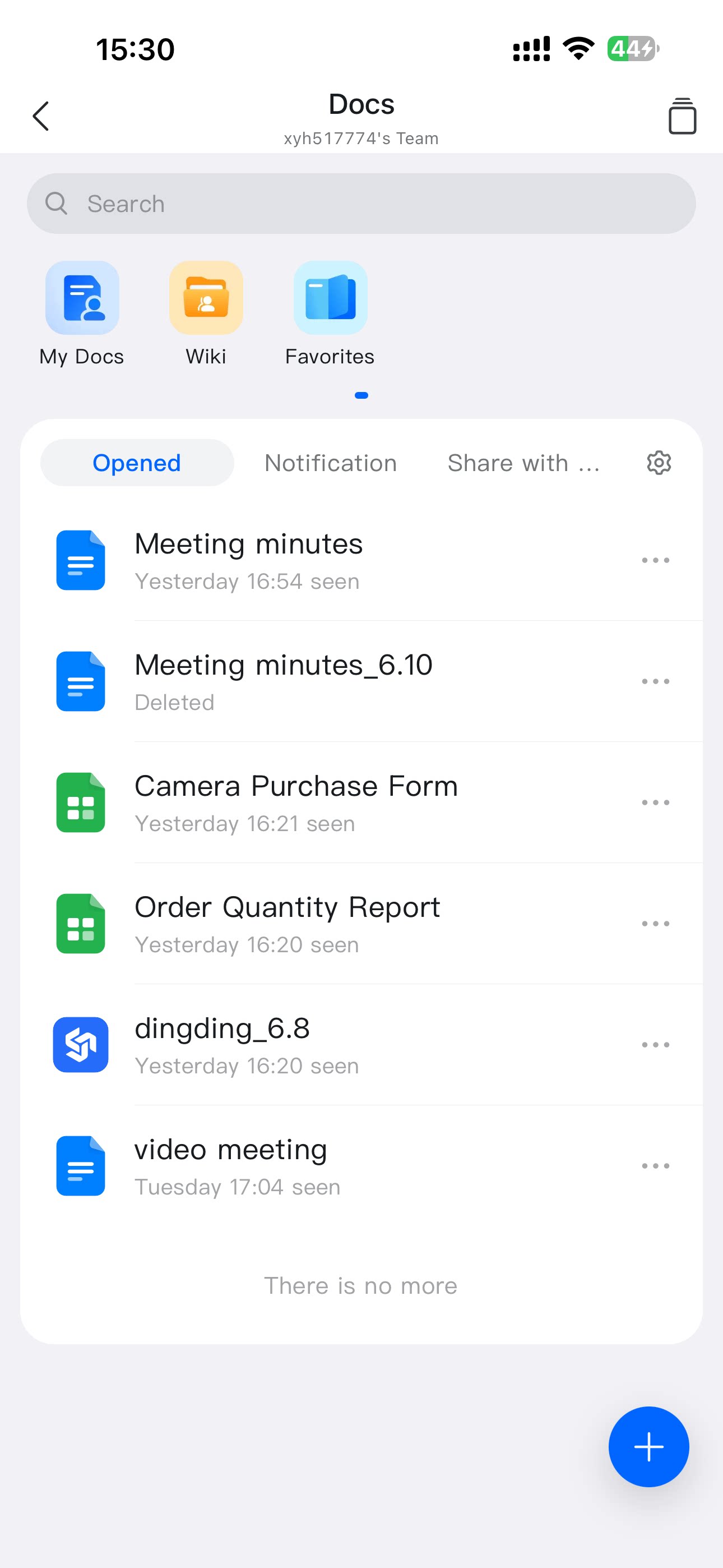
In DingTalk, go to More and select Docs. Under My Files (from DingTalk Drive), tap the + button in the lower-right corner to create folders, documents, sheets, collection forms, mind maps, whiteboards, and more.