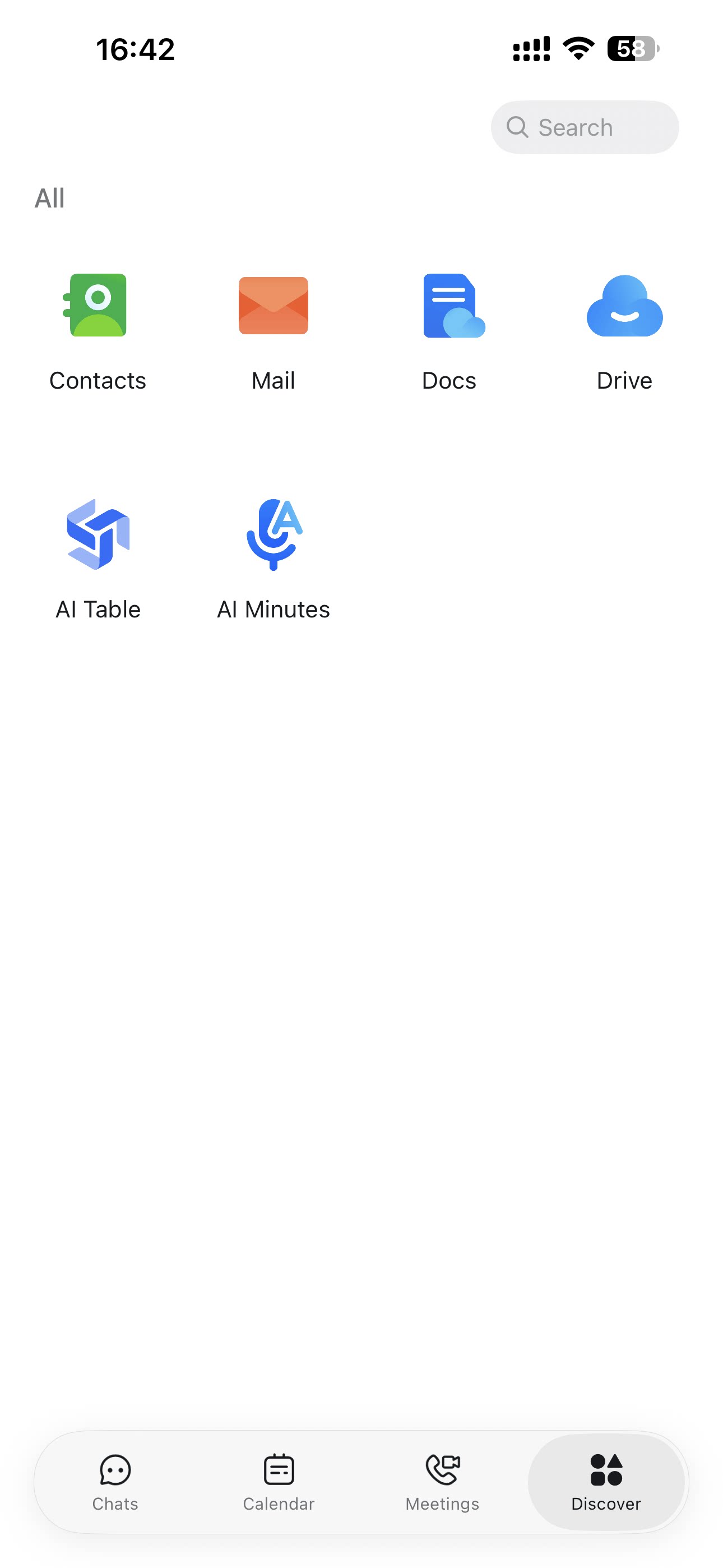
Chats
Chats Calendar
 Meetings
 Contacts
 Mail
Mail Docs
Docs Drive
Drive AI Table
 AI Minutes
 Attendance
 Approval
 YiDA
YiDA Admin Console
Desktop
Open the DingTalk Drive home page, select the target file, and click the online editing icon next to the file name. You can also click the file directly to start editing it online.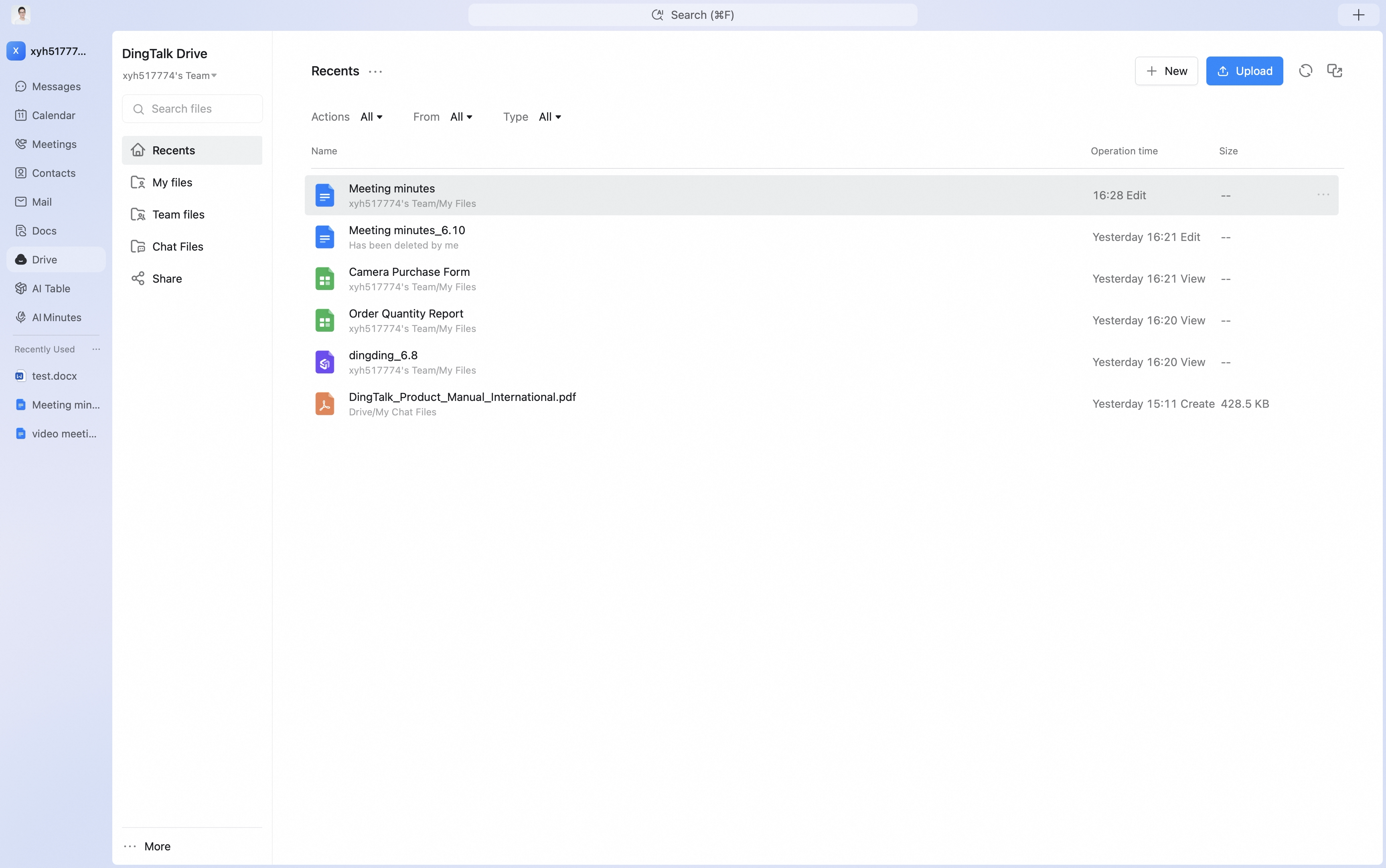
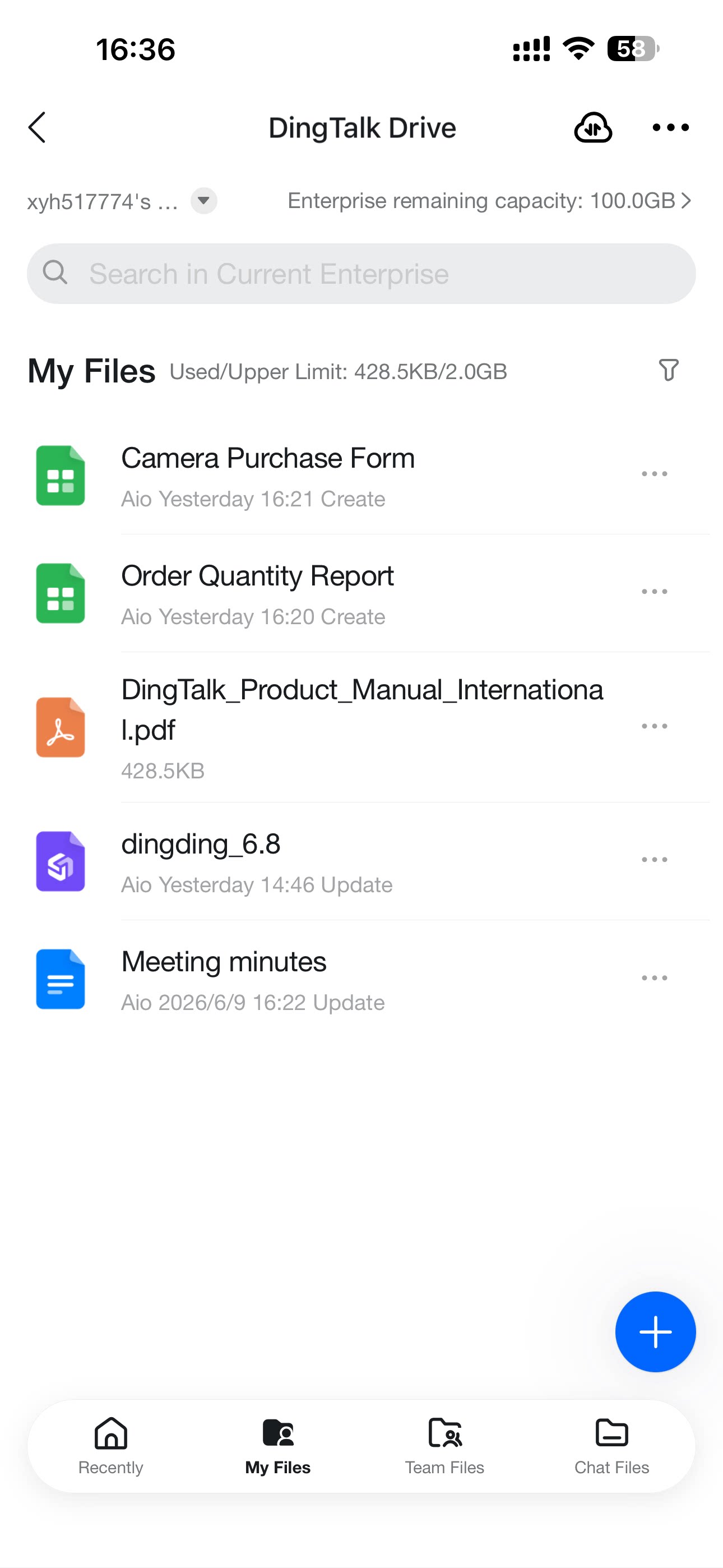
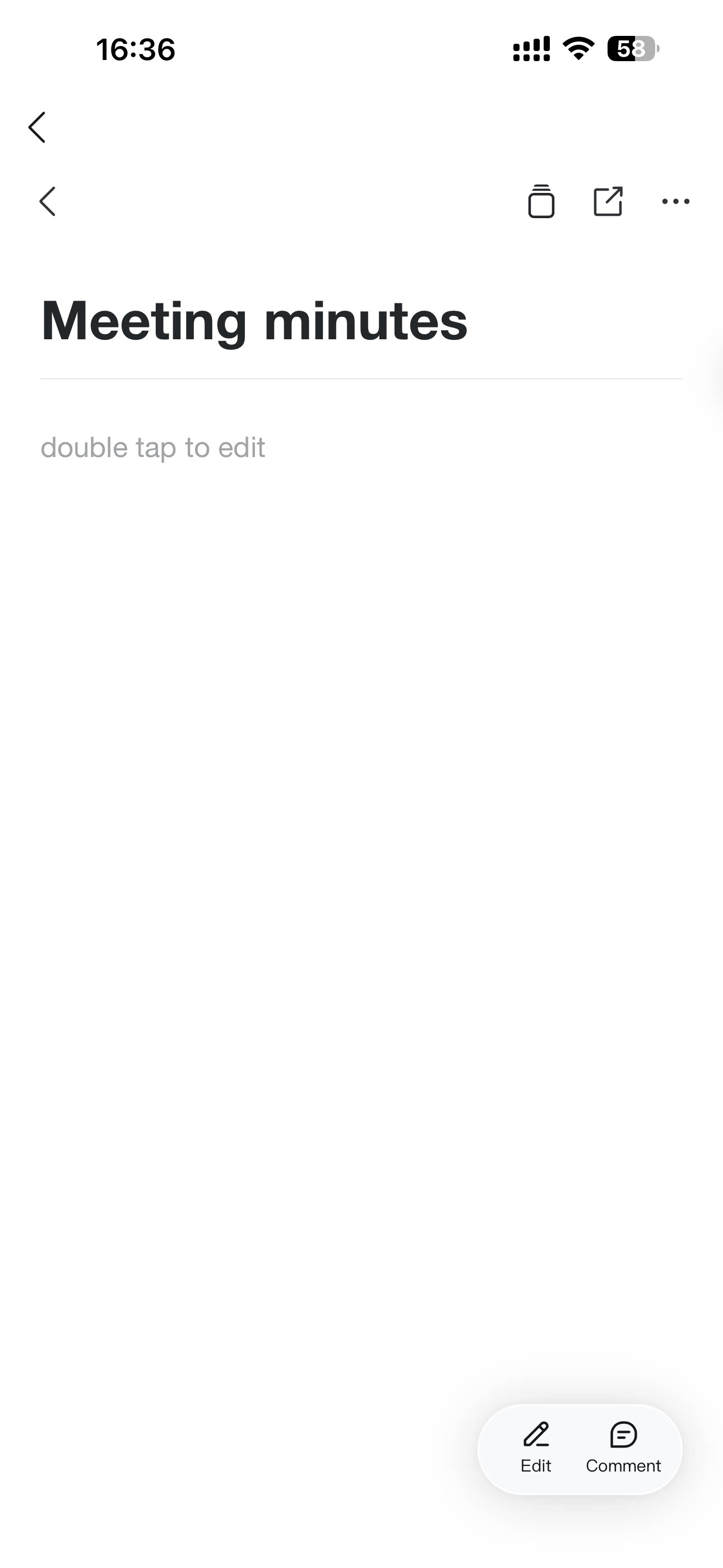
Mobile
Open DingTalk Drive and tap the target file to start editing it online.