

 Chats
Chats Calendar
 Meetings
 Contacts
 Mail
Mail Docs
Docs Drive
Drive AI Table
 AI Minutes
 Attendance
 Approval
 YiDA
YiDA Admin Console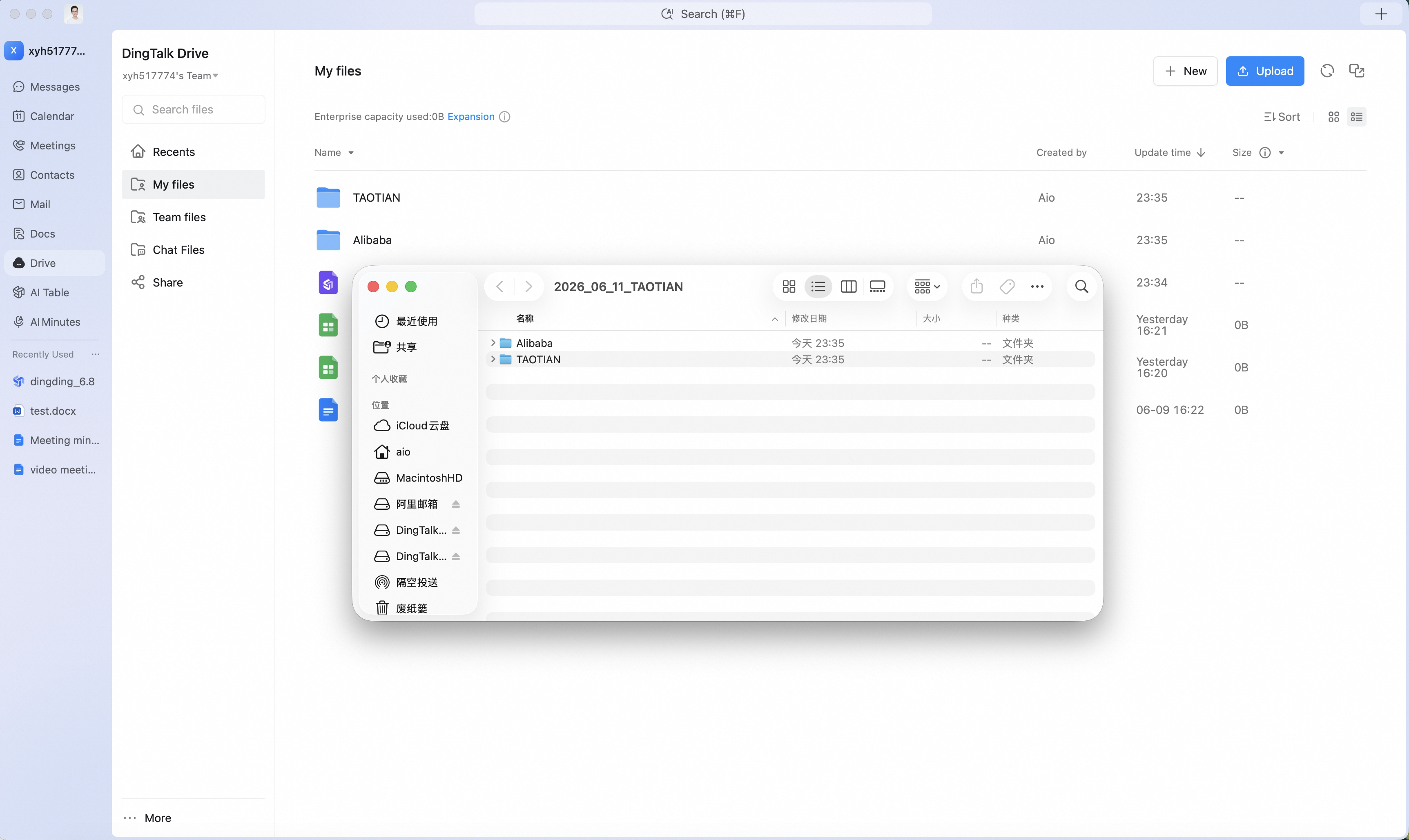
Employee User Guide
How to Quickly Find the Target Folder
Batch-download multiple files from DingTalk Drive or a group file list — a local folder is auto-generated and named with the download date and the first file’s name, making the target easy to locate.
In the DingTalk Drive file list or group file list, select multiple files and click Download. A local folder is generated automatically, named with the download date and the name of the first file.