How to Configure Capacity Management by Role in DingTalk Drive
Open the Enterprise Admin Console, find DingTalk Drive via Workbench or search, and configure capacity quotas by role so different employee roles each receive the appropriate storage allocation.
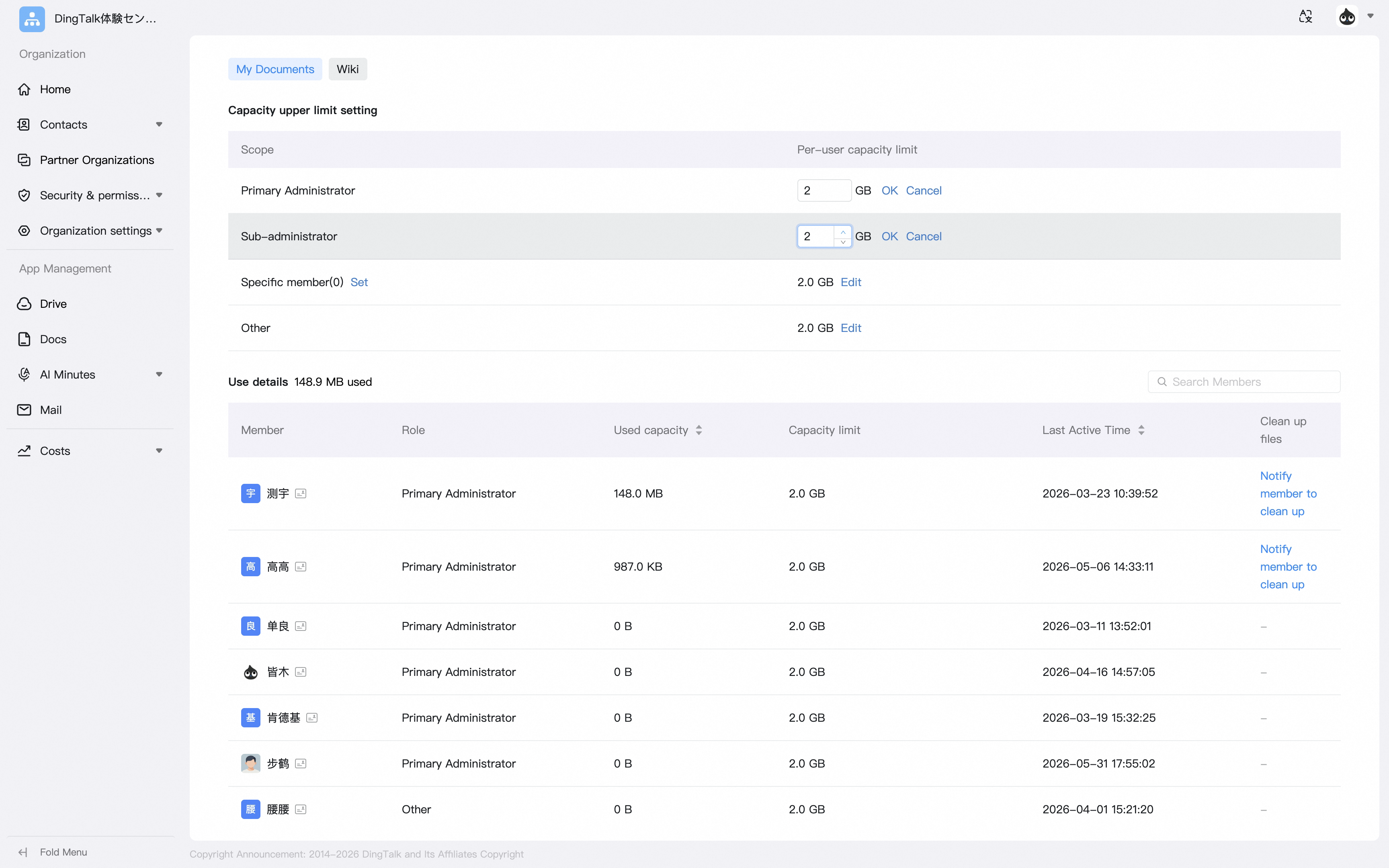
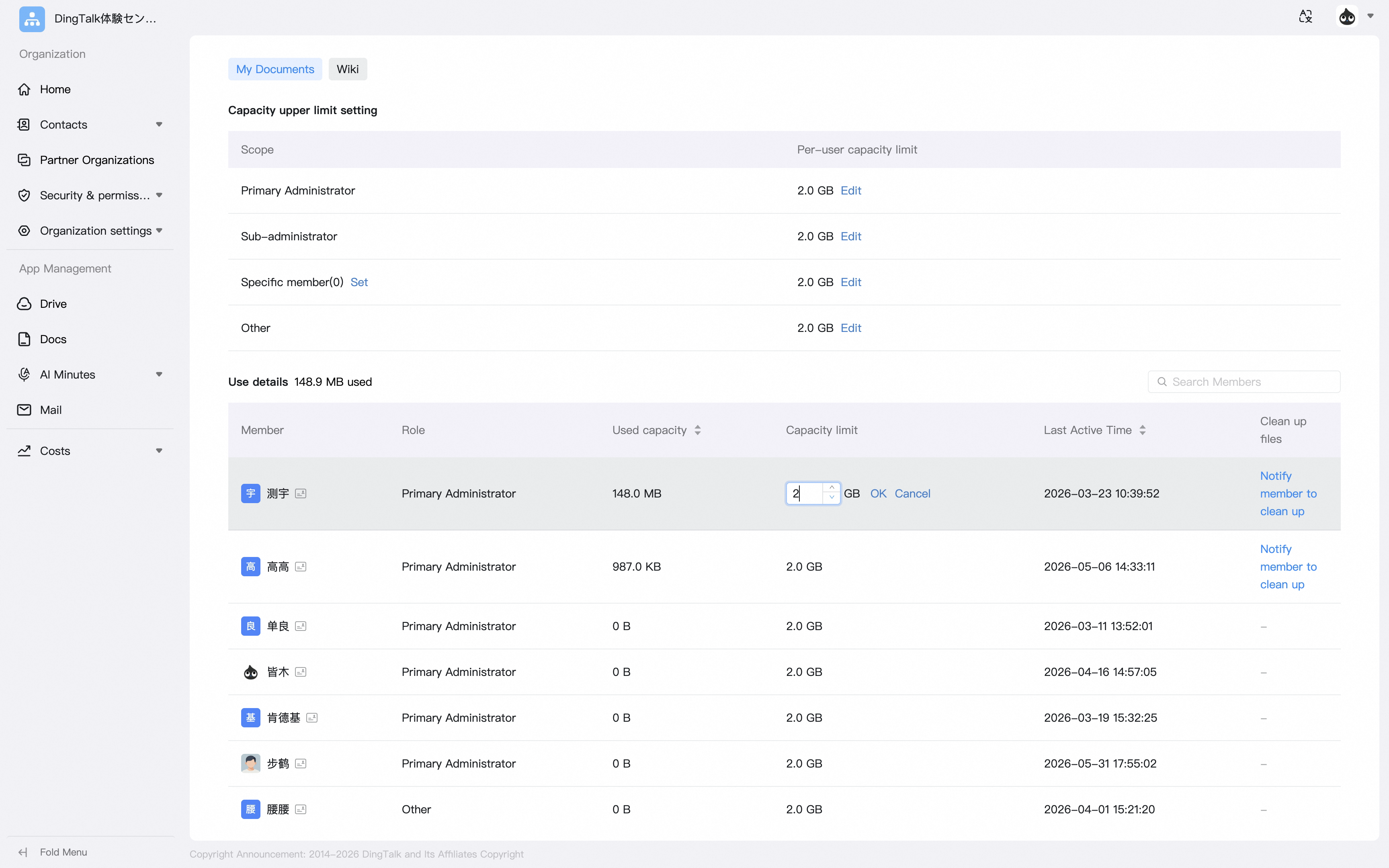
Open the Enterprise Admin Console. In Workbench or through search, find DingTalk Drive and open the DingTalk Drive capacity management page.On the My Files page, you can configure whether roles such as enterprise administrators, cloud drive administrators, and specified people are allowed to use My Files. You can also set capacity limits for those roles.


 Chats
Chats Calendar
 Meetings
 Contacts
 Mail
Mail Docs
Docs Drive
Drive AI Table
 AI Minutes
 Attendance
 Approval
 YiDA
YiDA Admin Console