Chats
Chats Calendar
 Meetings
 Contacts
 Mail
Mail Docs
Docs Drive
Drive AI Table
 AI Minutes
 Attendance
 Approval
 YiDA
YiDA Admin Console
Explanation of Several ID Types
| Name | Meaning | Screenshot | Visibility |
|---|---|---|---|
| Emp ID | When adding an employee, the administrator can manually set a Emp ID; The Emp ID serves as the employee’s unique identifier within the enterprise and cannot be modified once generated. If an employee leaves the enterprise and later rejoins, the Emp ID value may change. | 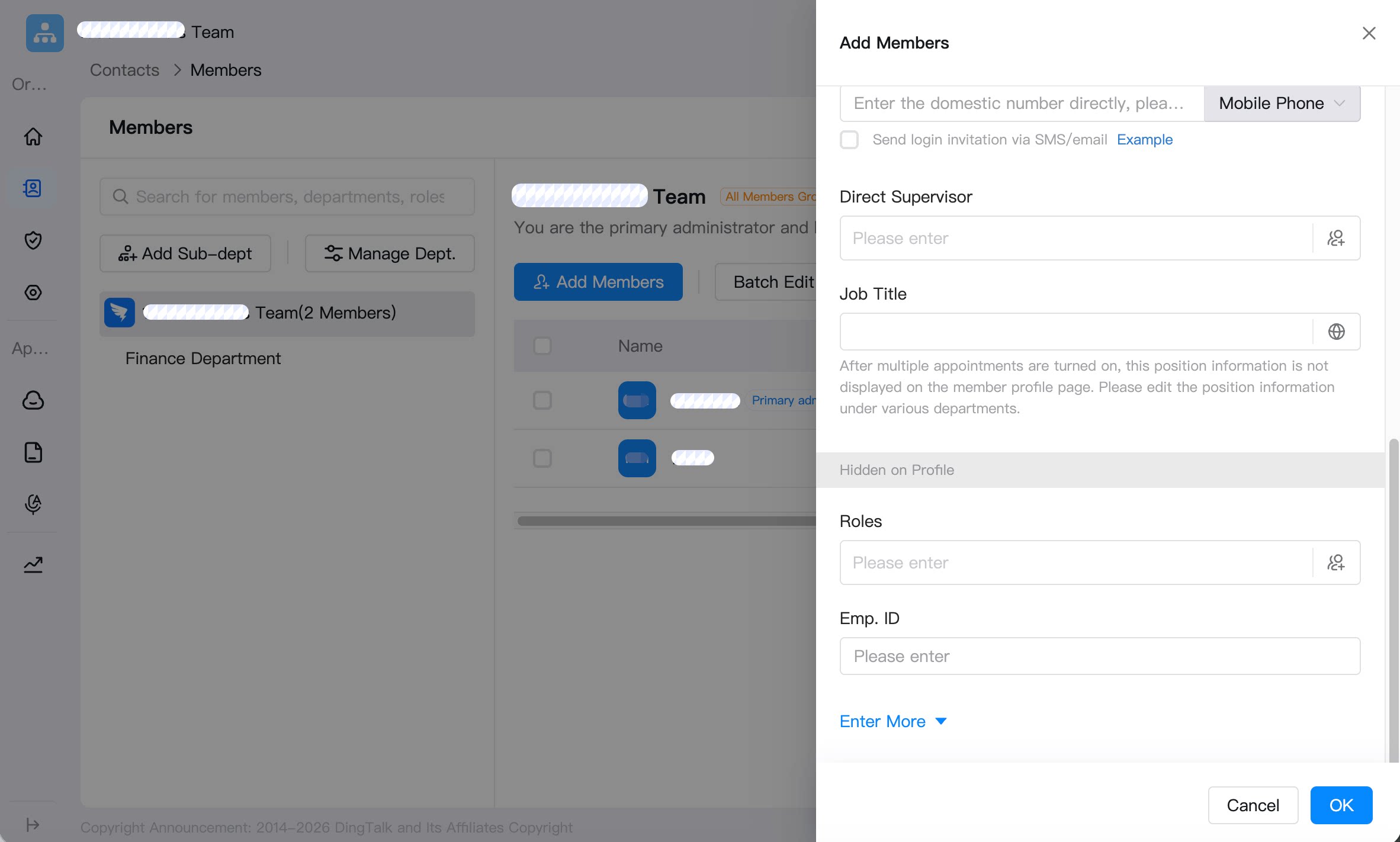 | Visible in Admin Console |
| jobtitle | Editable employee code for internal organizational display. | 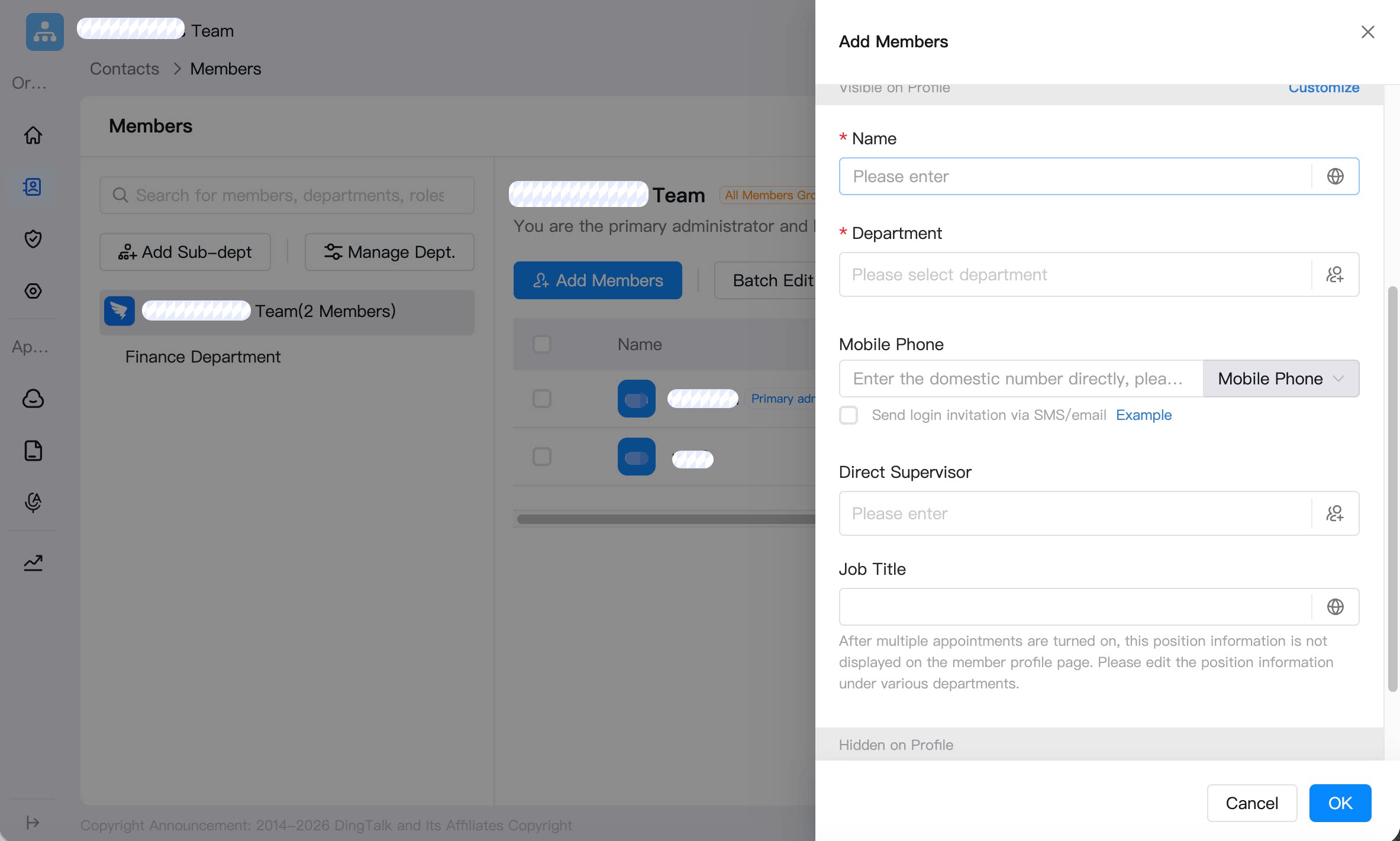 | Visible to Employees |
Create, View, Update, and Delete Employee Information
Go to Admin Console > Contacts > Member Management > Edit Employee. You can set information such as name, department, direct supervisor, position, email, role, employee ID, office location, entry date, work information, and role attendance group. You can enable Executive Mode. If enabled, the mobile number is hidden from all employees. You can also enable Number Hidden, which hides the mobile number on the profile page, and Dedicated External Position, which displays a dedicated external position.