Chats
Chats Calendar
 Meetings
 Contacts
 Mail
Mail Docs
Docs Drive
Drive AI Table
 AI Minutes
 Attendance
 Approval
 YiDA
YiDA Admin Console
1. Role overview
In DingTalk OA Approval, non-admin users such as supervisors and specialists who can manage data are called data managers.A data manager’s action permissions: view, export, and delete data within the permission scope.Data managers can perform data management actions in OA Approval > Data Center and OA Approval > Form > History.Note: The management scope and action permissions of a data manager are configured by the approval admin in the form.
2. Prerequisites
By default, data permissions in an approval app only allow users to “view” the approval forms they “initiated or participated in”. To grant a broader data scope and more action permissions, the admin must create a permission group in the form. Go to Form > Edit > Advanced settings > Manage permissions, click Add permission group, and set the Management scope and Action permissions.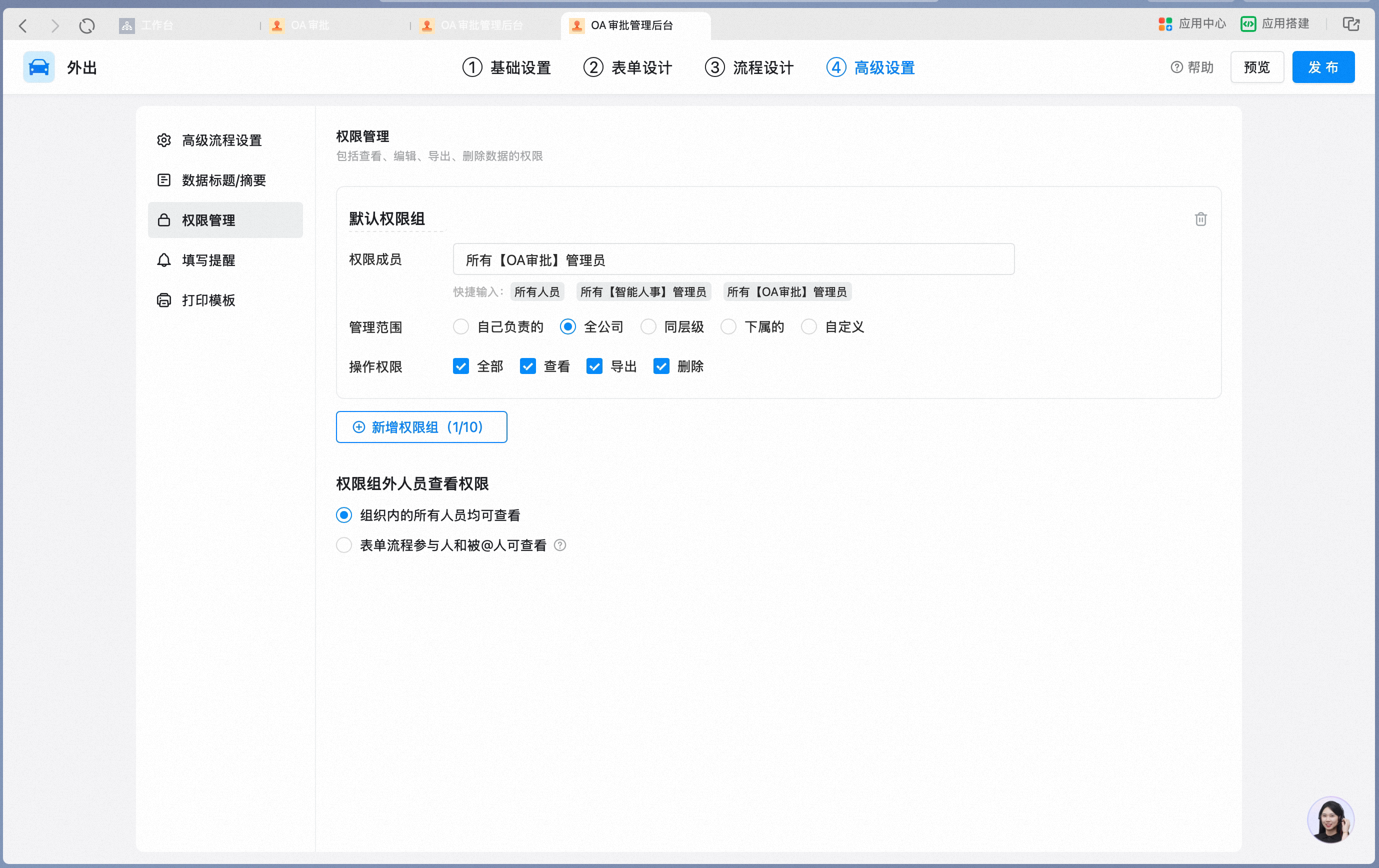
Action permissions
3. Core actions of a data manager
1. View data
To view all form data, go to OA Approval > Data management.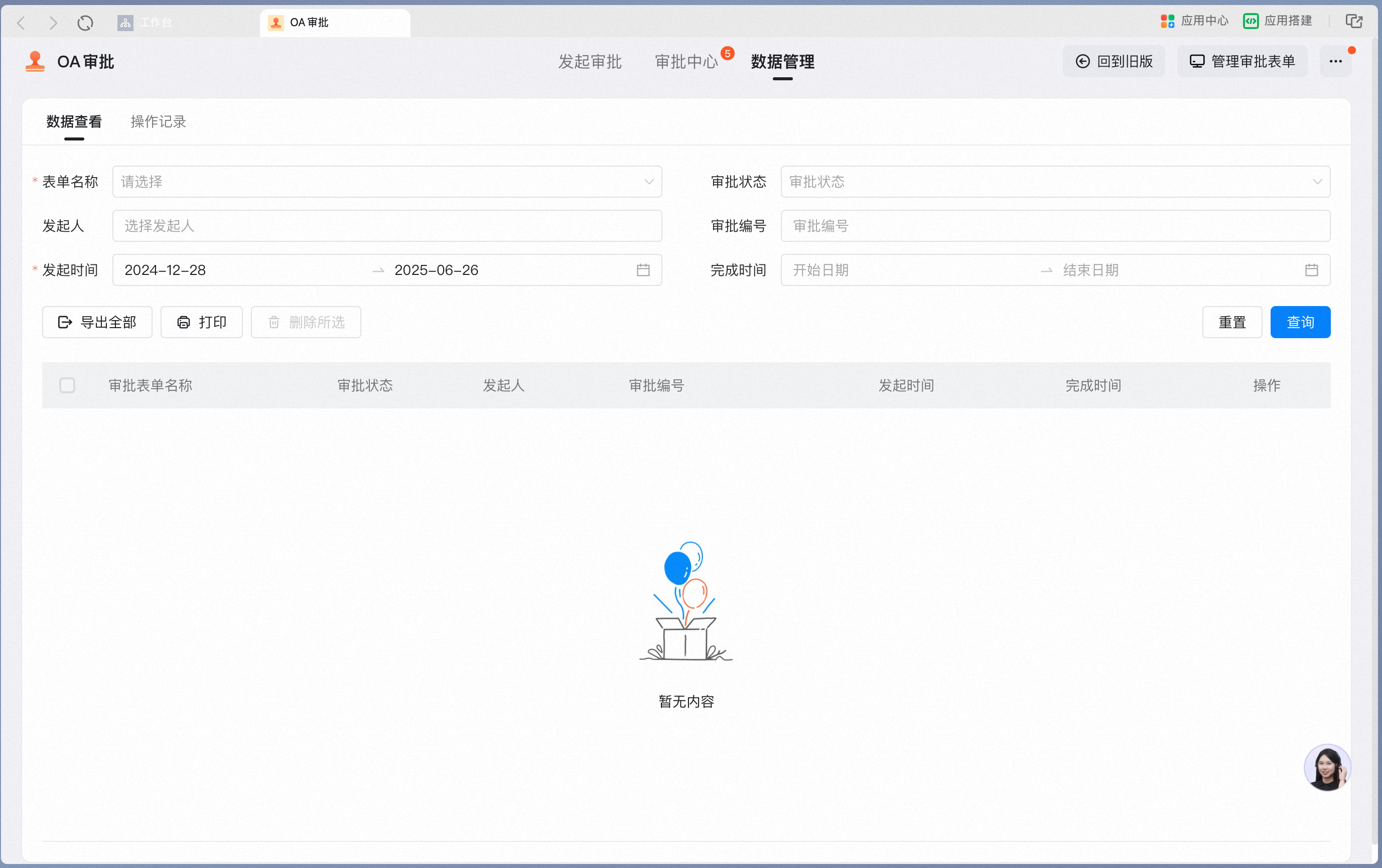
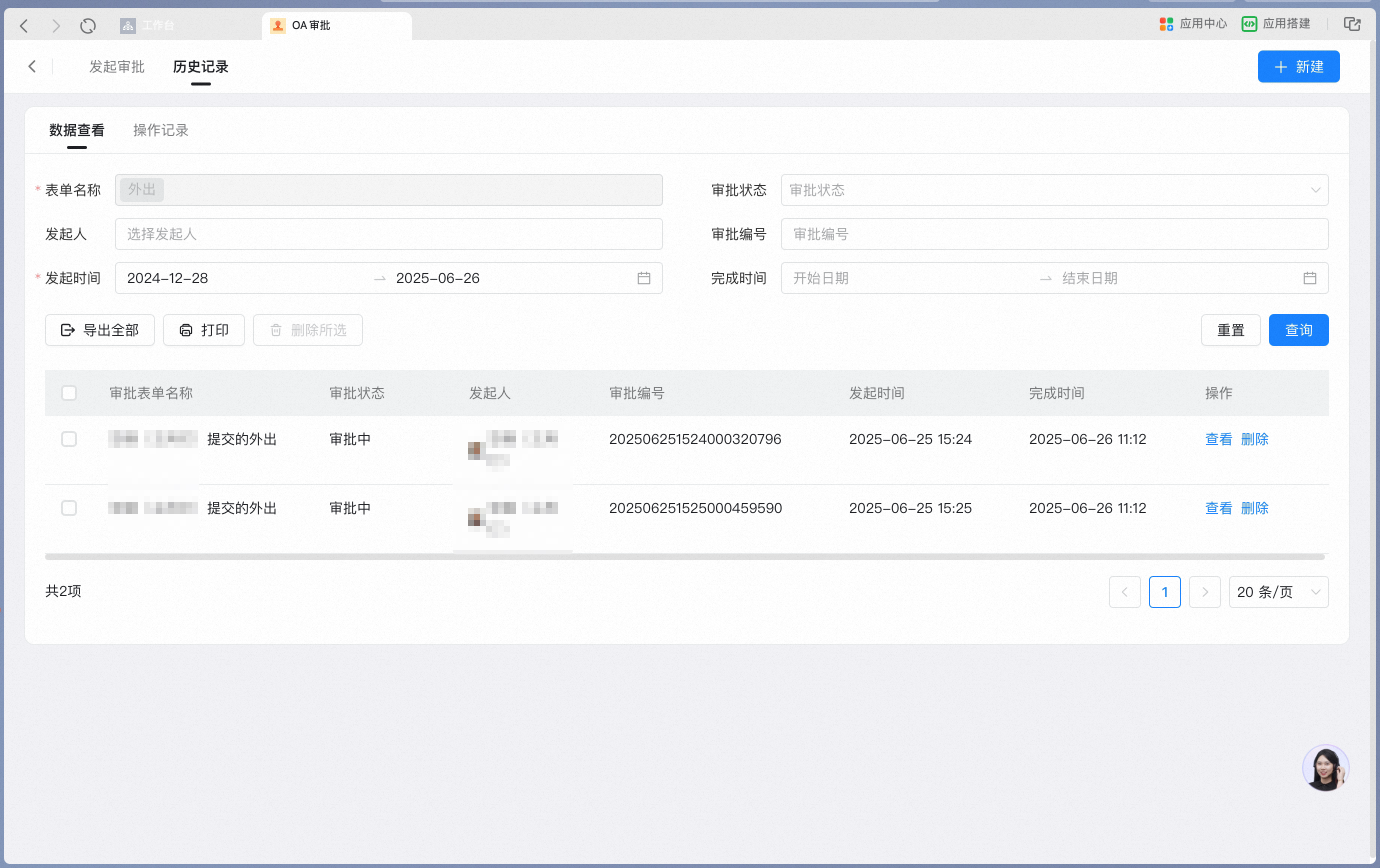
2. Query and export data
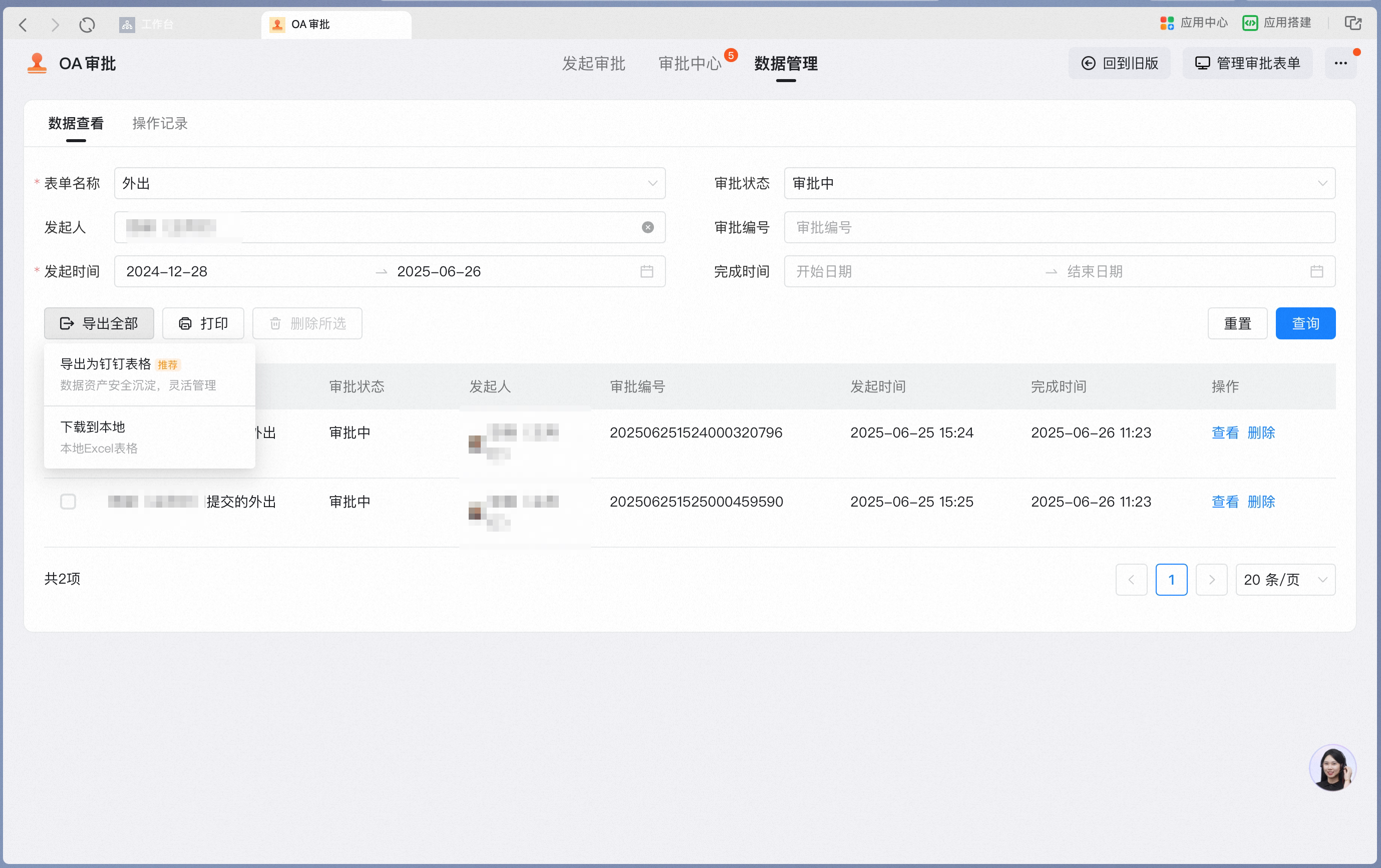
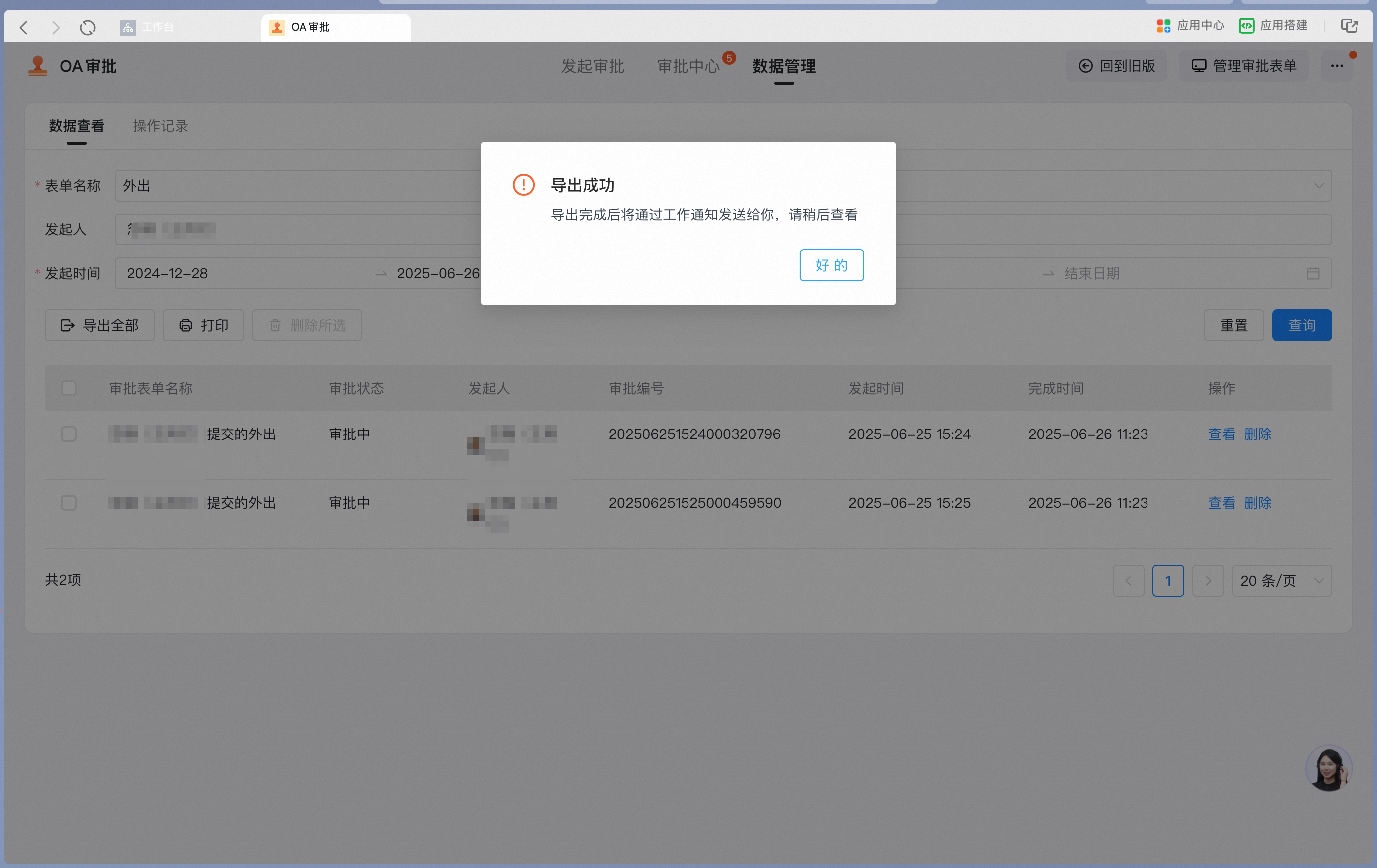
You can query data by form name, approval status, initiator, approval number, submission time, and completion time. The maximum time span is six months.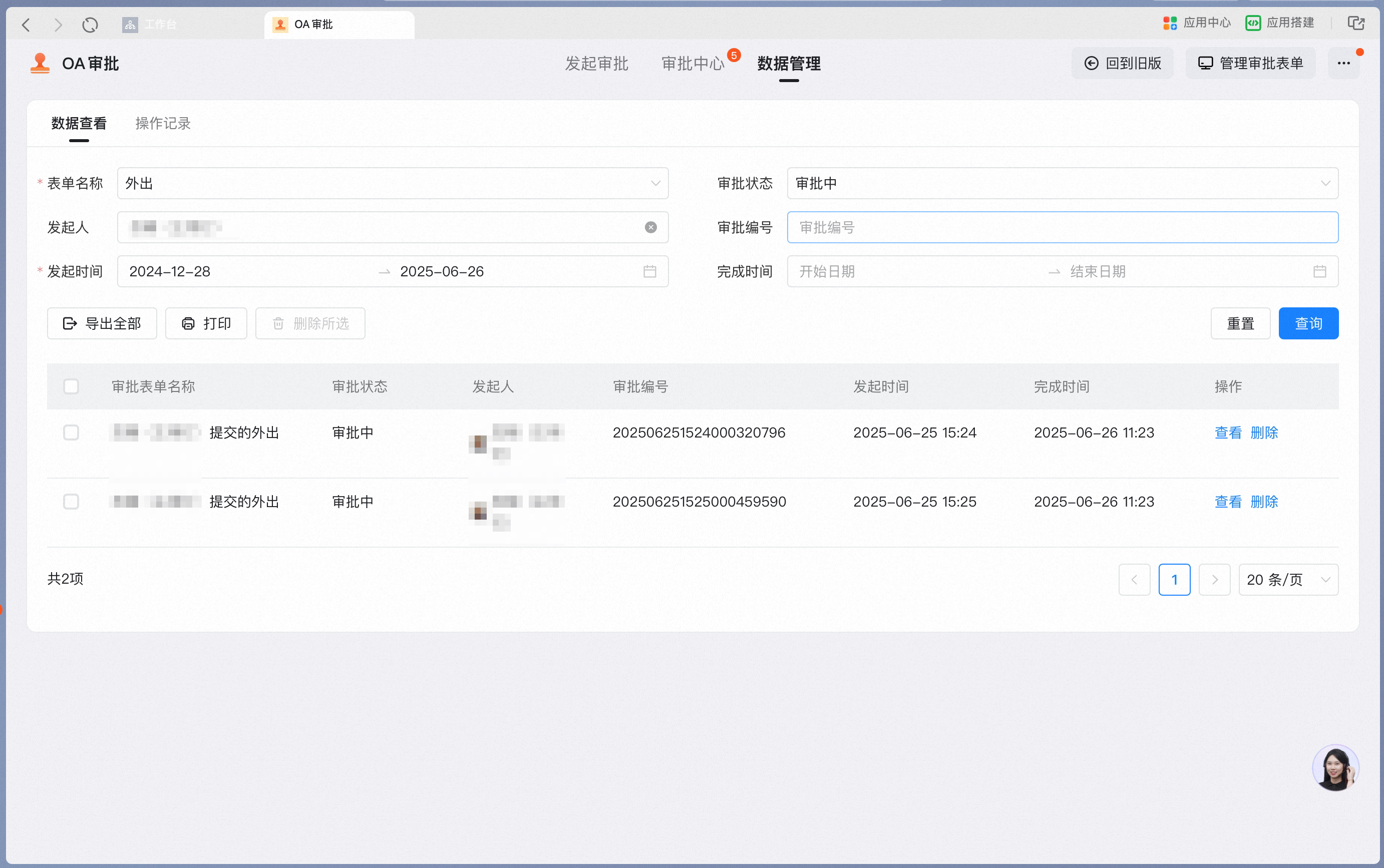
3. Delete data
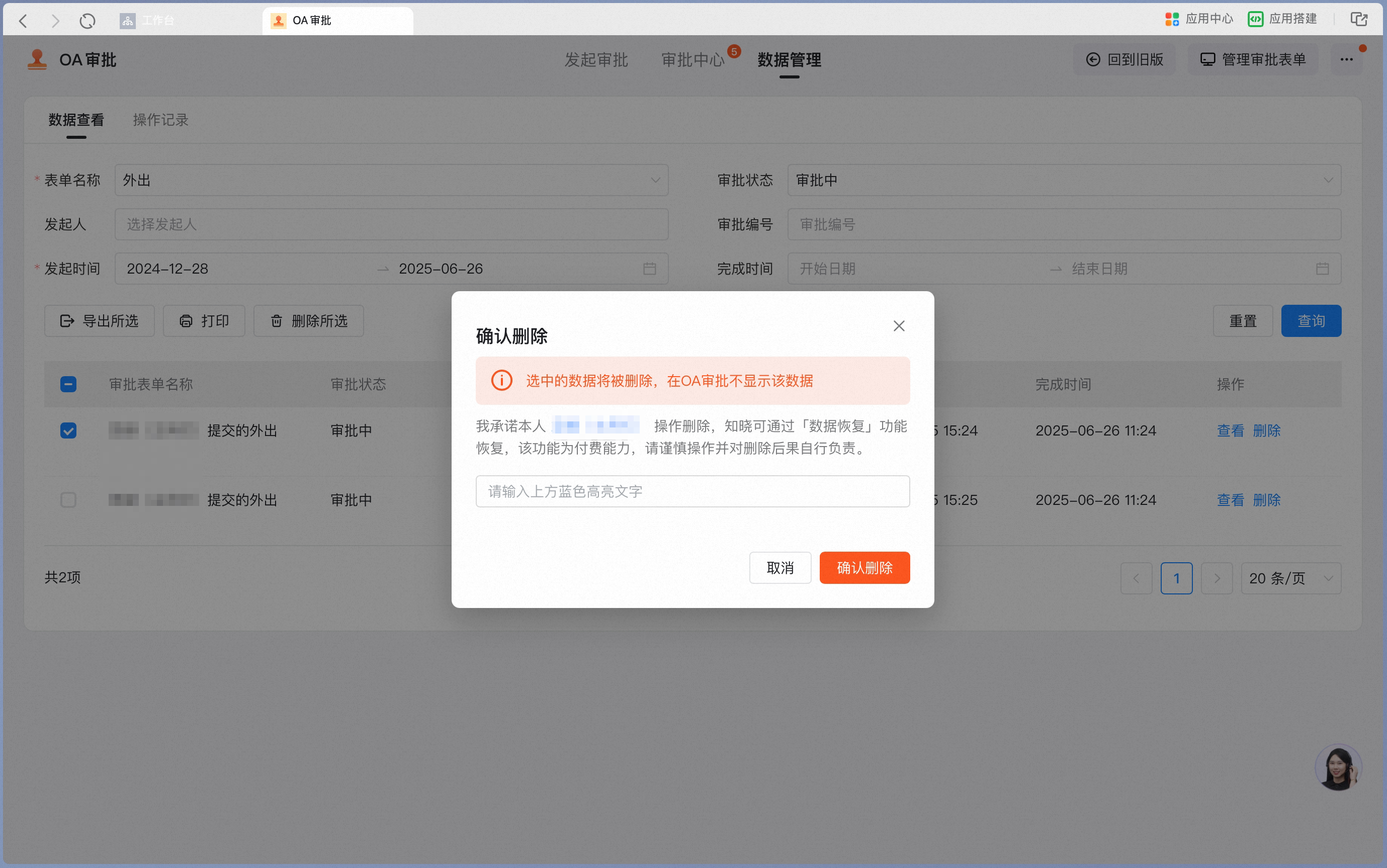
After filtering or querying, you can select all records to delete, or select specific records and click Delete selected.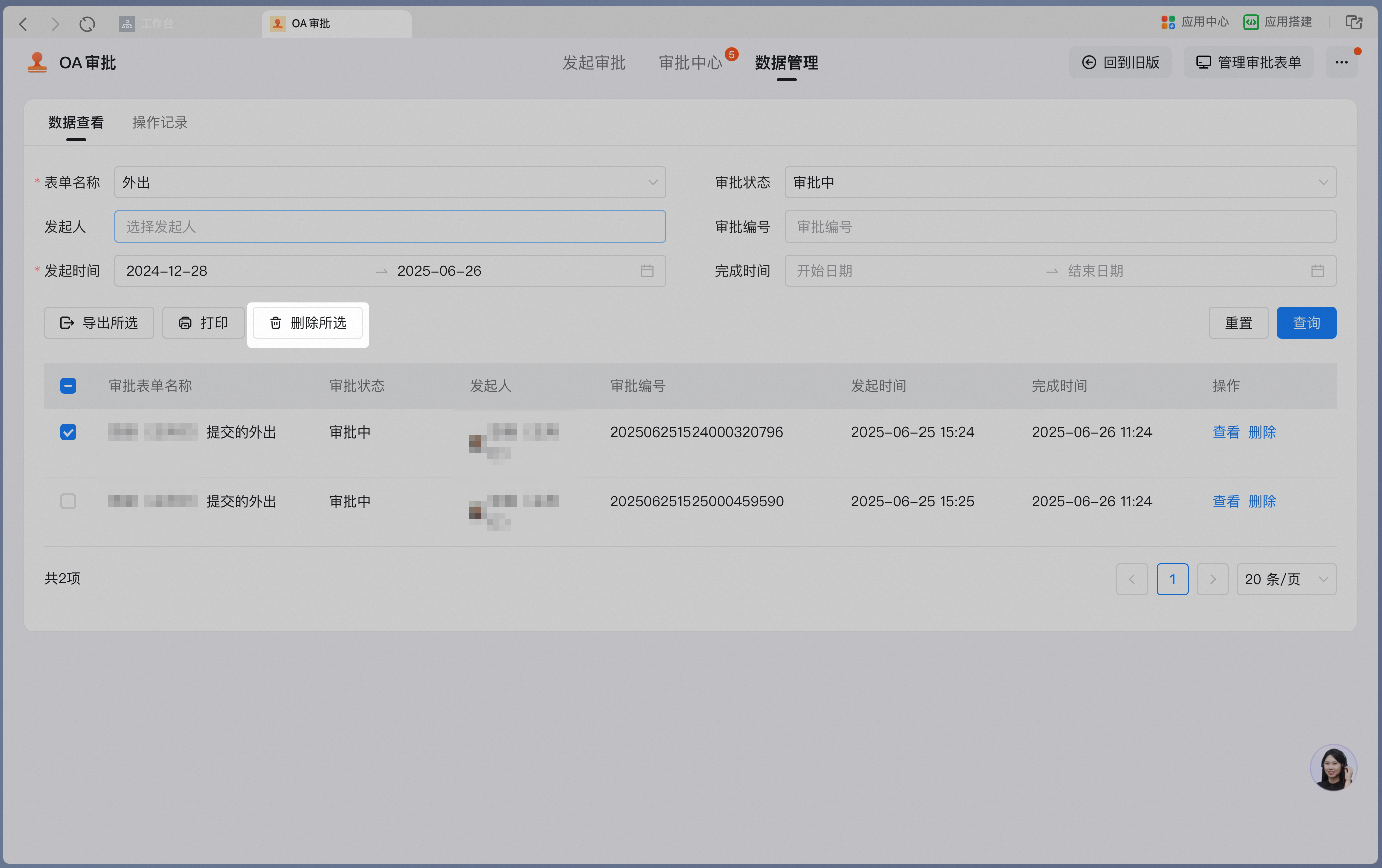
4. Download
Click View to open the form details, then click Download in the upper-right corner to save the current form as a PDF for archiving. You can also print it directly via cloud printing.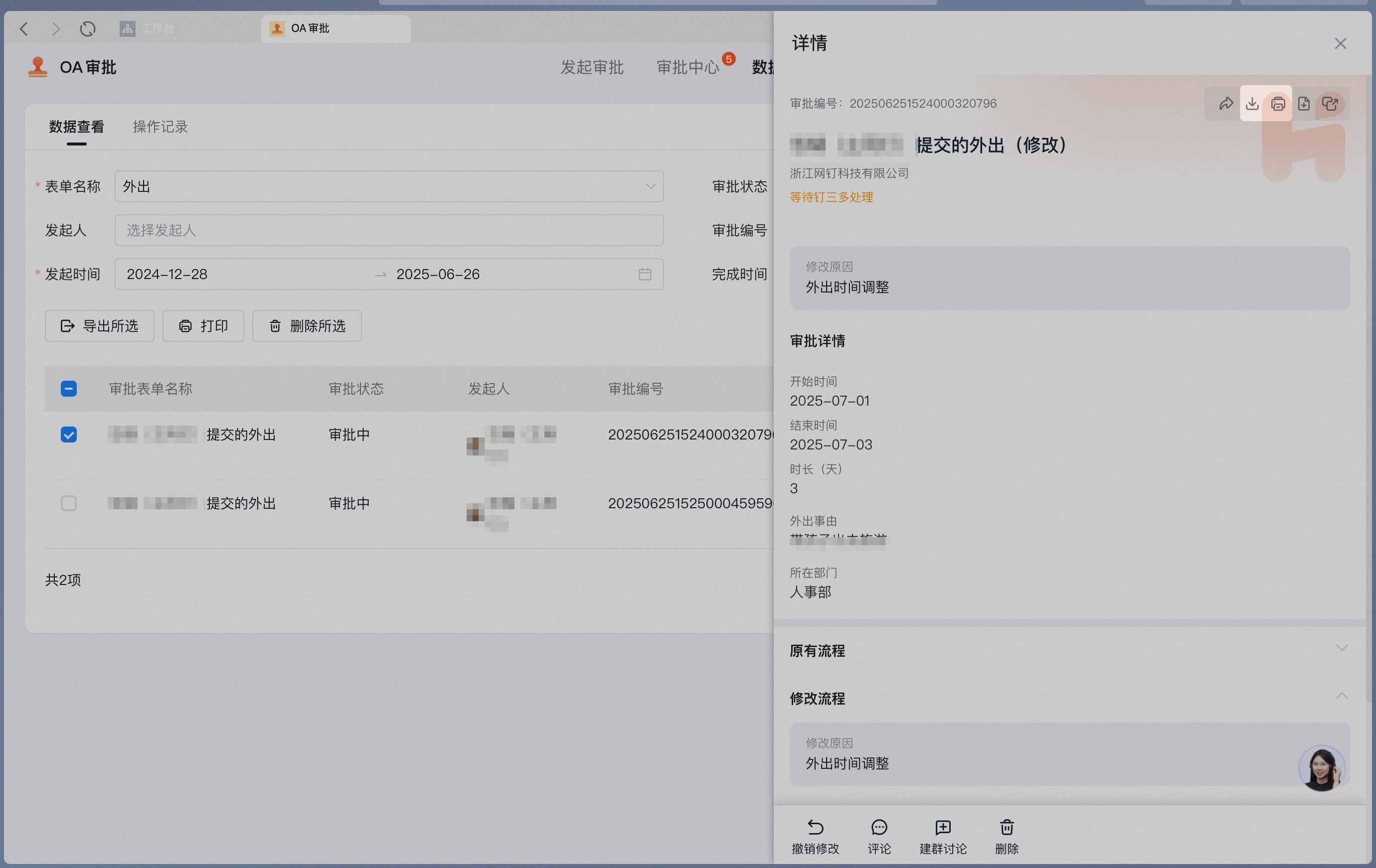
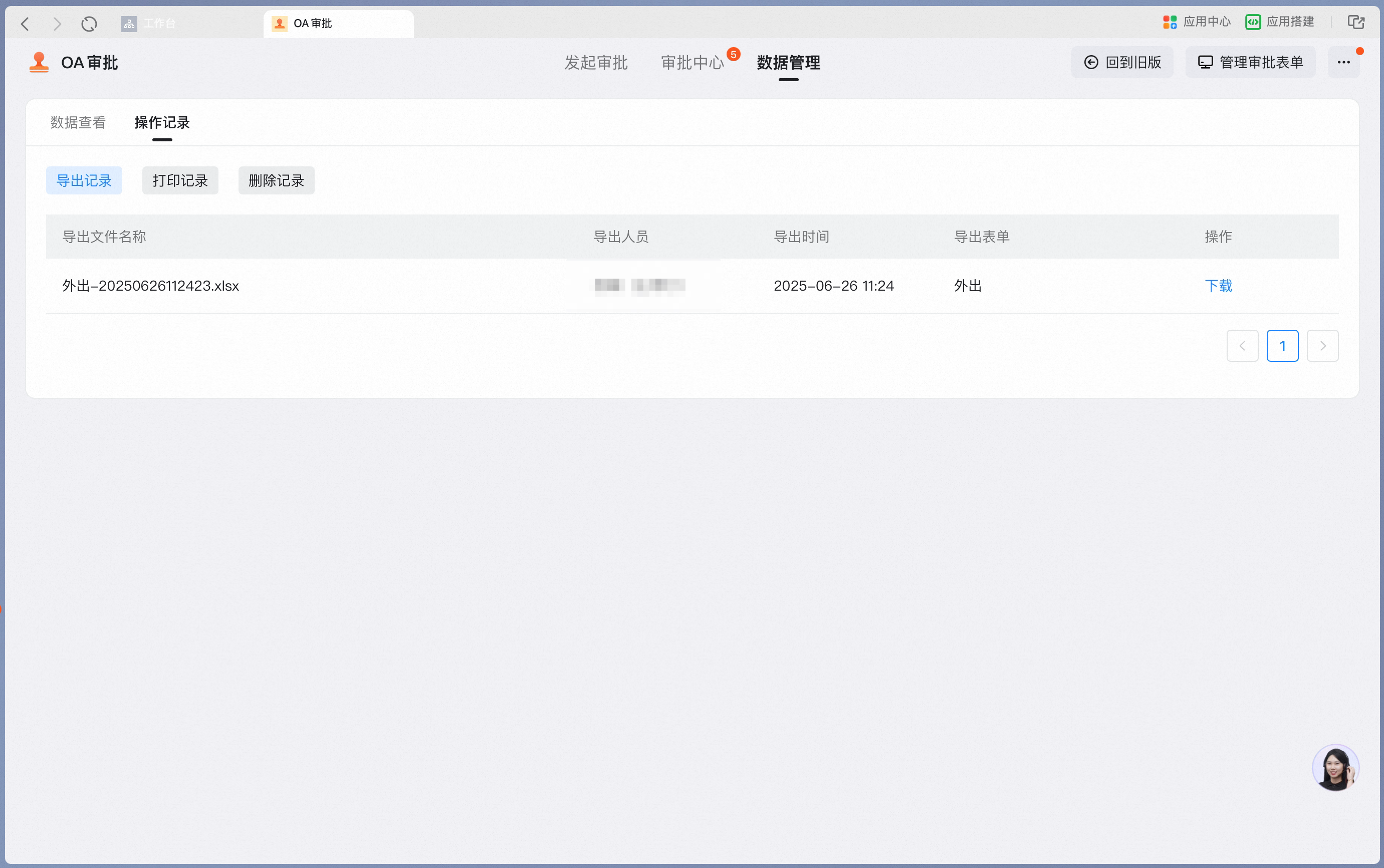
5. View activity log
In the activity log, you can view the export, print, and deletion records of the operator themselves.