Chats
Chats Calendar
 Meetings
 Contacts
 Mail
Mail Docs
Docs Drive
Drive AI Table
 AI Minutes
 Attendance
 Approval
 YiDA
YiDA Admin Console
1. Role descriptions
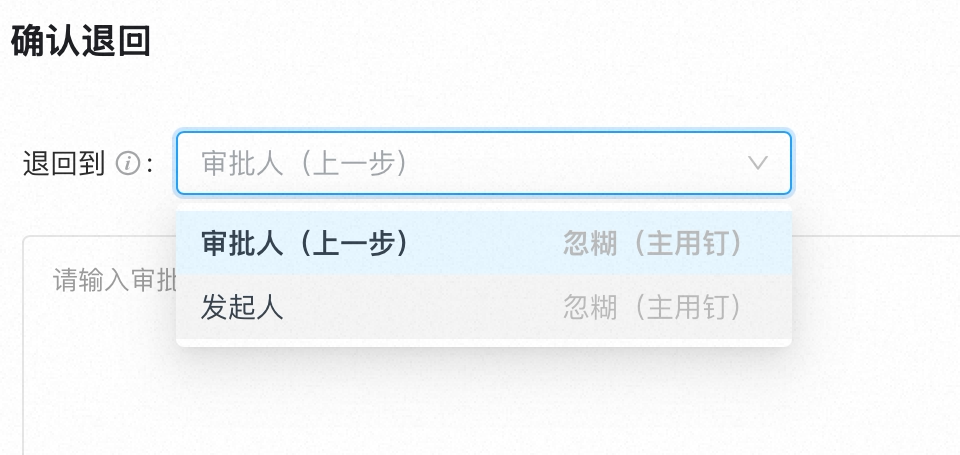
In DingTalk OA Approval, operators in the Approval process include approvers, handlers, and CC recipients.Approver permissions:Receive Approval forms pending Approval.Perform actions such as Accept, Decline, transfer, return, sign request, and Comments.Download Approval form details within their management scope.Set Approval delegates.Handler permissions:Receive Approval forms pending handling.Perform actions such as Submit, transfer, return, sign request, and Comments.Download Approval form details within their management scope.Set Approval delegates.CC recipient permissions:Receive CC’d Approval forms.Perform Comments actions.Download Approval form details within their management scope.Note: The Approval process is configured by the organization’s Approval Admin.
2. Core actions
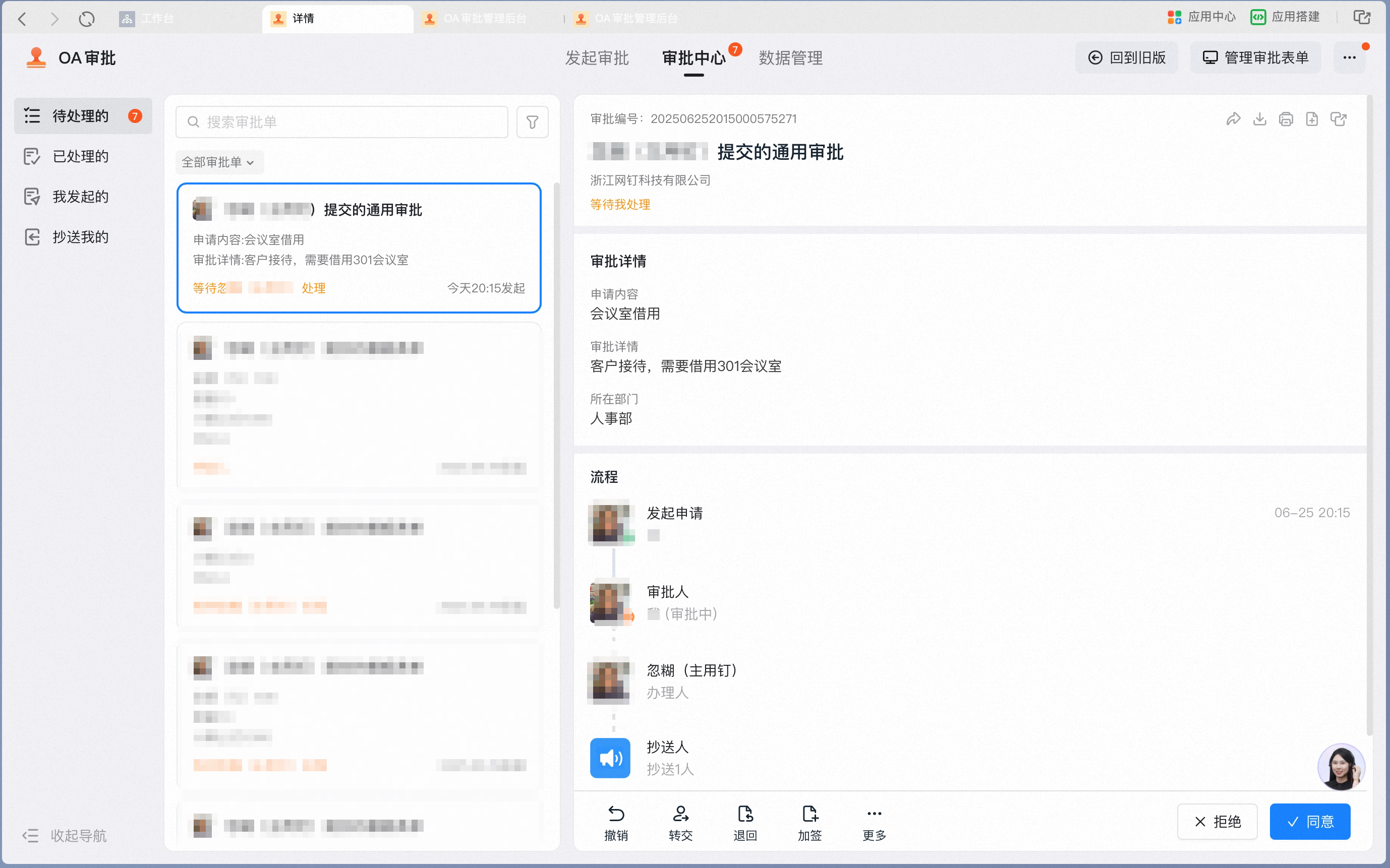
1. Receiving pending forms
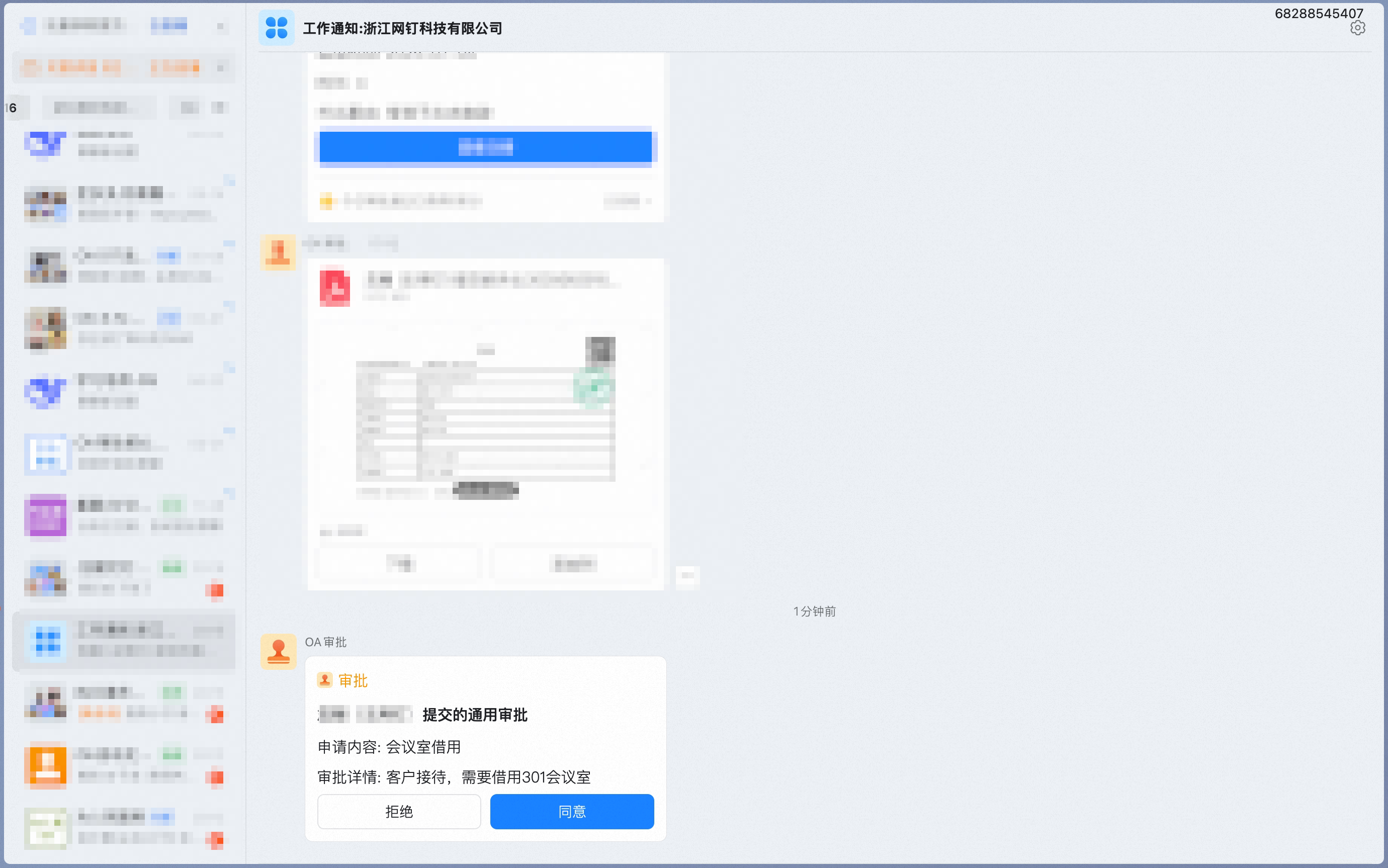
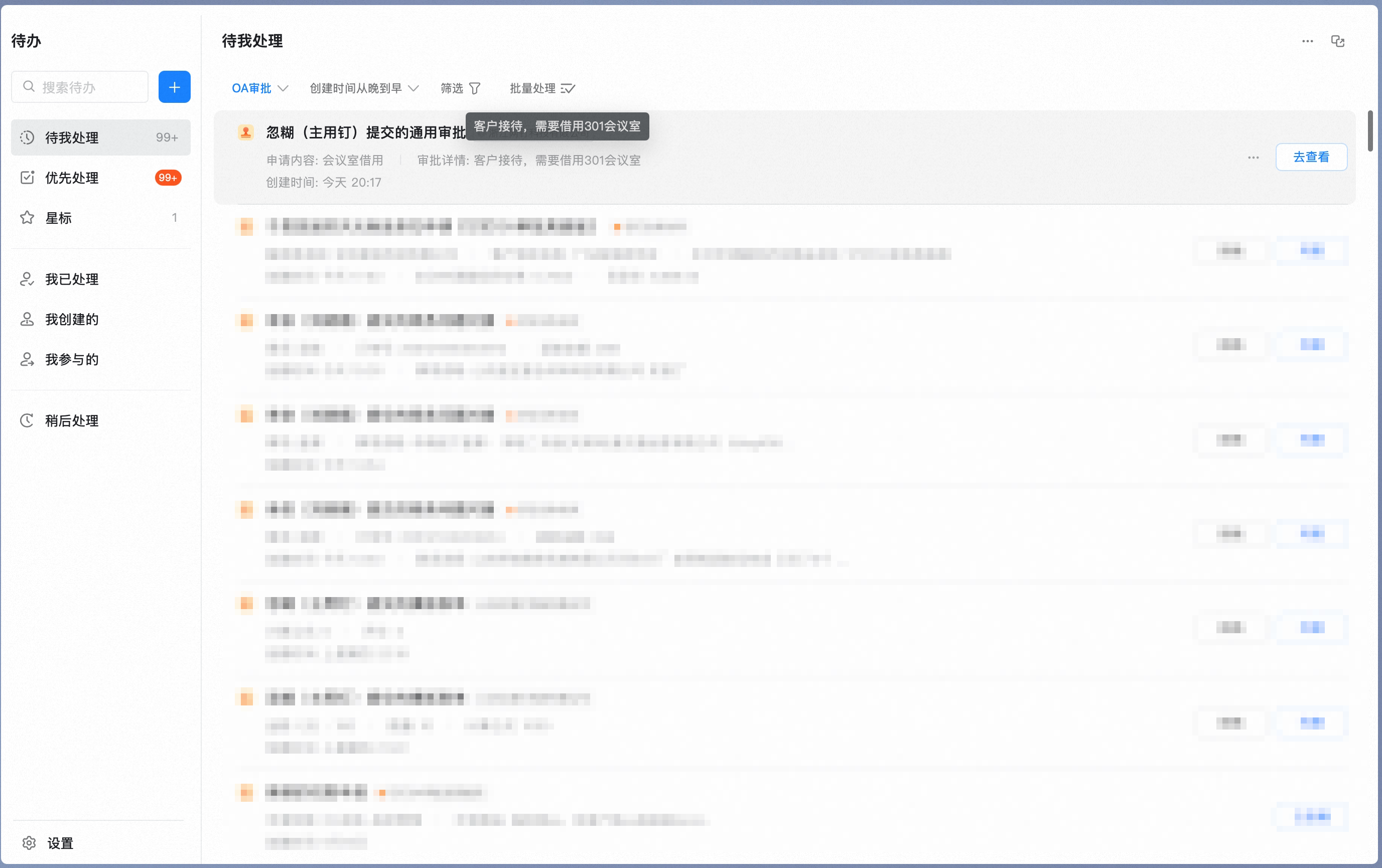
- Approver: Receives pending Approval forms in the Approval Center, Work Notifications, and To-Do.
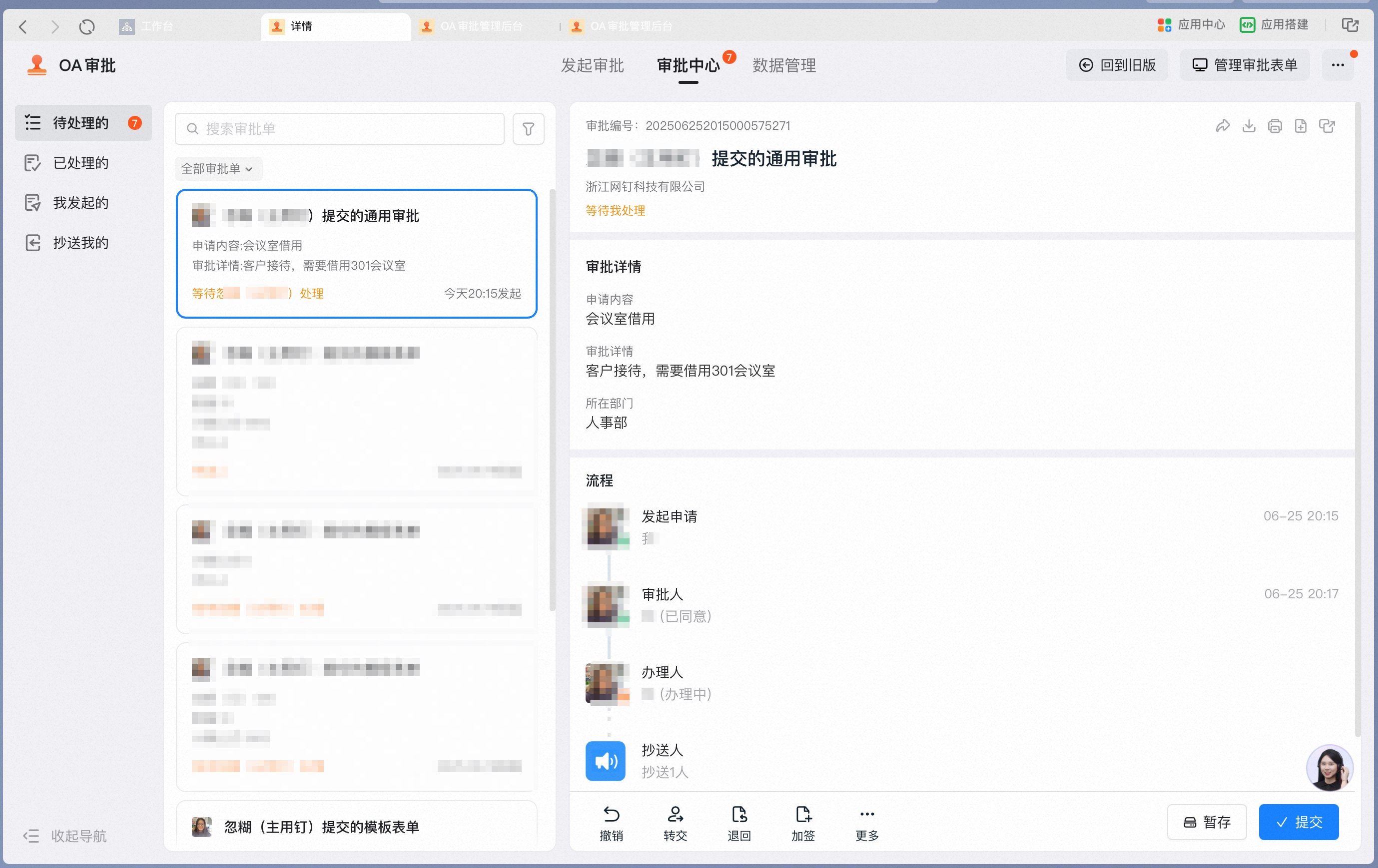
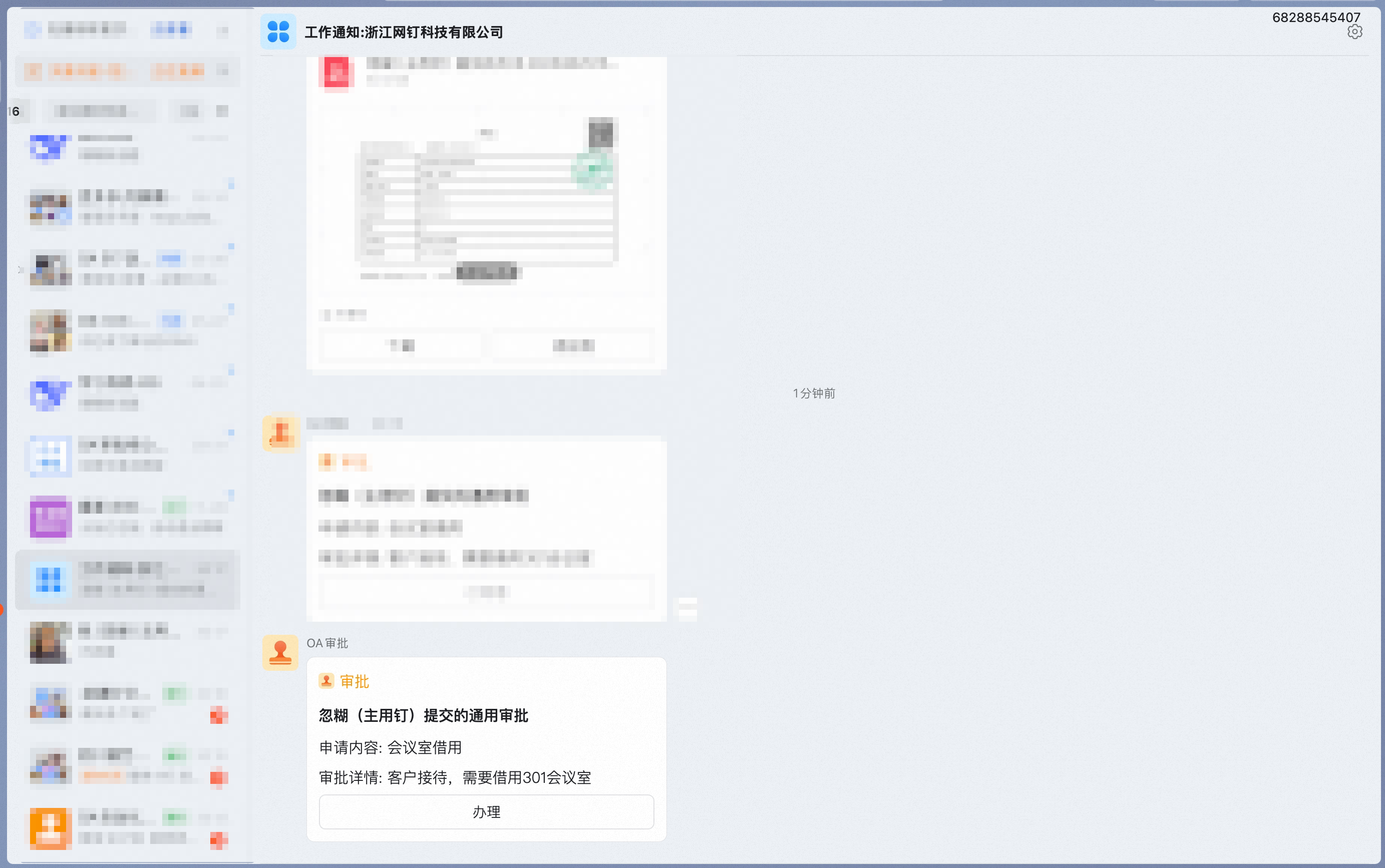
- Handler: Receives pending Approval forms in the Approval Center, Work Notifications, and To-Do.
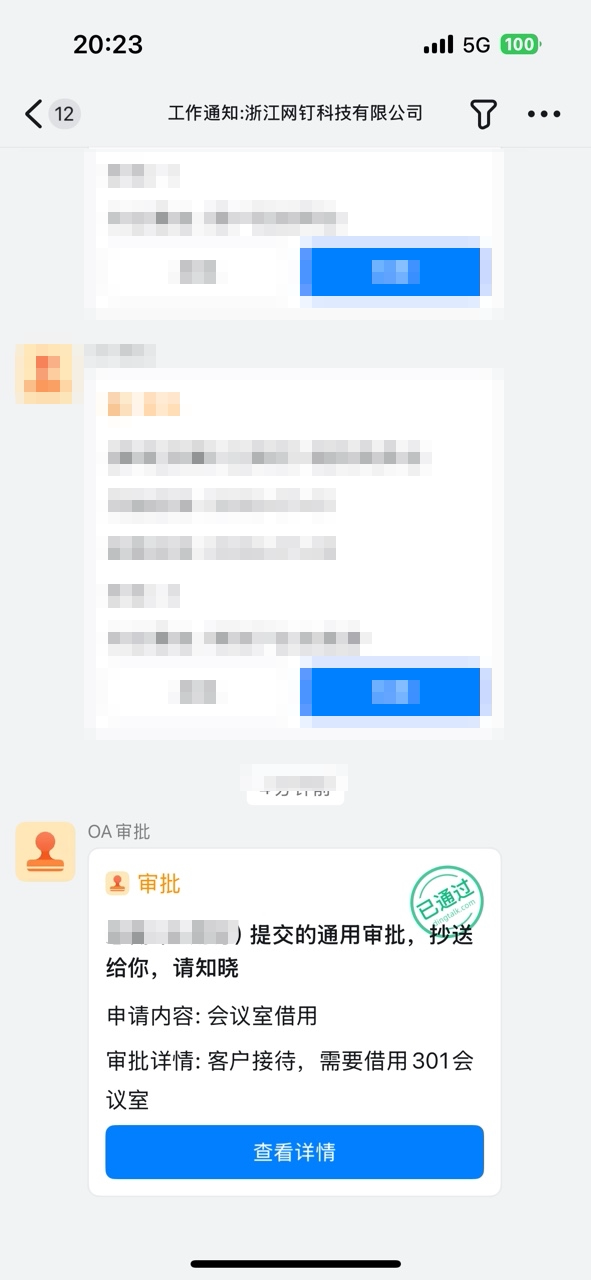
- CC recipient: Receives CC’d Approval forms in the Approval Center and Work Notifications.
1
Approver - Approval Center
Operator View

Mobile
Desktop

2
Approver - Work Notifications
Operator View
Mobile

Desktop

3
Approver - To-Do
Operator View

Mobile
Desktop

4
Handler - Approval Center
Operator View
Mobile

Desktop
5
CC recipient - Approval Center
Operator View

Mobile
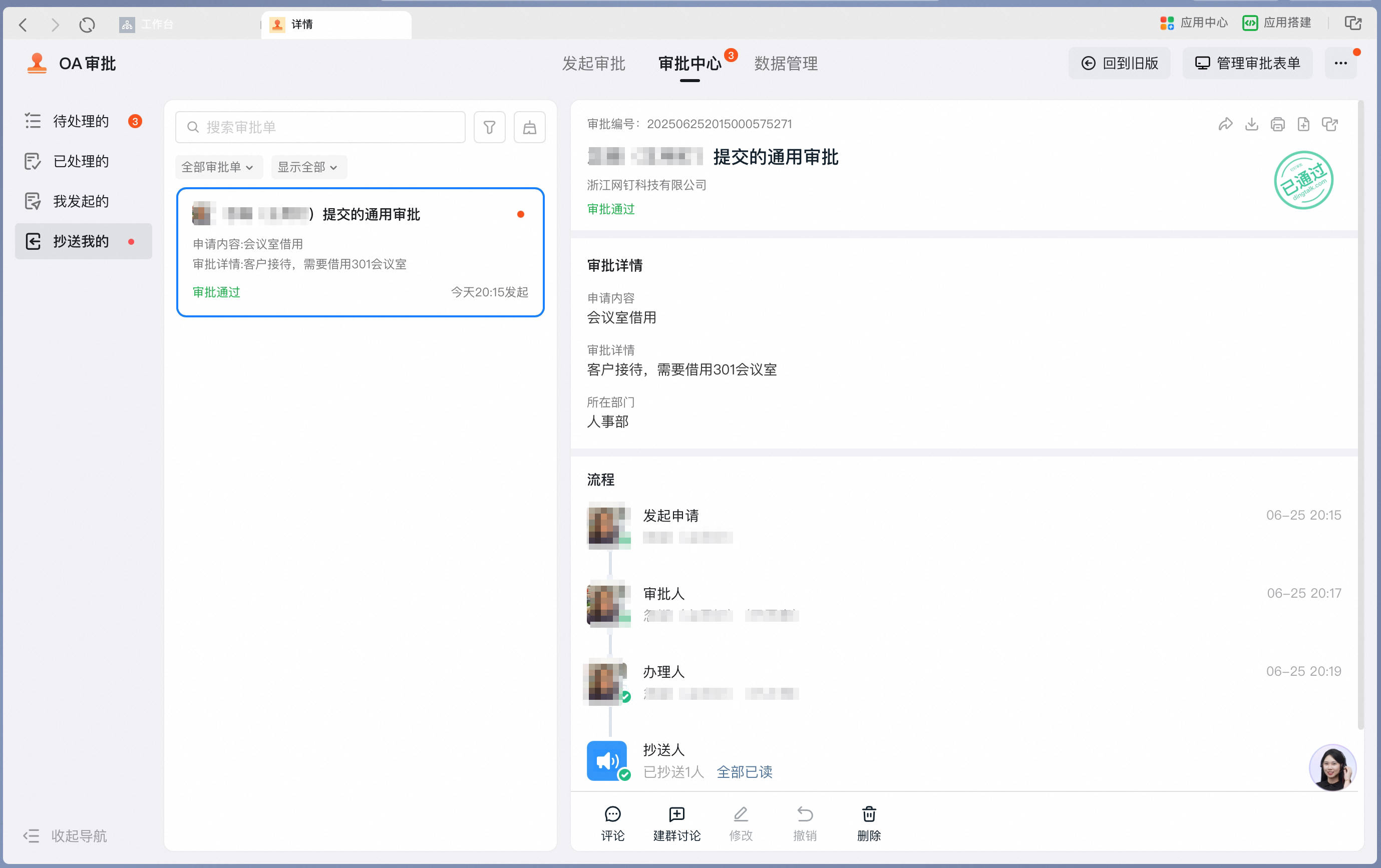
Desktop
6
CC recipient - Work Notifications
Operator View

2. Actions
Action interface examples
Desktop action interface
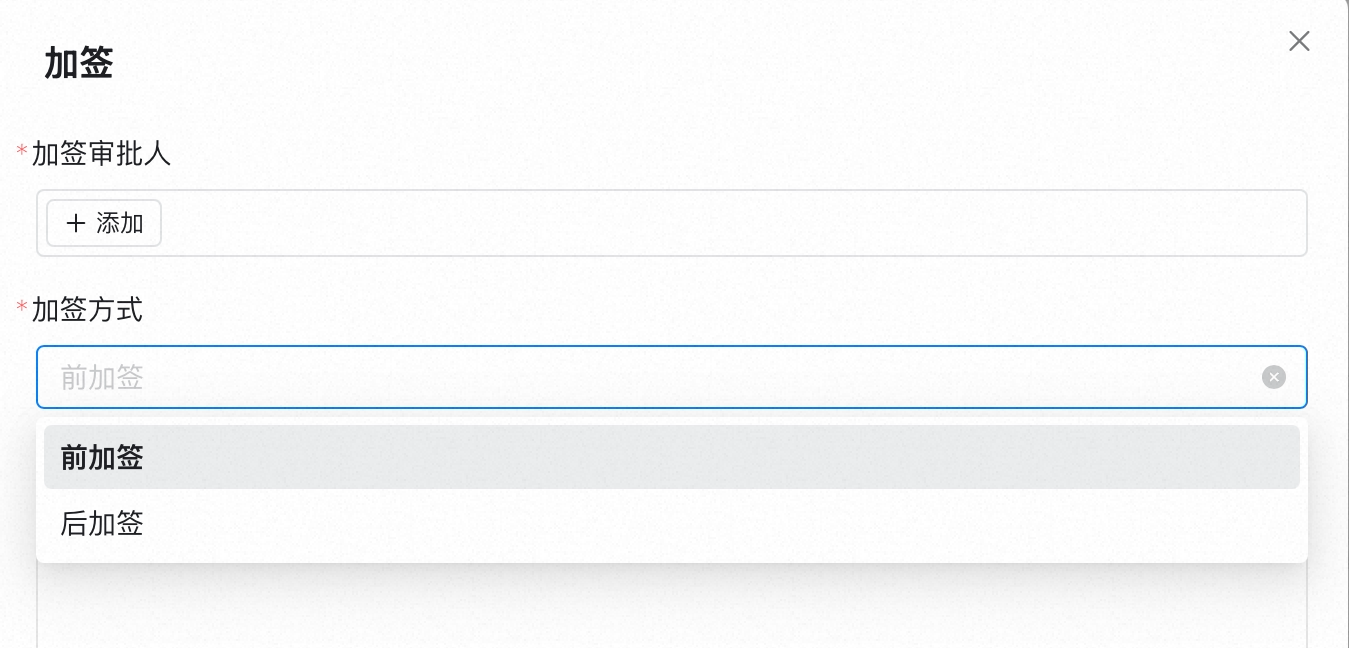
Mobile action interface
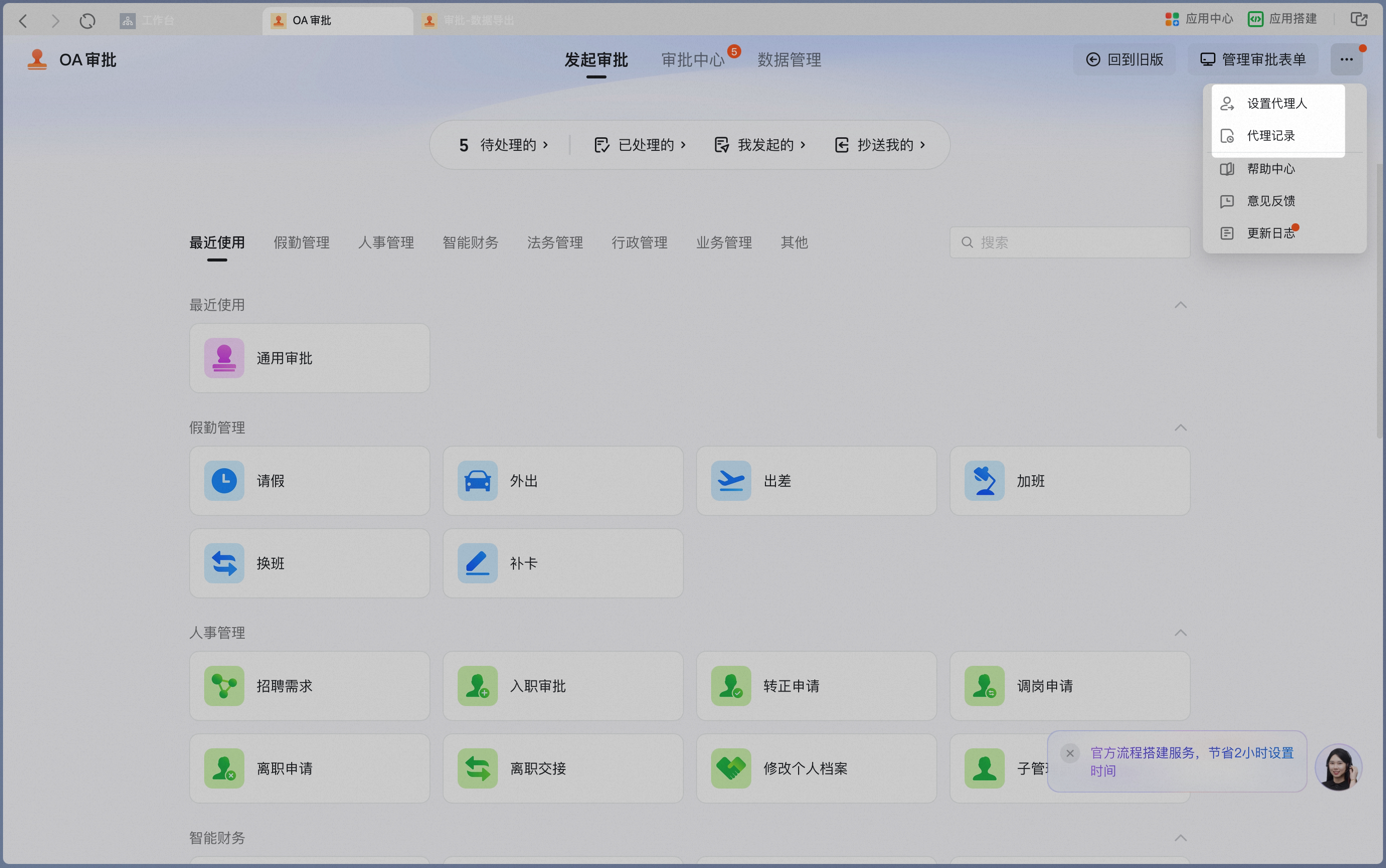
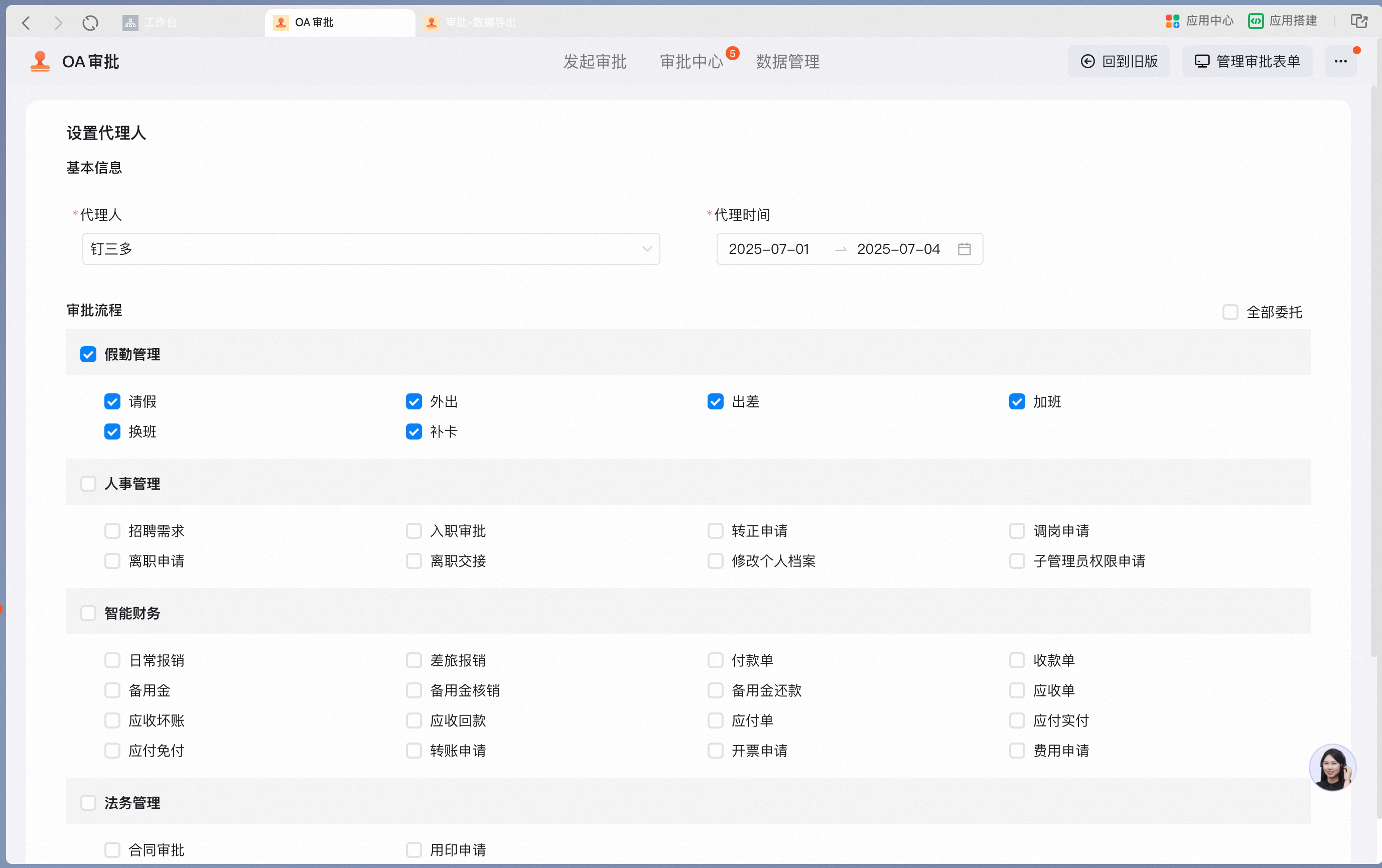
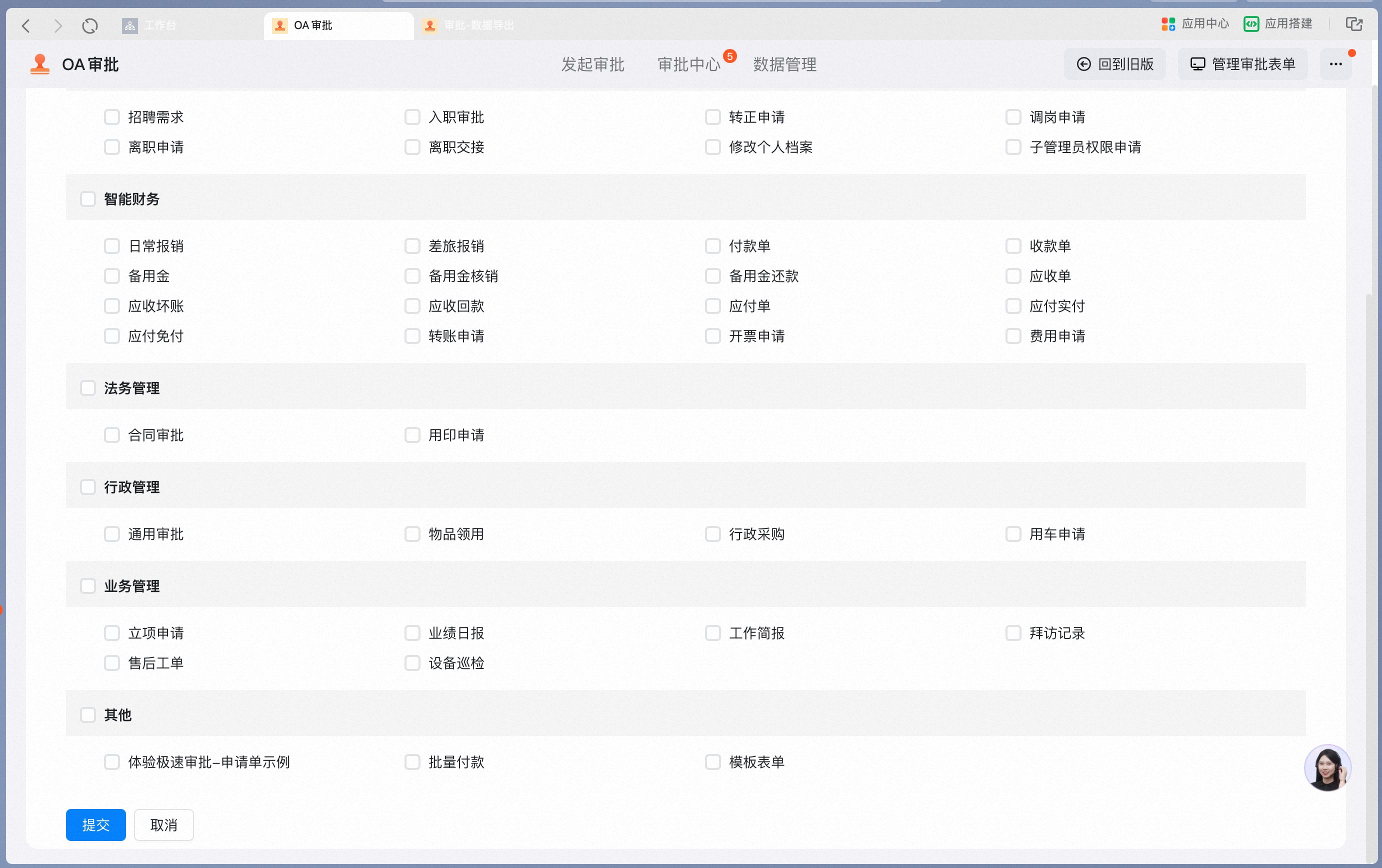
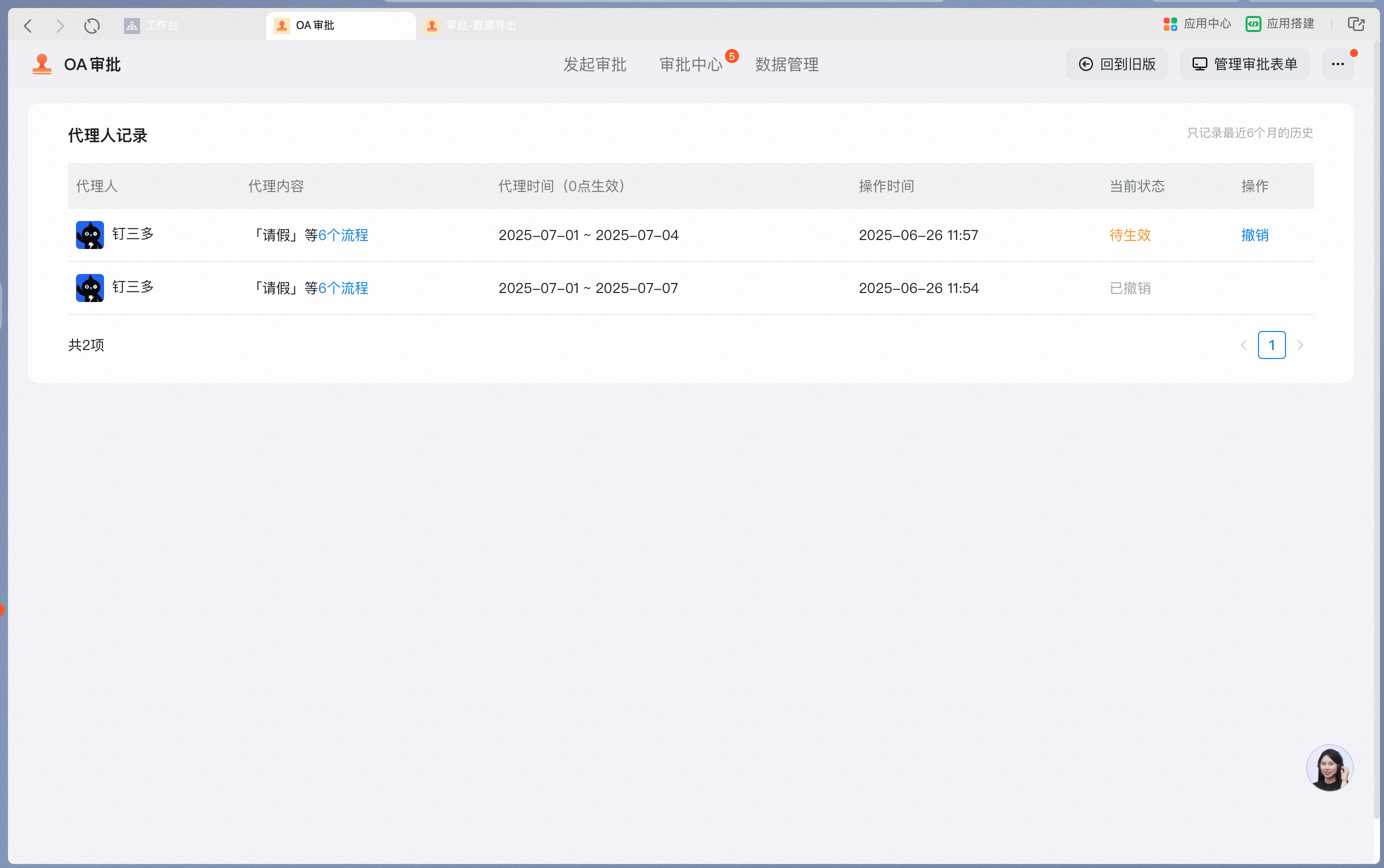
3. Setting an Approval delegate
While you are on leave, if someone temporarily needs to approve on your behalf, use Set Approval Delegate.