Chats
Chats Calendar
 Meetings
 Contacts
 Mail
Mail Docs
Docs Drive
Drive AI Table
 AI Minutes
 Attendance
 Approval
 YiDA
YiDA Admin Console
1. Overview
The Admin can configure delegate settings in the Admin Console.This includes the delegated approver, the delegate, and the delegation period.
2. Prerequisites
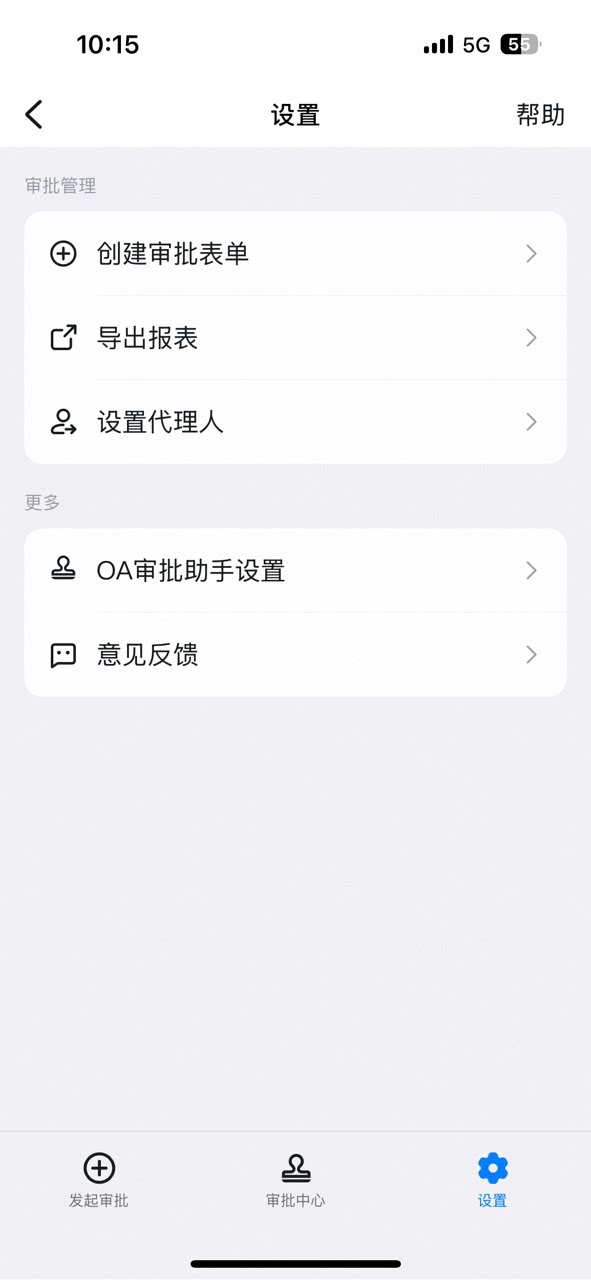
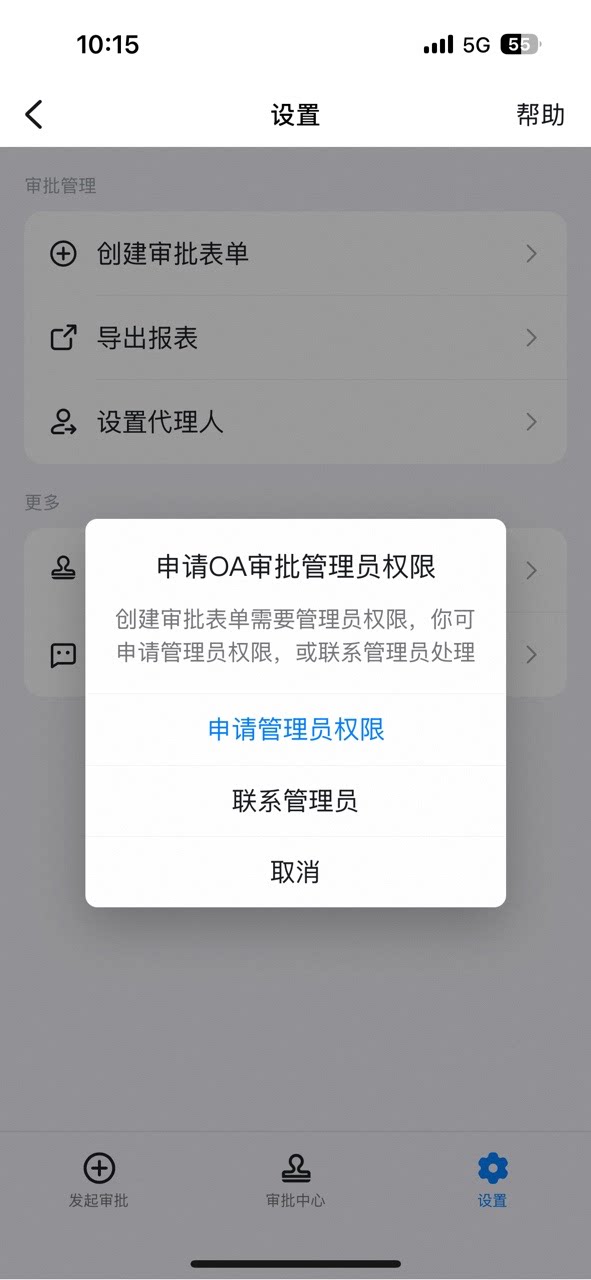
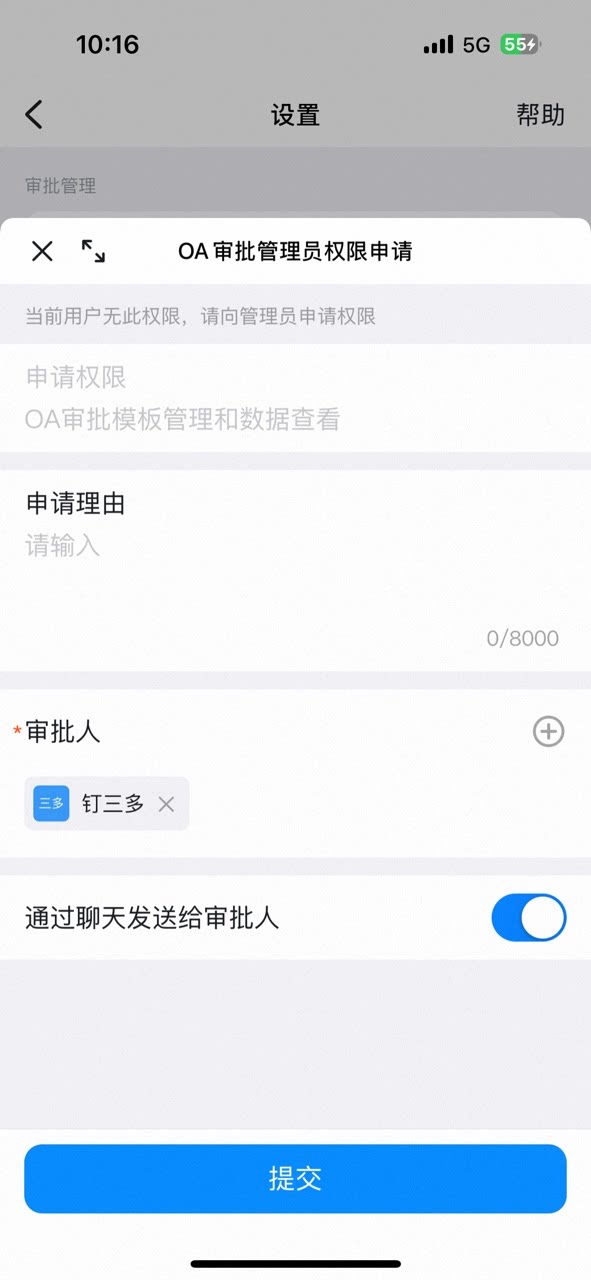
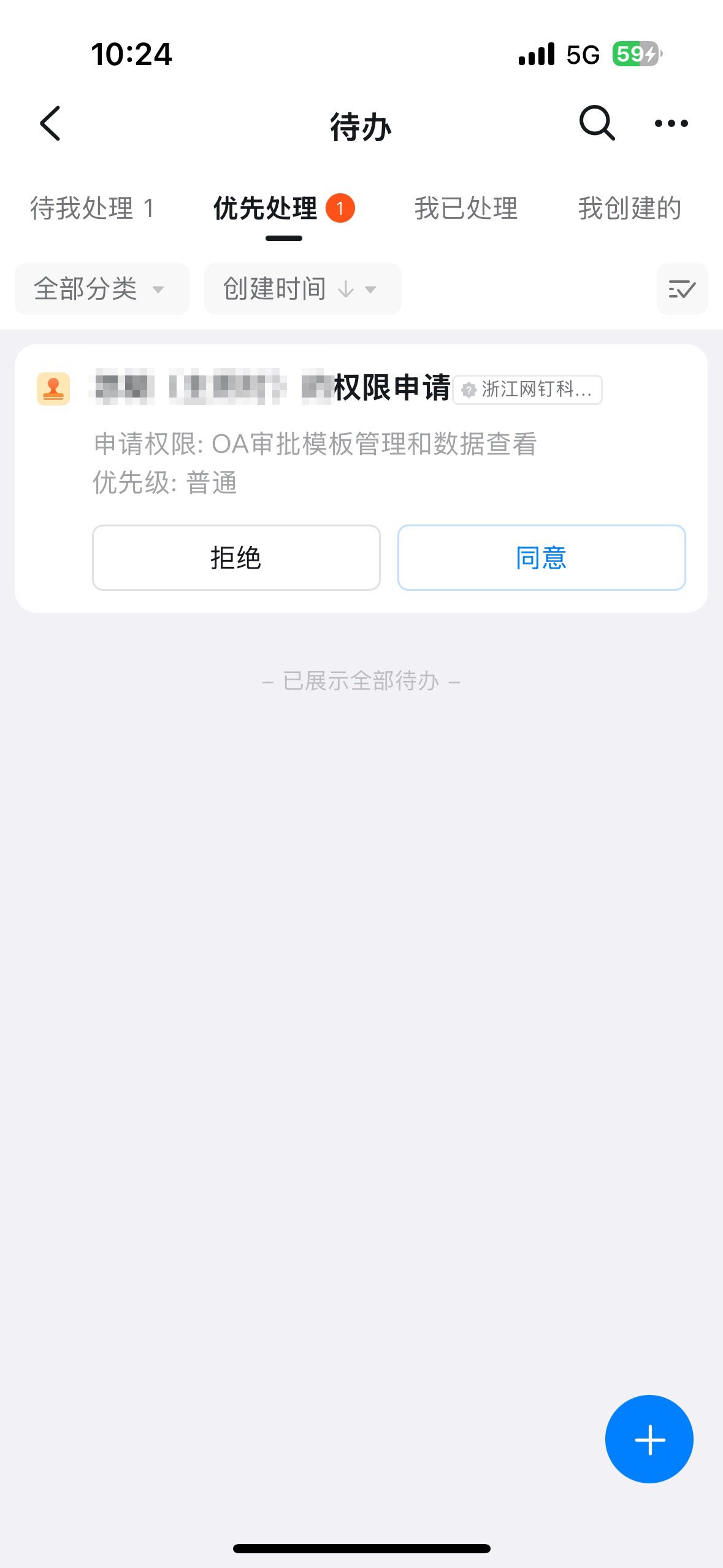
- Only an Approval Admin can perform process design, so you must first become an Approval Admin.
3. Steps
1. Enter delegate settings
Go to Approval Admin Console > System Management > Delegate Settings.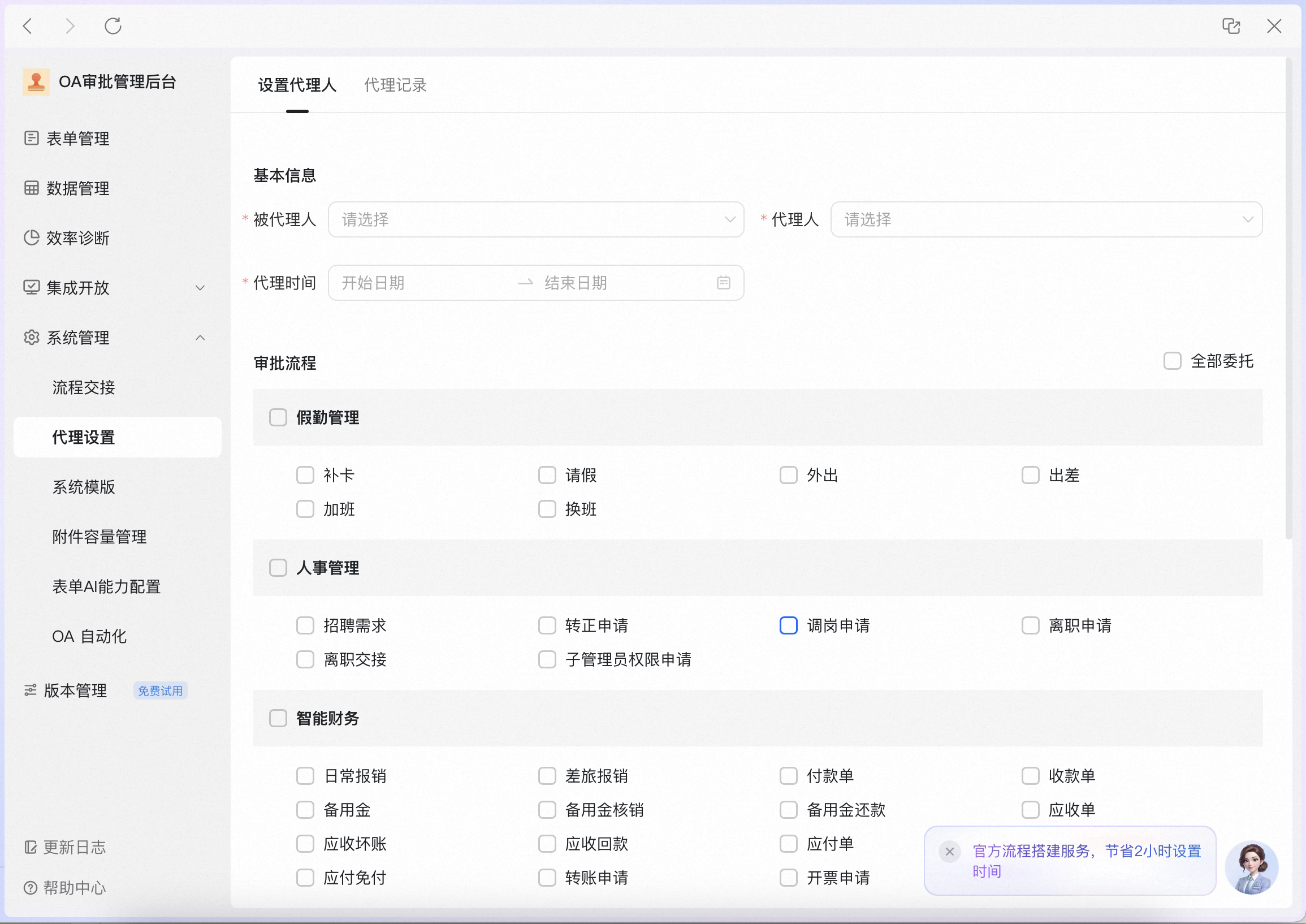
2. Assign a delegate
Select the delegated approver and the delegate, then choose the delegation period.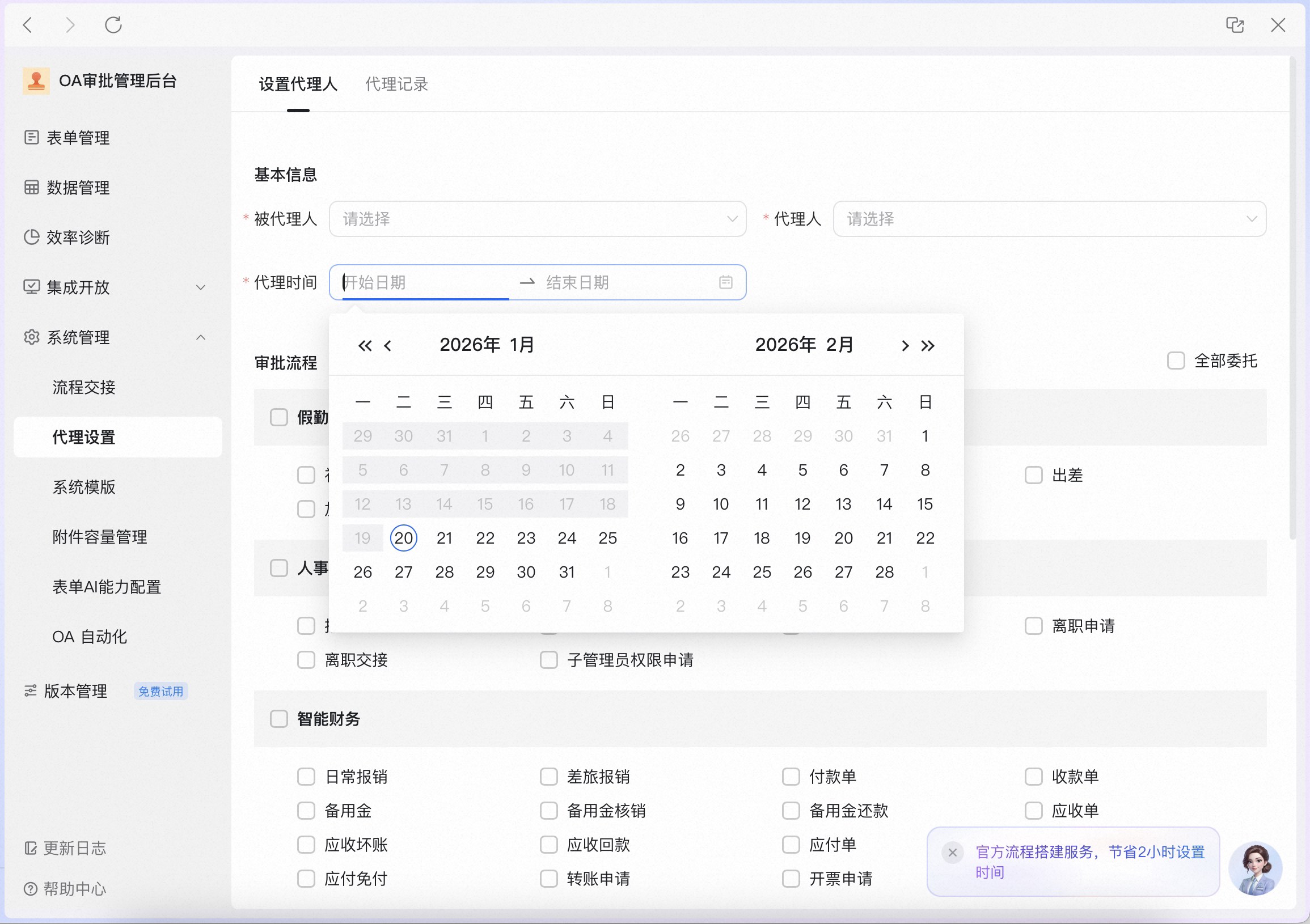
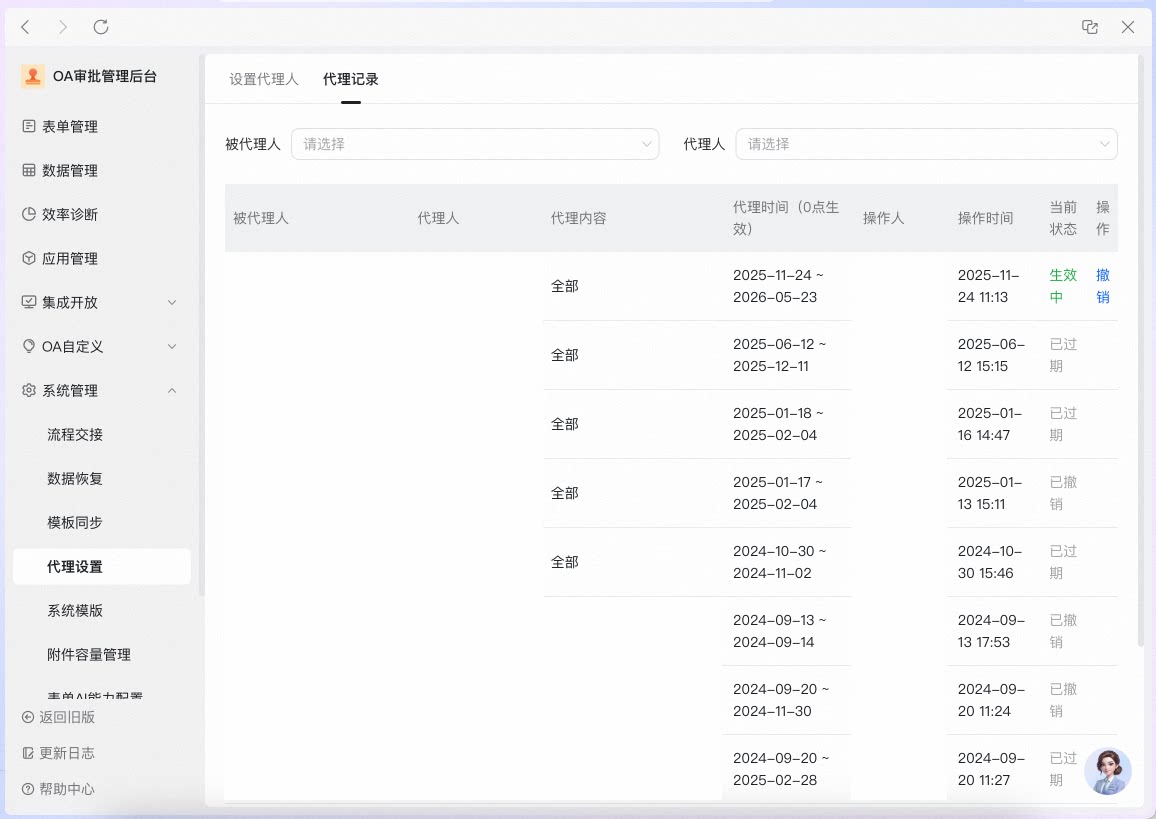
3. View delegation records
Click Delegation Records to query records by delegated approver or delegate, or to Undo an active delegation Record.