Chats
Chats Calendar
 Meetings
 Contacts
 Mail
Mail Docs
Docs Drive
Drive AI Table
 AI Minutes
 Attendance
 Approval
 YiDA
YiDA Admin Console
1. Common interface
1) Fixed entries
1. Desktop
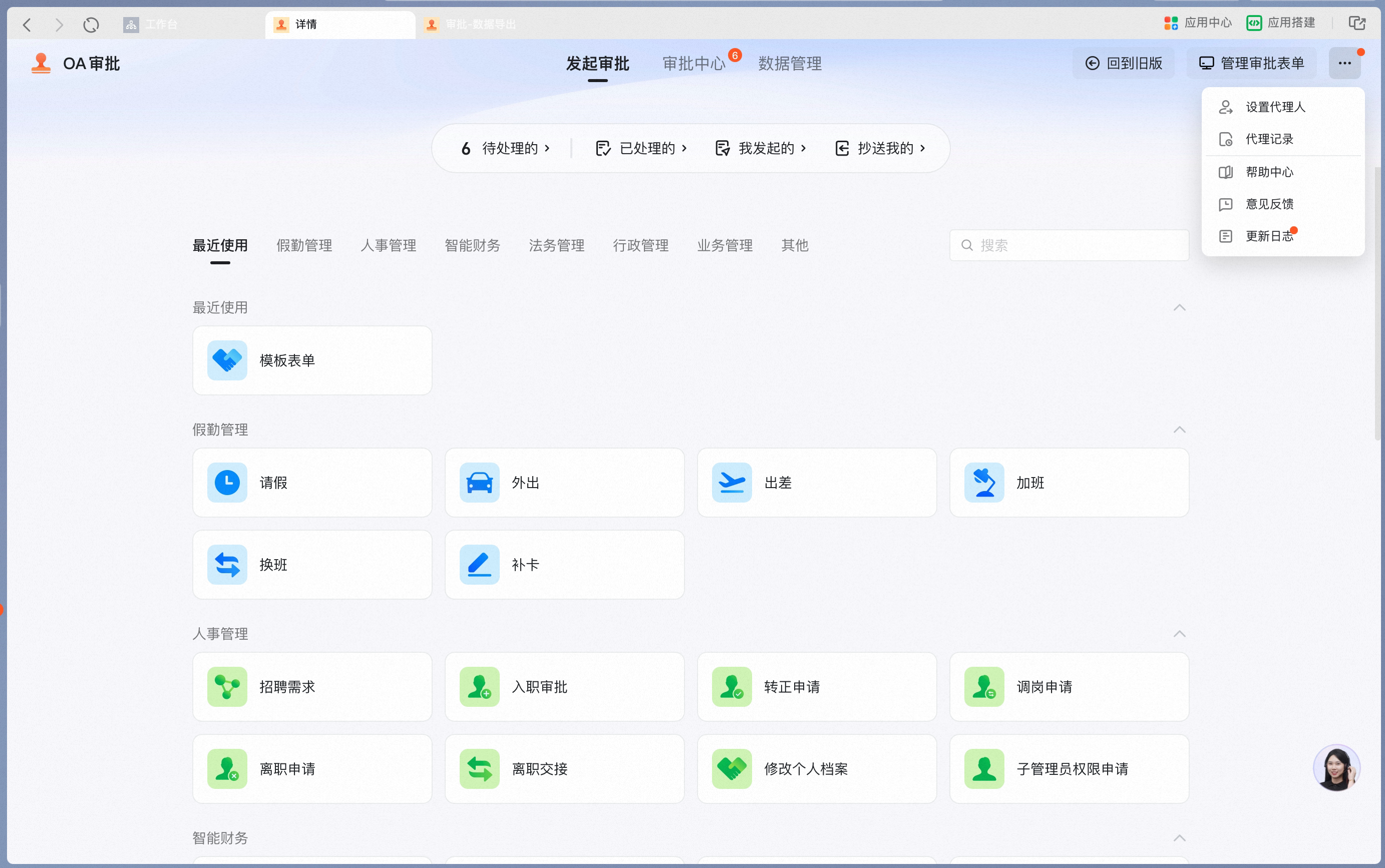
1
Manage approval forms
Shortcut to the OA Approval Admin Console.Permissions: Only Admins can access the Admin Console.
2
Set a delegate
When you take a short leave, use this entry to set a delegate. Pending approval forms will then be handled by the delegate on your behalf.Permission rules:
- All Users can set a delegate.
- You can only set a delegate for yourself.
- Delegates can be set per form.
3
Delegation records
Keeps delegation records from the past 6 months.Visibility: Visible to all Users.
4
Help Center
Opens the official DingTalk help manual.Visibility: Visible to all Users.
5
Release notes
Opens the latest release notes for Approval.Visibility: Visible to all Users.
2. Mobile

1
Create an approval form
Shortcut to create an approval form.Permissions: Only Admins can access the Admin Console.
2
Help
Support and help entry.Visibility: Visible to all Users.
3
Release notes
Opens the latest release notes for Approval.Visibility: Visible to all Users.
2) Approval Home
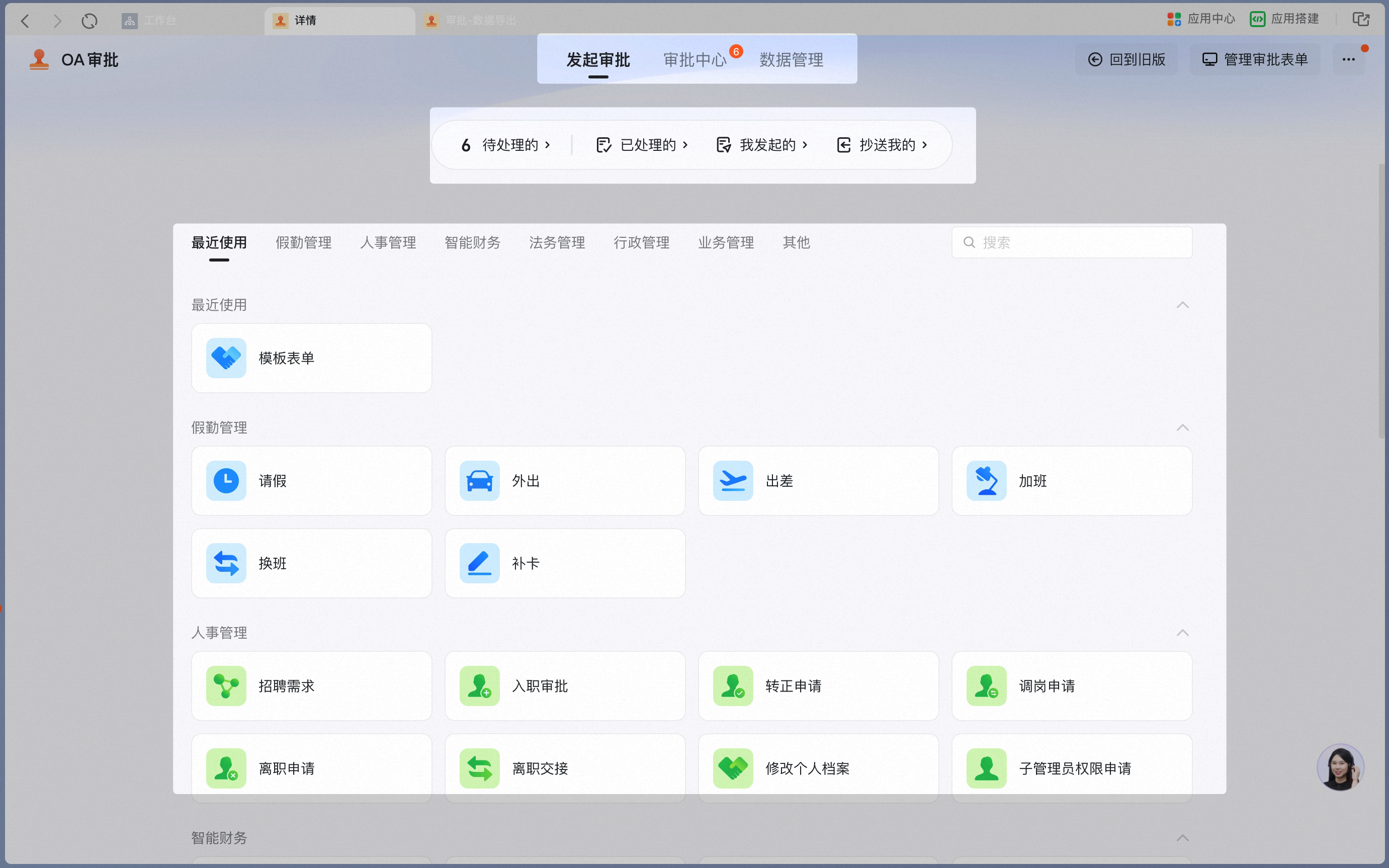
- Desktop
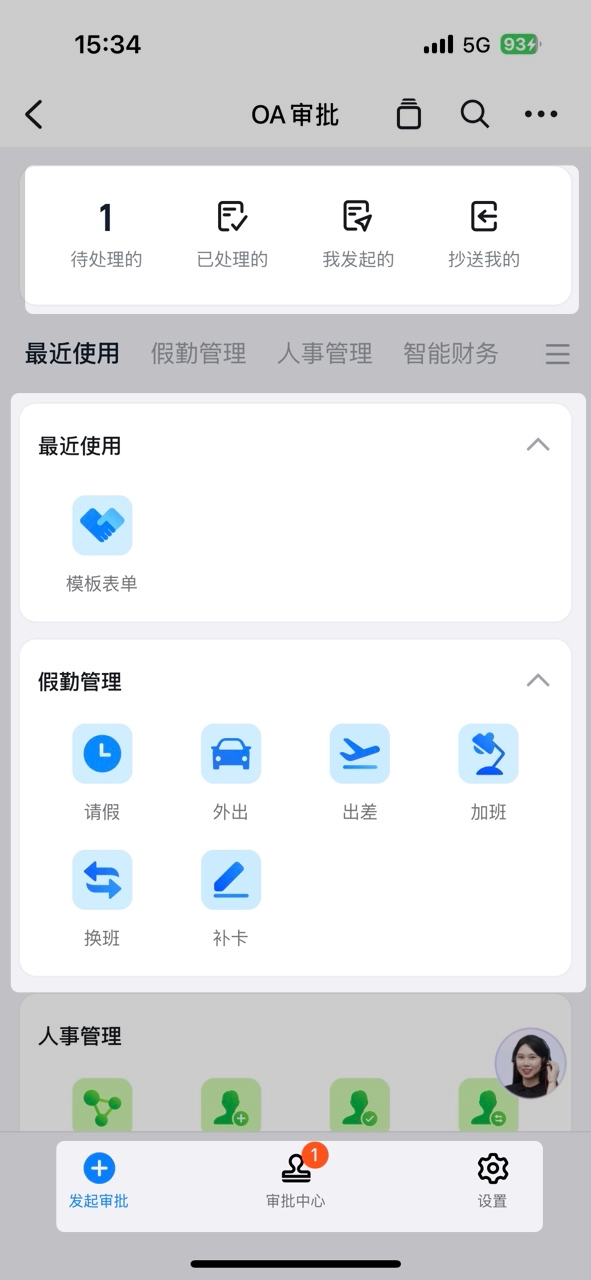
- Mobile
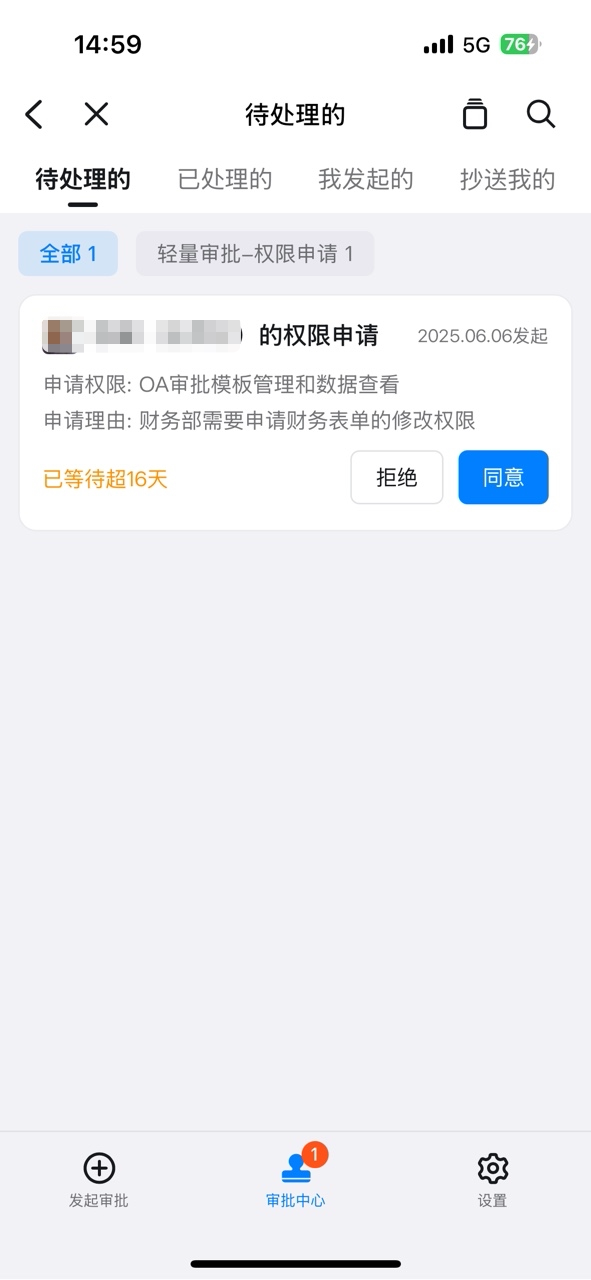
3) Approval Center
- Mobile
- Desktop

4) Data Center
1
Filter
Filter by conditions such as form name, approval status, initiator, approval Number, Submission time, and completion time.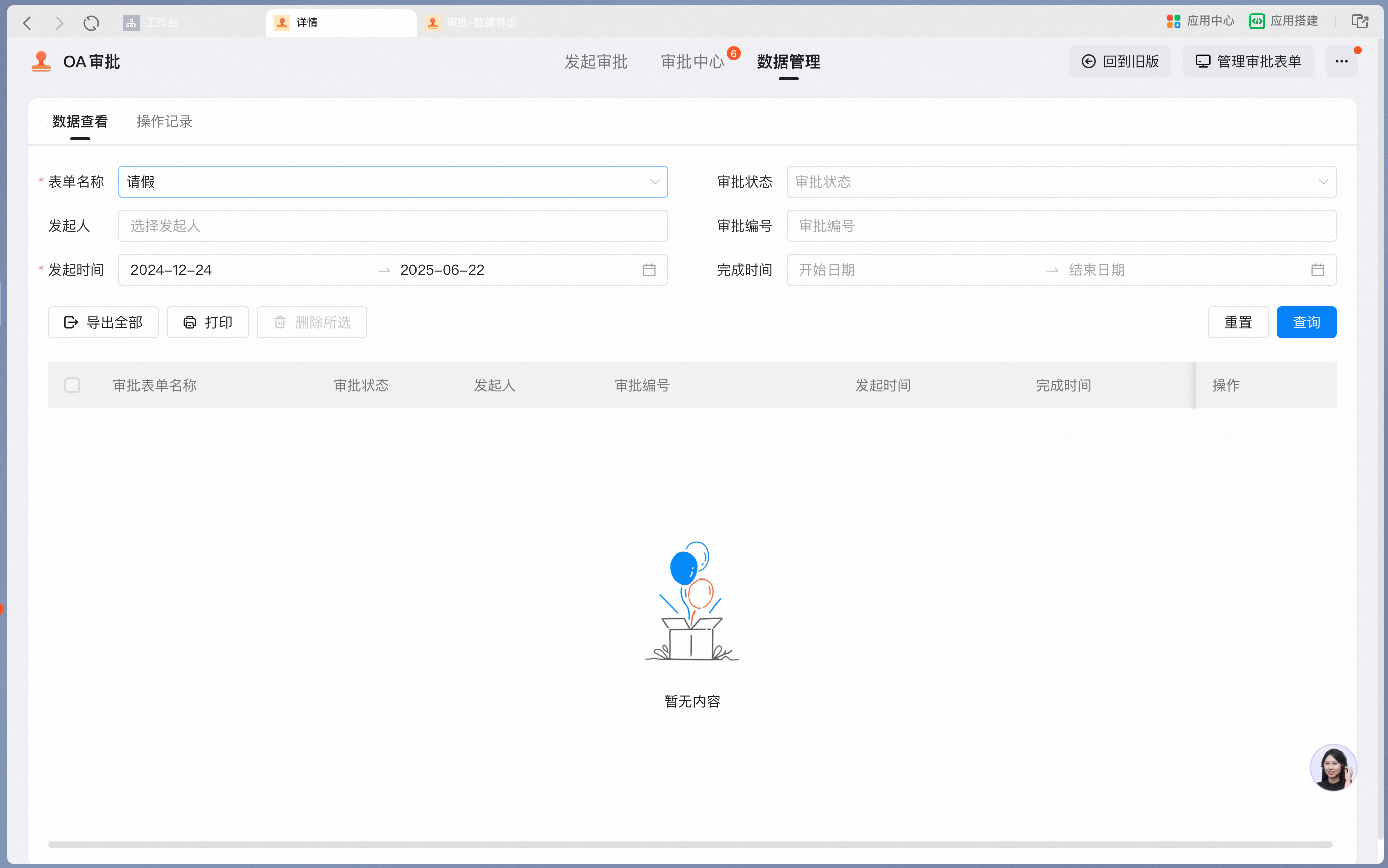
2
Filter results
After you click Search, results appear in the filter results area.
3
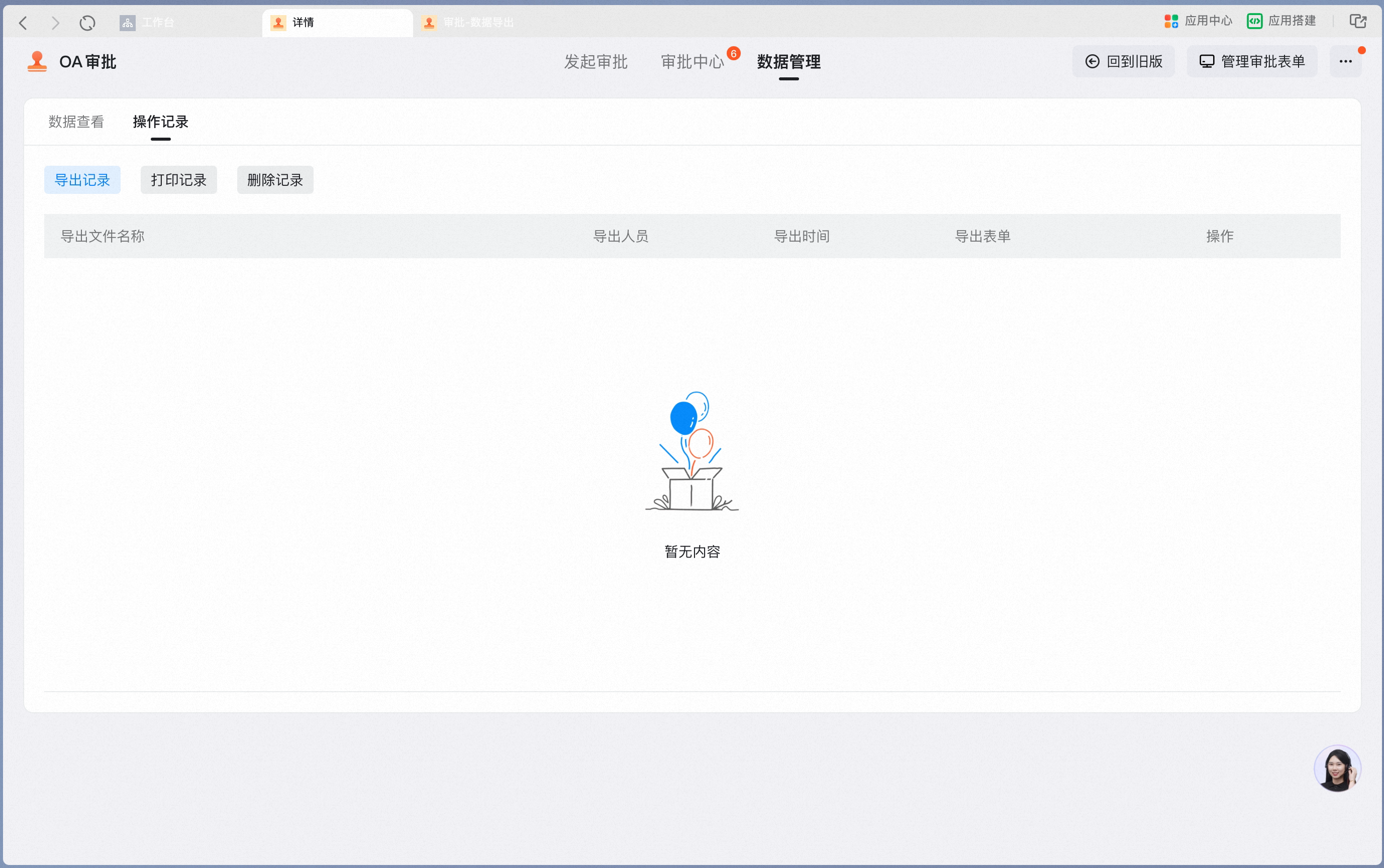
Activity log
Export, Print, and Delete actions are recorded in the Activity log.