Chats
Chats Calendar
 Meetings
 Contacts
 Mail
Mail Docs
Docs Drive
Drive AI Table
 AI Minutes
 Attendance
 Approval
 YiDA
YiDA Admin Console
1. Detailed instructions
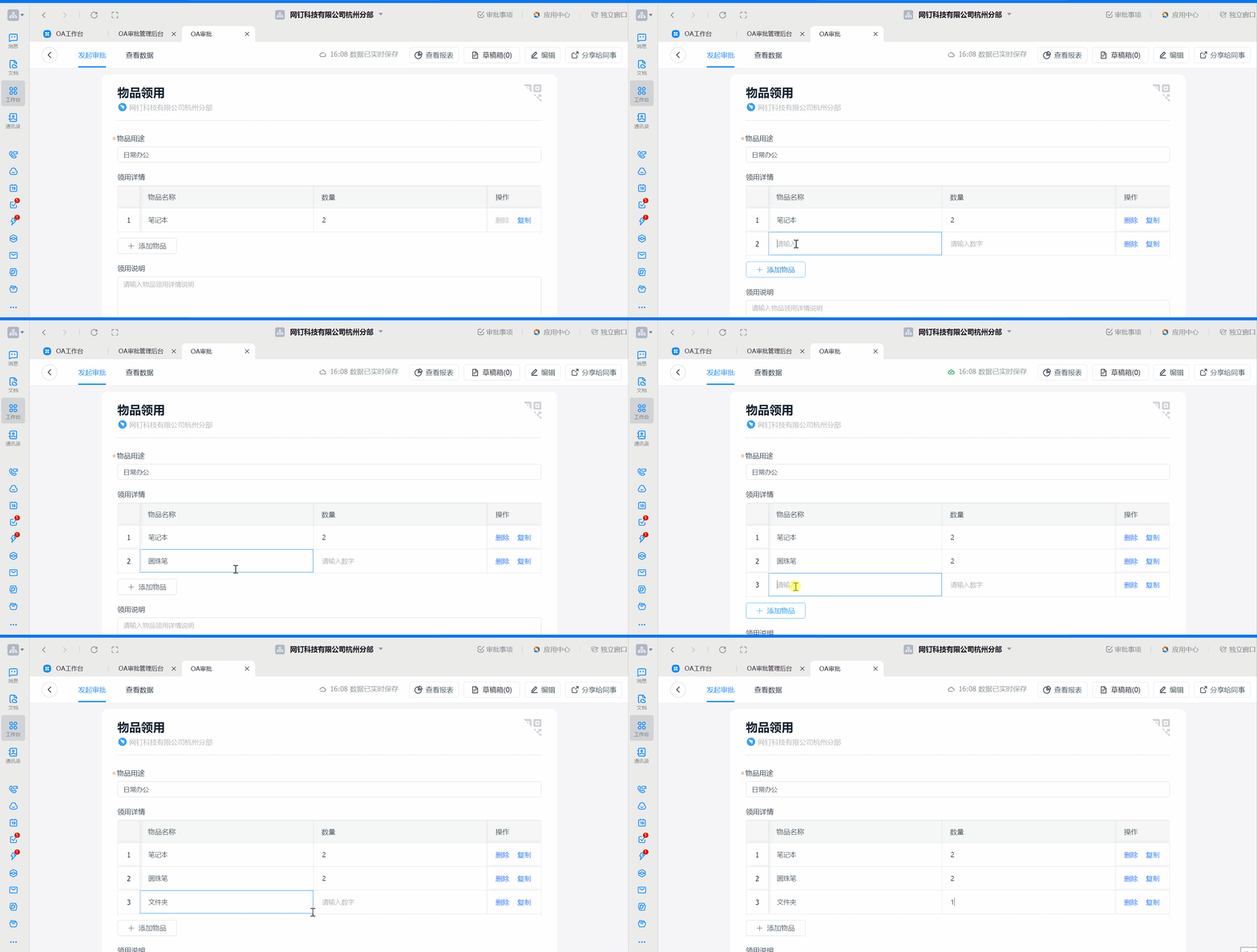
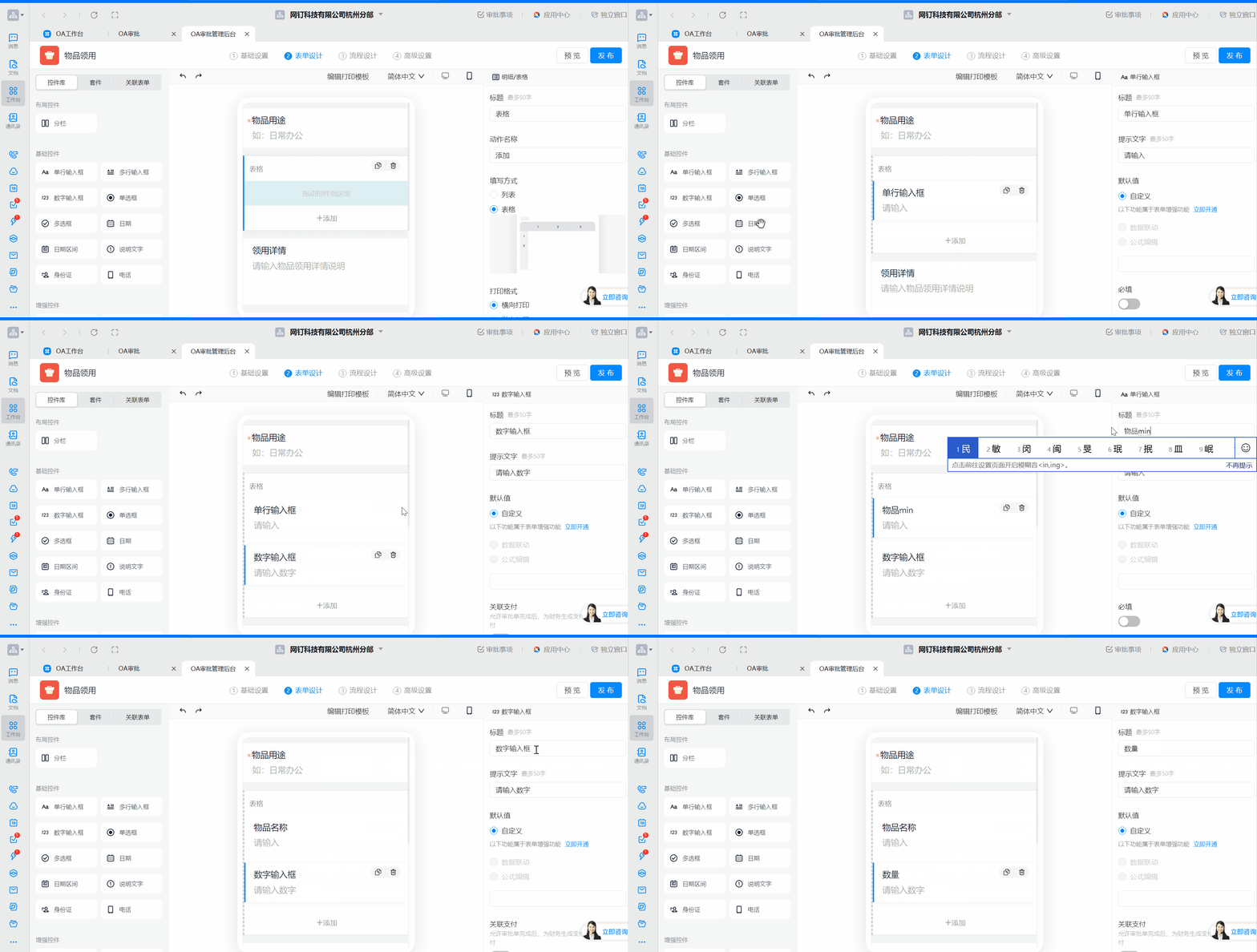
The [Detail/Spreadsheet] control works like a List or Spreadsheet. Use it when multiple records with the same fields need to be filled in. You can combine it with controls such as single-line input, amount, number, and select. For example, in an item request application where an Employee needs to request several different items at once, the Admin can add the [Detail/Spreadsheet] control in [Form design].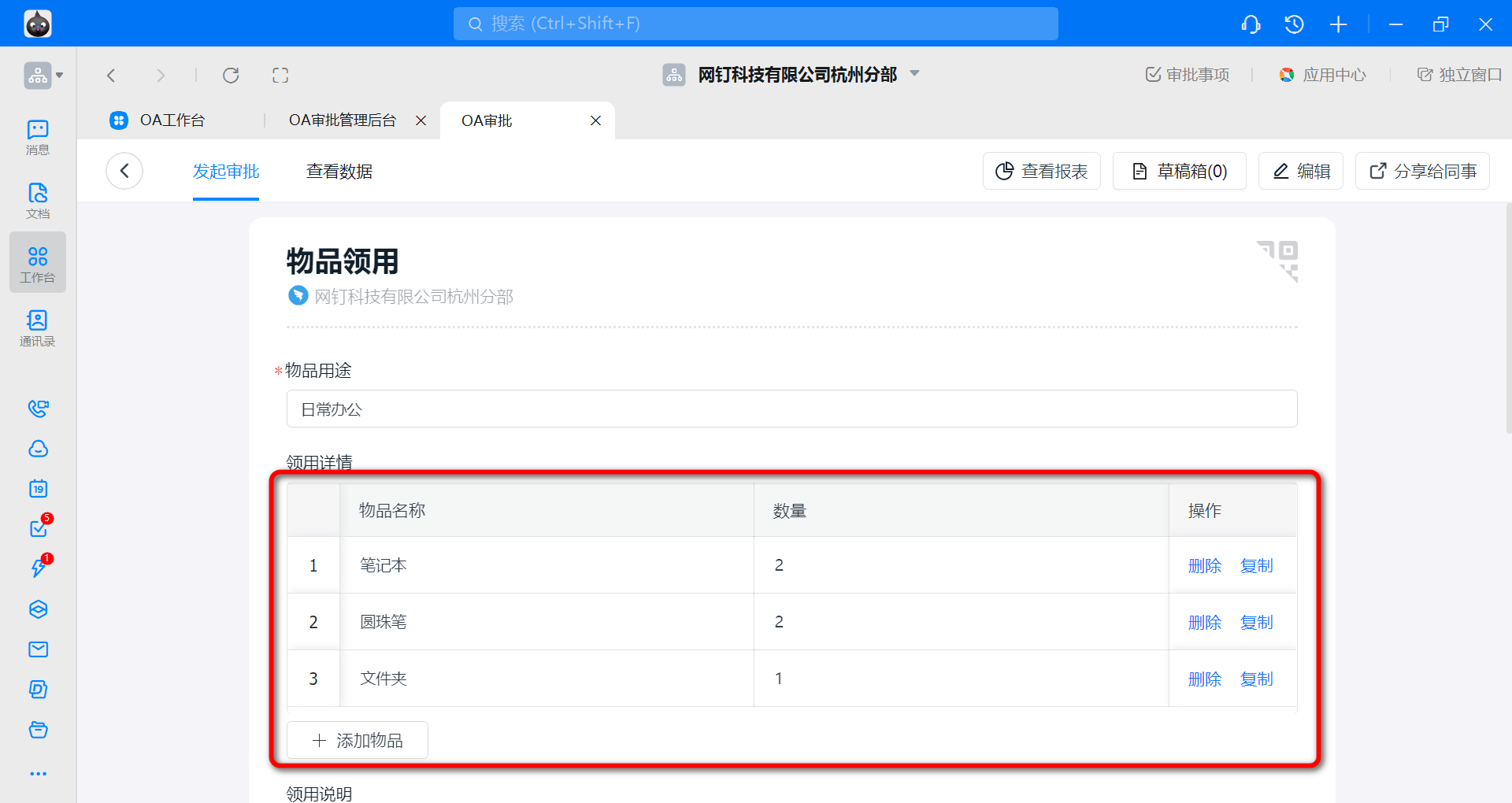
1) How to set up
Drag the [Detail/Spreadsheet] control from the control library on the left and drop it into the desired position on the Form.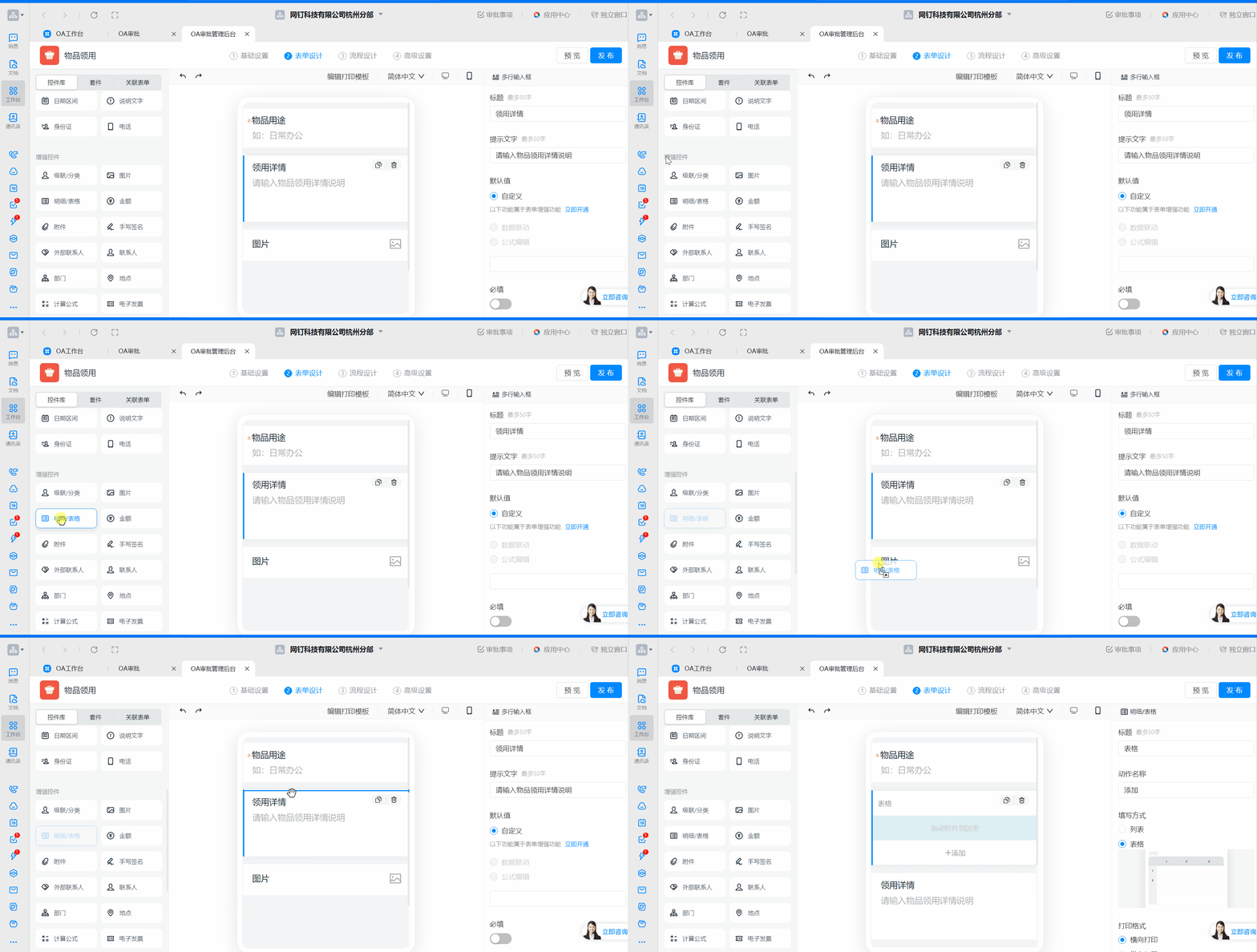
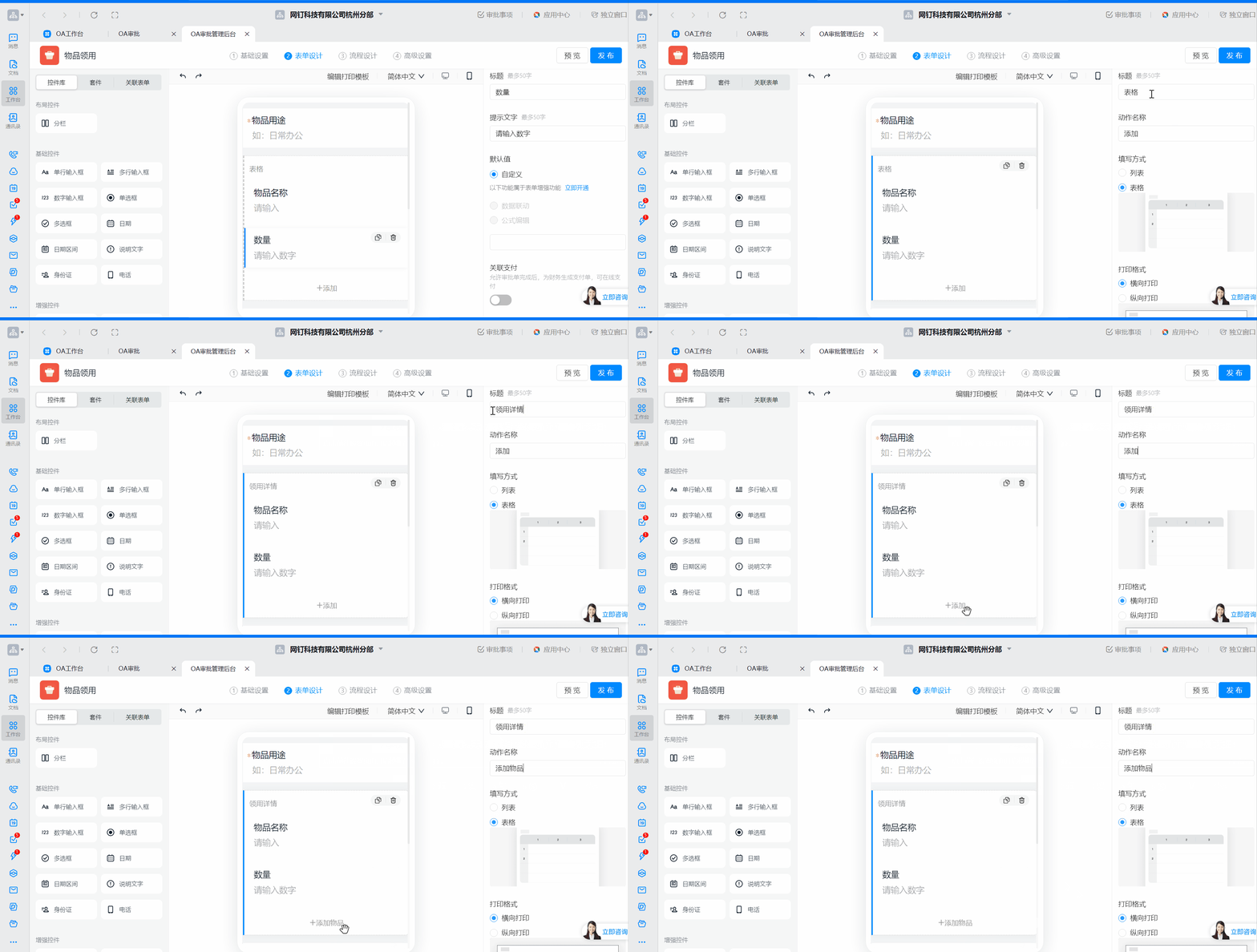
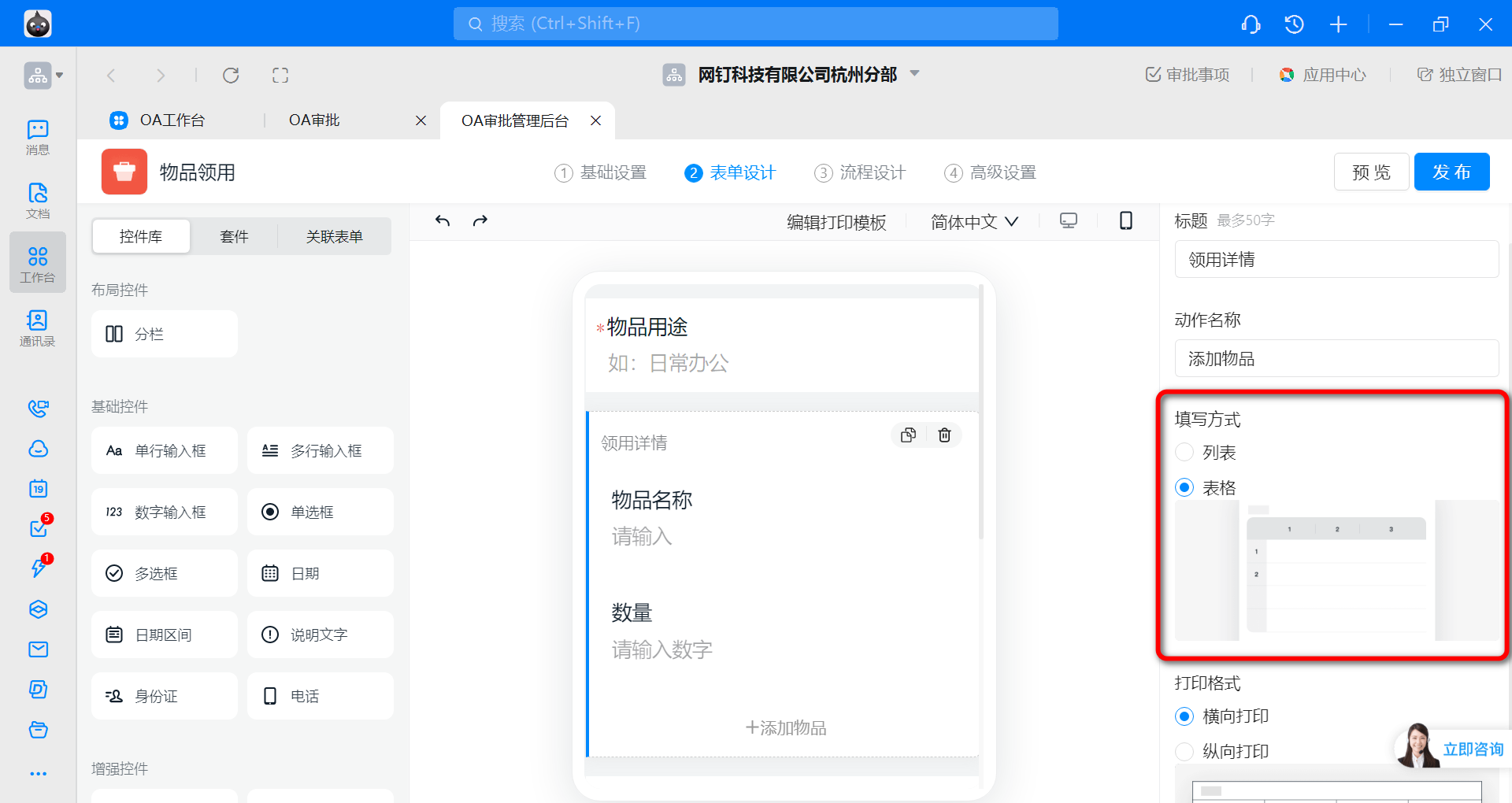
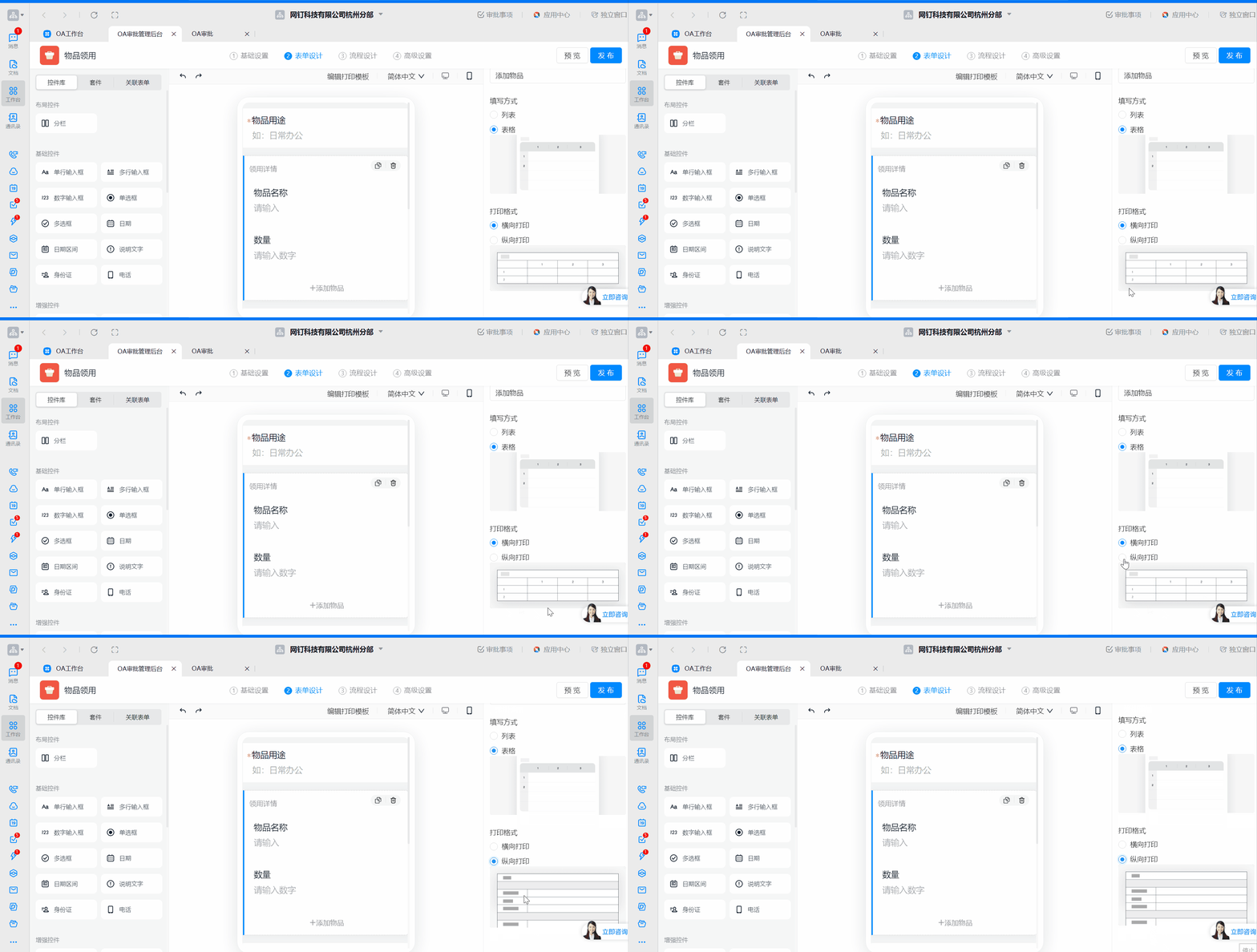
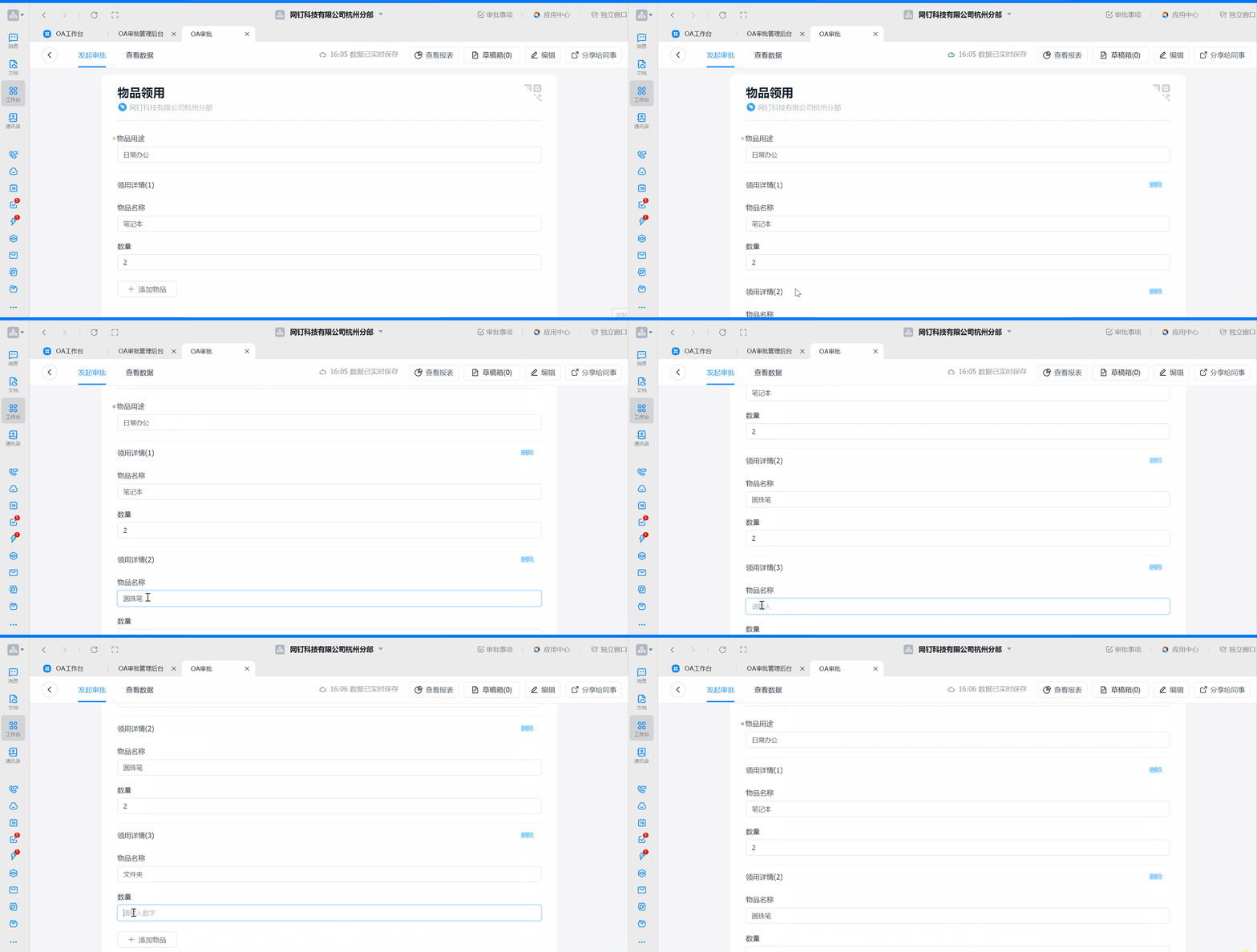
2) Preview of results
1. List input
2. Spreadsheet input