Chats
Chats Calendar
 Meetings
 Contacts
 Mail
Mail Docs
Docs Drive
Drive AI Table
 AI Minutes
 Attendance
 Approval
 YiDA
YiDA Admin Console
1. Detailed instructions
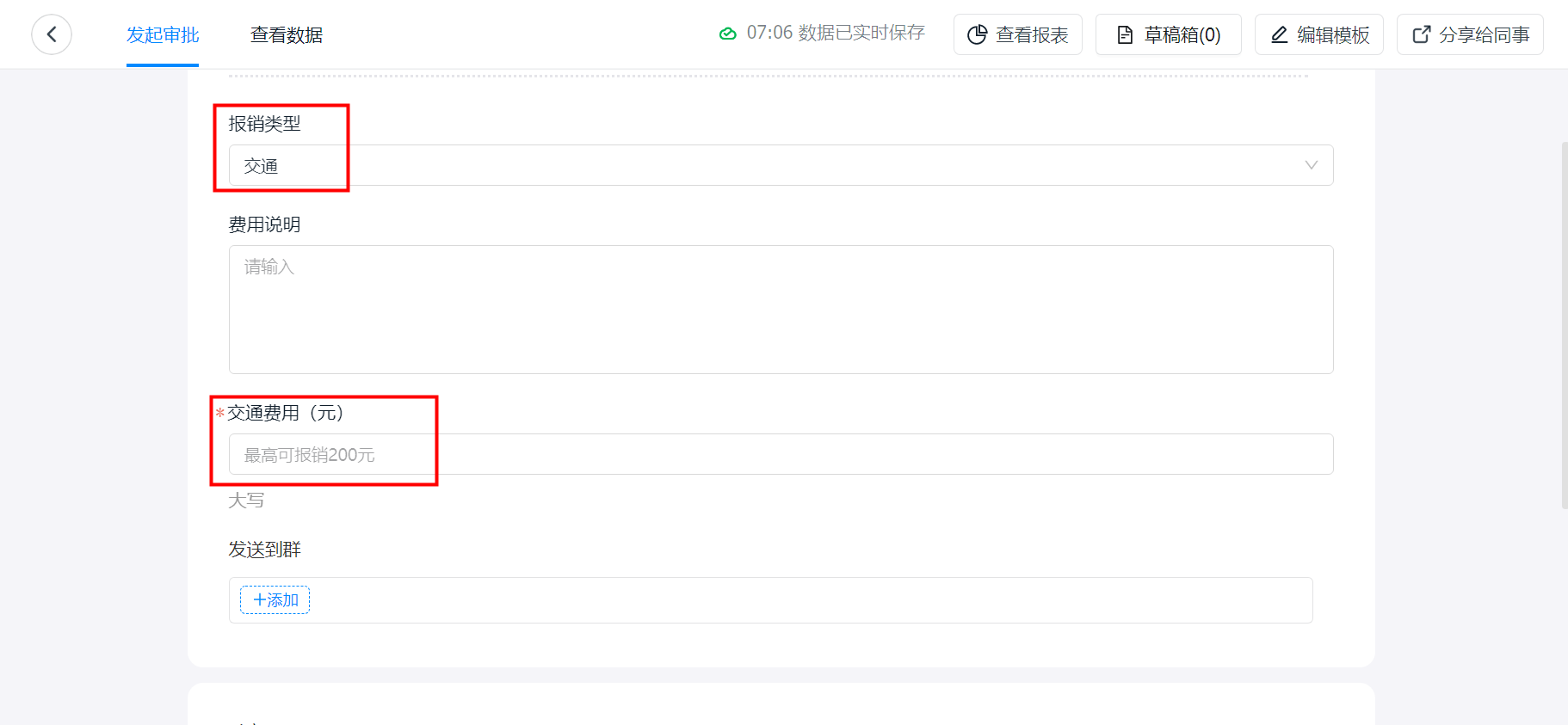
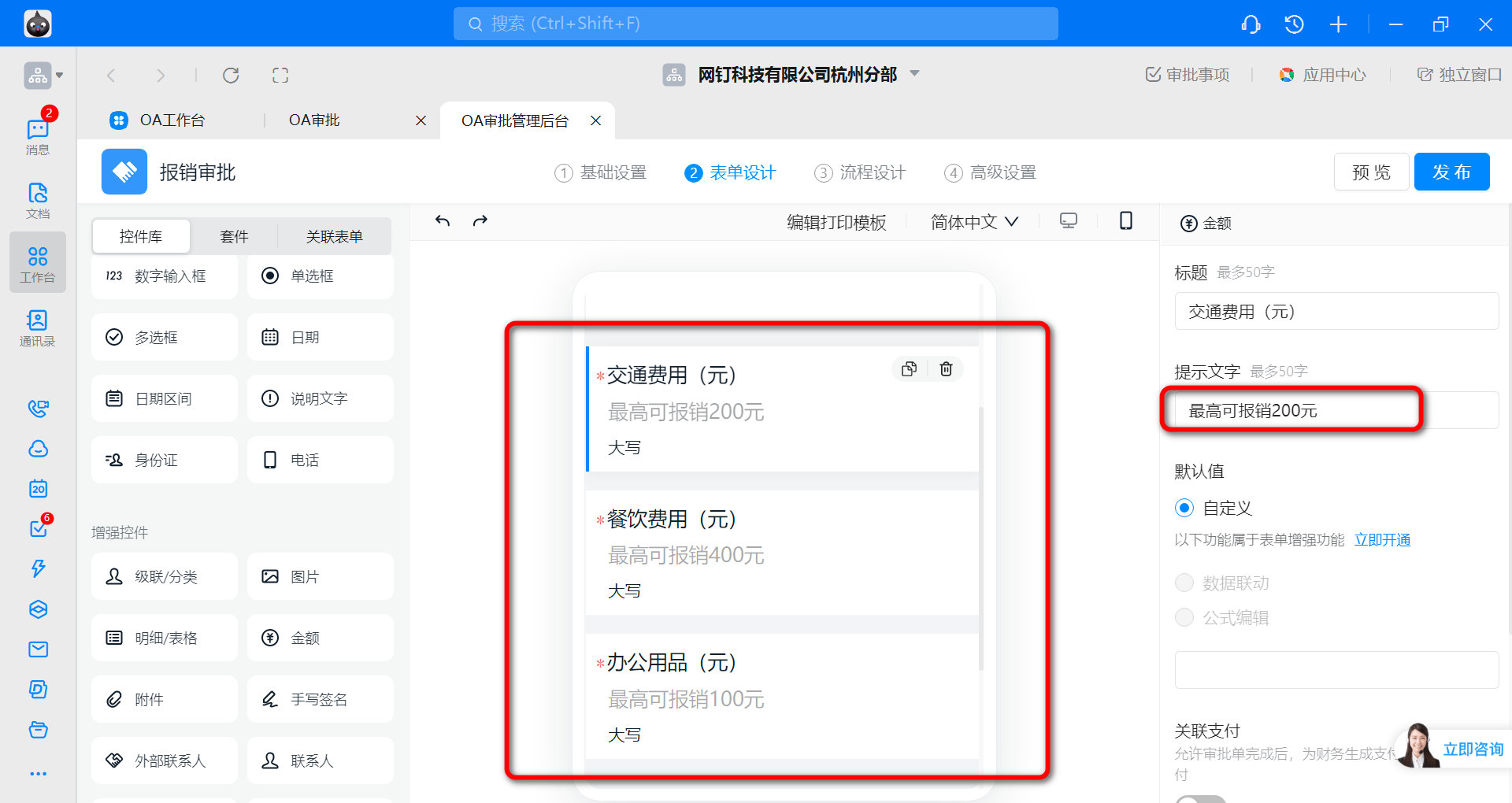
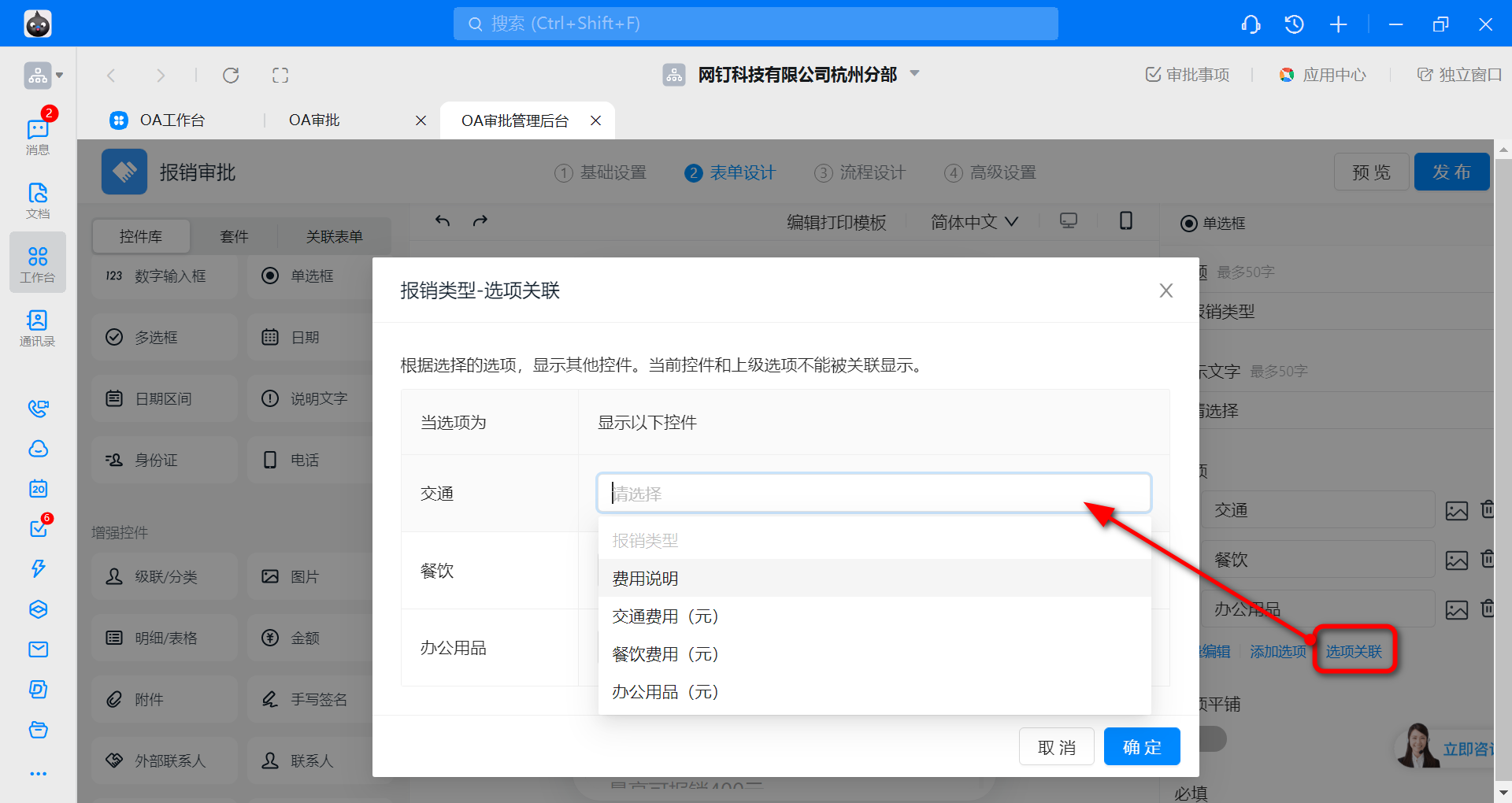
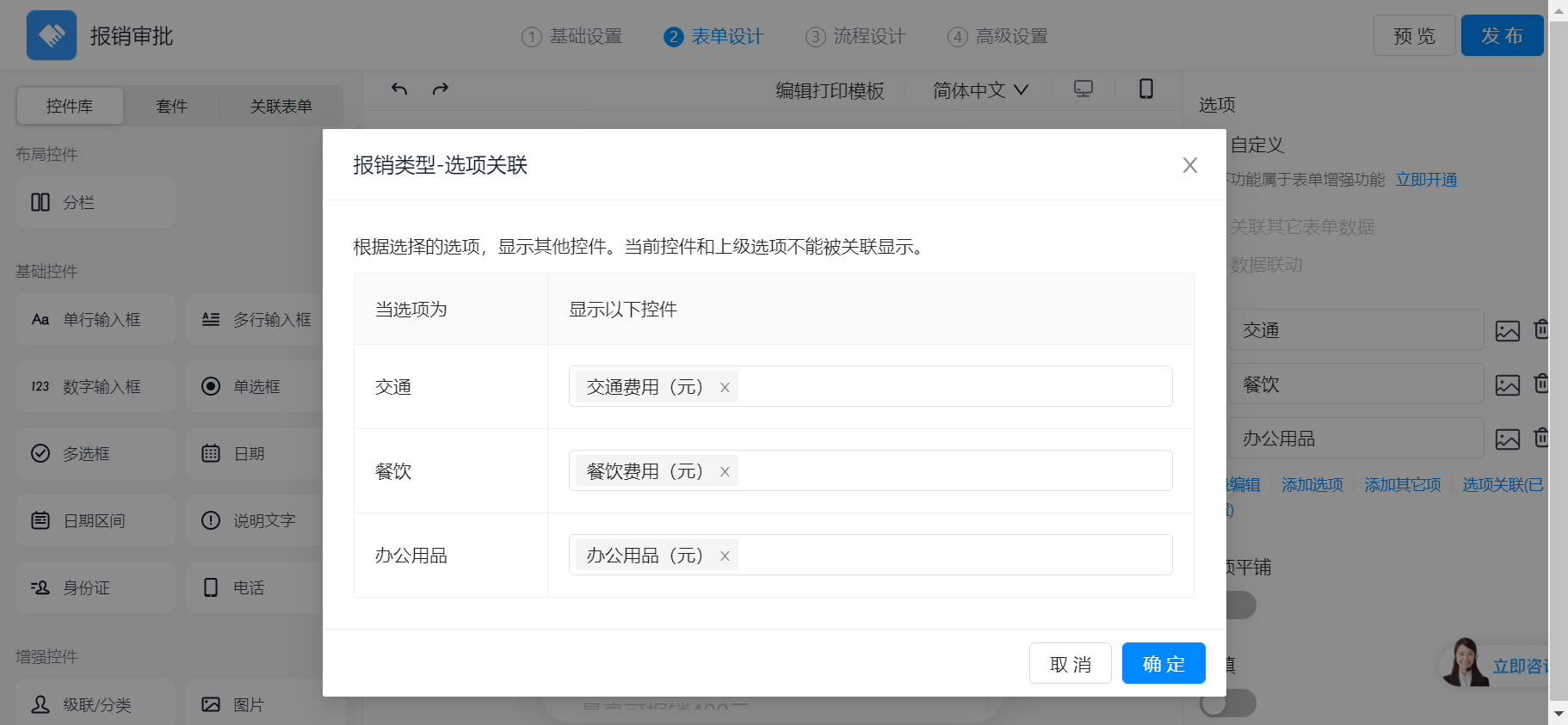
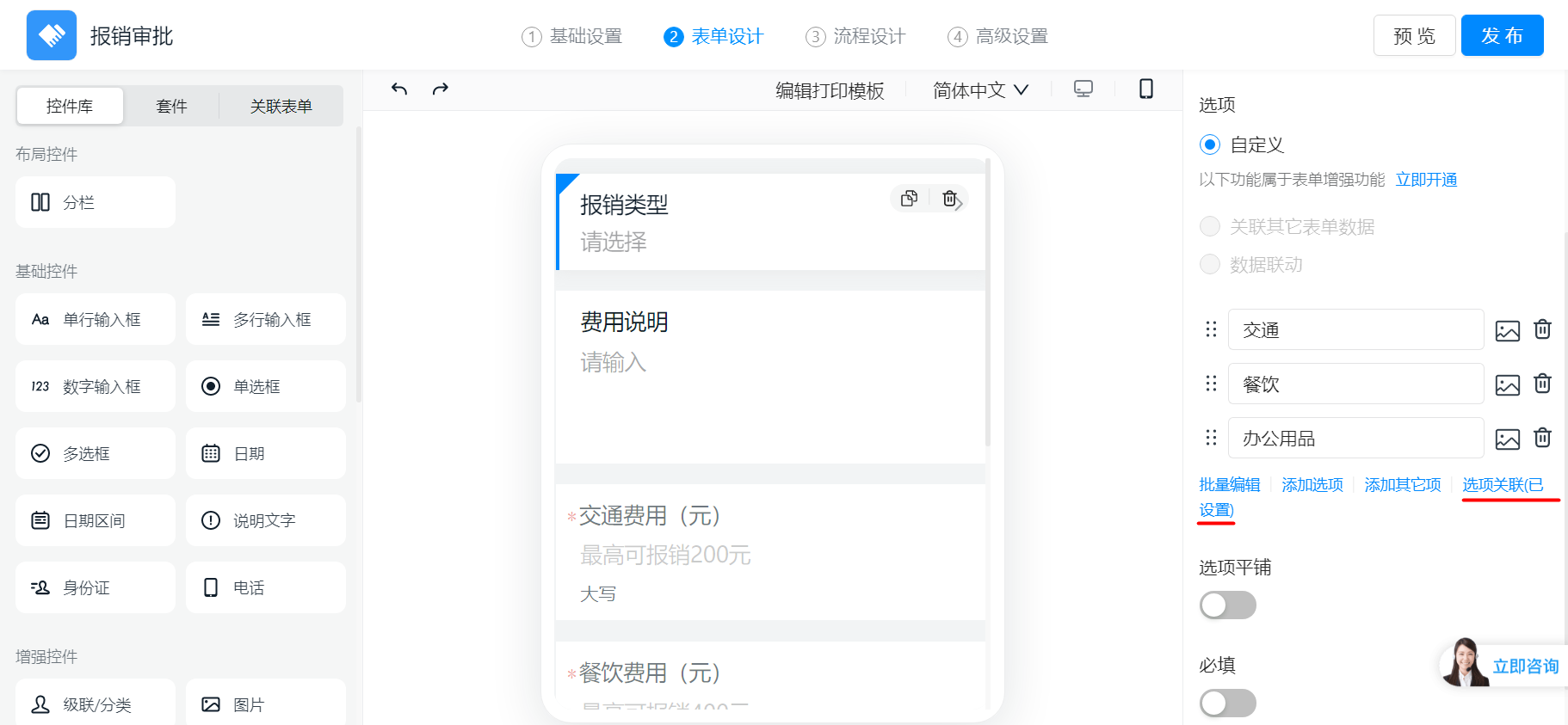
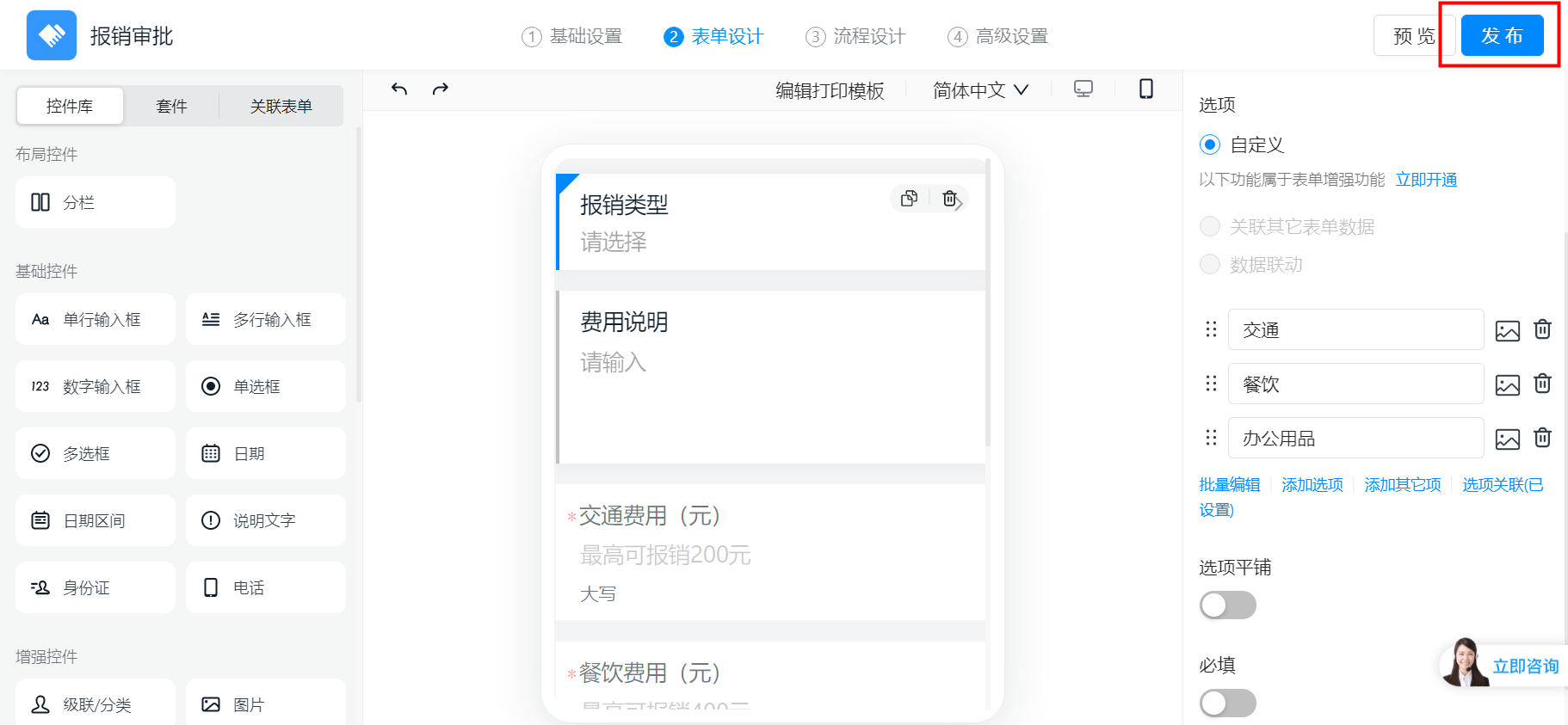
For example, in a reimbursement approval, when a different reimbursement type is selected, the reimbursement amount field should display tip text indicating the amount limit for that type. Transportation has a maximum reimbursement of 200 CNY, meals 400 CNY, and office supplies 100 CNY.1) How to set it up
First, configure the reimbursement type Select field with three options: Transportation, Meals, and Office Supplies.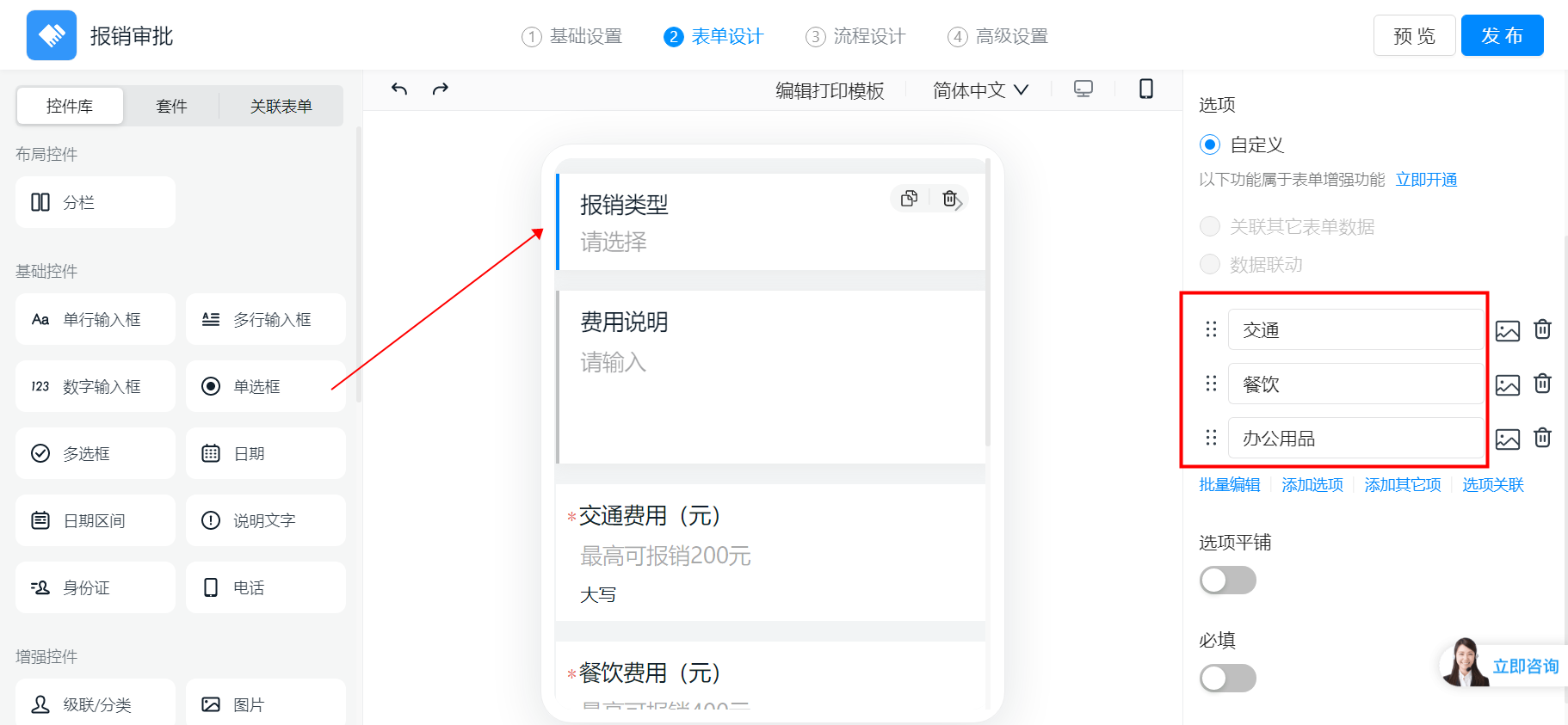
2) Result preview