Chats
Chats Calendar
 Meetings
 Contacts
 Mail
Mail Docs
Docs Drive
Drive AI Table
 AI Minutes
 Attendance
 Approval
 YiDA
YiDA Admin Console
Get familiar with Calendar Home
For more detailed instructions, refer to the article that matches the feature you want to use. Here is what you can find on Calendar Home.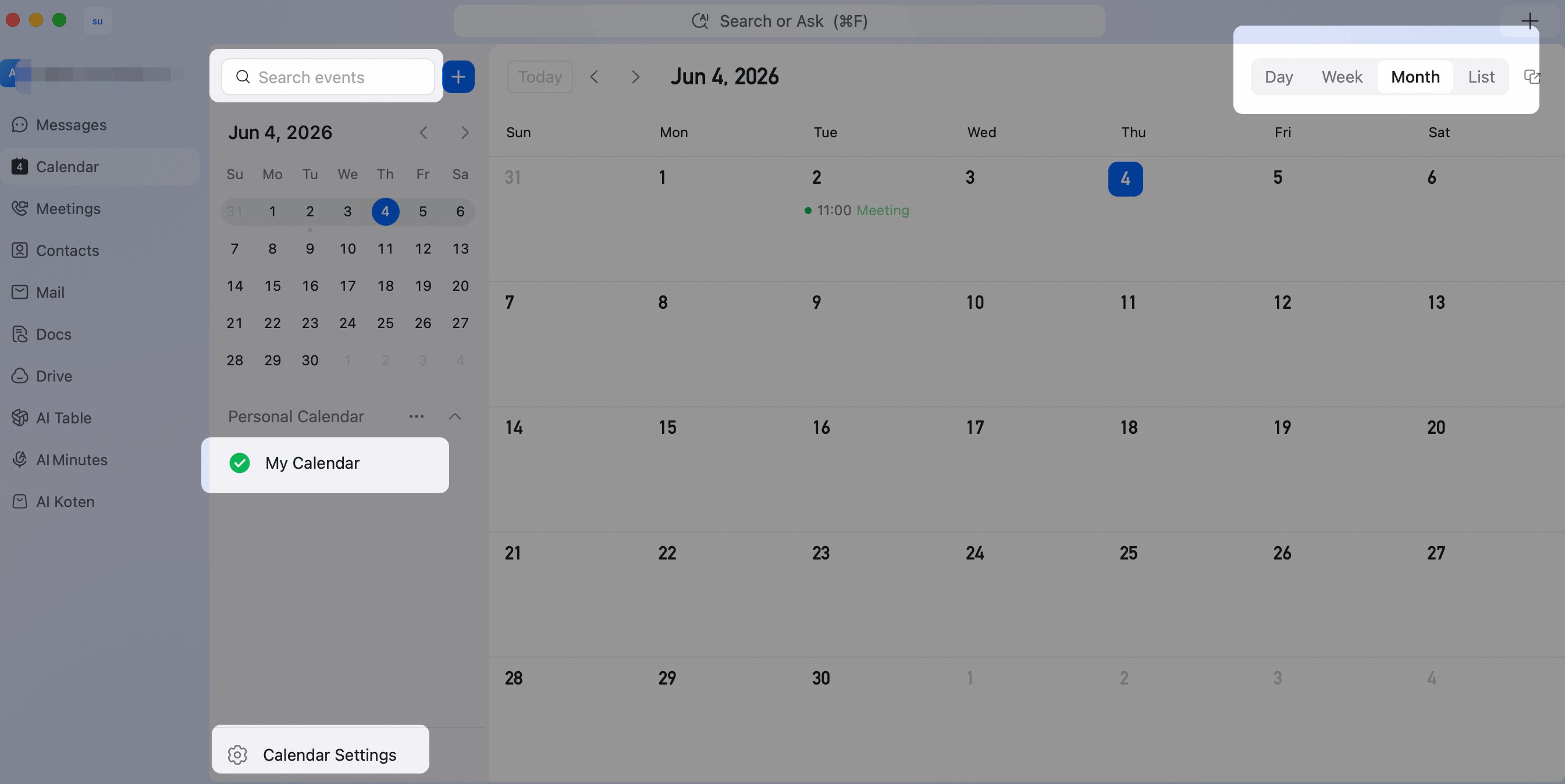
Detailed operations
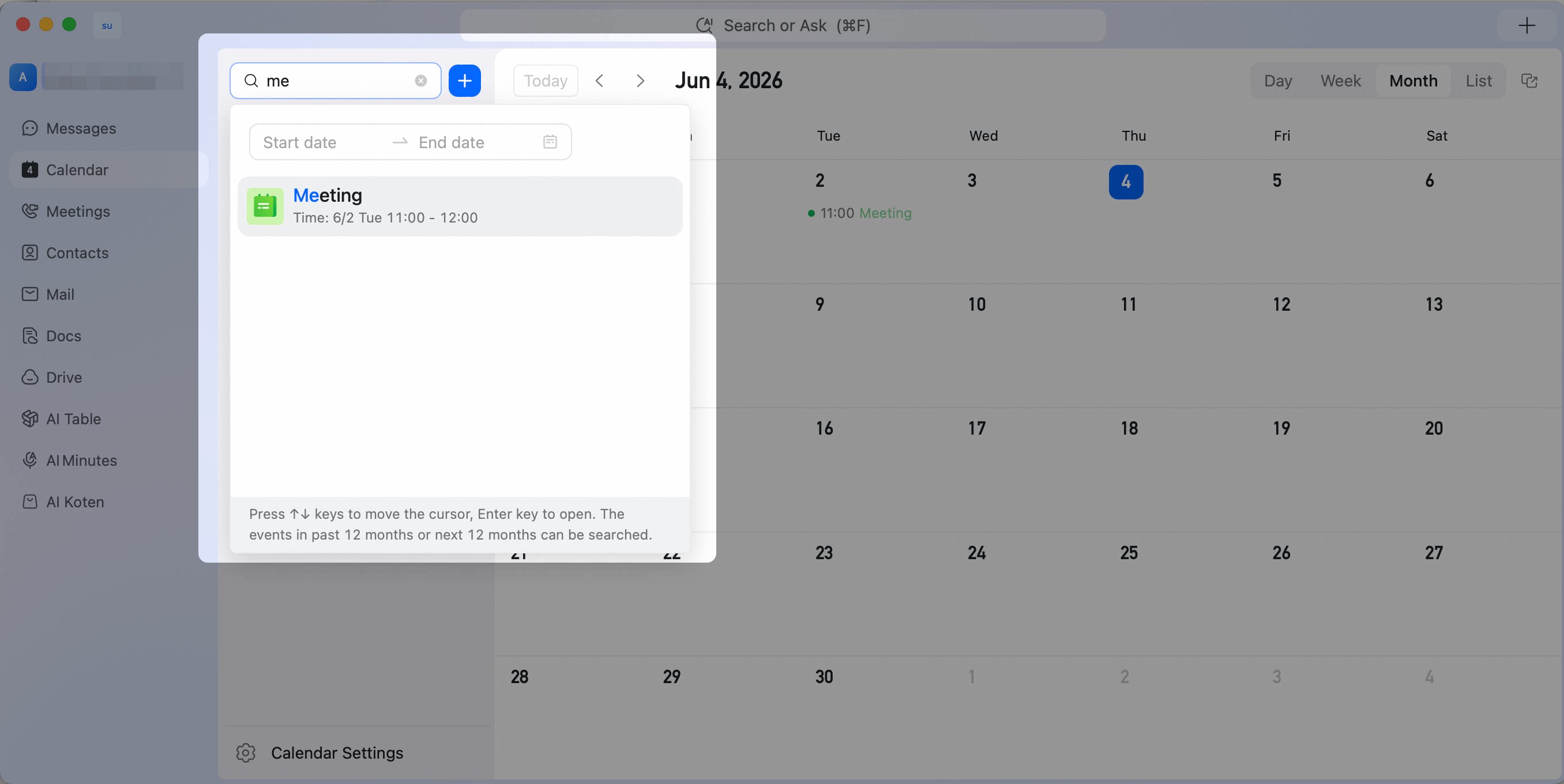
Please check out the actions supported on the Calendar home page! ● Quickly Create a New Event: You can click the blue plus sign (+) to the right of the input box and select “New Event.” ● View My Calendar: You can toggle the checkboxes to display “My Calendar”. ● Calendar Settings Tap to access your personalized settings.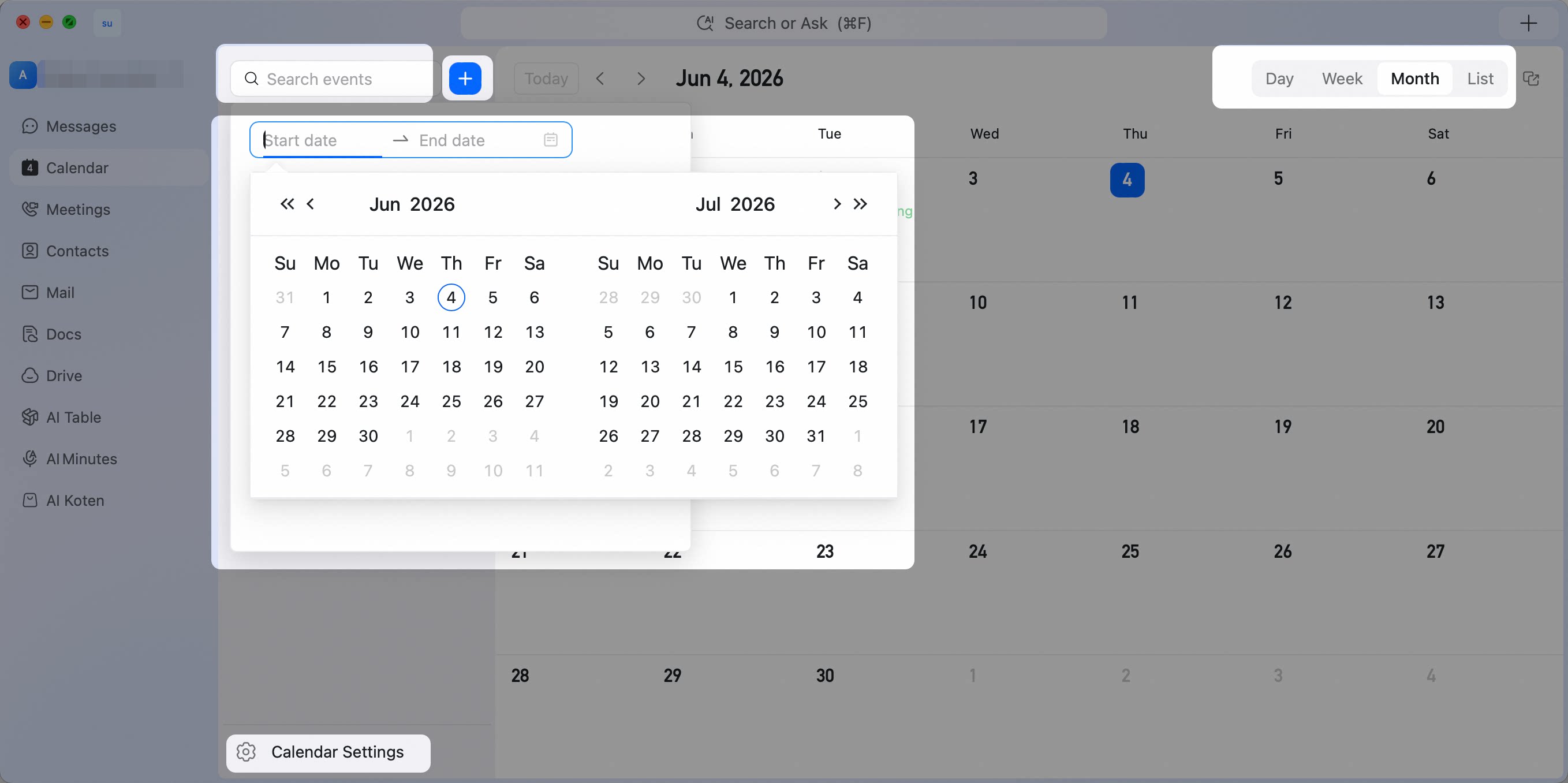 ● Calendar Views
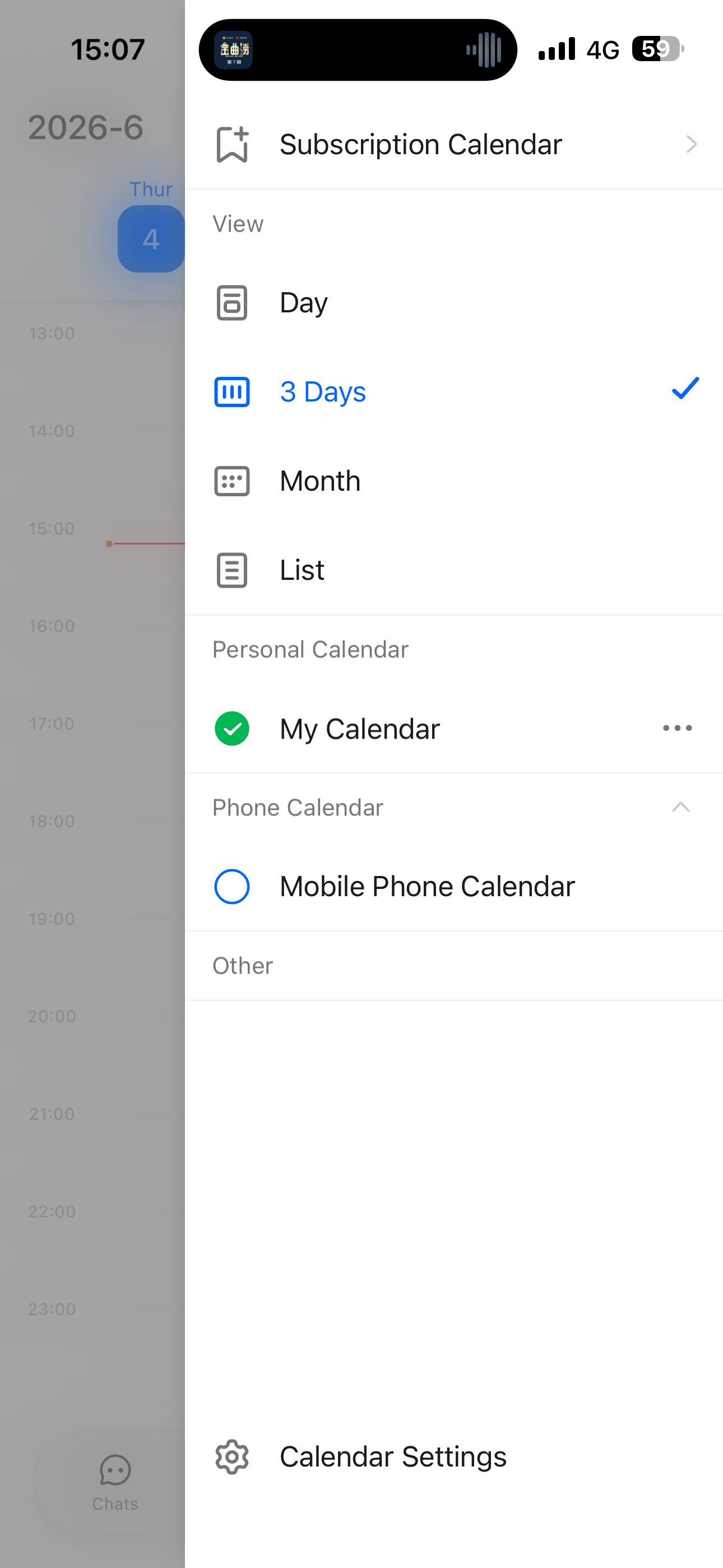
DingTalk Calendar supports List View, Day View, Week View, and Month View.
It also includes a 3-Day View on mobile.
● Calendar Views
DingTalk Calendar supports List View, Day View, Week View, and Month View.
It also includes a 3-Day View on mobile.