

 Chats
Chats Calendar
 Meetings
 Contacts
 Mail
Mail Docs
Docs Drive
Drive AI Table
 AI Minutes
 Attendance
 Approval
 YiDA
YiDA Admin Console
How to access Calendar
On mobile
Open DingTalk on mobile, Open the DingTalk mobile app and tap the second icon in the bottom menu, tap Calendar.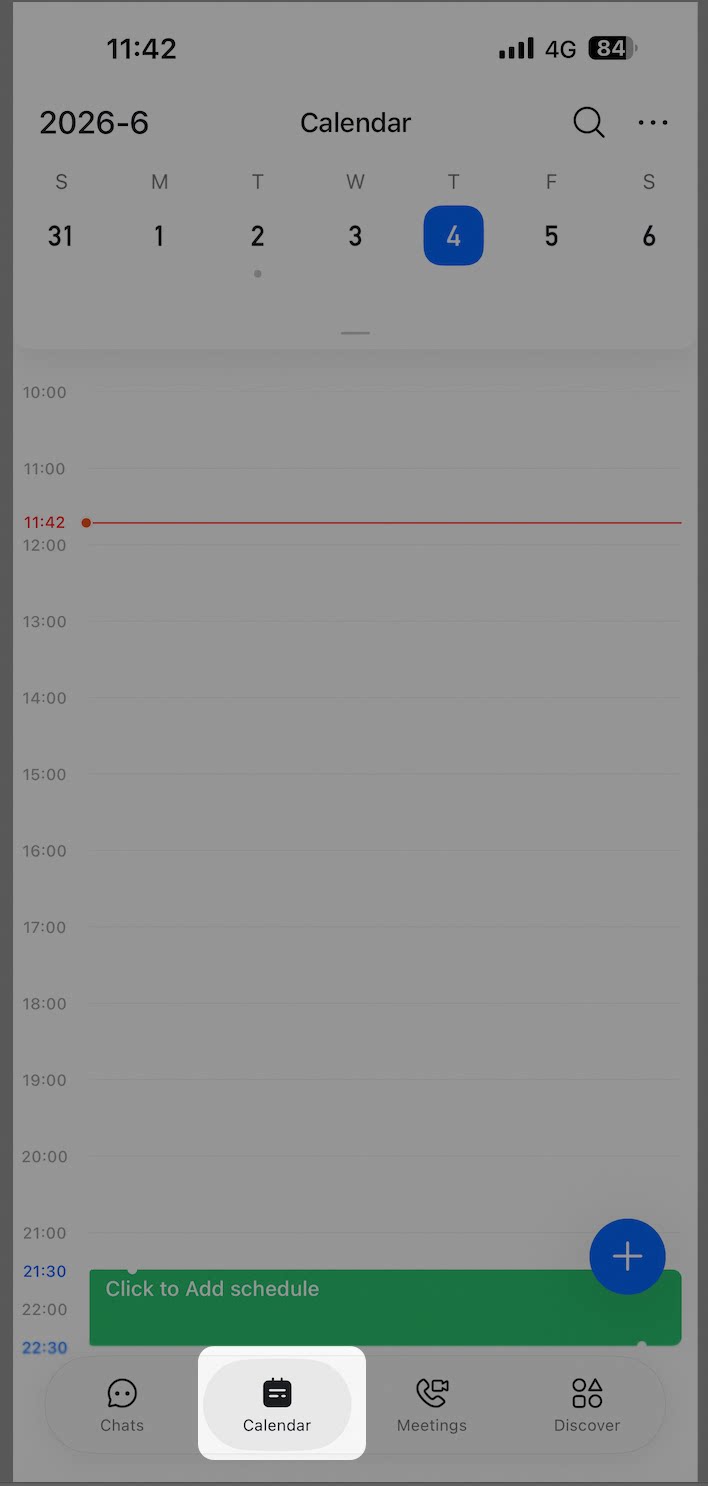
On desktop
Click Calendar in the left navigation bar.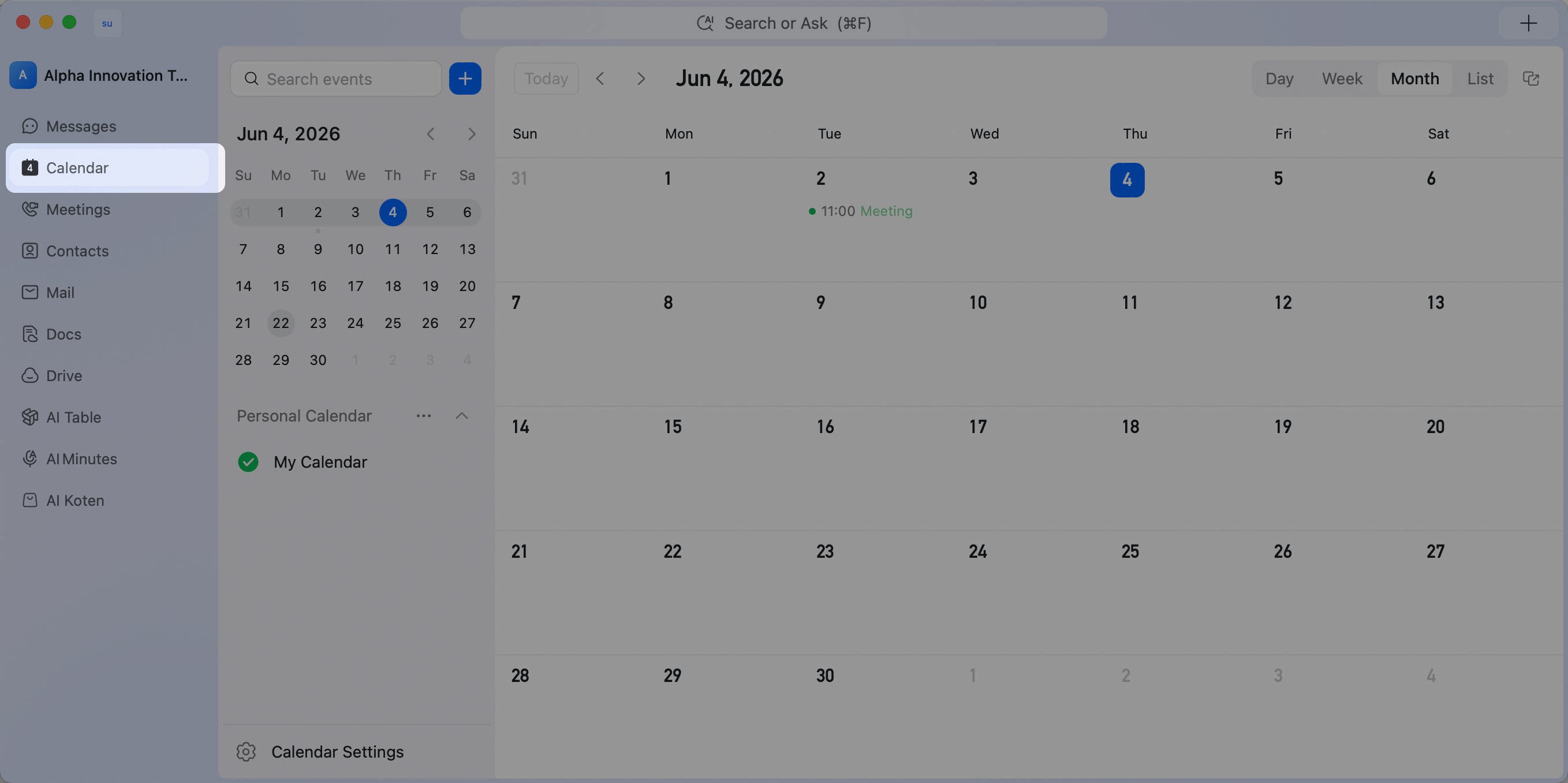
Quick access guide for DingTalk Calendar—tap the second icon in the mobile bottom menu, or click Calendar in the left navigation on desktop to start managing schedules.