Documentation IndexFetch the complete documentation index at: /llms.txtUse this file to discover all available pages before exploring further.
Fetch the complete documentation index at: /llms.txt
Use this file to discover all available pages before exploring further.
公告:DingTalk 国际组织商业版本将于 2026 年 10 月 21 日起调整。查看详情
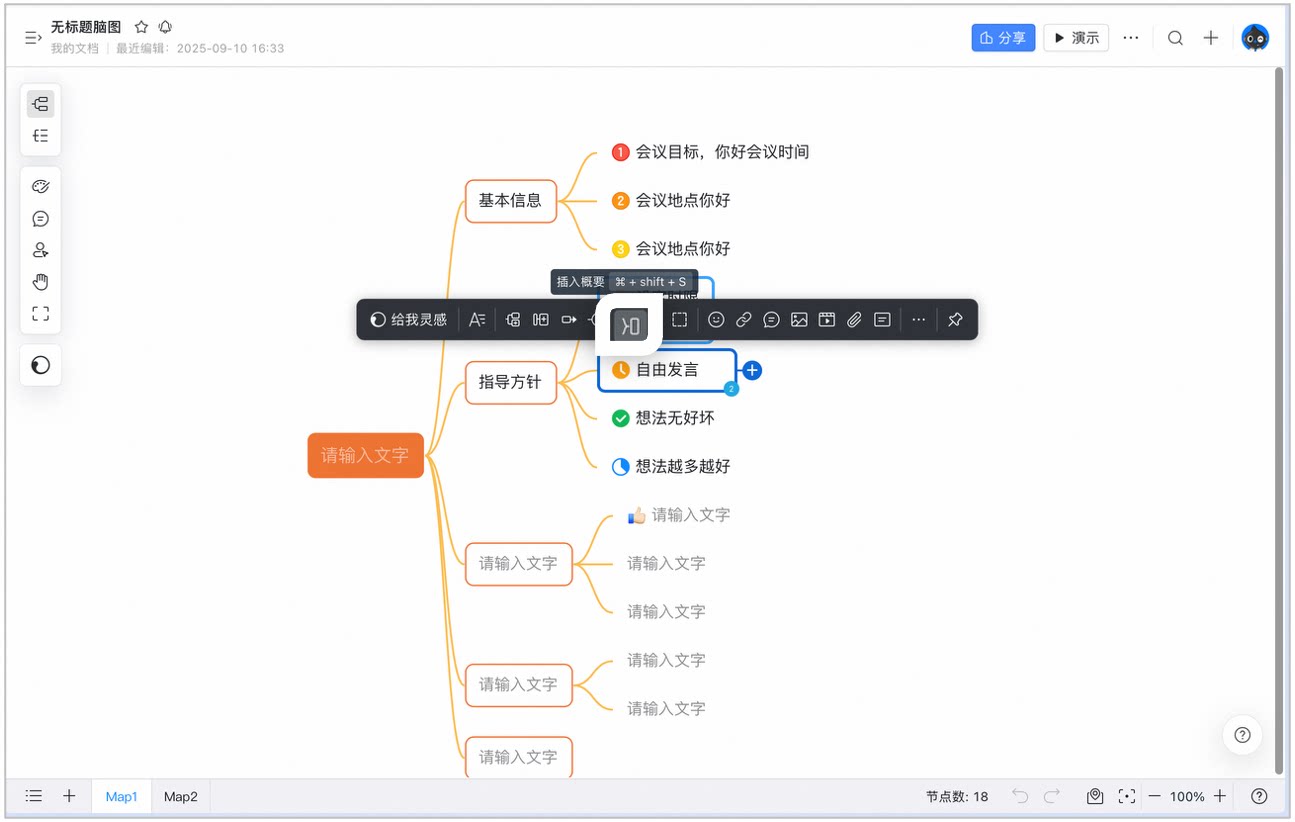
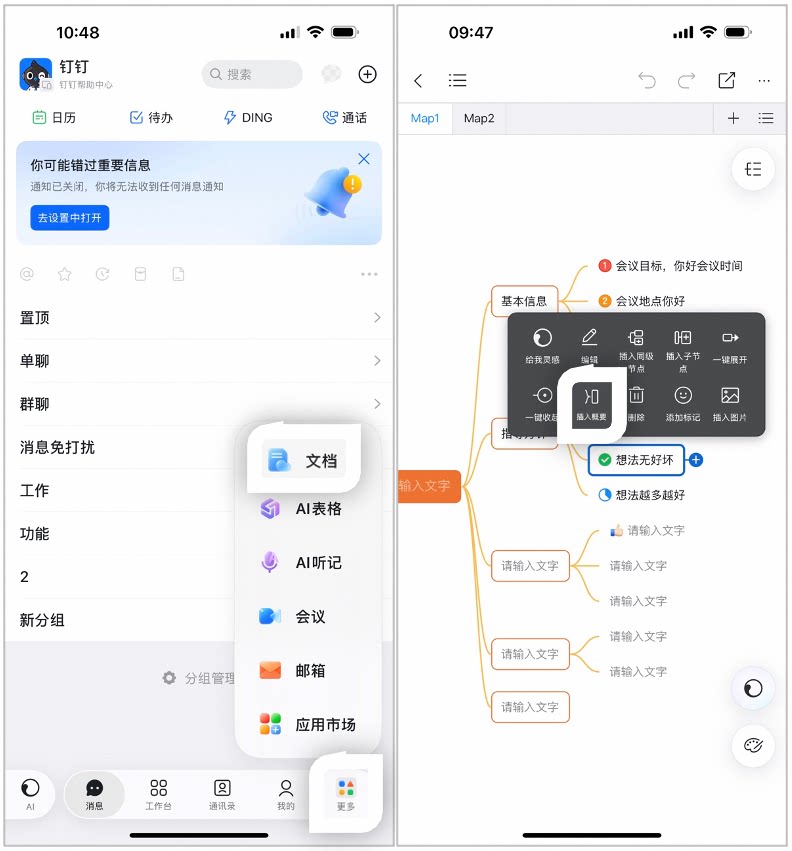
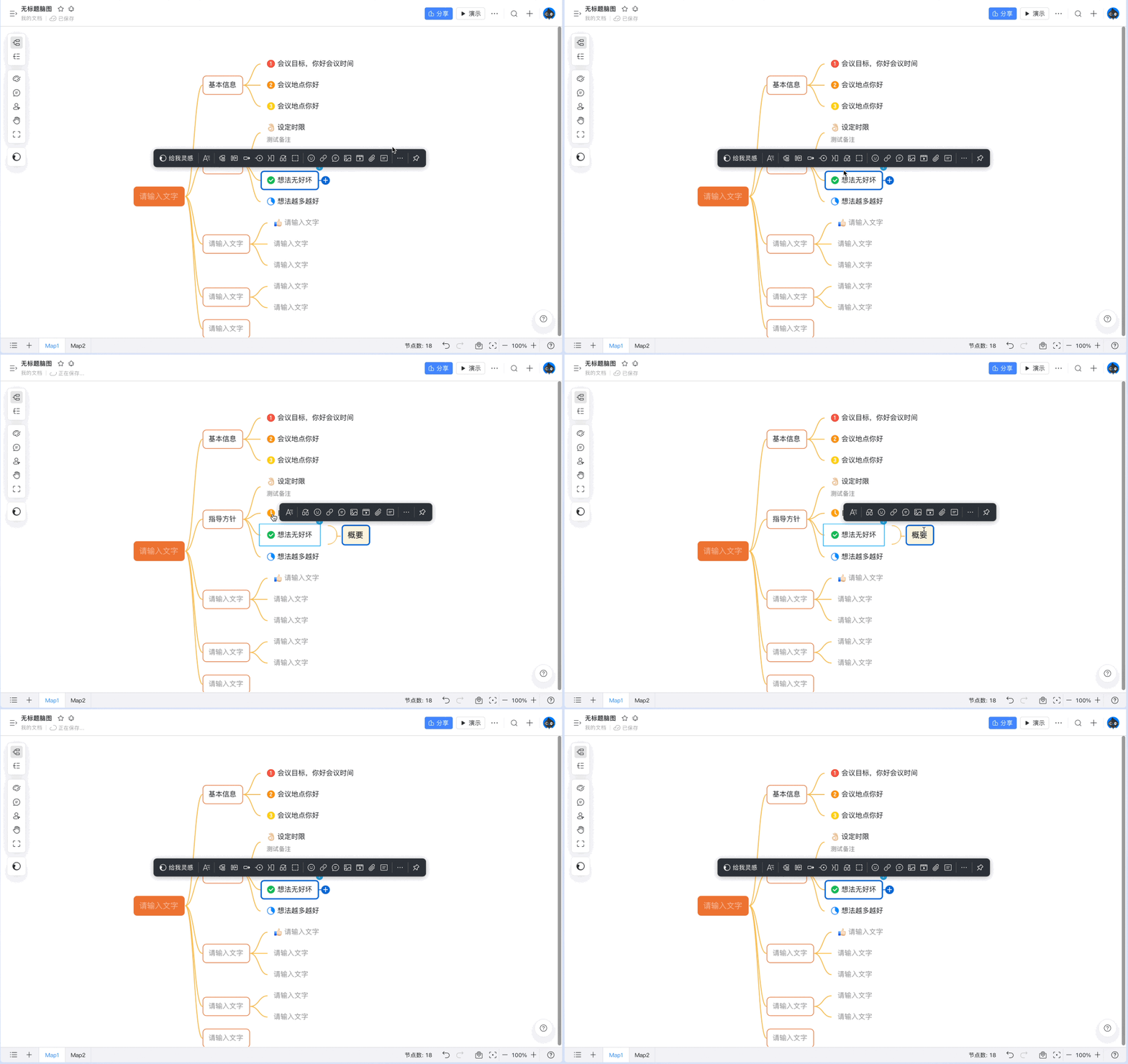
使用【插入概要】,可以给脑图添加概要节点,让内容主题表达更清晰。
选中概要节点, 按退格键删除
此页面对您有帮助吗?


 消息
消息 日历
日历 会议
会议 通讯录
通讯录 邮箱
邮箱 文档
文档 钉盘
钉盘 AI 表格
AI 表格 AI 听记
AI 听记 考勤
考勤 审批
审批 宜搭
宜搭 管理控制台
管理控制台