Chats
Chats Calendar
 Meetings
 Contacts
 Mail
Mail Docs
Docs Drive
Drive AI Table
 AI Minutes
 Attendance
 Approval
 YiDA
YiDA Admin Console
1. Overview
Admins can configure approvers.When an organization sets up its Contacts, a common situation arises: the division leader does not sit in the parent department but in the General Manager’s Office. When an approval must be escalated step by step to the division leader, configuring multiple levels of managers alone cannot reach the division leader directly.At the same time, when a division leader initiates an approval, only the general manager needs to approve—no other approvers are required.You can solve this by configuring conditional approval.
2. Prerequisites
- Only an Approval Admin can perform process design, so you must first become an Approval Admin.

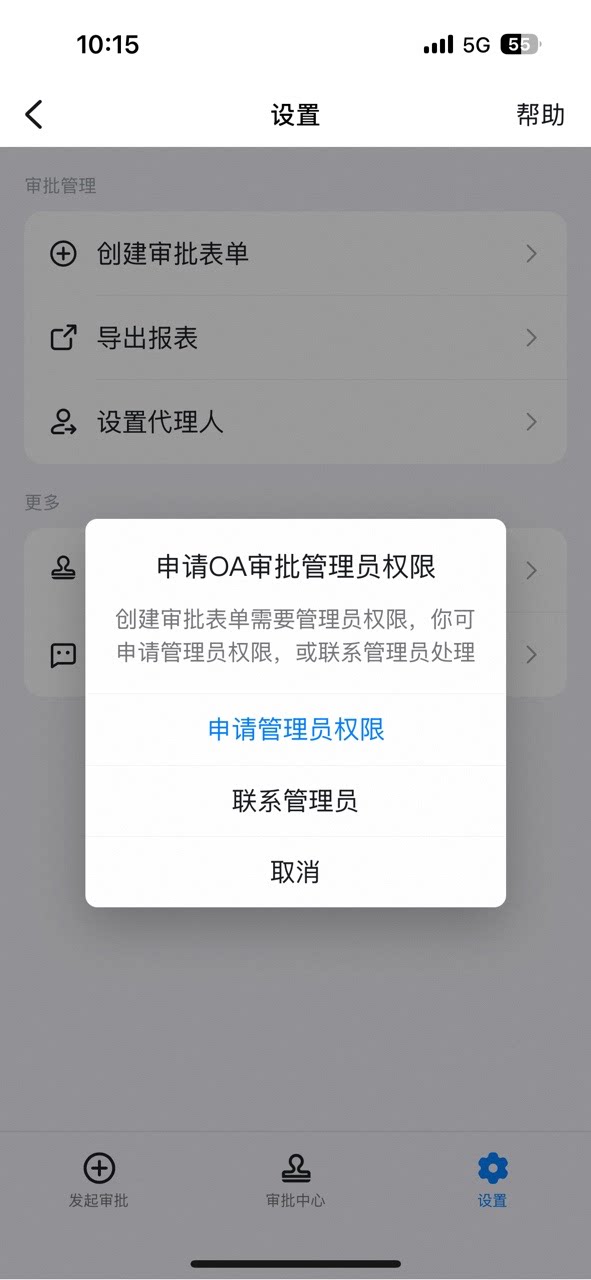
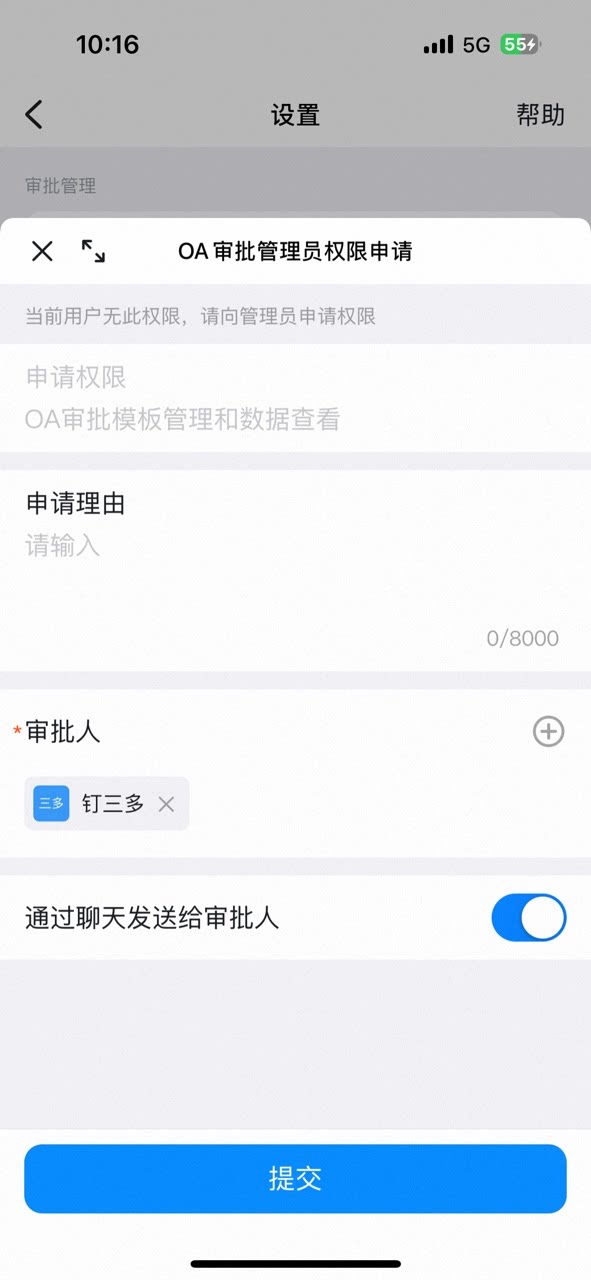

3. Steps
3.1 Set up roles
In a browser, open the DingTalk Admin Console and click Set up Roles.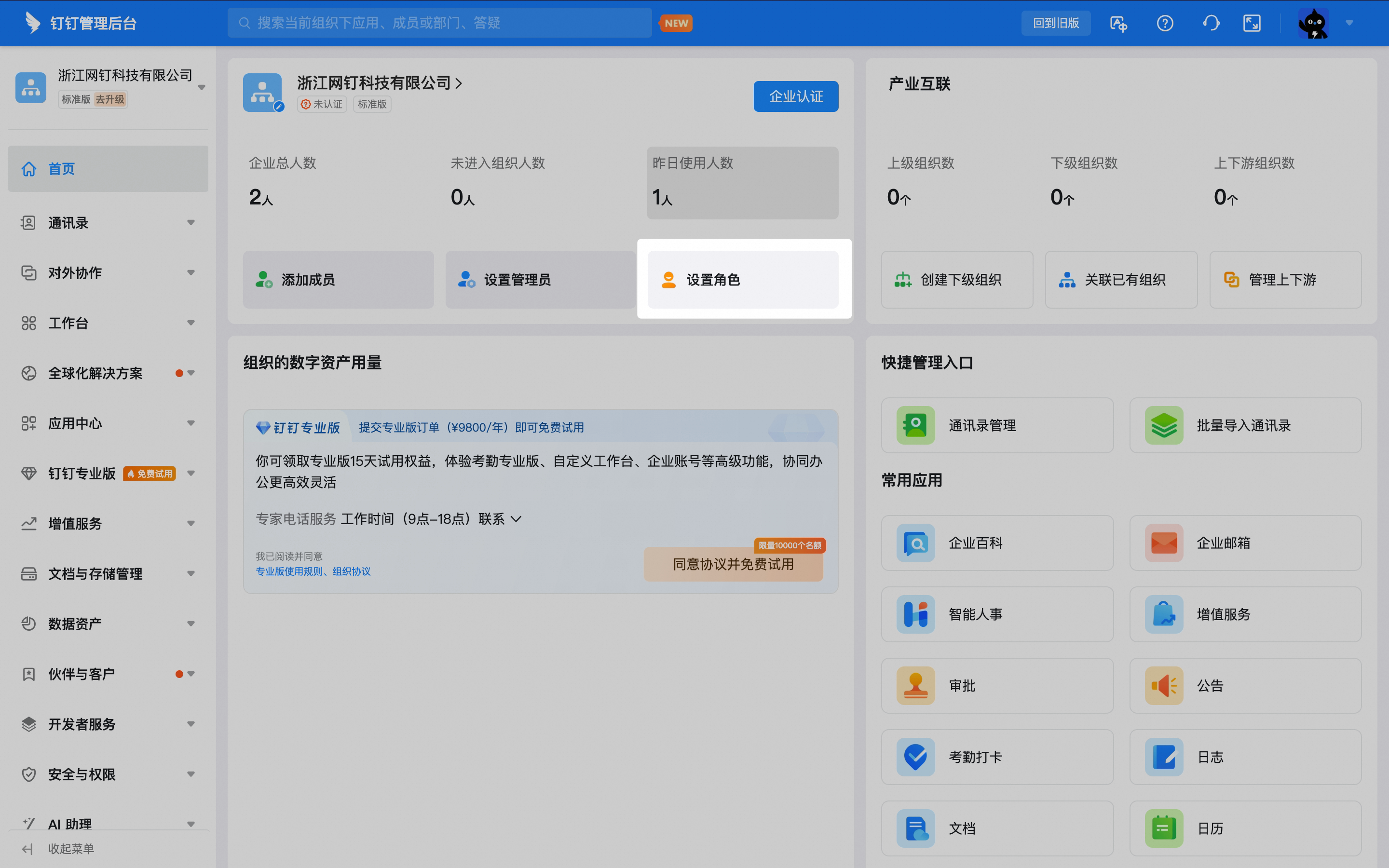
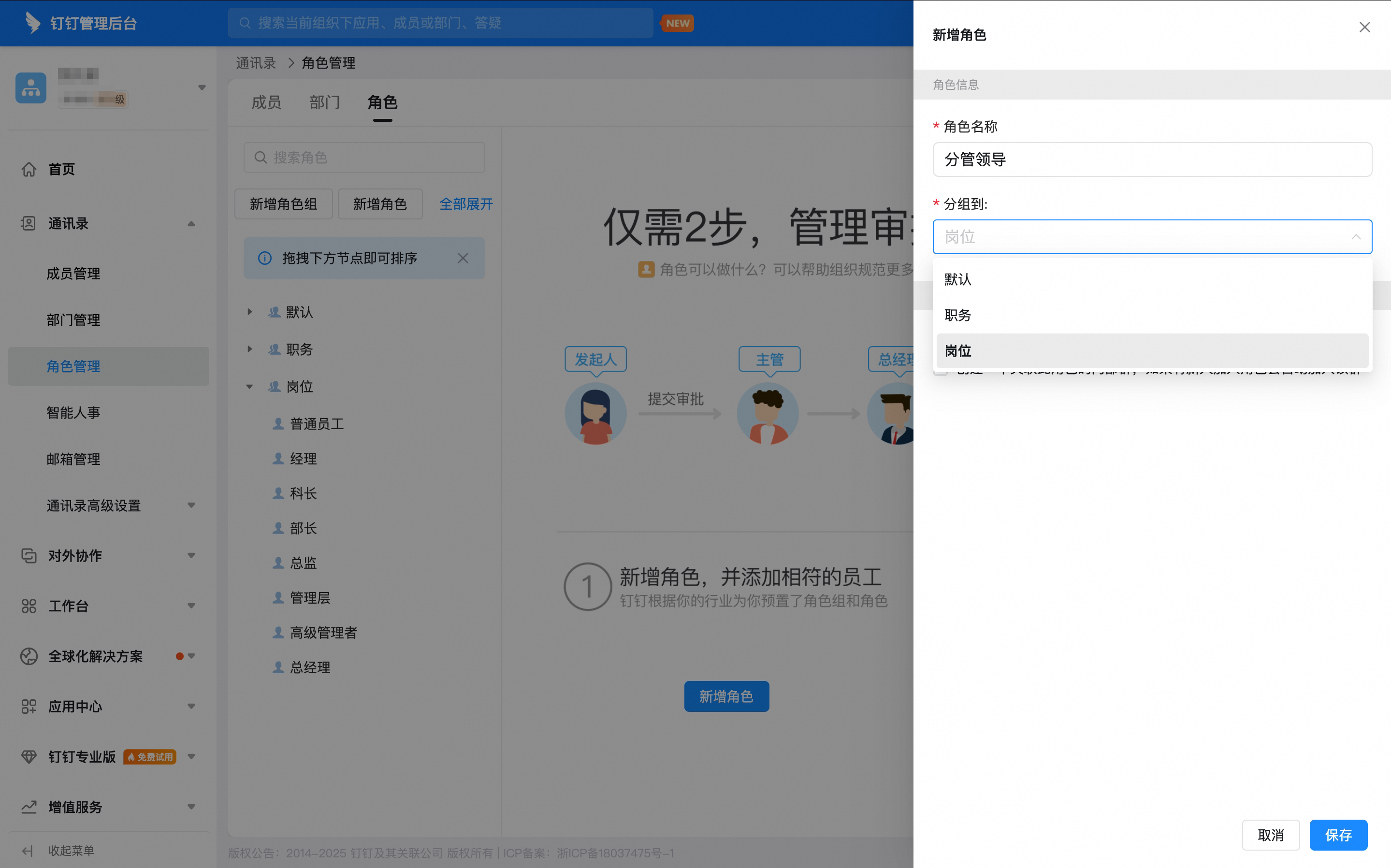
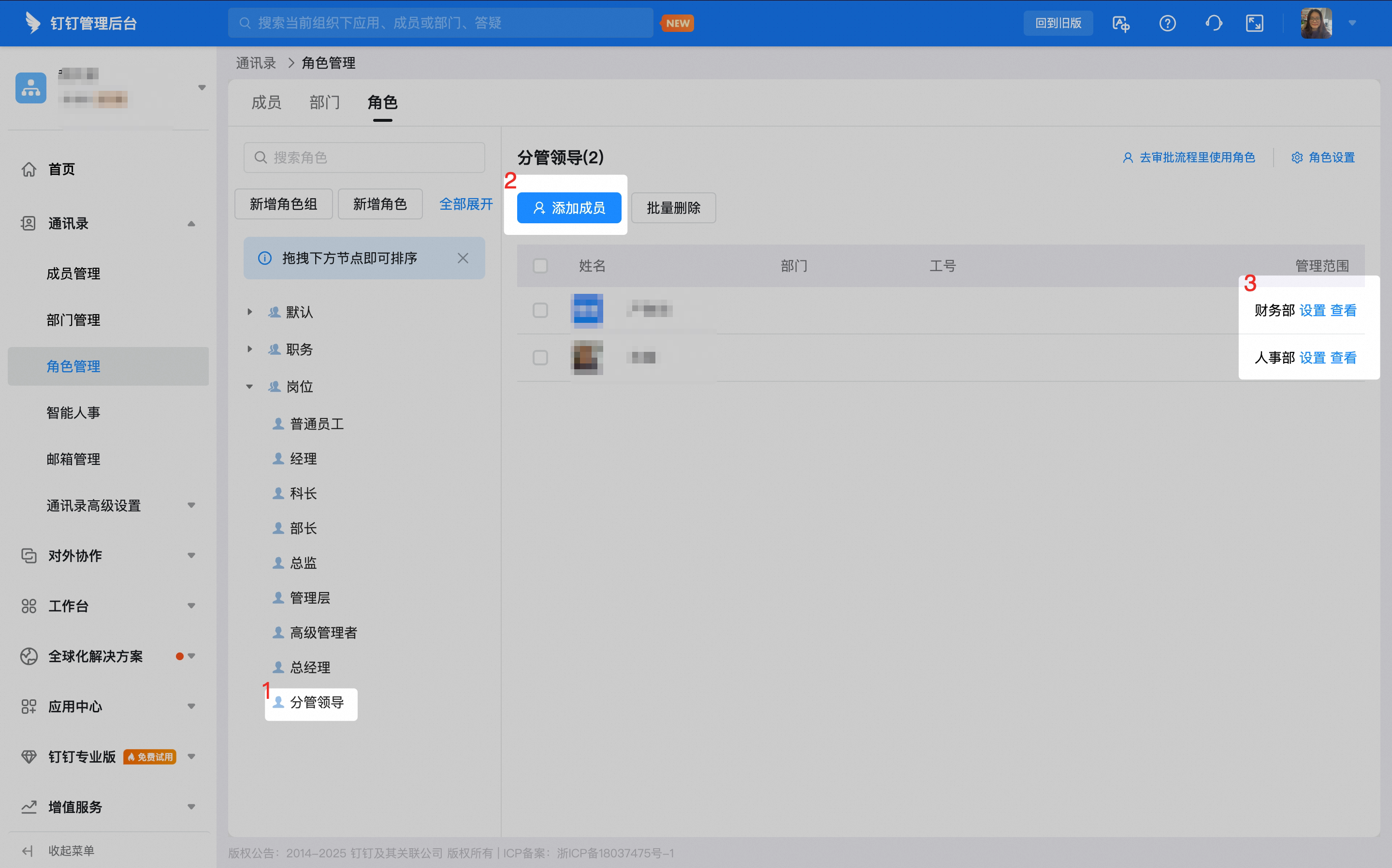
3.2 Set up the approval process
On the Approval Admin Console > Form Management page, click Edit in the Action column of the form.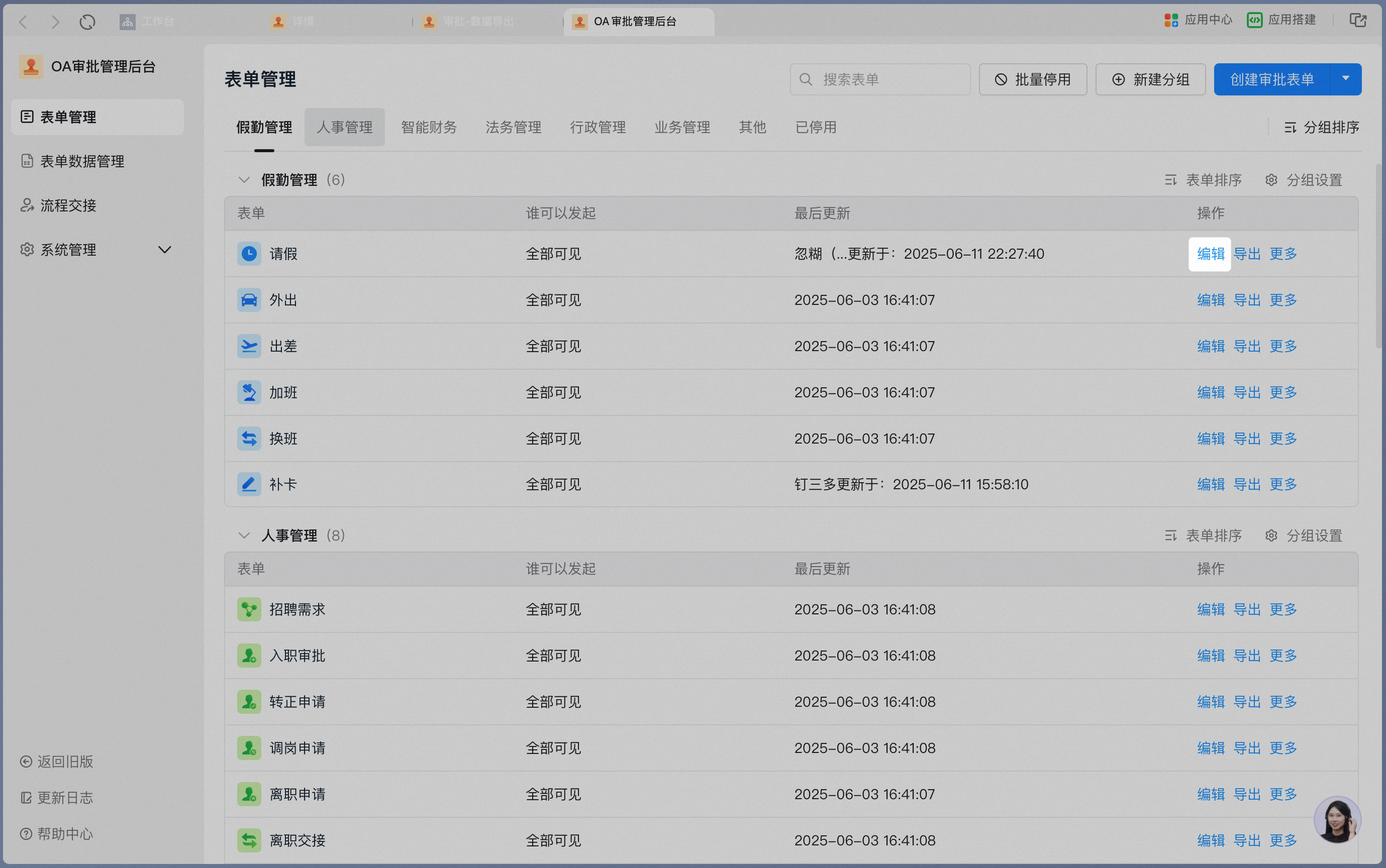
3.3 Set up conditional approval
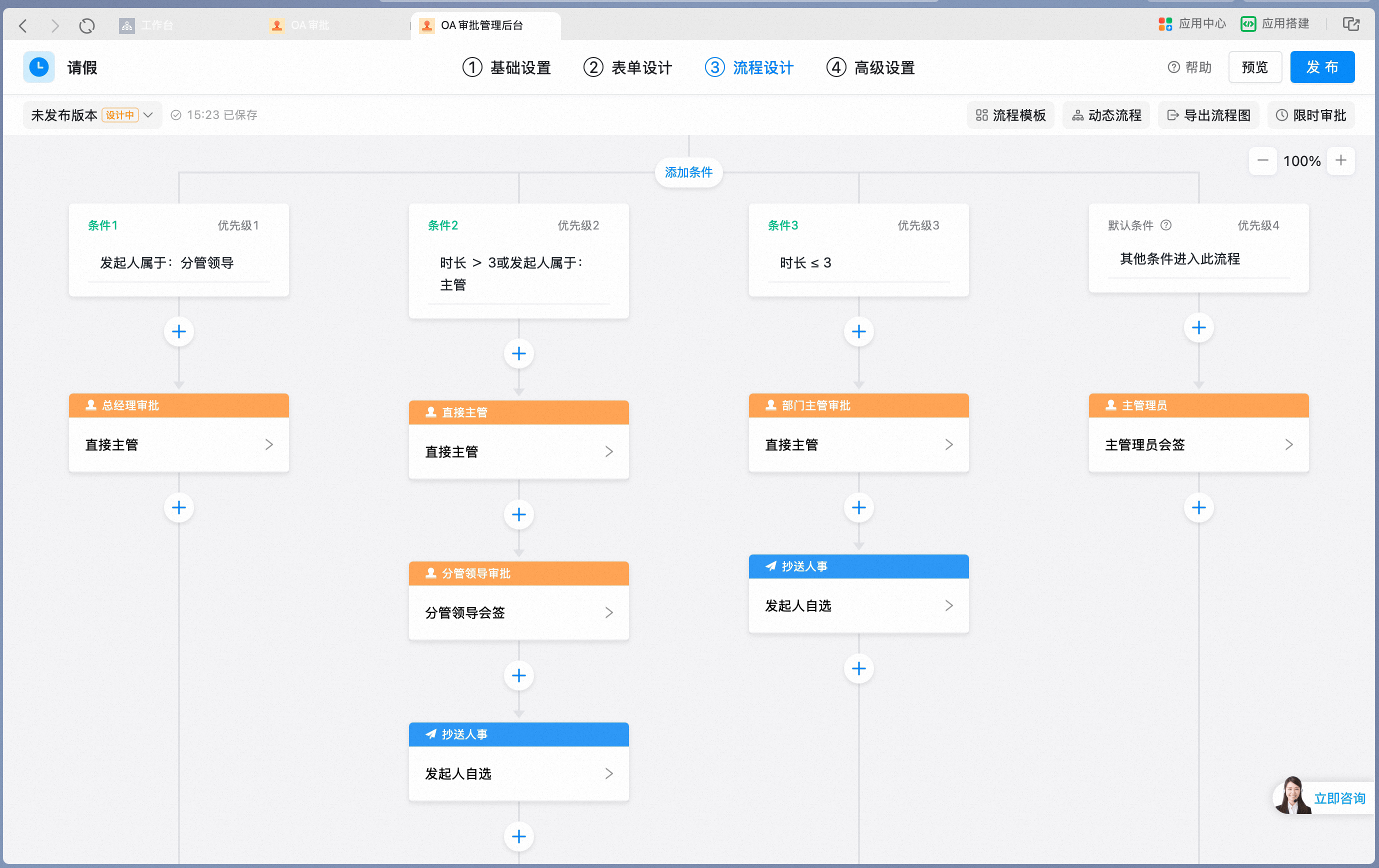
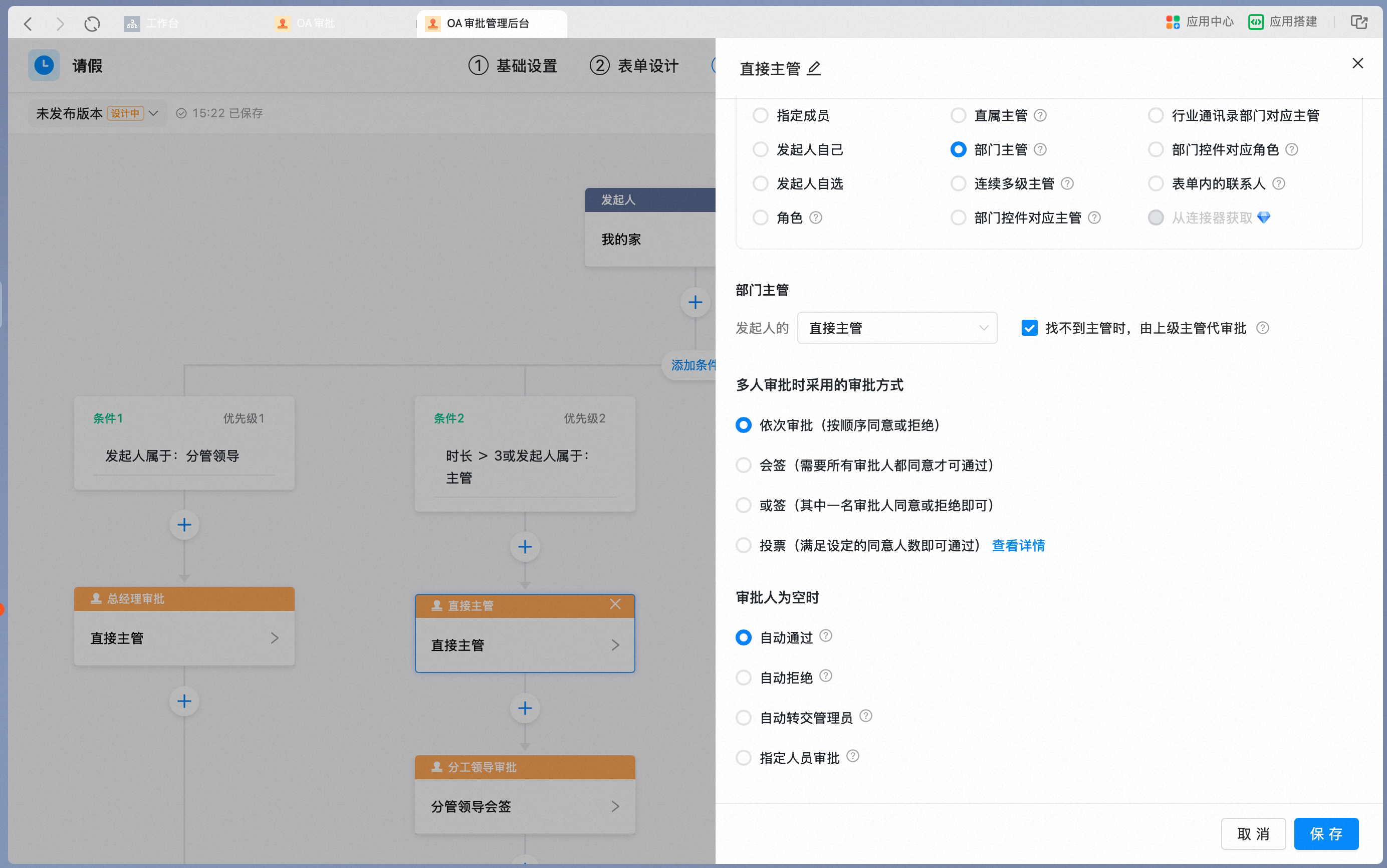
The conditional approval process configured according to the table above is shown in the image below. For the Direct Manager node, select department manager, enable If no manager is found, the higher-level manager approves on their behalf, and set When the approver is empty to automatic approval so that the process does not fail when the department manager initiates the request: