Chats
Chats Calendar
 Meetings
 Contacts
 Mail
Mail Docs
Docs Drive
Drive AI Table
 AI Minutes
 Attendance
 Approval
 YiDA
YiDA Admin Console
1. Overview
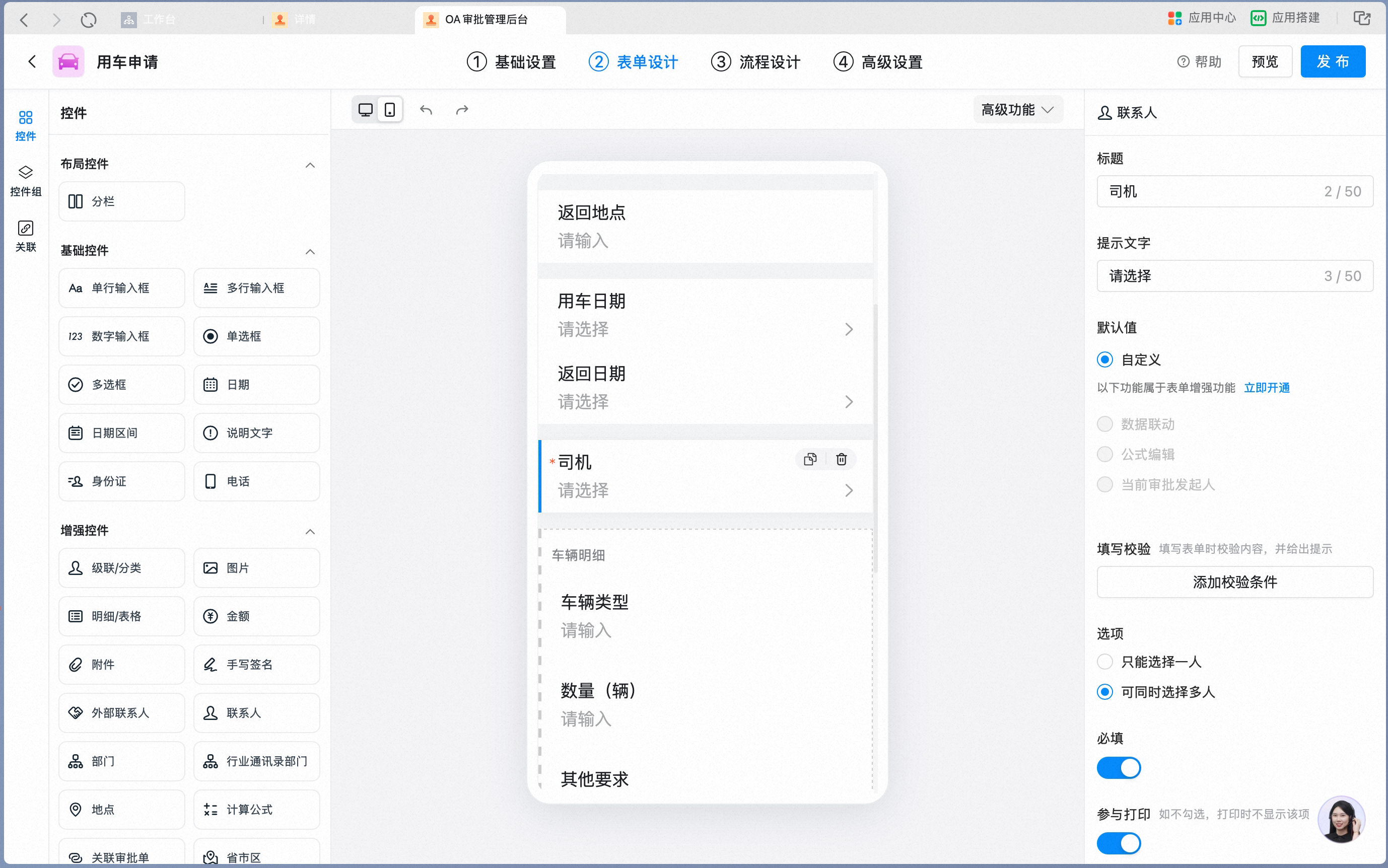
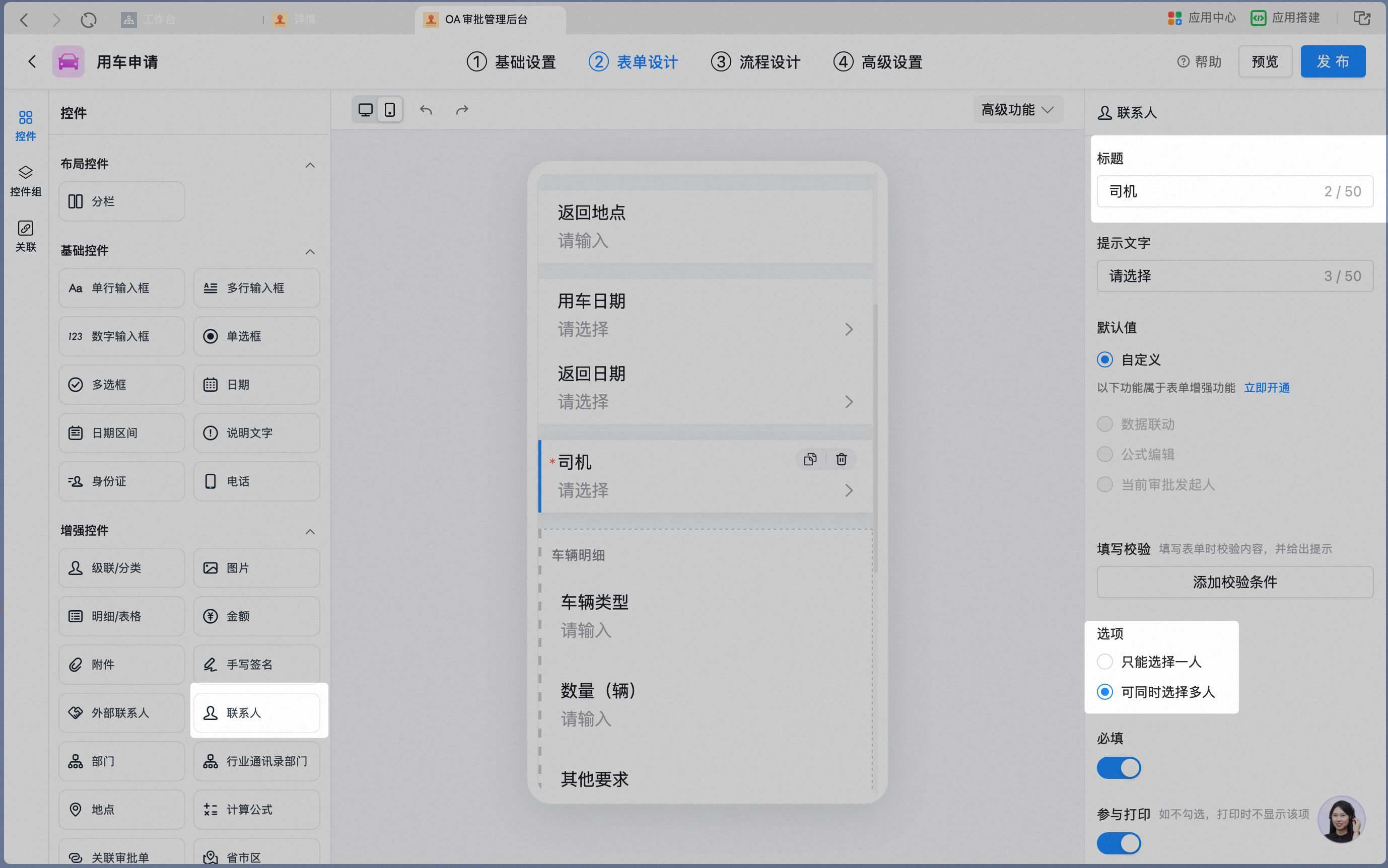
Admins can set an in-form Contact as an approver.An in-form Contact is a Contact that becomes available after a Contact control is added to the Form. The initiator or approver can change the User assigned to this control, which affects process routing.In-form Contacts are typically used when the approver must be determined dynamically. For example, after an initiator submits a vehicle request, the administrative staff who receives it decides which driver will provide the service. In this case, add a Contact control named “Driver” to the Form and let the reviewing administrative staff select the driver.
2. Prerequisites
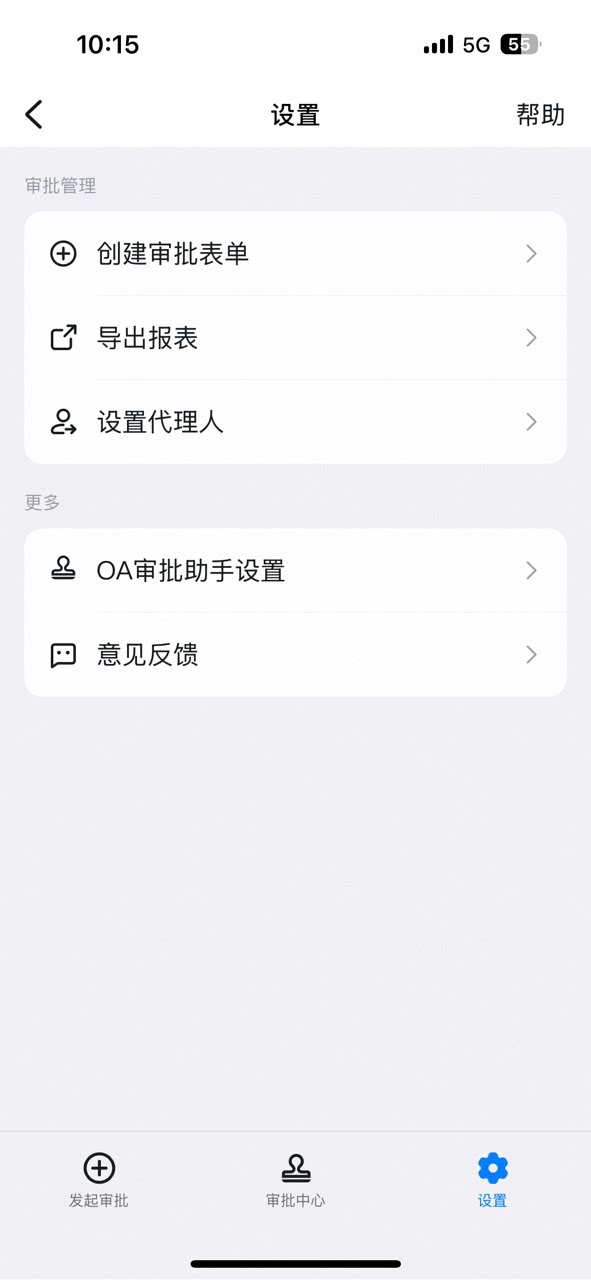
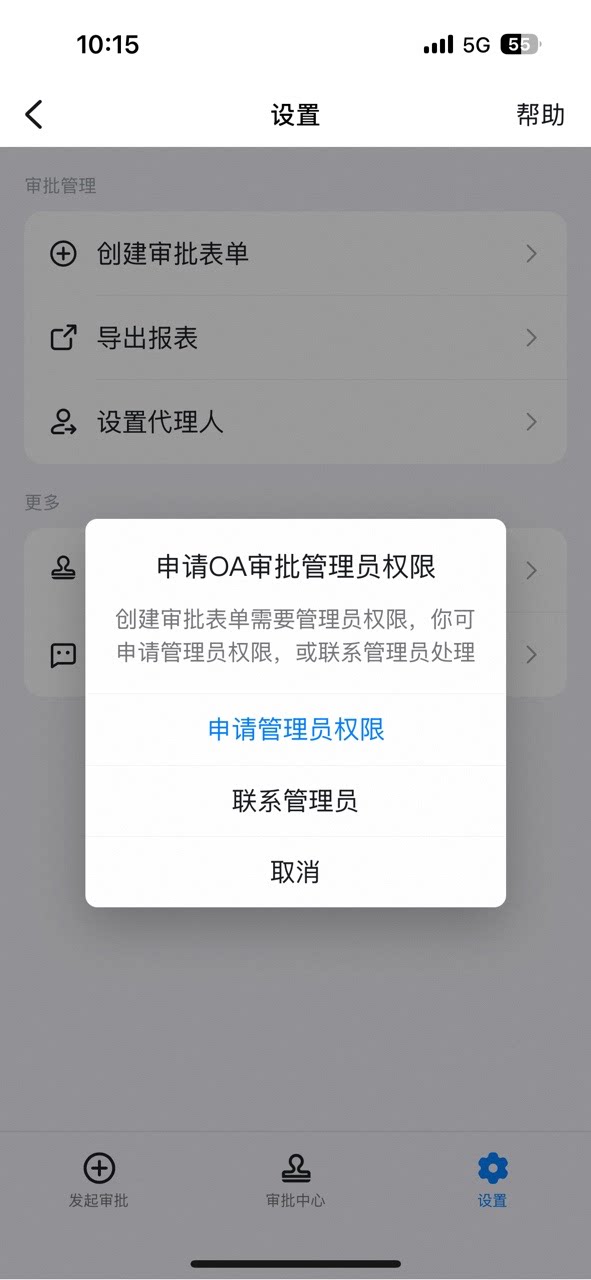
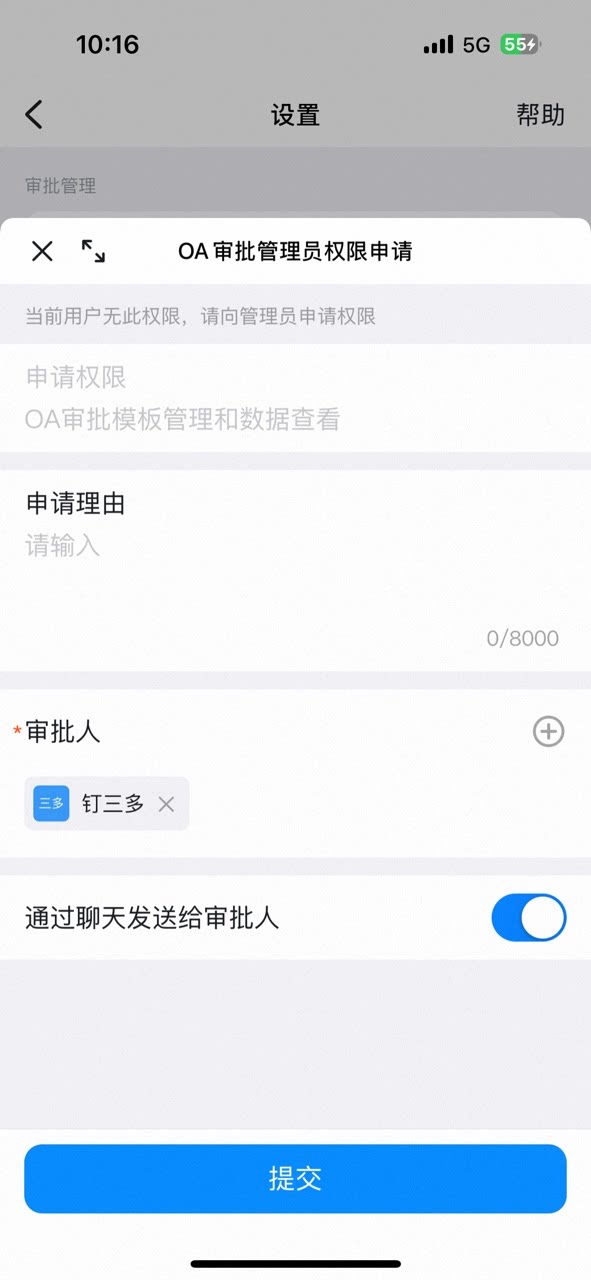
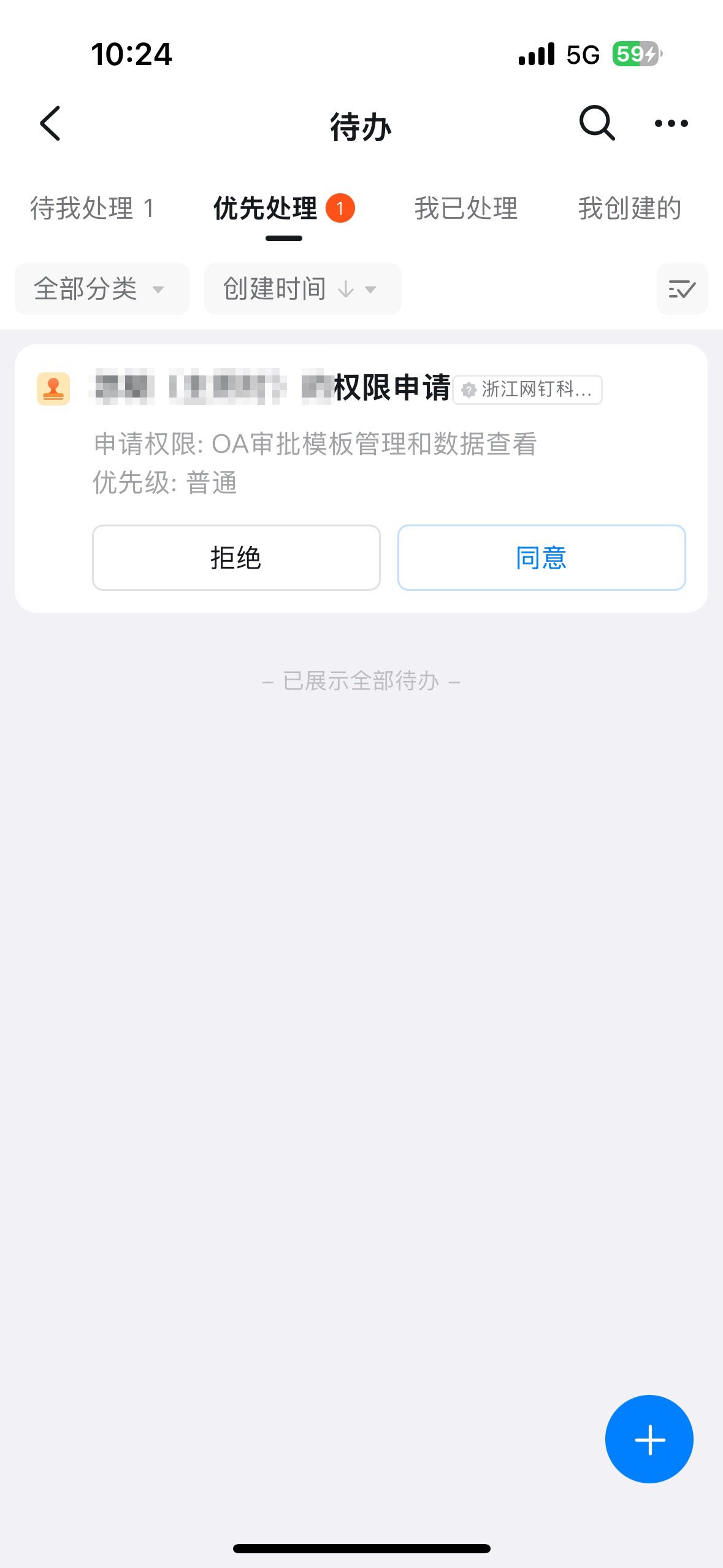
- Only an Approval Admin can perform process design, so you must first become an Approval Admin.
3. Steps
1. Add a Contact control to the Form
On the Approval Admin Console > Form Management page, click [Edit] under the Form’s Actions.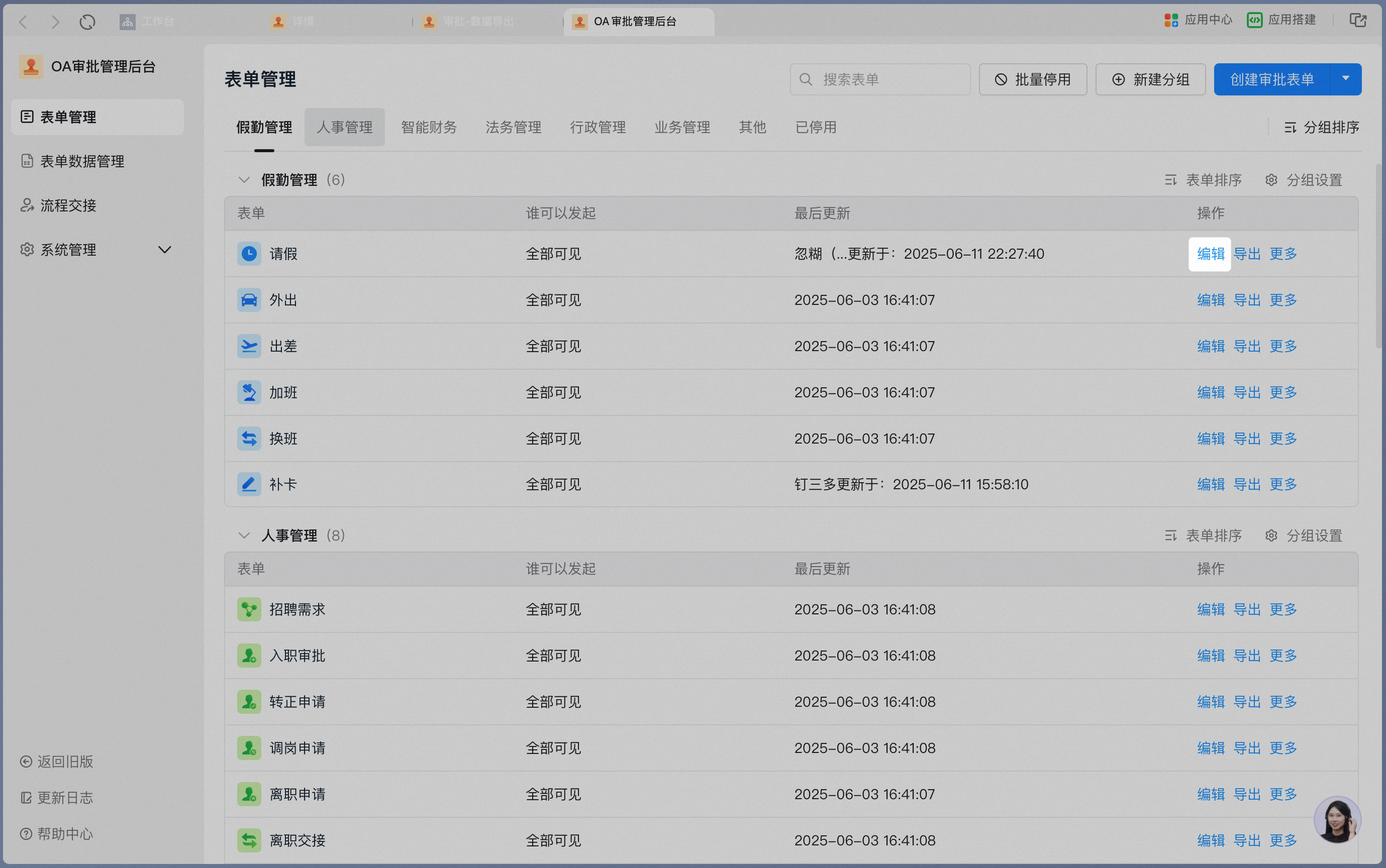
1
2
Set the in-form Contact as an approver in the Approval process.Click the Card you want to configure and set the node handler to “In-form Contact”.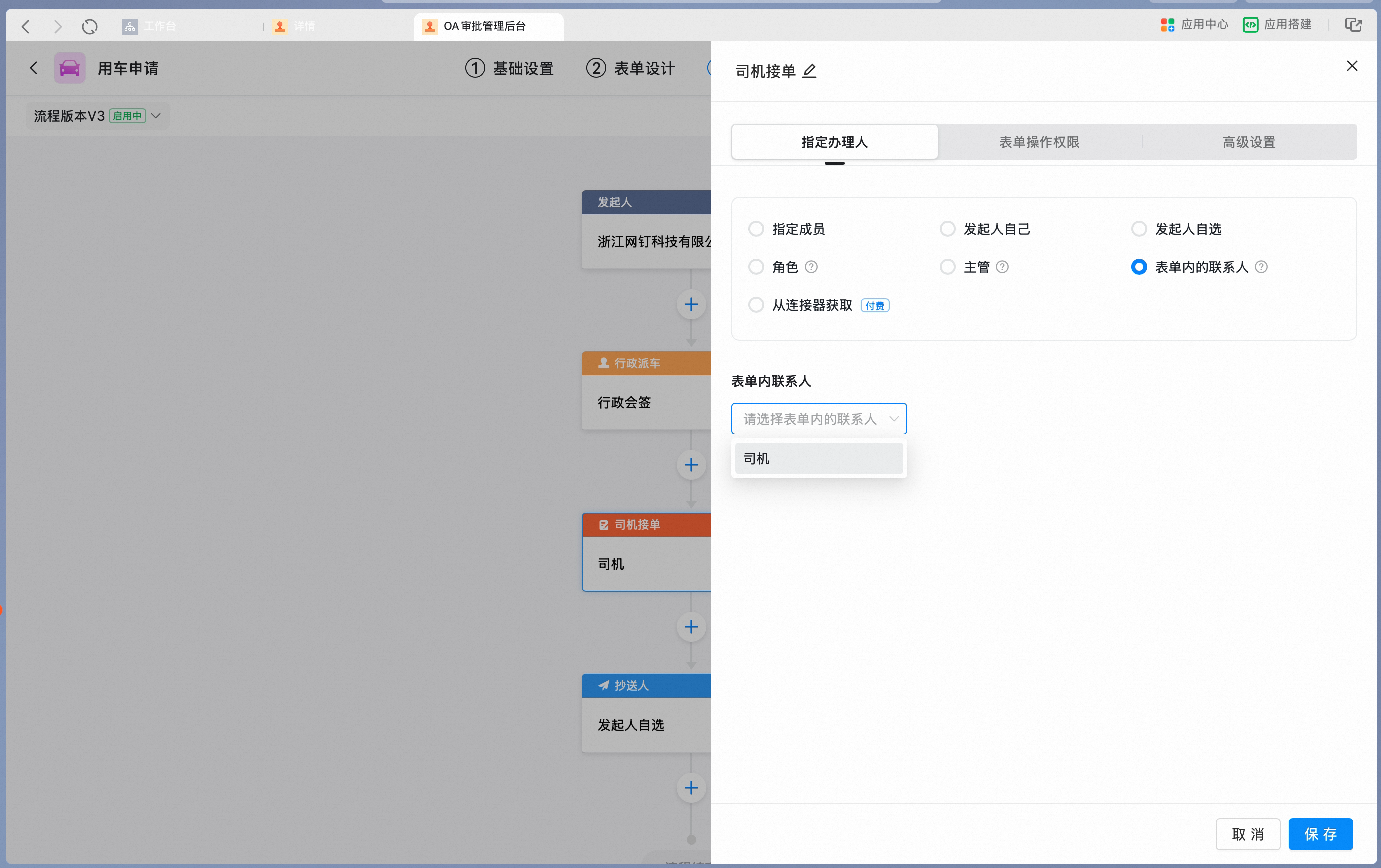 In the in-form Contact dropdown, select “Driver”.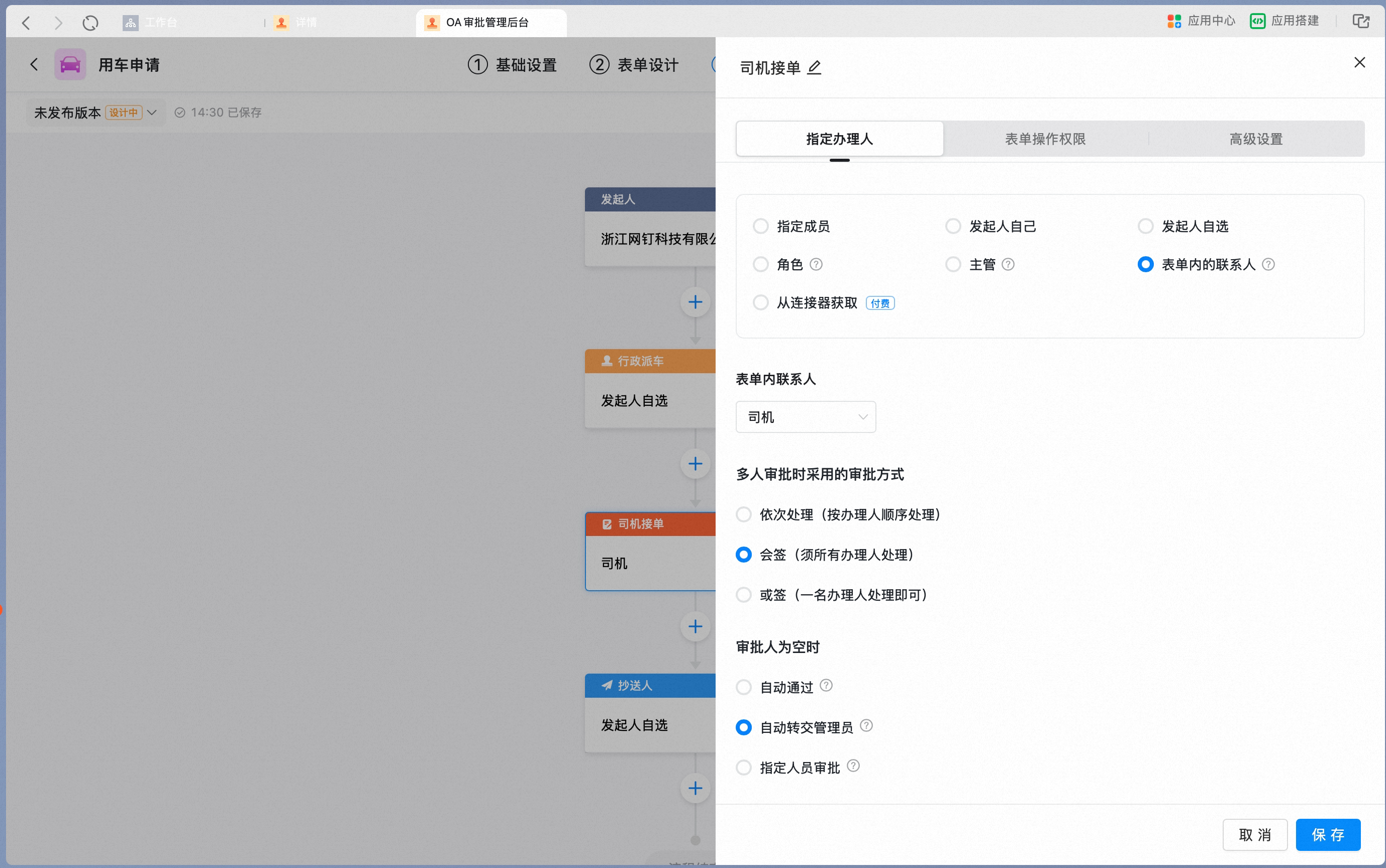
3
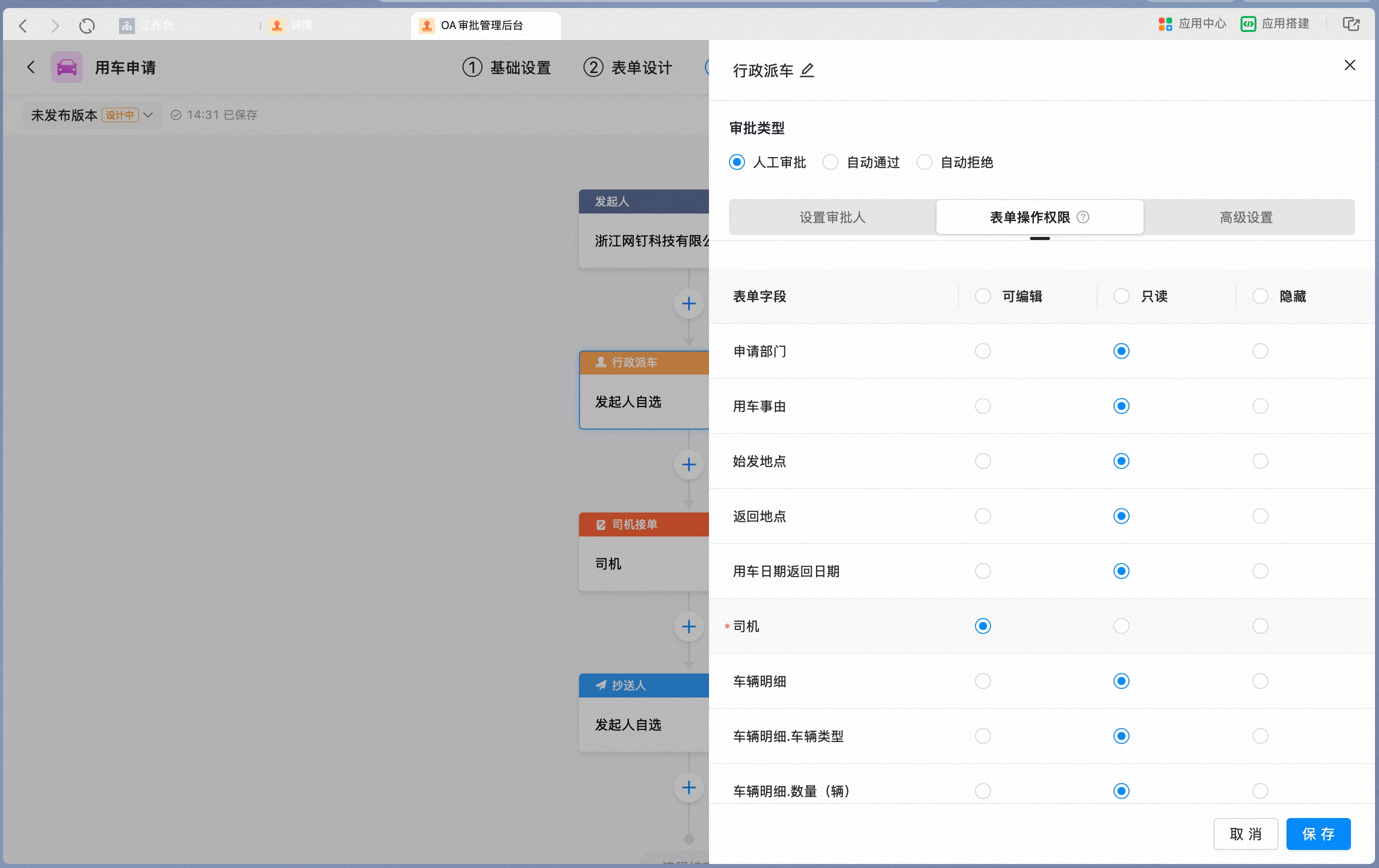
When a later node needs to select the Contact, update the node-level Permissions of the Contact control.At the initiator node, set the Form Action Permissions of the “Driver” Contact control to hidden.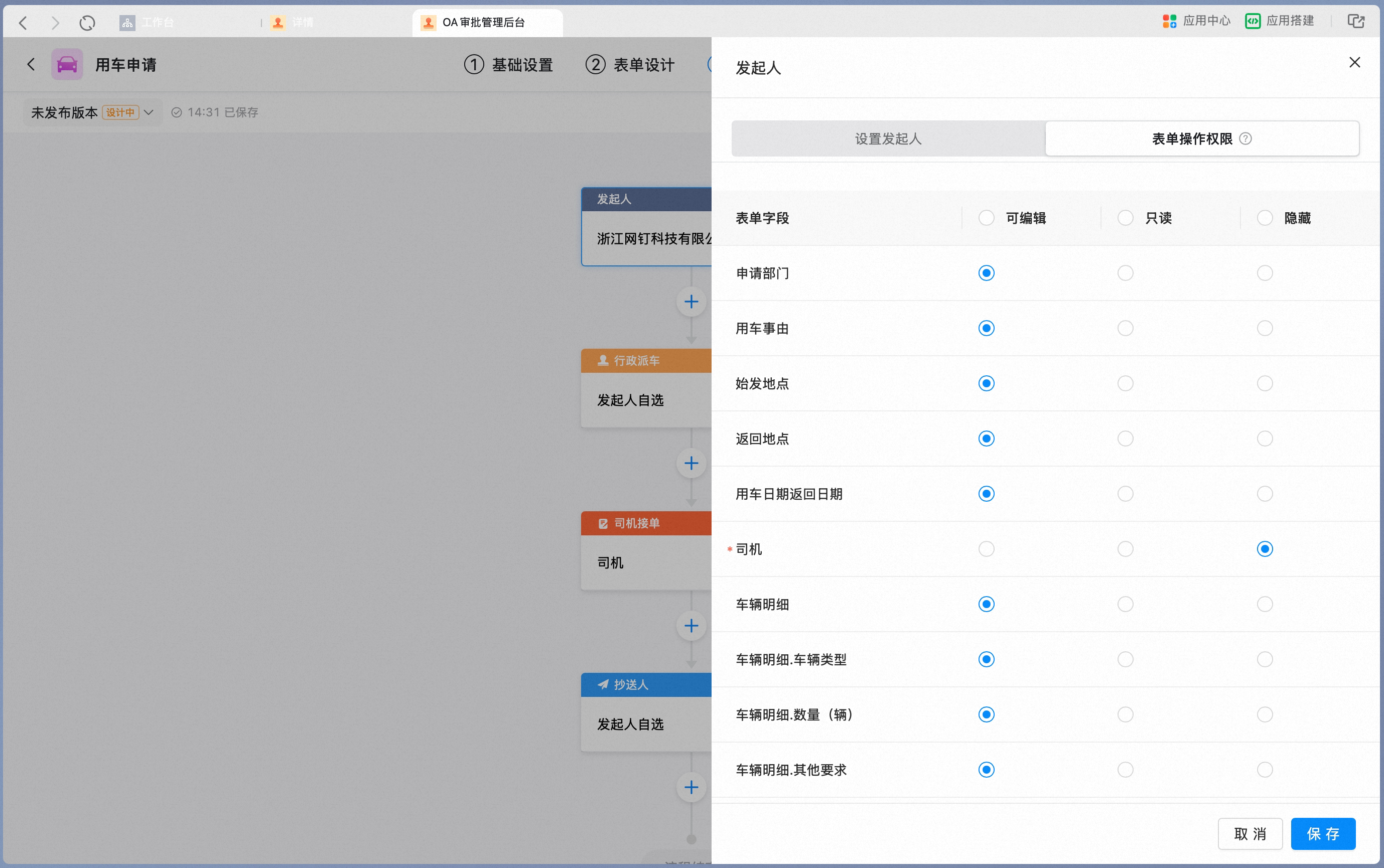 At the administrative vehicle dispatch node, set the Form Action Permissions of the “Driver” Contact control to editable.