

 Chats
Chats Calendar
 Meetings
 Contacts
 Mail
Mail Docs
Docs Drive
Drive AI Table
 AI Minutes
 Attendance
 Approval
 YiDA
YiDA Admin Console
1. Scenario
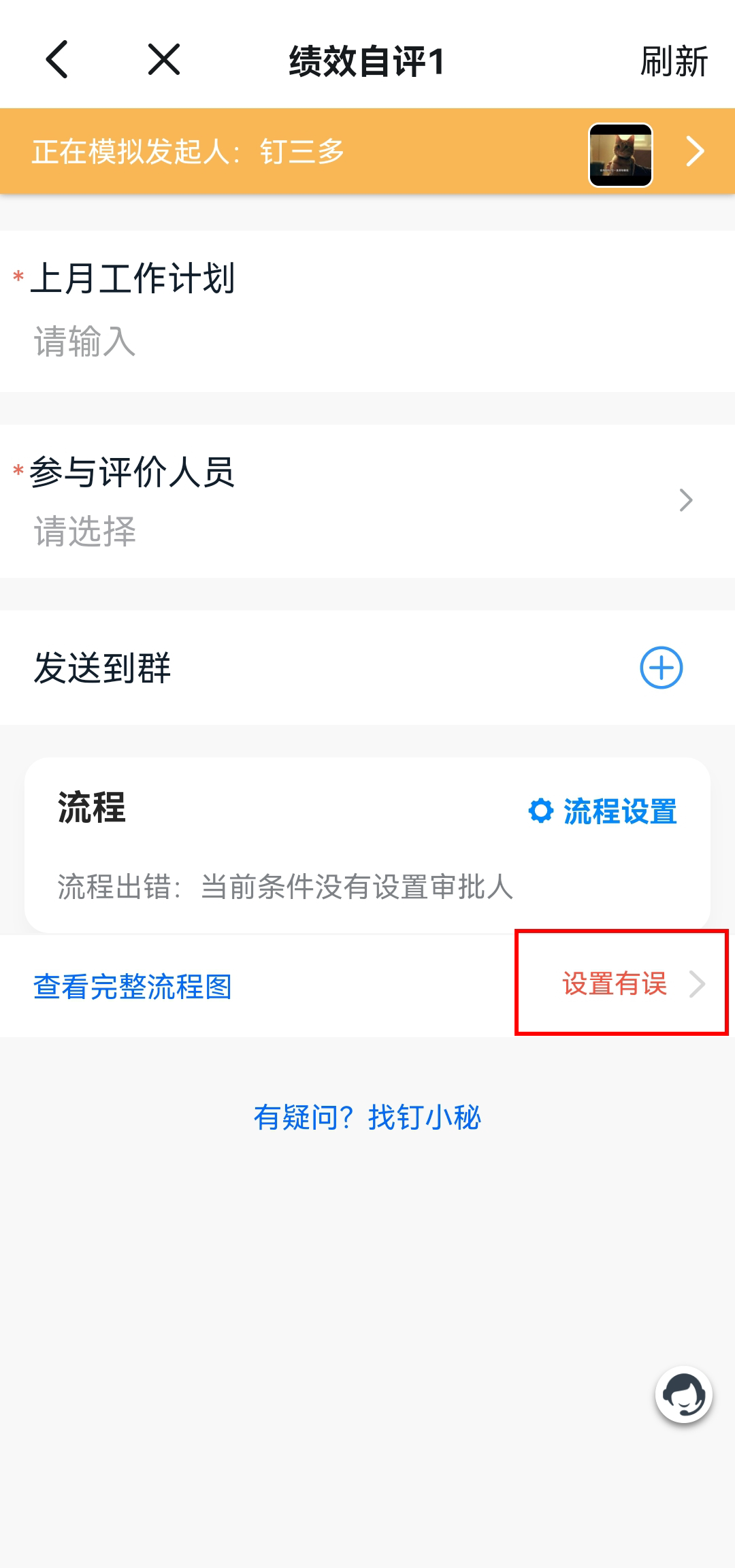
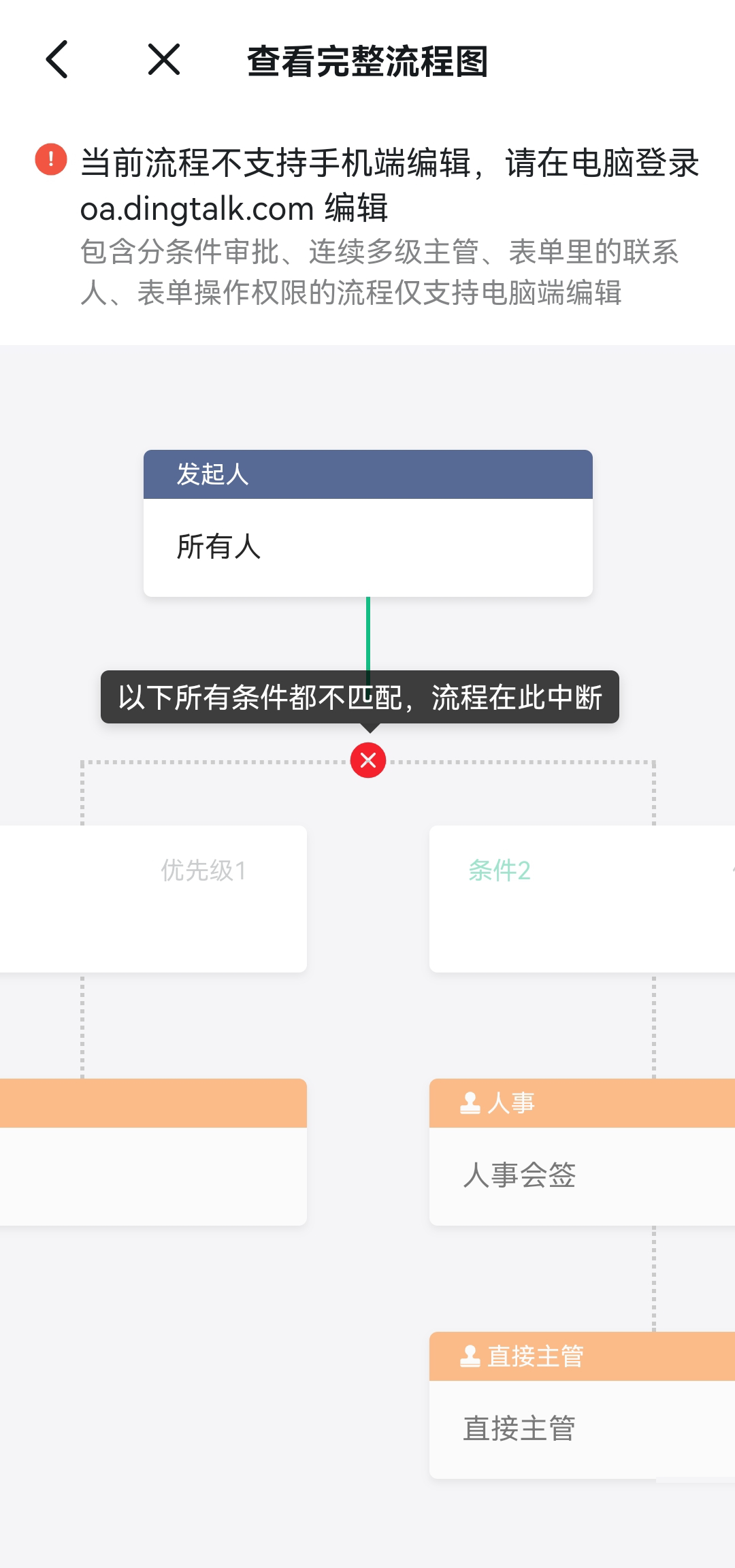
When an Employee sees the error “No approver is configured for the current condition” while submitting an Approval, the OA Approval Admin must check whether the Approval process design is incorrect.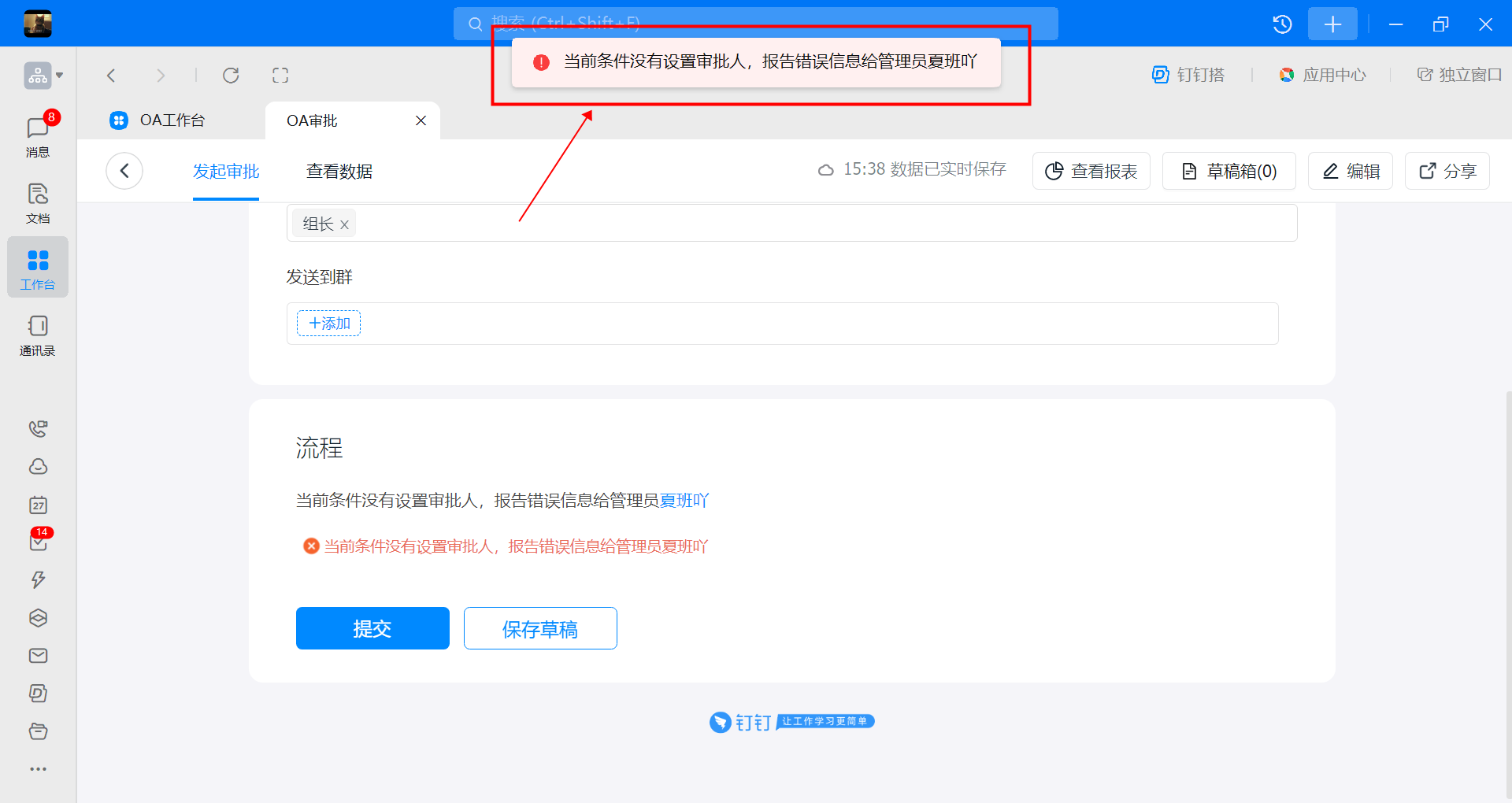
2. Inspection path
On the Approval Admin Console – Form Management page, click Edit in the Action column of the Form.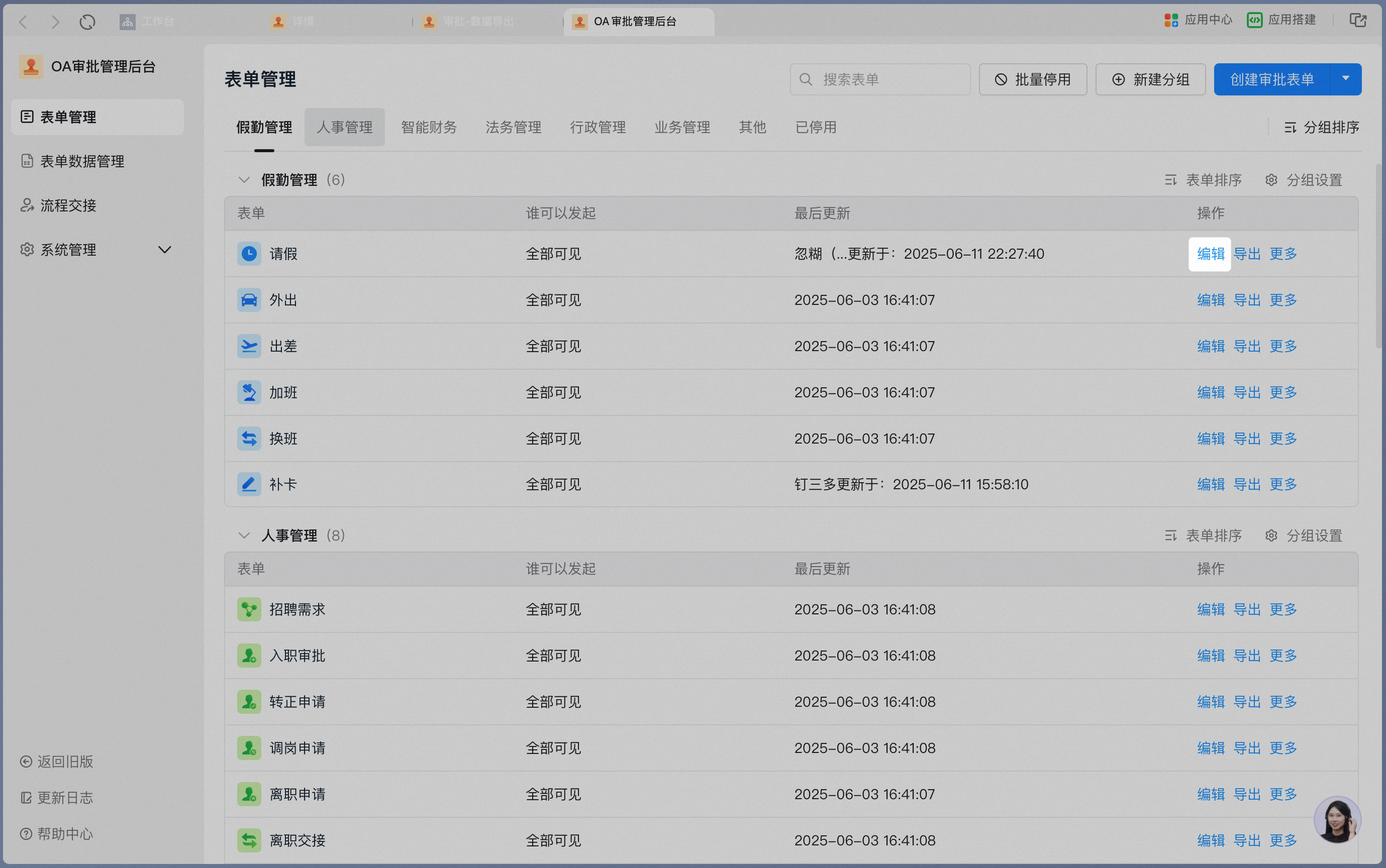
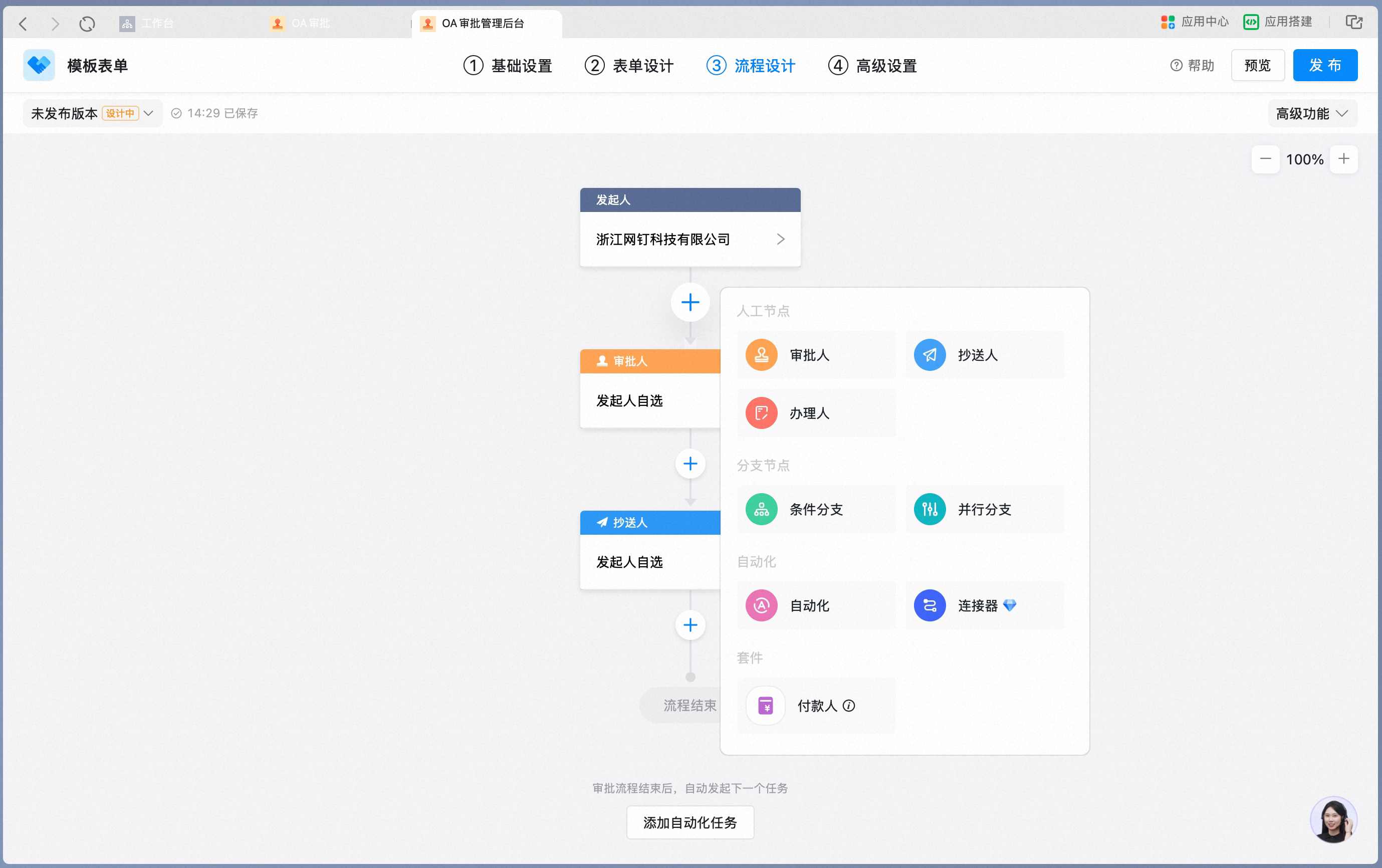
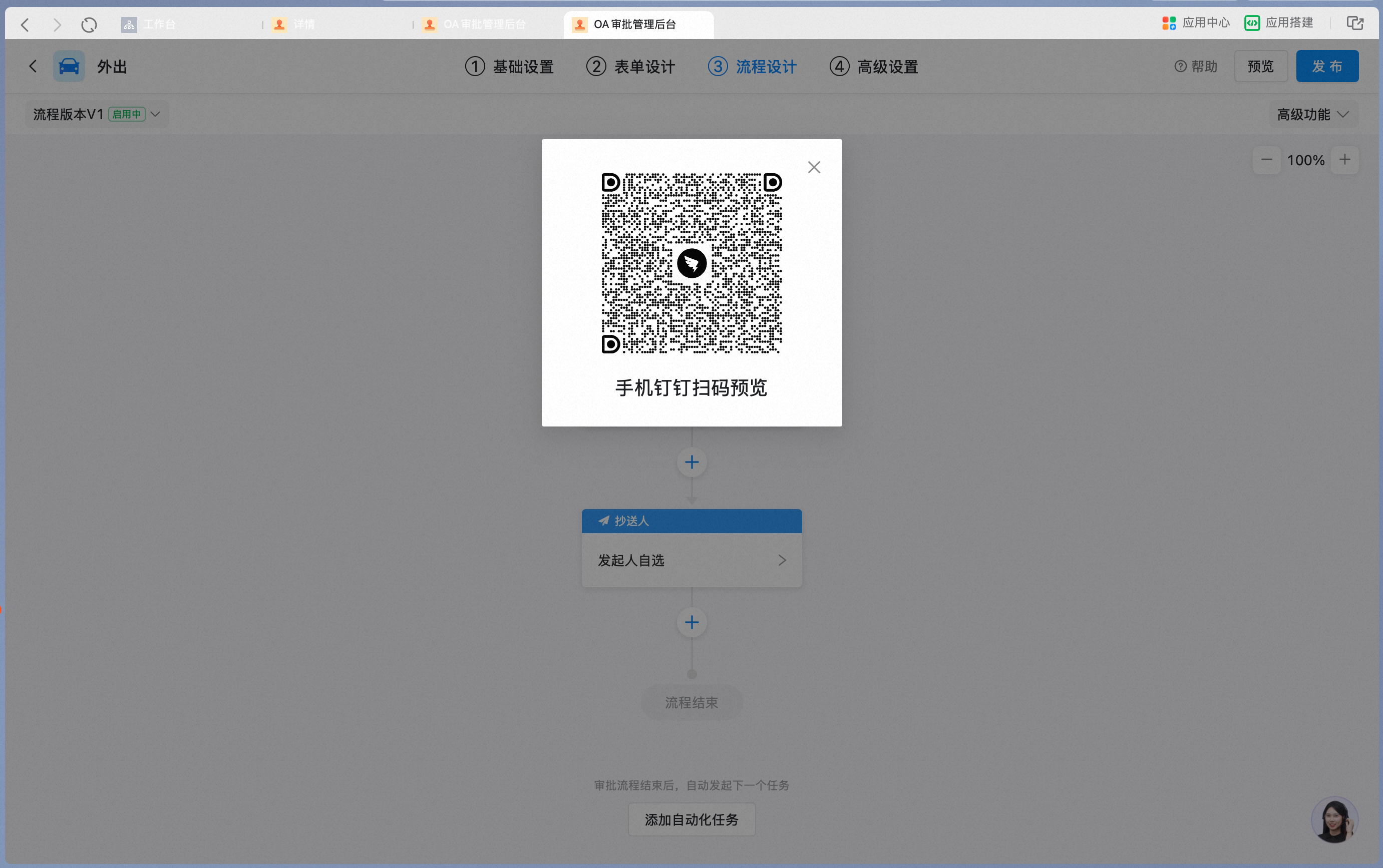

3. Common issues and troubleshooting methods
Take Issue 1 as an example: when the initiator condition is set to both a specific Department and specific Users, confirm one by one whether the Employee who hit the error is included:
