

 Chats
Chats Calendar
 Meetings
 Contacts
 Mail
Mail Docs
Docs Drive
Drive AI Table
 AI Minutes
 Attendance
 Approval
 YiDA
YiDA Admin Console
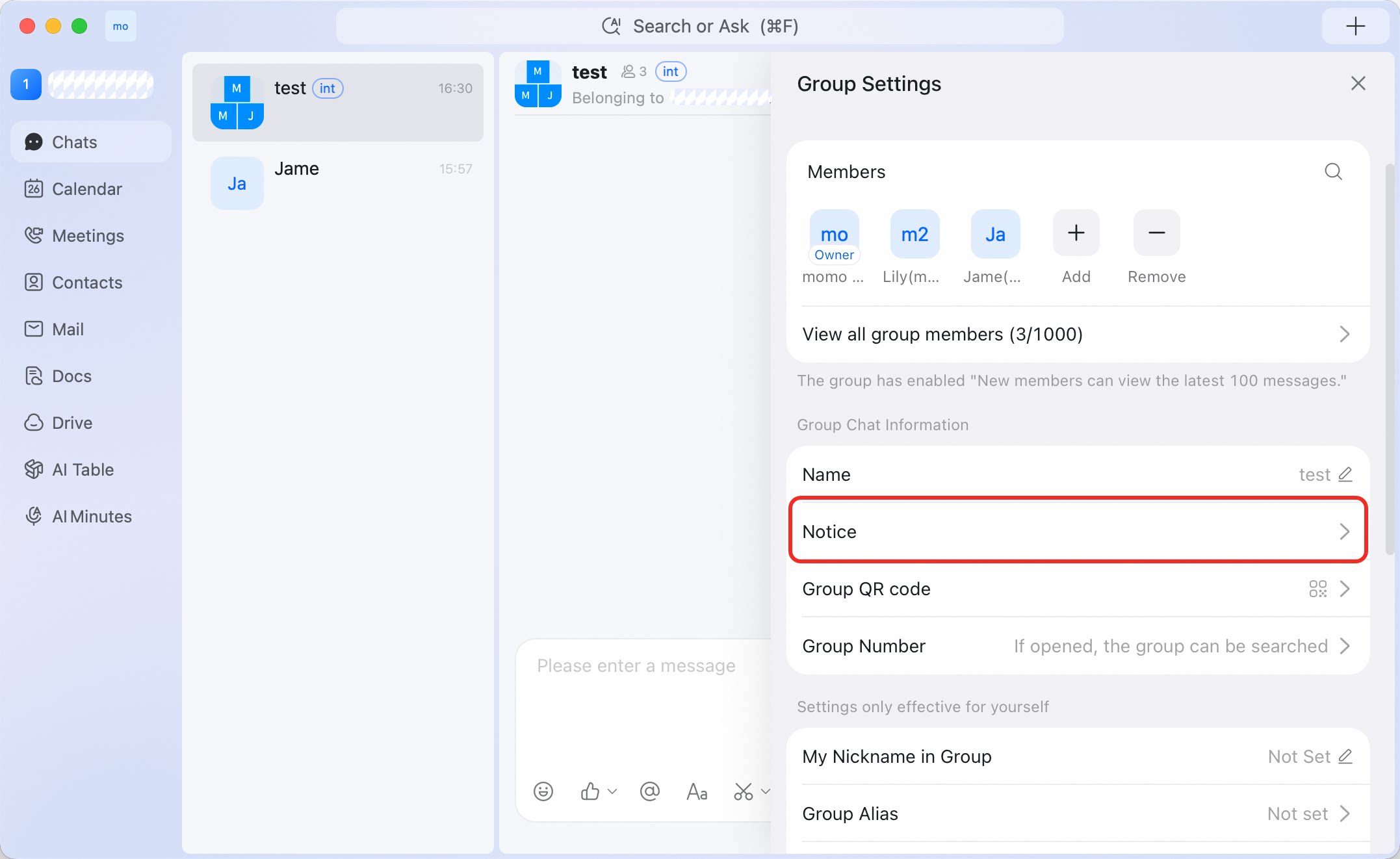
Open group notices
- Open the group chat from Chats.
- Click the gear icon in the upper-right corner.
- Select Notice.
Open group notices to view announcements pinned by admins, learn when to send a notice for a group, and configure related notification settings.