

 Chats
Chats Calendar
 Meetings
 Contacts
 Mail
Mail Docs
Docs Drive
Drive AI Table
 AI Minutes
 Attendance
 Approval
 YiDA
YiDA Admin Console
Open message actions
- Open Chats.
- Open a conversation.
- Right-click the message you want to manage.
- Select an action from the menu.
Message actions
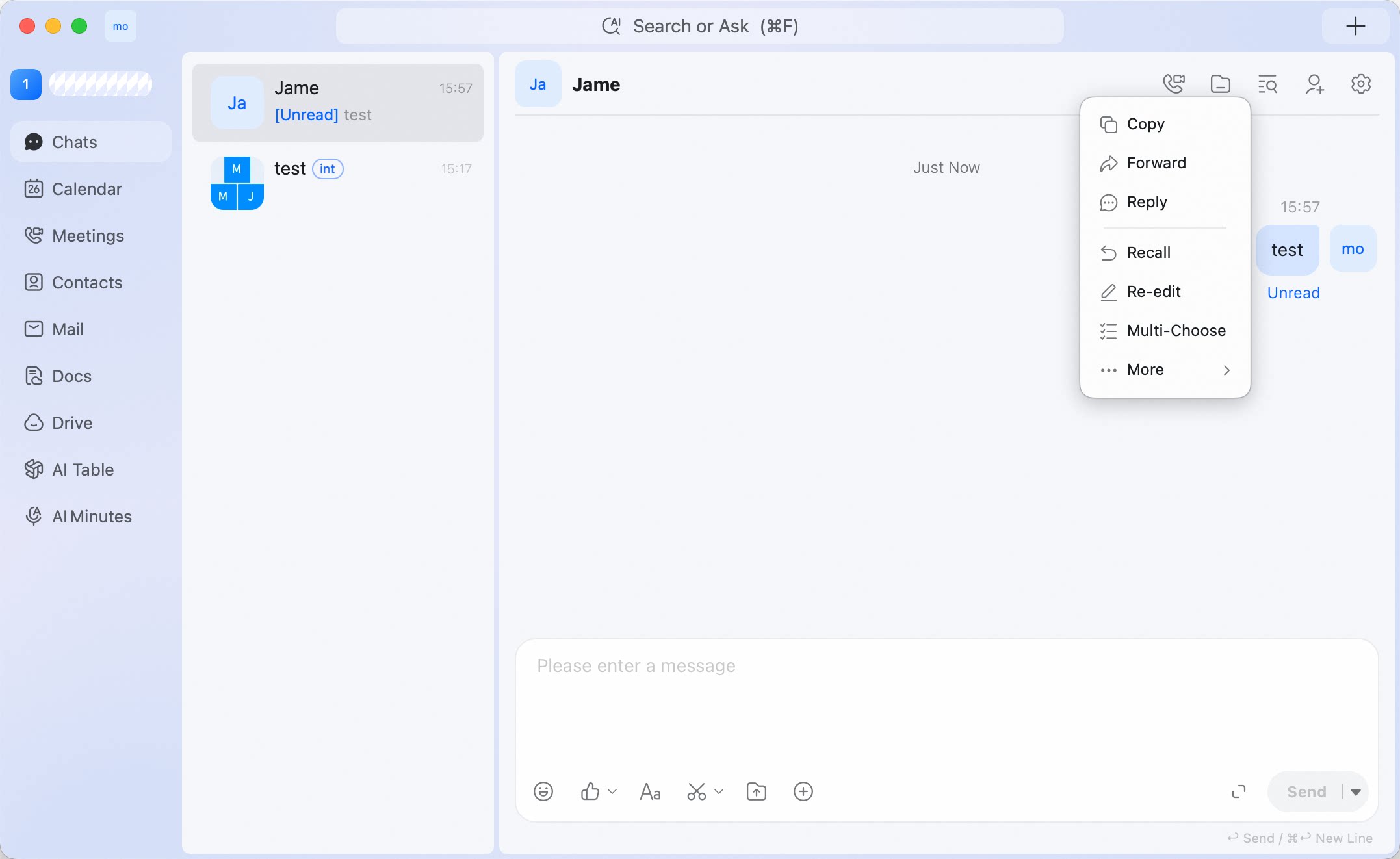 The available actions may vary by message type, sender, conversation type, and how long ago the message was sent.
View message edit history
Some messages also include a message-side action button for edit history.- Open Chats.
- Open a conversation.
- Move to the message you want to check.
- Click the message action button next to the message.
- Select Message Edit History.
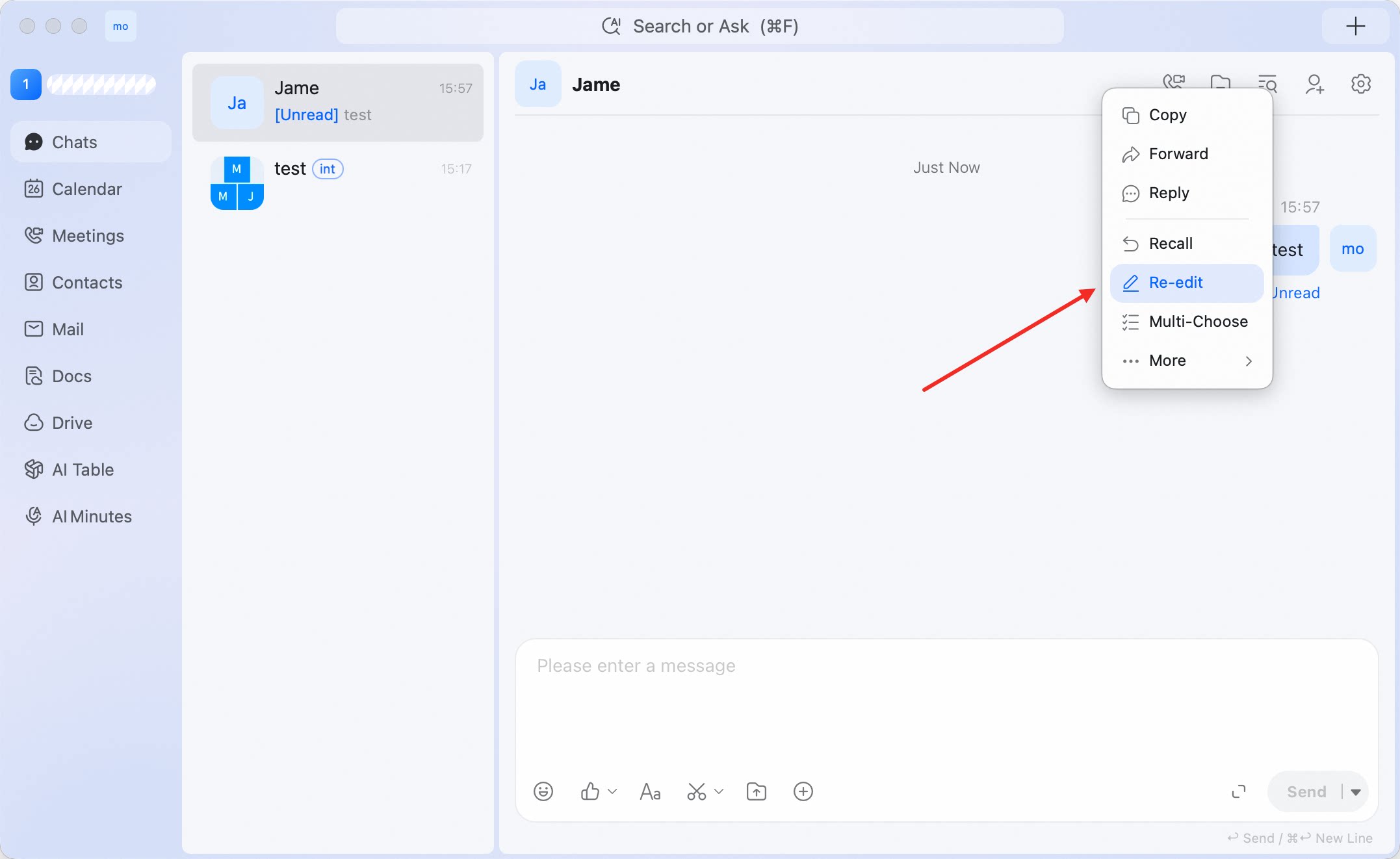 The Message Edit History panel opens on the right side of the conversation.
Use this when you need to check whether a message has been edited.
The Message Edit History panel opens on the right side of the conversation.
Use this when you need to check whether a message has been edited.
Manage a conversation from the conversation list
- Open Chats.
- Find the conversation you want to manage.
- Right-click the conversation.
- Select an action from the menu.
Conversation list actions
These actions affect how the conversation appears for you in DingTalk desktop app.
Common ways to use conversation actions
- Use Set-top session for conversations you check frequently.
- Use Mark as unread when you need to come back to a conversation later.
- Use Message Do Not Disturb for conversations that should stay accessible but should not interrupt you.
- Use Do not display this session to remove a conversation from your list without clearing its local history.