Chats
Chats Calendar
 Meetings
 Contacts
 Mail
Mail Docs
Docs Drive
Drive AI Table
 AI Minutes
 Attendance
 Approval
 YiDA
YiDA Admin Console
Start from the message composer
- Open a conversation.
- Click + in the message composer.
- Select Video Conference.
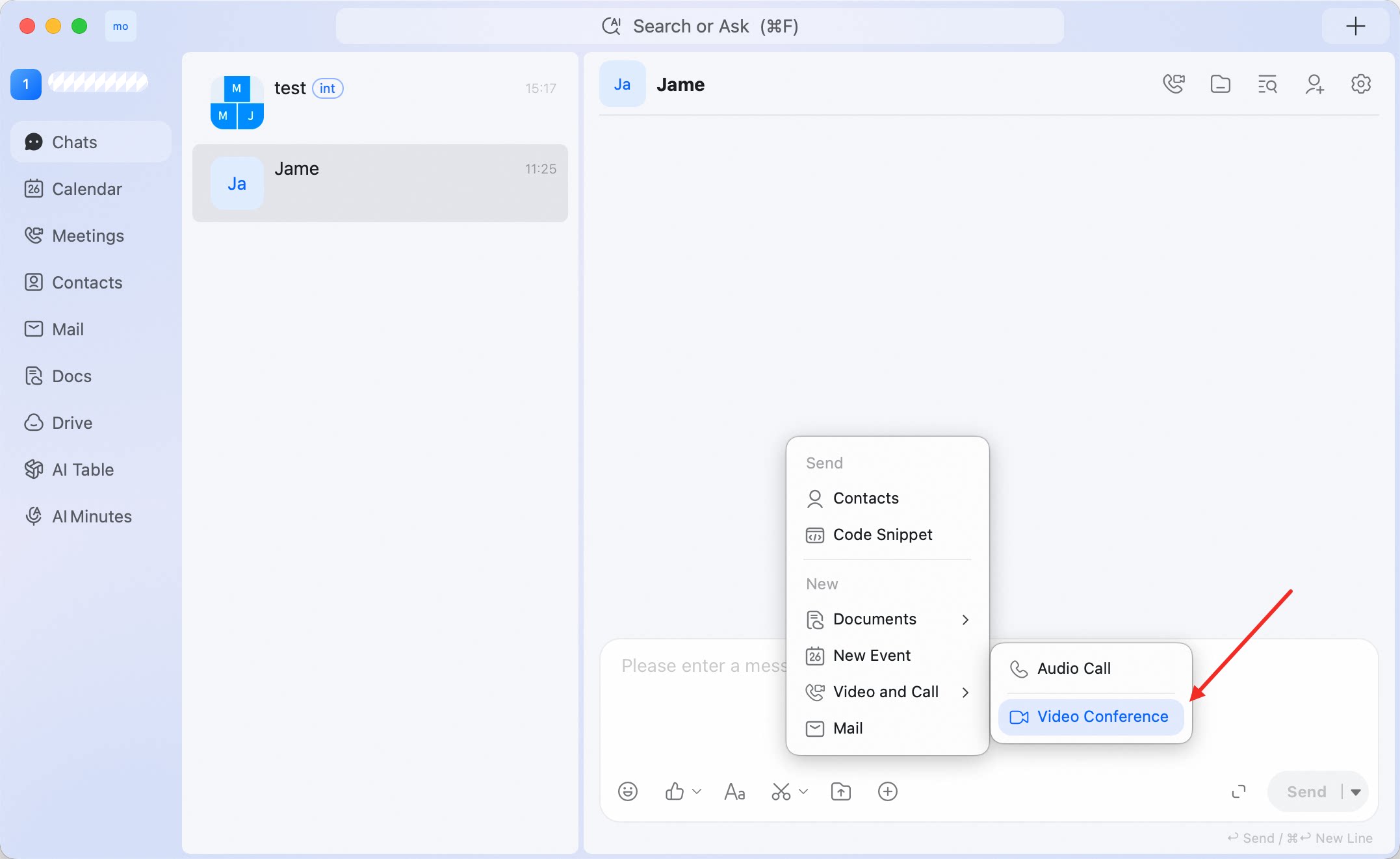 DingTalk opens the video conference flow from the current conversation.
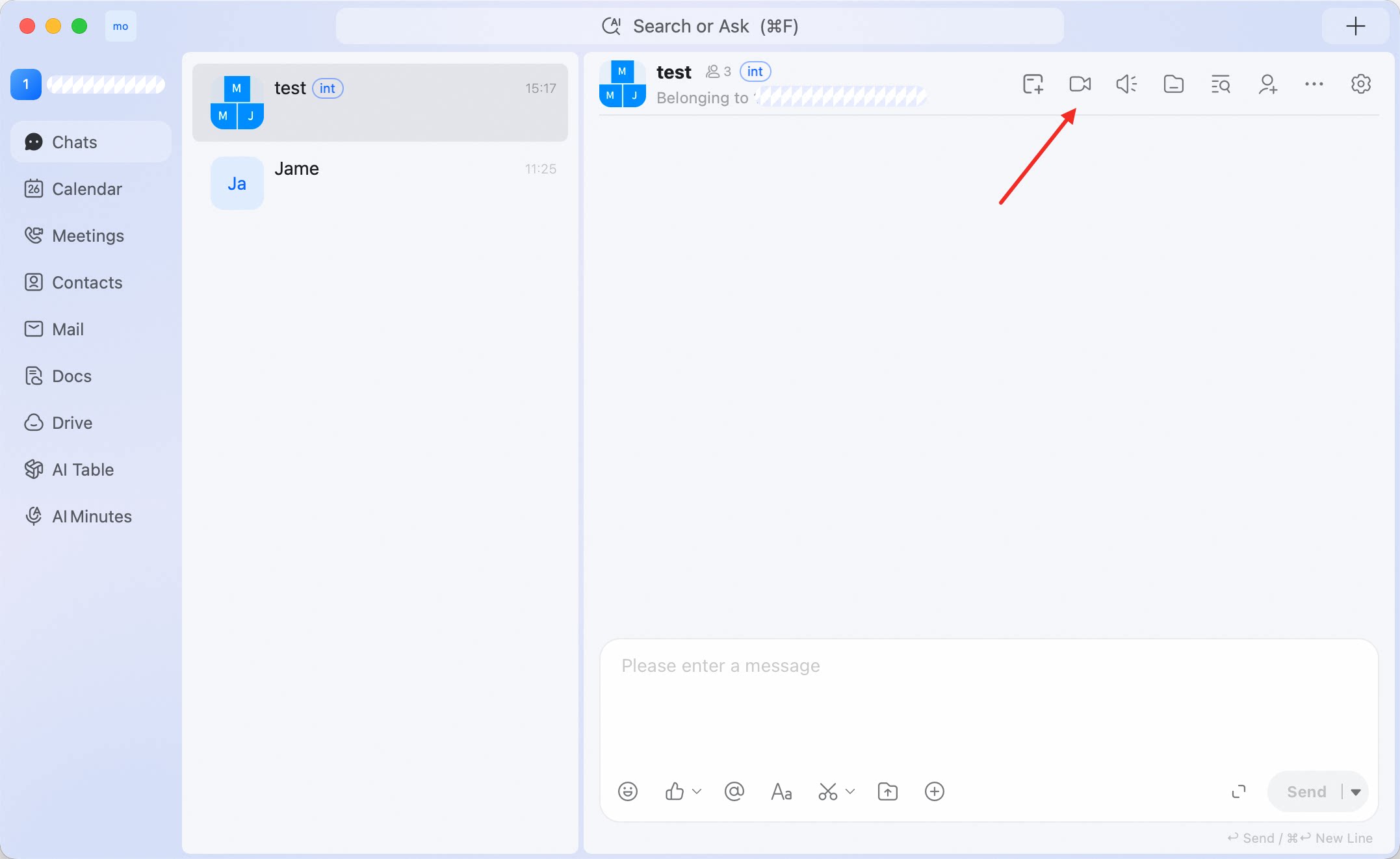
Start from a group chat toolbar
In a group chat, you can also use the video meeting icon in the upper-right corner of the conversation. Use this entry when the meeting is related to the group discussion and you want to continue with the same members or topic.