

 Chats
Chats Calendar
 Meetings
 Contacts
 Mail
Mail Docs
Docs Drive
Drive AI Table
 AI Minutes
 Attendance
 Approval
 YiDA
YiDA Admin Console
Steps
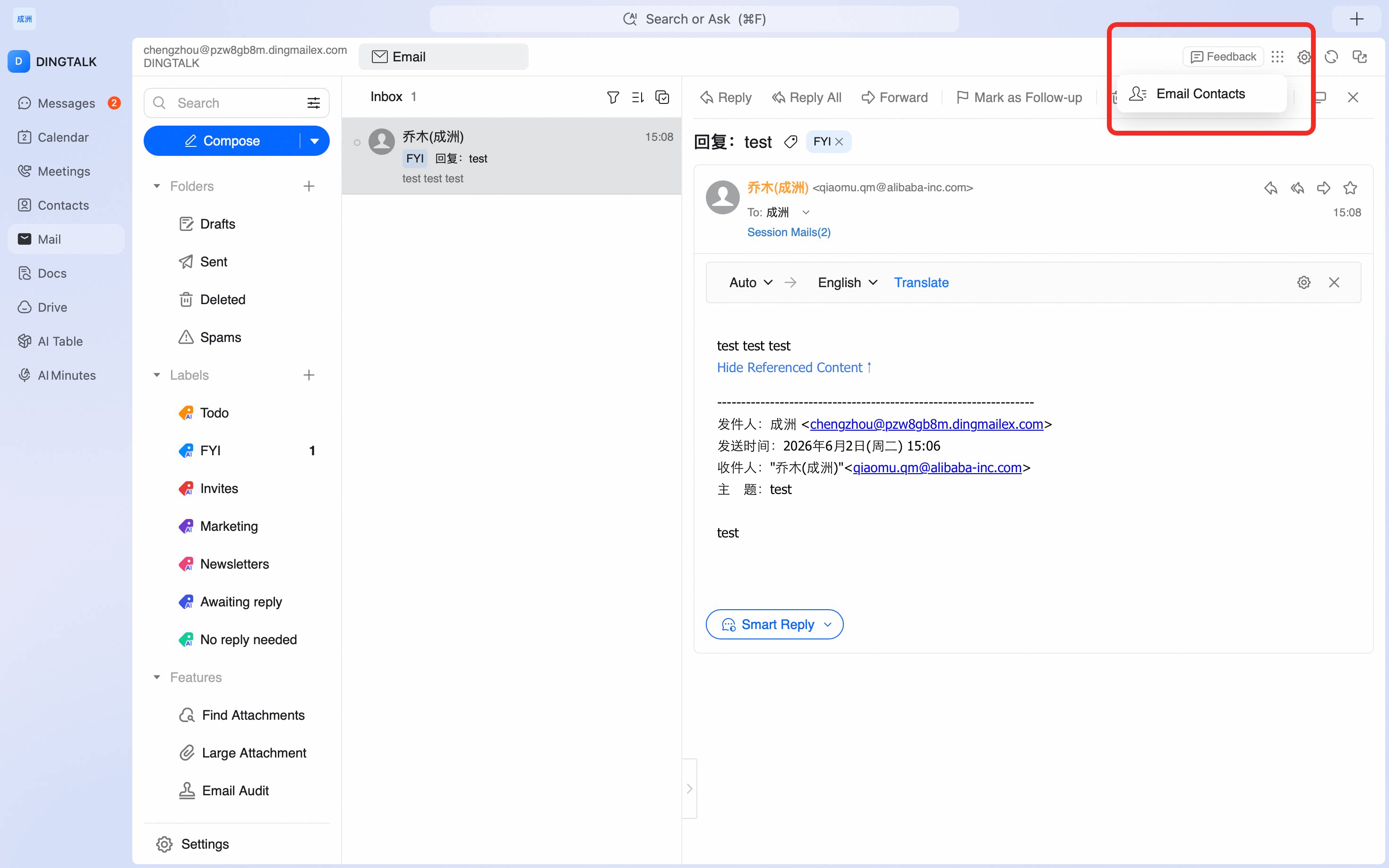
Open the DingTalk desktop app > click Mail in the left sidebar > click the icon in the upper-right corner > Mail Contacts > Add contact.
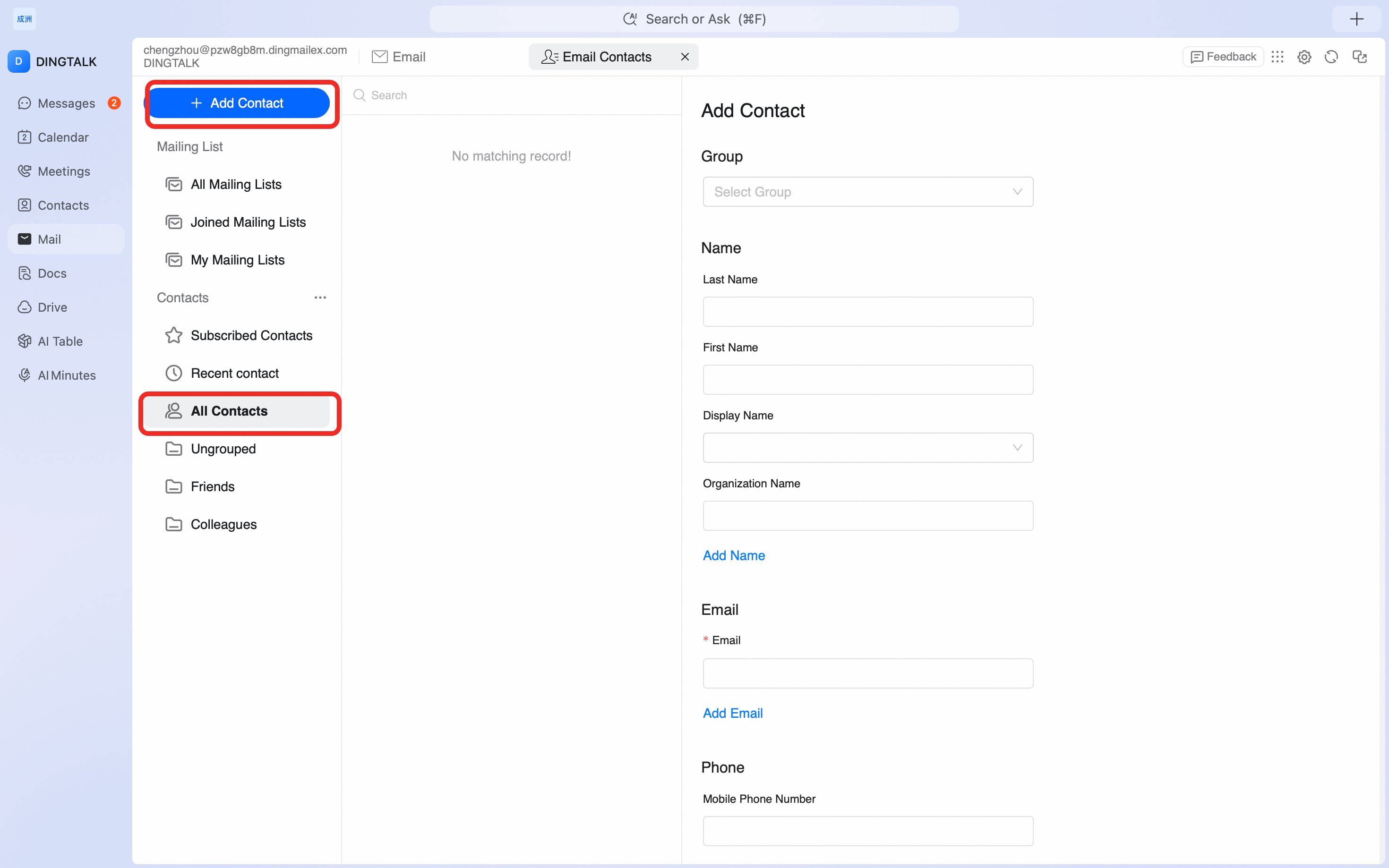
Add frequently used contacts to Mail Contacts on the DingTalk desktop app so you can quickly pick recipients when composing an email.
icon in the upper-right corner > Mail Contacts > Add contact.