

 Chats
Chats Calendar
 Meetings
 Contacts
 Mail
Mail Docs
Docs Drive
Drive AI Table
 AI Minutes
 Attendance
 Approval
 YiDA
YiDA Admin Console
Steps
Mobile
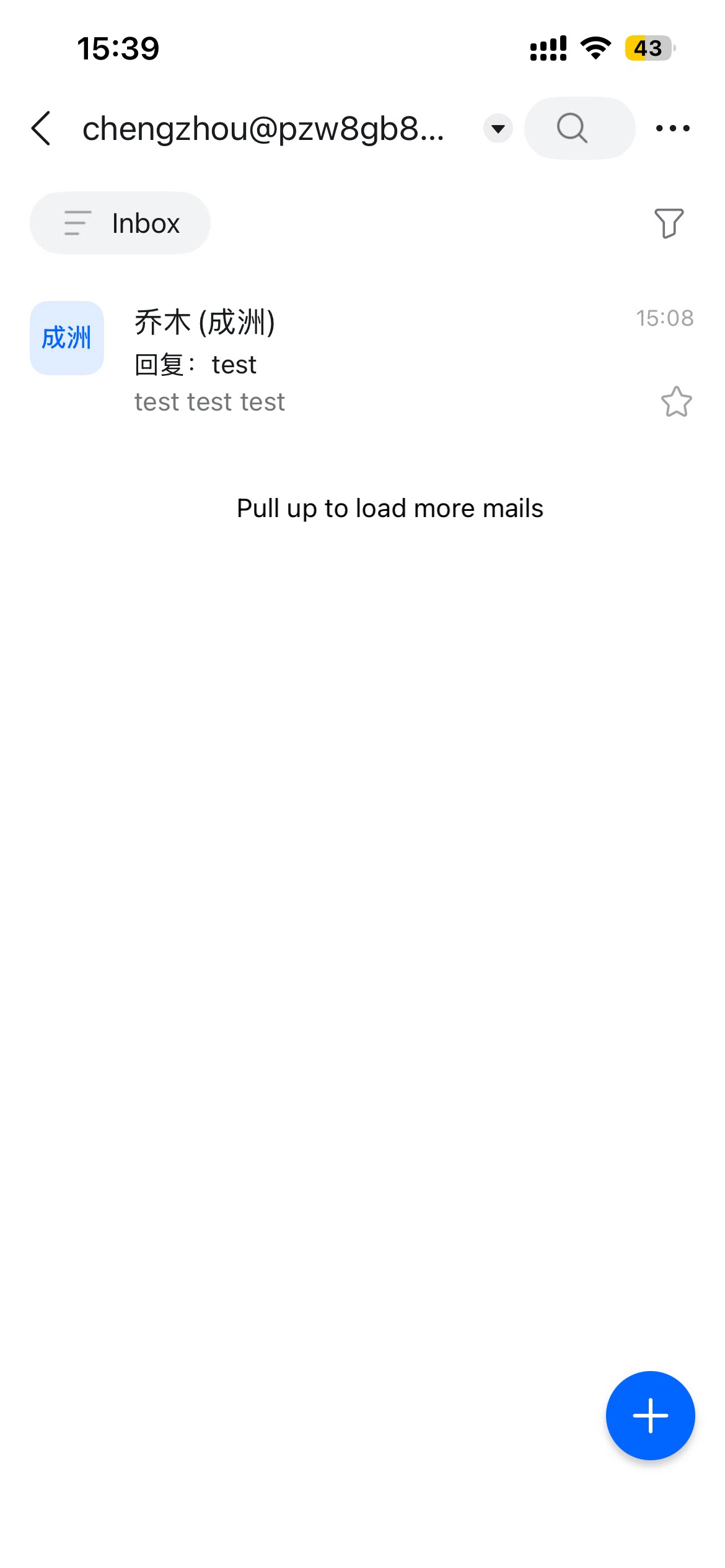
Open the DingTalk mobile app > More > Mail > tap the + icon in the lower-right corner to send an email.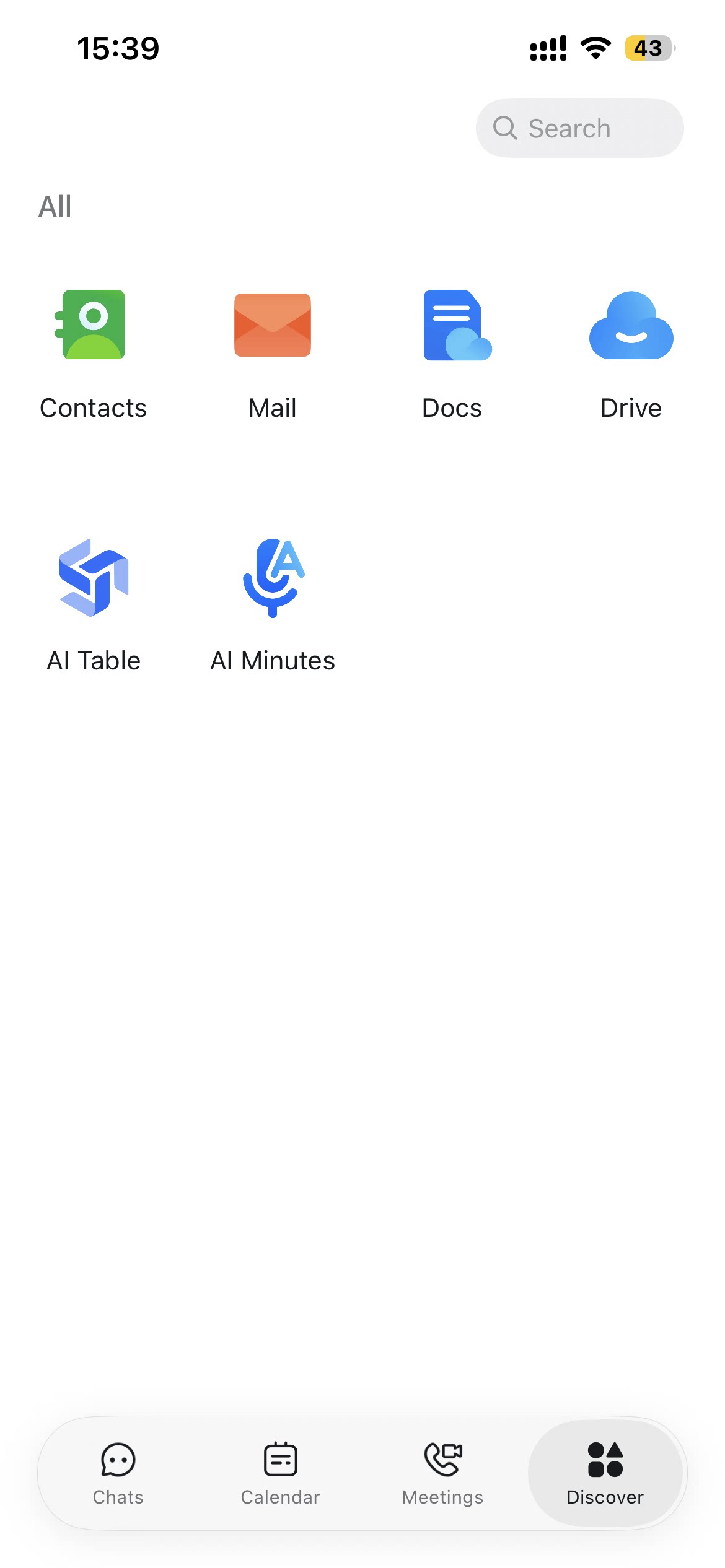
Desktop
Open the DingTalk desktop app > click Mail in the left sidebar > click + Compose in the upper-left corner.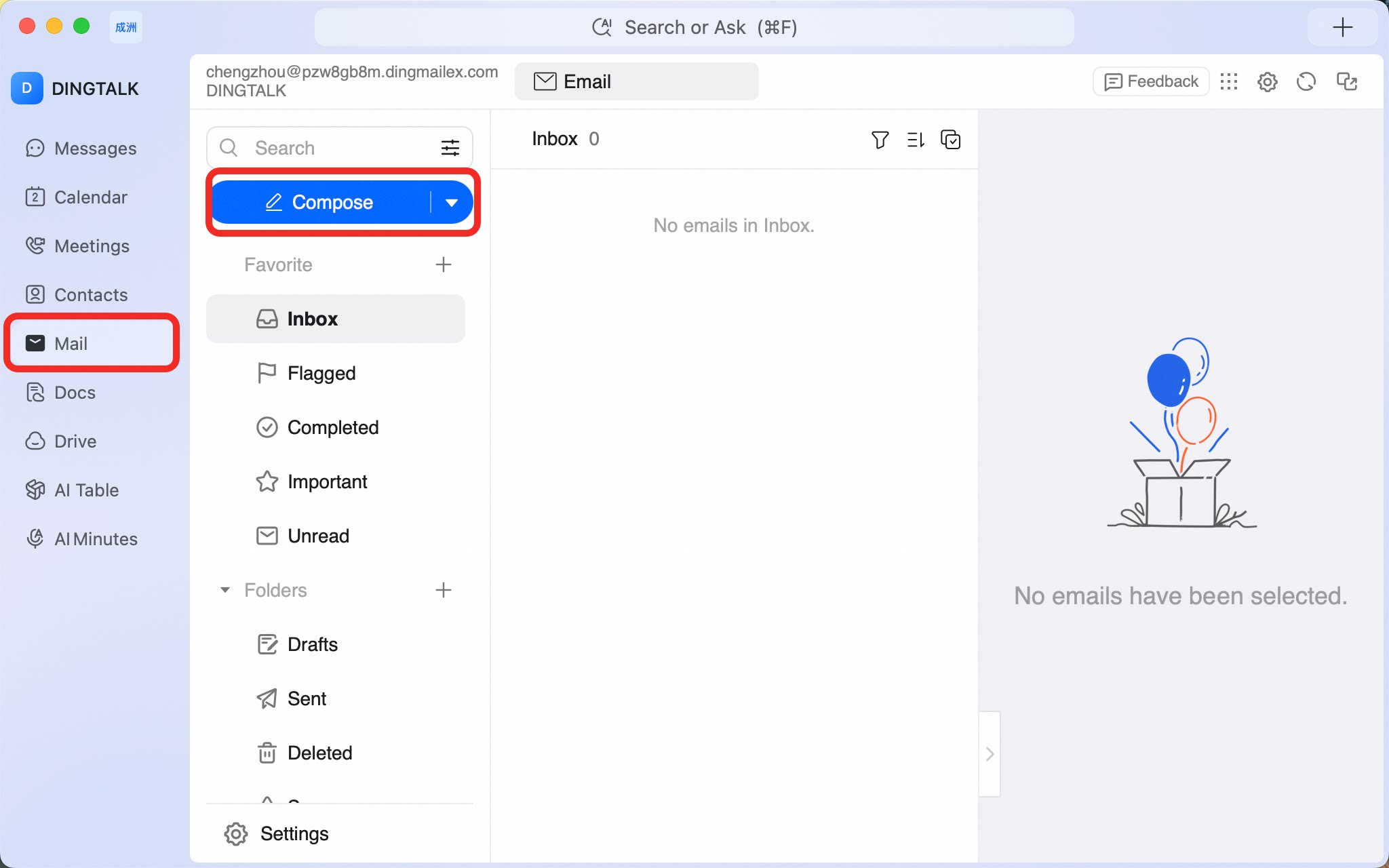
Compose and send an email from the DingTalk mobile app under More > Mail, or from the desktop app’s left sidebar by clicking Mail > + Compose — making email as simple as chat.