Chats
Chats Calendar
 Meetings
 Contacts
 Mail
Mail Docs
Docs Drive
Drive AI Table
 AI Minutes
 Attendance
 Approval
 YiDA
YiDA Admin Console
Steps
Mobile
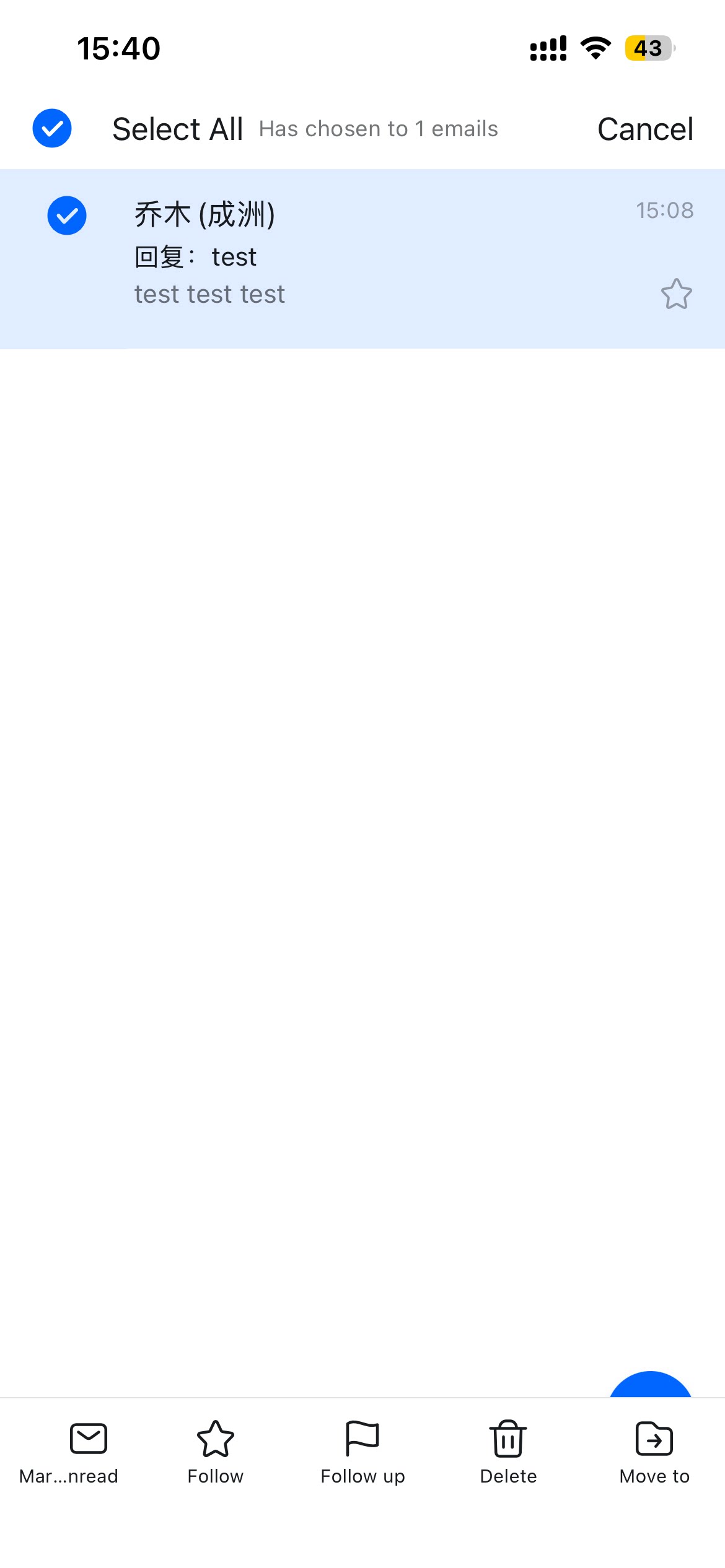
Open the DingTalk mobile app > More > Mail > long press and select the emails you want to manage > tap Move to or Delete at the bottom.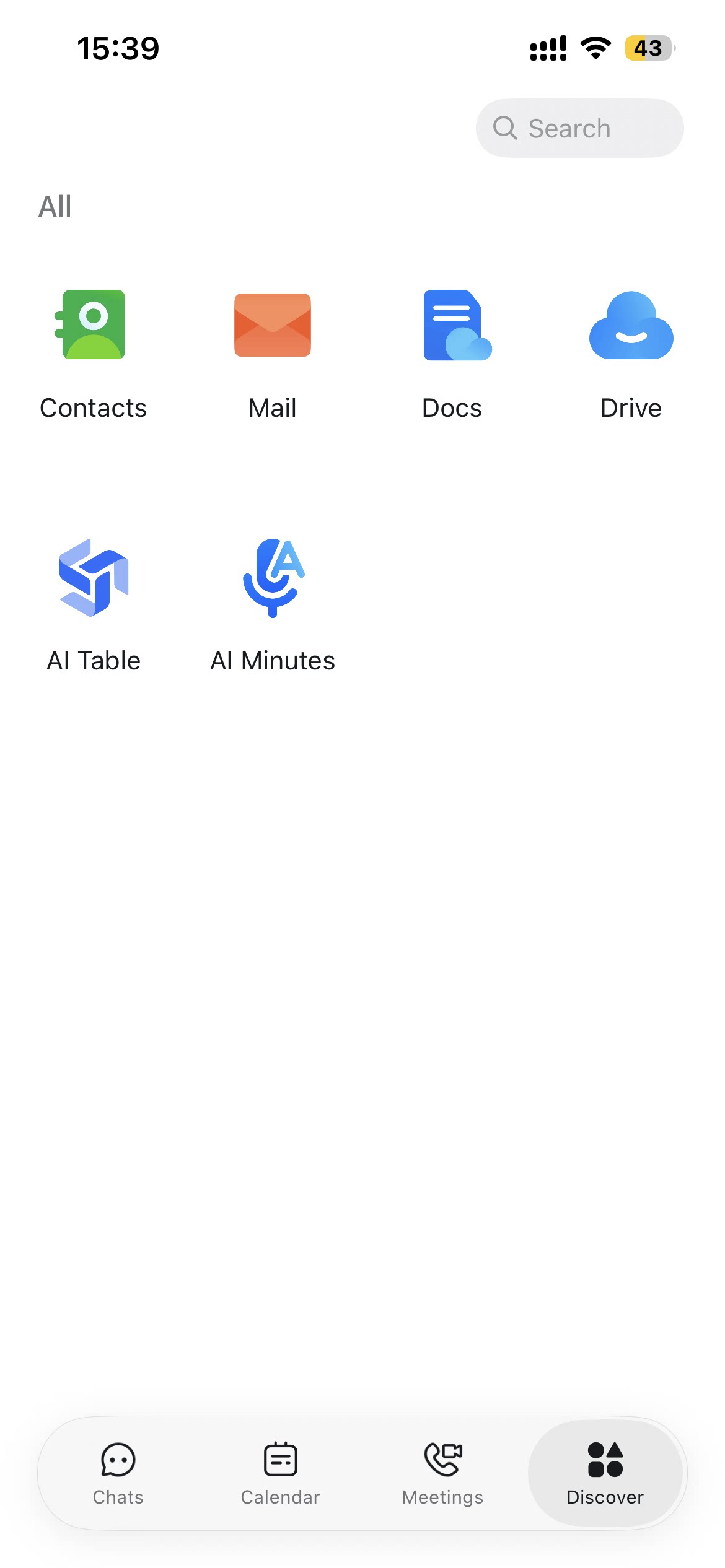
Desktop
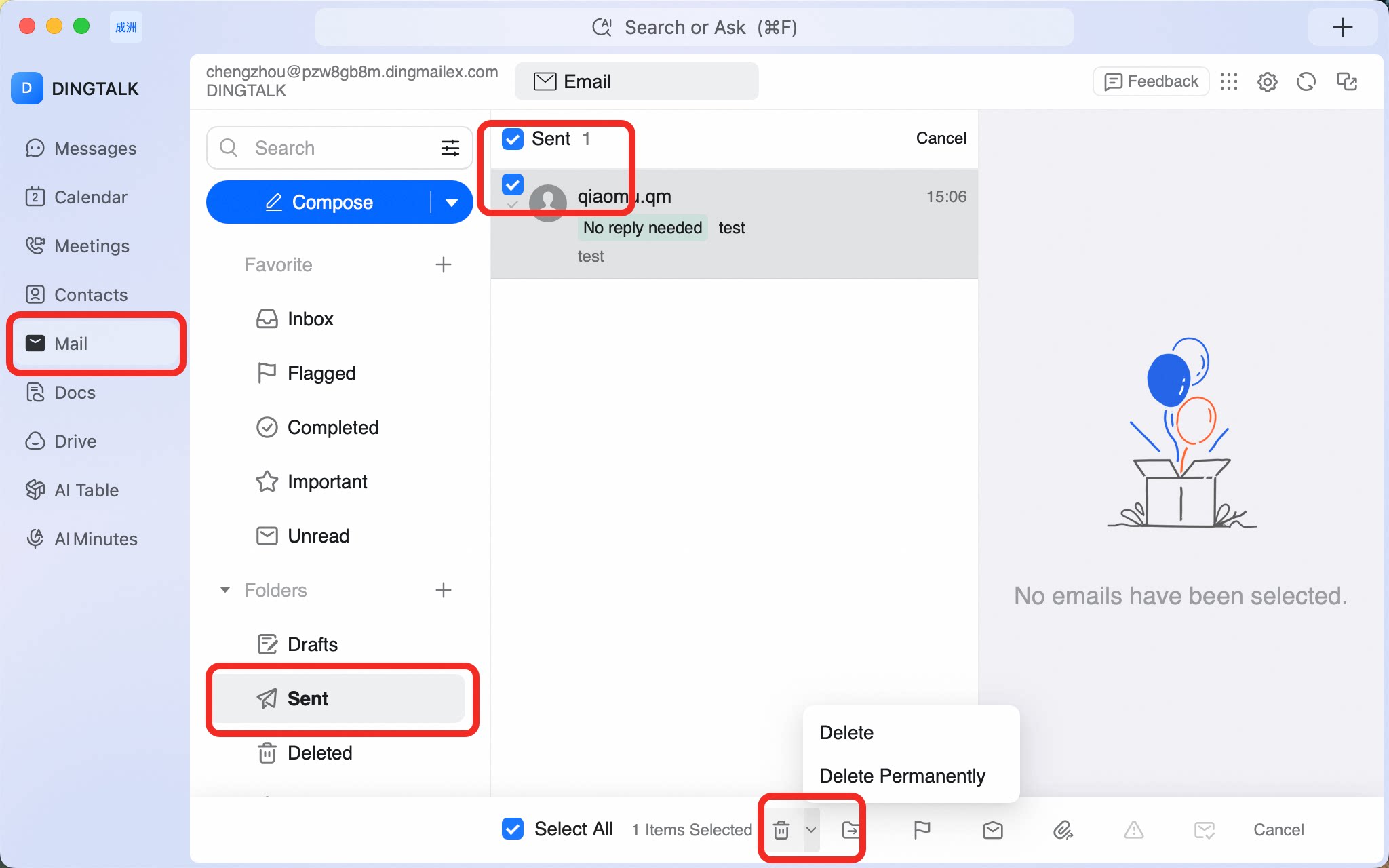
Open the DingTalk desktop app > click Mail in the left sidebar > select the emails you want to manage > click the Move or Delete icon at the bottom.