

 Chats
Chats Calendar
 Meetings
 Contacts
 Mail
Mail Docs
Docs Drive
Drive AI Table
 AI Minutes
 Attendance
 Approval
 YiDA
YiDA Admin Console
Steps
Open the DingTalk desktop app > click Mail in the left sidebar > click the icon in the upper-right corner > Mail Contacts > click … next to Contacts > New group.
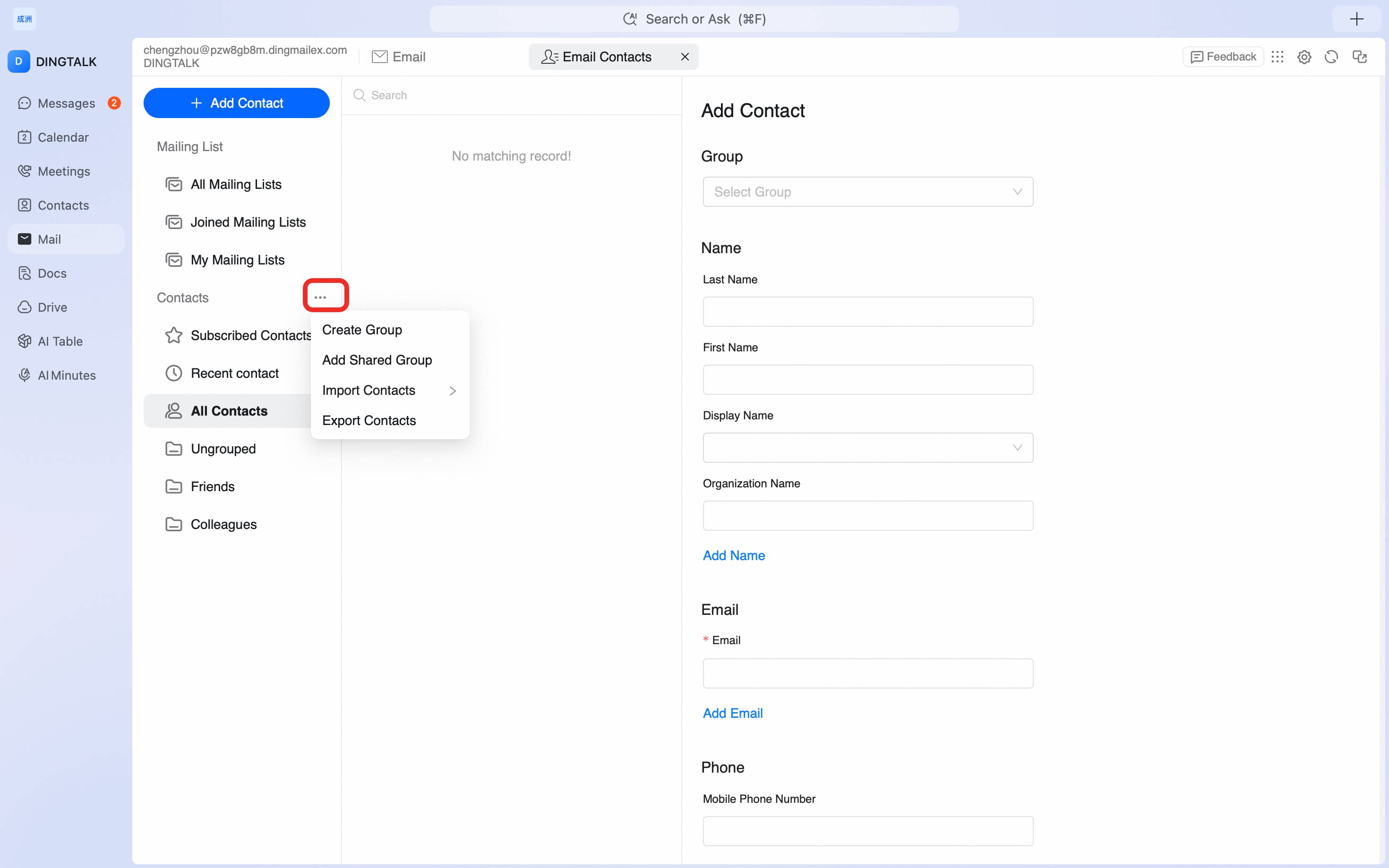
Group your Mail Contacts on the DingTalk desktop app so you can send to multiple recipients at once and keep contacts organized by team, project, or relationship.
icon in the upper-right corner > Mail Contacts > click … next to Contacts > New group.