

 Chats
Chats Calendar
 Meetings
 Contacts
 Mail
Mail Docs
Docs Drive
Drive AI Table
 AI Minutes
 Attendance
 Approval
 YiDA
YiDA Admin Console
Steps
Open the DingTalk desktop app > click Mail in the left sidebar > click the icon in the upper-right corner > Mail Contacts > click … next to Contacts > Import contacts or Export contacts.
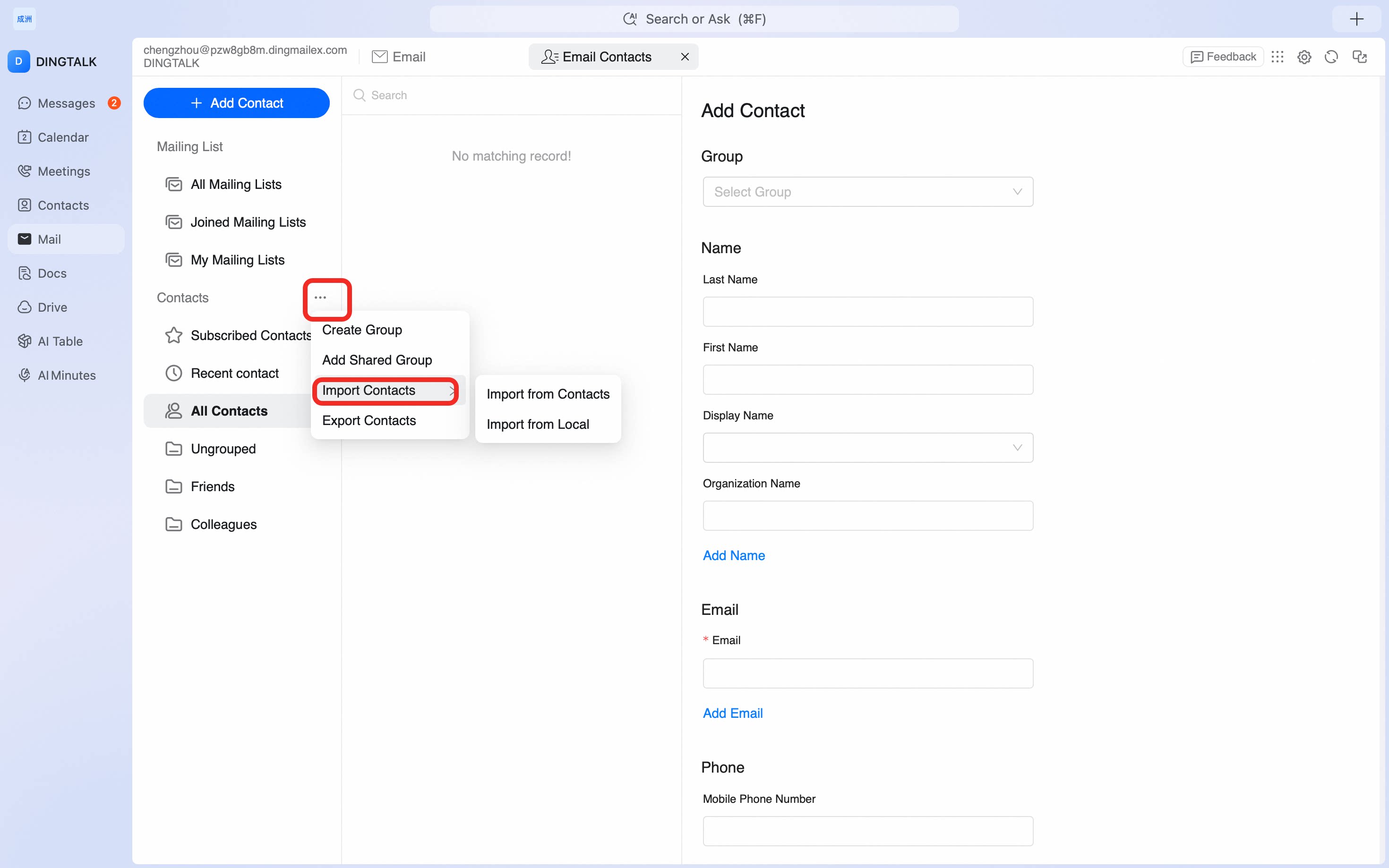
Import contacts in CSV or vCard format into Mail Contacts, or export your existing contacts for backup or migration to another mail client.
icon in the upper-right corner > Mail Contacts > click … next to Contacts > Import contacts or Export contacts.