

 Chats
Chats Calendar
 Meetings
 Contacts
 Mail
Mail Docs
Docs Drive
Drive AI Table
 AI Minutes
 Attendance
 Approval
 YiDA
YiDA Admin Console
Purchase Method 1
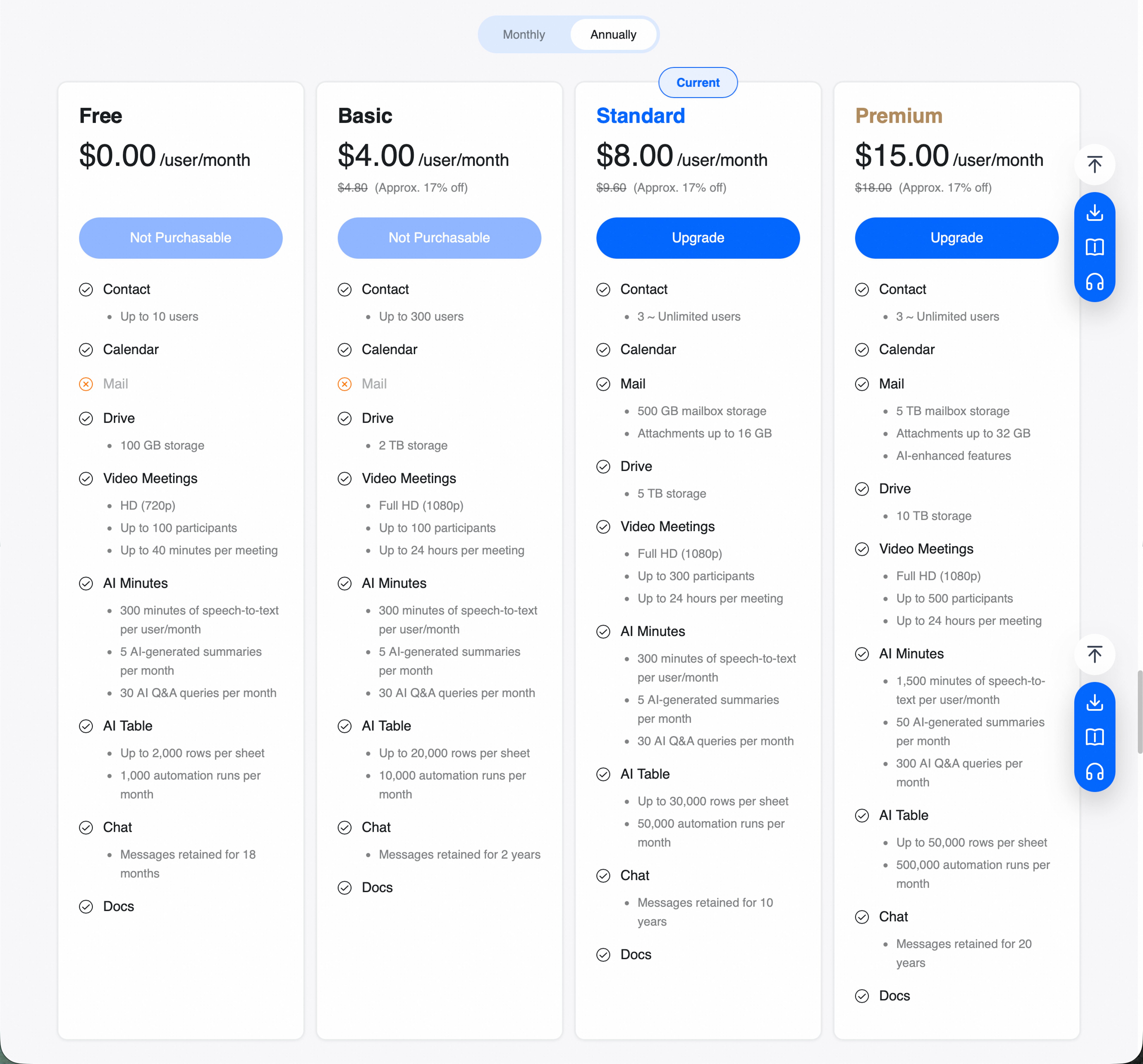
Open the DingTalk desktop app, go to Official Website > DingTalk Meetings Purchase Page, select the product, and place the order.- Select the participant capacity based on the number of participants needed for a single meeting.
- Select the service duration based on business needs. Options include 1 month, 3 months, 6 months, or 1 year.
- Select a payment method. Alipay and bank card payment are currently supported.
- Click Submit Order to go to the payment page.
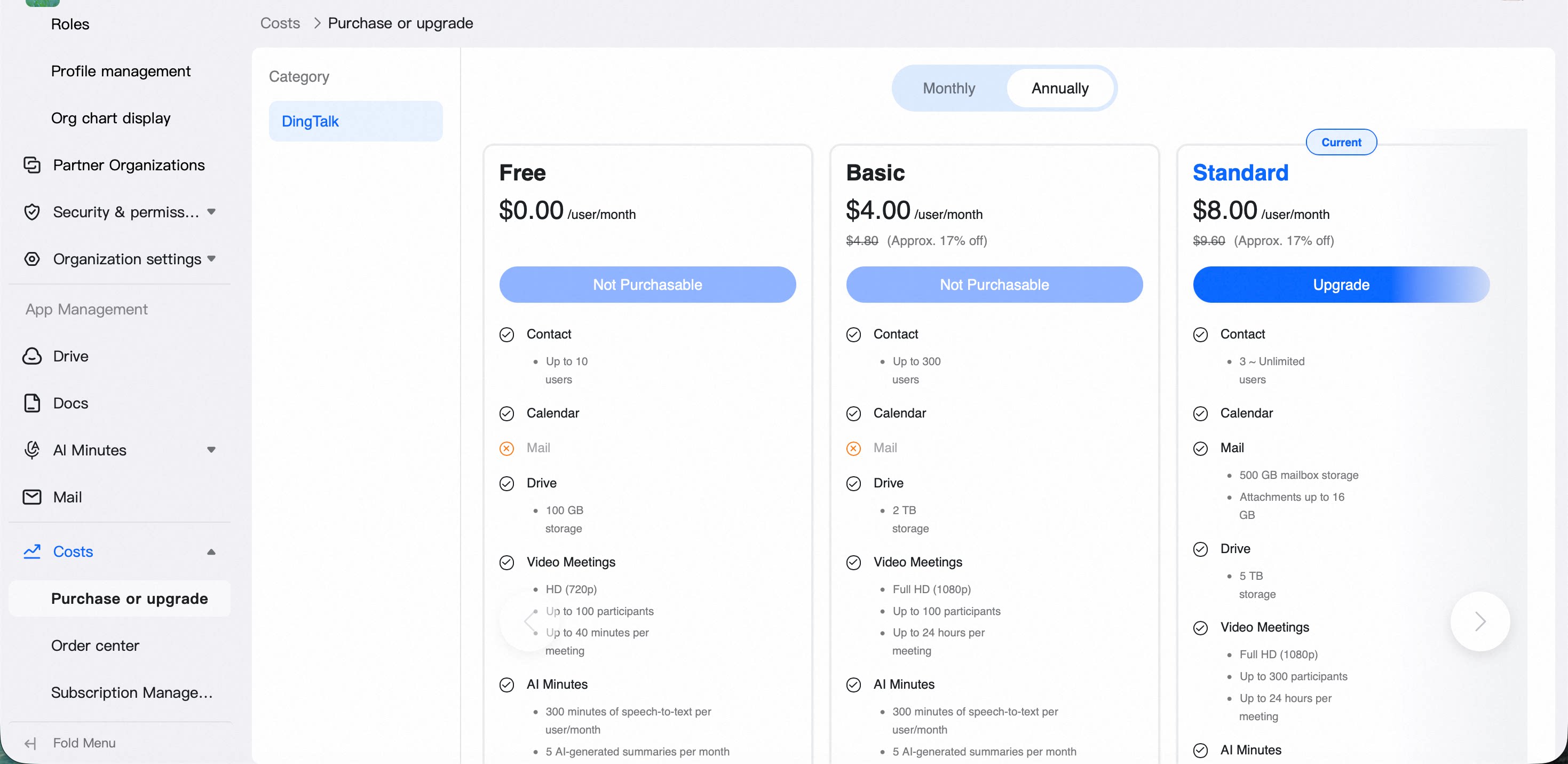
- After payment is complete, the benefits are automatically activated for the purchasing organization. Administrators can view them in Enterprise OA Admin under Fees > Purchase or Upgrade.
Purchase Method 2
Enterprise administrators can log in to the admin console in a browser and go to Value-Added Services > Product Zone to purchase and activate the service.- DingTalk enterprise administrators, including sub-administrators, open the DingTalk Meetings purchase page.
- Select the participant capacity based on the number of participants needed for a single meeting.
- Select the service duration based on business needs. Options include 1 month, 3 months, 6 months, or 1 year.
- Select a payment method. Alipay and bank card payment are currently supported.
- Click Submit Order to go to the payment page.
- After payment is complete, the benefits are automatically activated for the purchasing organization. Administrators can view them in Enterprise OA Admin under Fees > Purchase or Upgrade.
 For questions, call customer service at 4001116555