Chats
Chats Calendar
 Meetings
 Contacts
 Mail
Mail Docs
Docs Drive
Drive AI Table
 AI Minutes
 Attendance
 Approval
 YiDA
YiDA Admin Console
In-Meeting Chat and Emoji Interaction
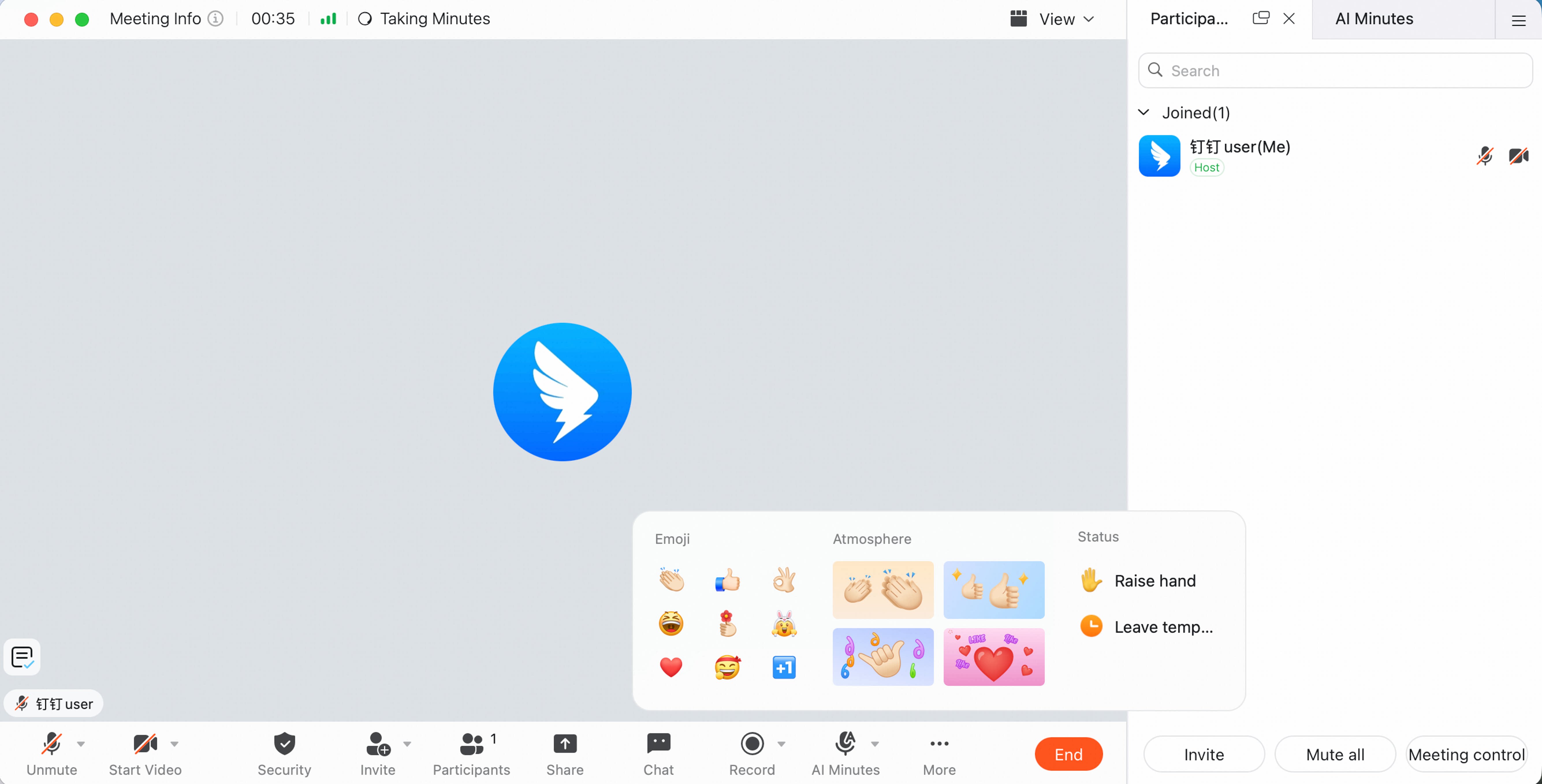
During a meeting, you can chat by text, send emoji or animated reactions, and set statuses such as Raise Hand or Away.Text Interaction
Click Chat in the meeting homepage menu bar to open the chat panel on the right. Participants can use quick phrases, send custom text, and communicate without interrupting the speaker. Chat content can also appear as bullet comments in the lower-left corner for more efficient communication.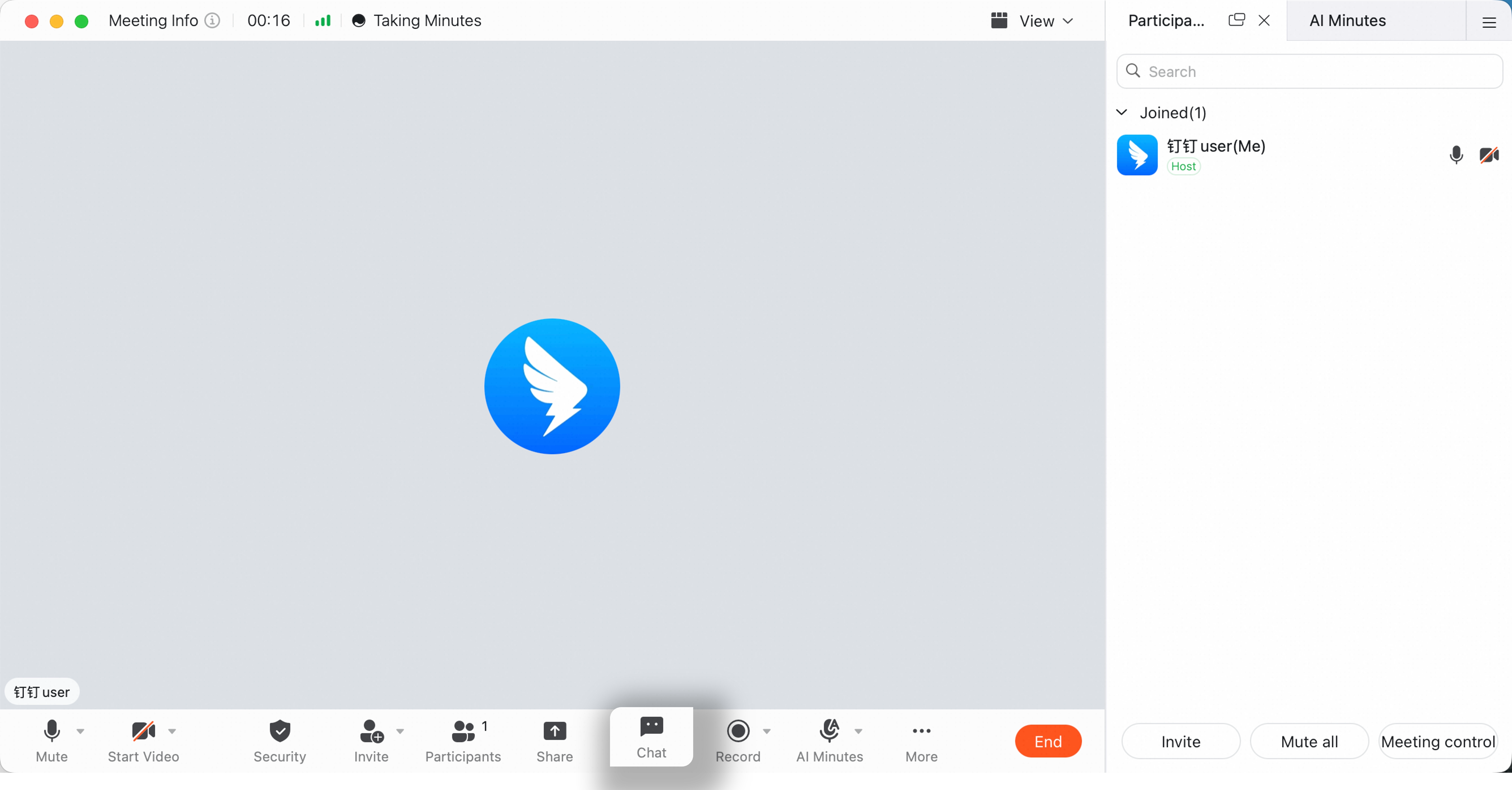
Emoji and Animated Reactions
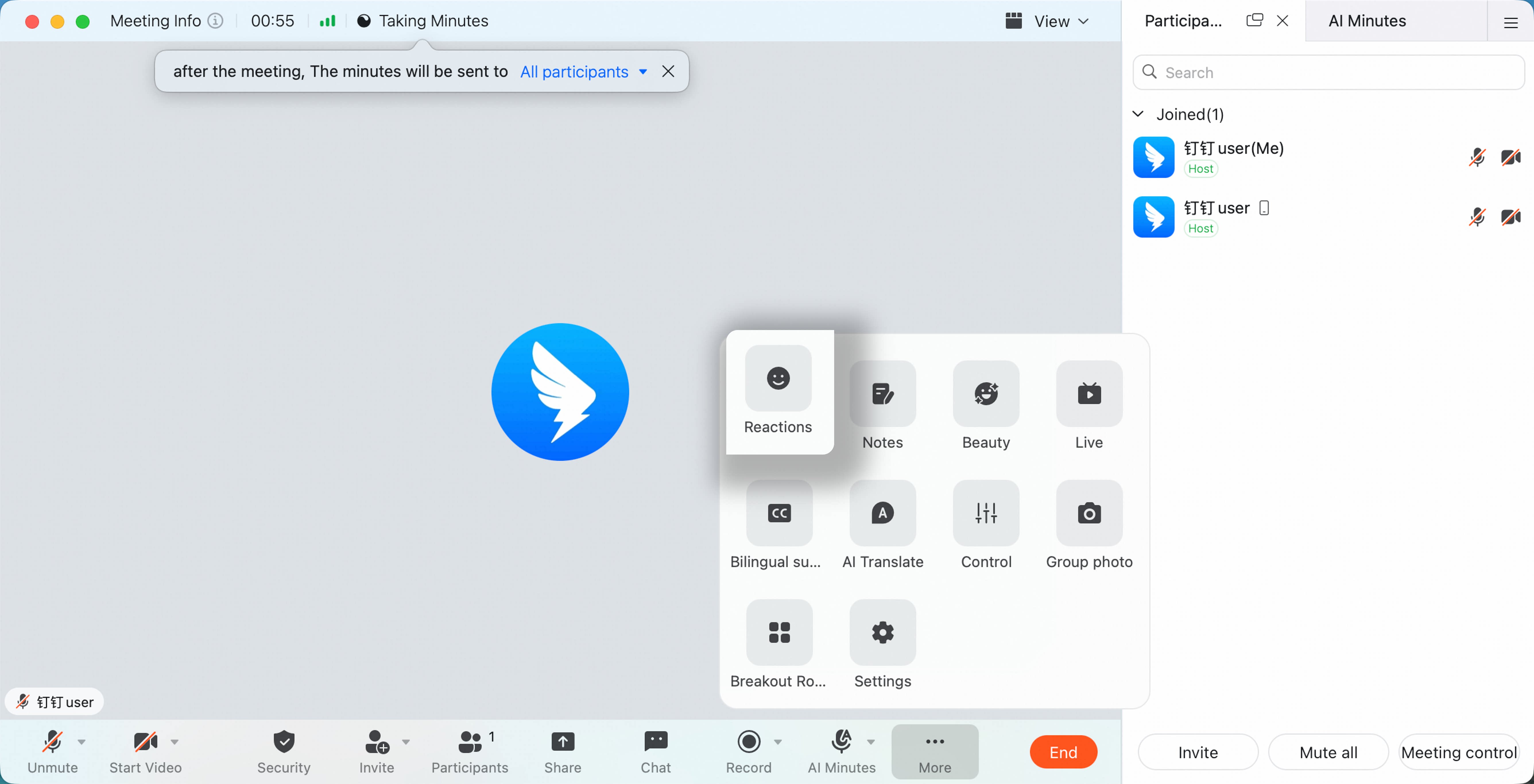
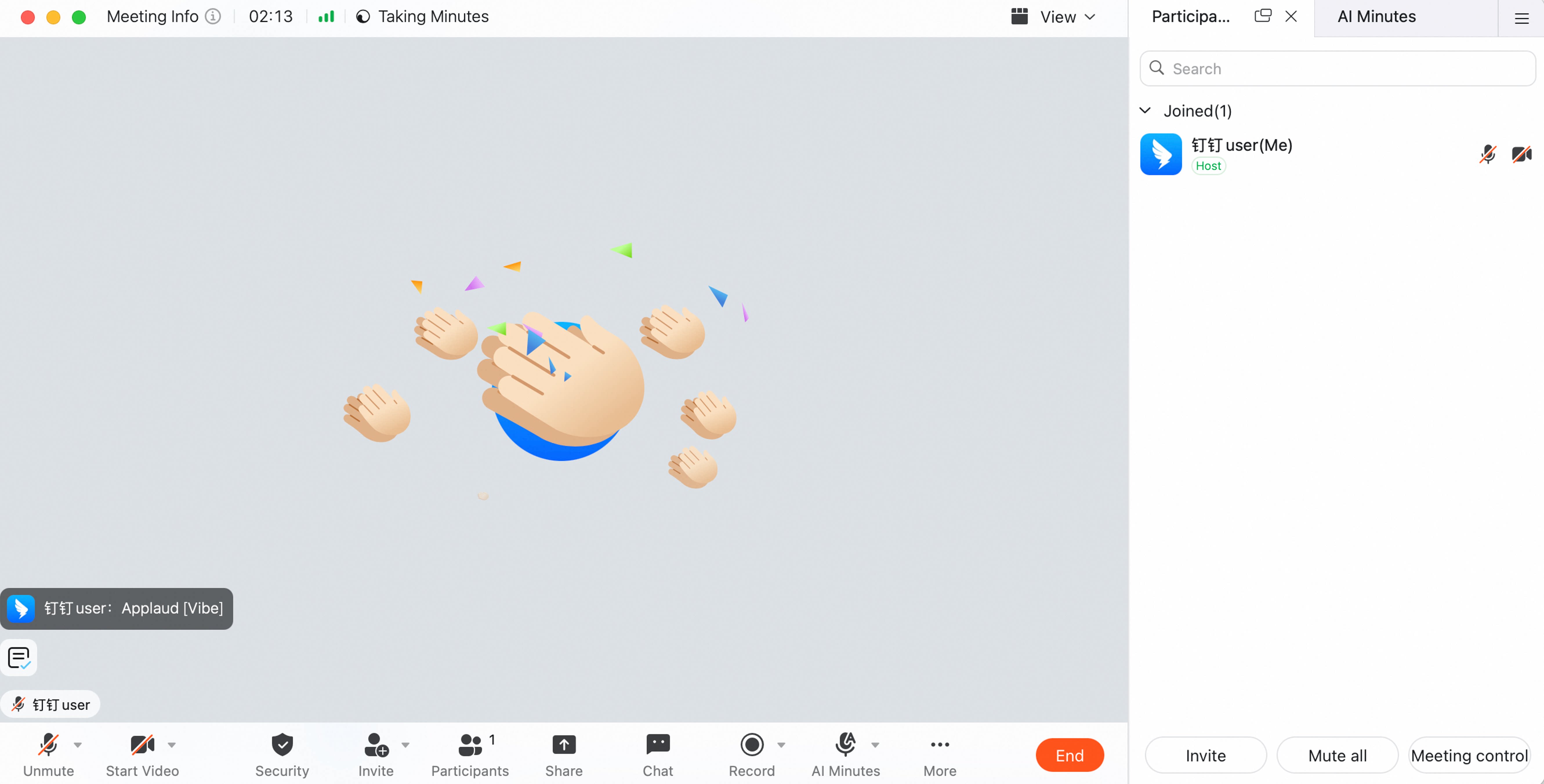
Click Interaction in the menu bar, then click an emoji in the emoji bar to send it in the chat panel. This can be used to respond to a speaker’s comments or add engagement during the meeting.