Chats
Chats Calendar
 Meetings
 Contacts
 Mail
Mail Docs
Docs Drive
Drive AI Table
 AI Minutes
 Attendance
 Approval
 YiDA
YiDA Admin Console
How to Enable Beauty Effects?
DingTalk supports beauty effects in video meetings. You can turn the feature on and adjust the effect during or before a meeting.Enable Beauty Effects on Desktop
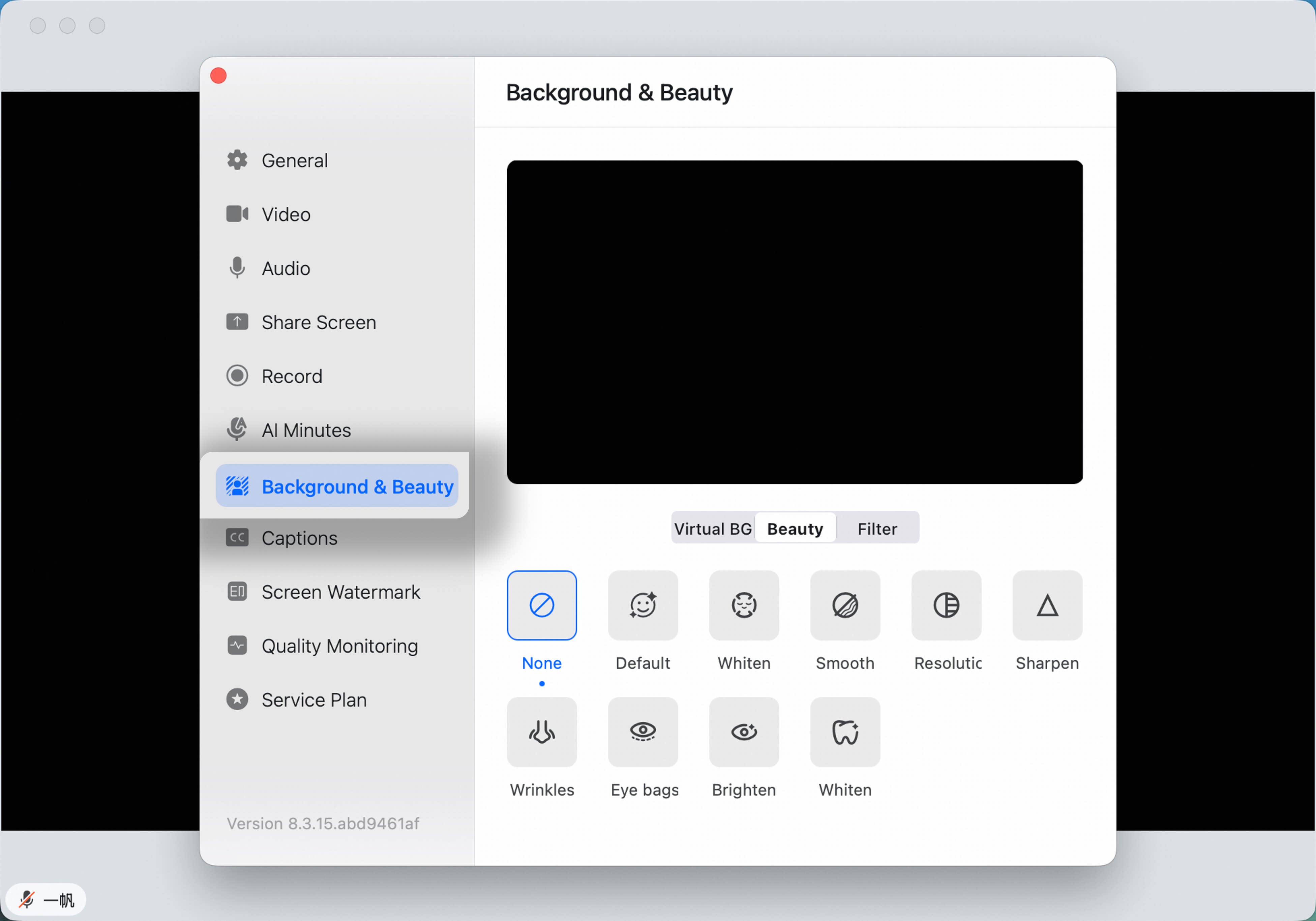
Method 1: During a meeting, click the arrow next to Camera On/Off in the lower-left corner, select Virtual Background and Beauty, then adjust the beauty effect. Method 2: During a meeting, click More, go to Settings, open the Virtual Background and Beauty tab in the sidebar, switch to the Beauty tab below the video preview, then adjust the beauty effect.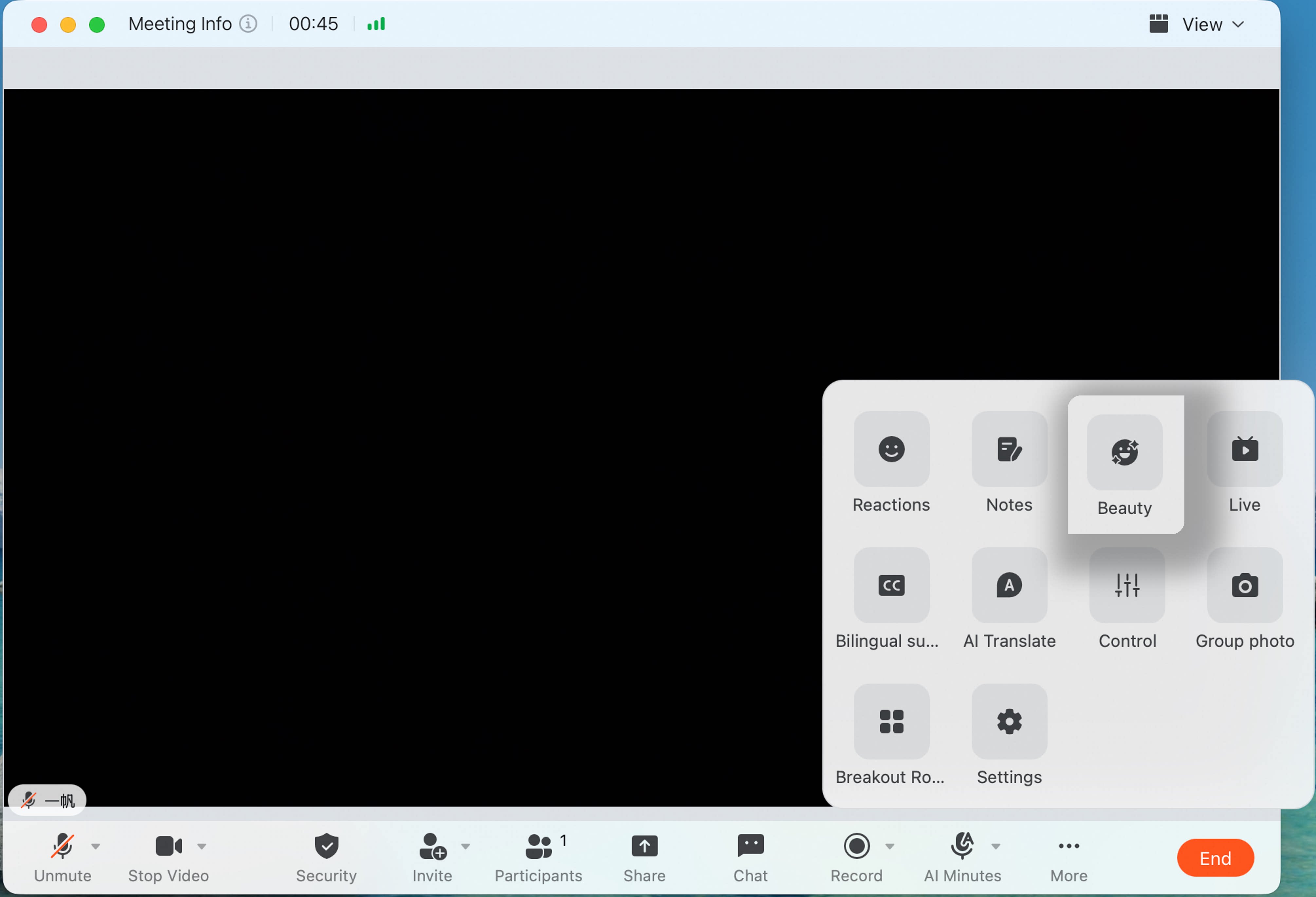
Enable Beauty Effects on Mobile
Before the Meeting Starts
On the pre-meeting screen, tap the icon in the upper-right corner to open the beauty page. Turn the Beauty switch at the lower-left on or off and adjust the effect.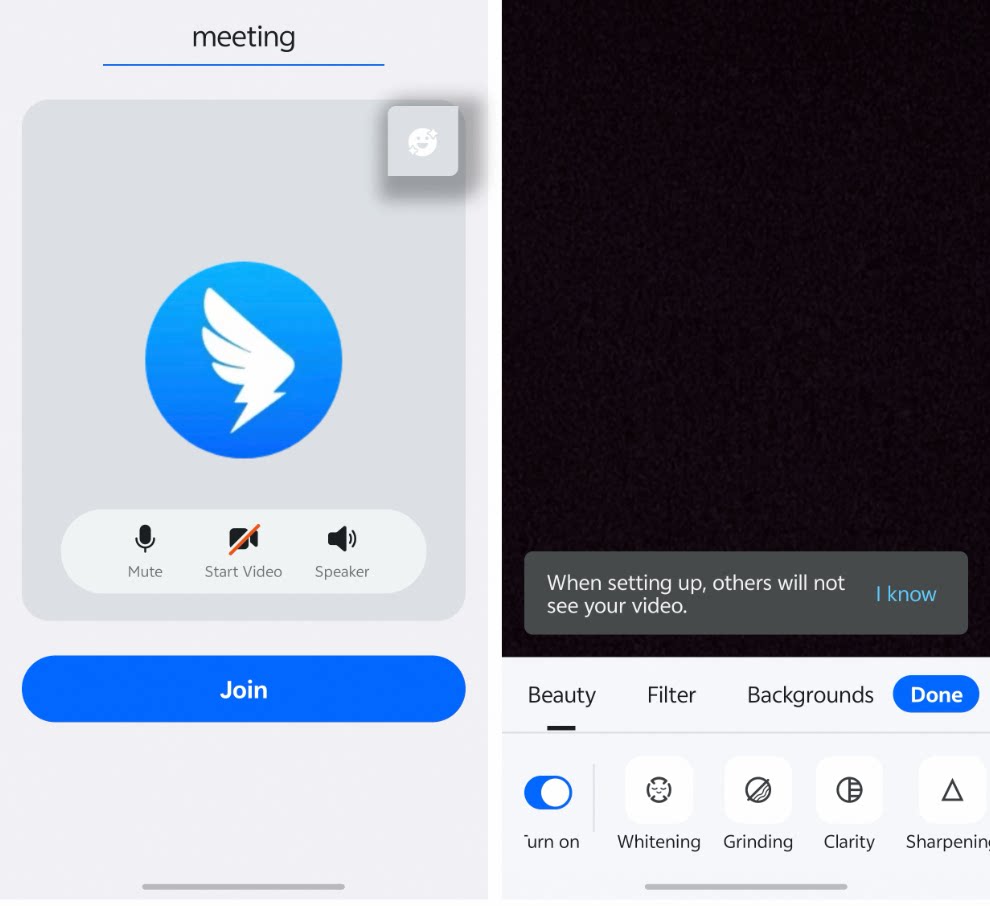
During the Meeting
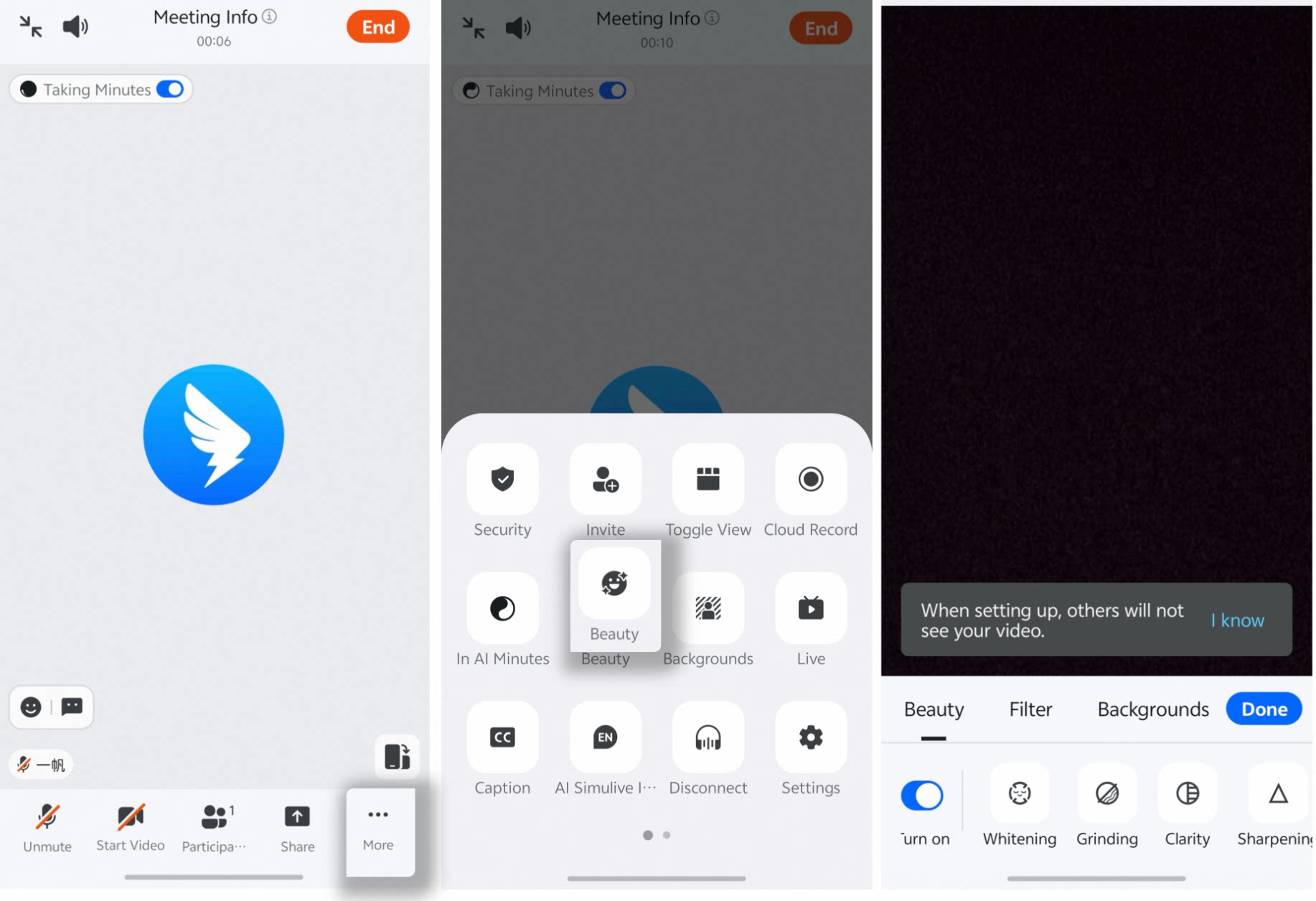
During a meeting, tap More in the lower-right corner, select Beauty to open the beauty page, then turn the Beauty switch on or off and adjust the effect.