Chats
Chats Calendar
 Meetings
 Contacts
 Mail
Mail Docs
Docs Drive
Drive AI Table
 AI Minutes
 Attendance
 Approval
 YiDA
YiDA Admin Console
Invite Others on Desktop
Invite When Starting a Meeting
On the desktop Start Meeting screen, click Add Participants >> select the people to invite. You can invite members in your organization or DingTalk friends.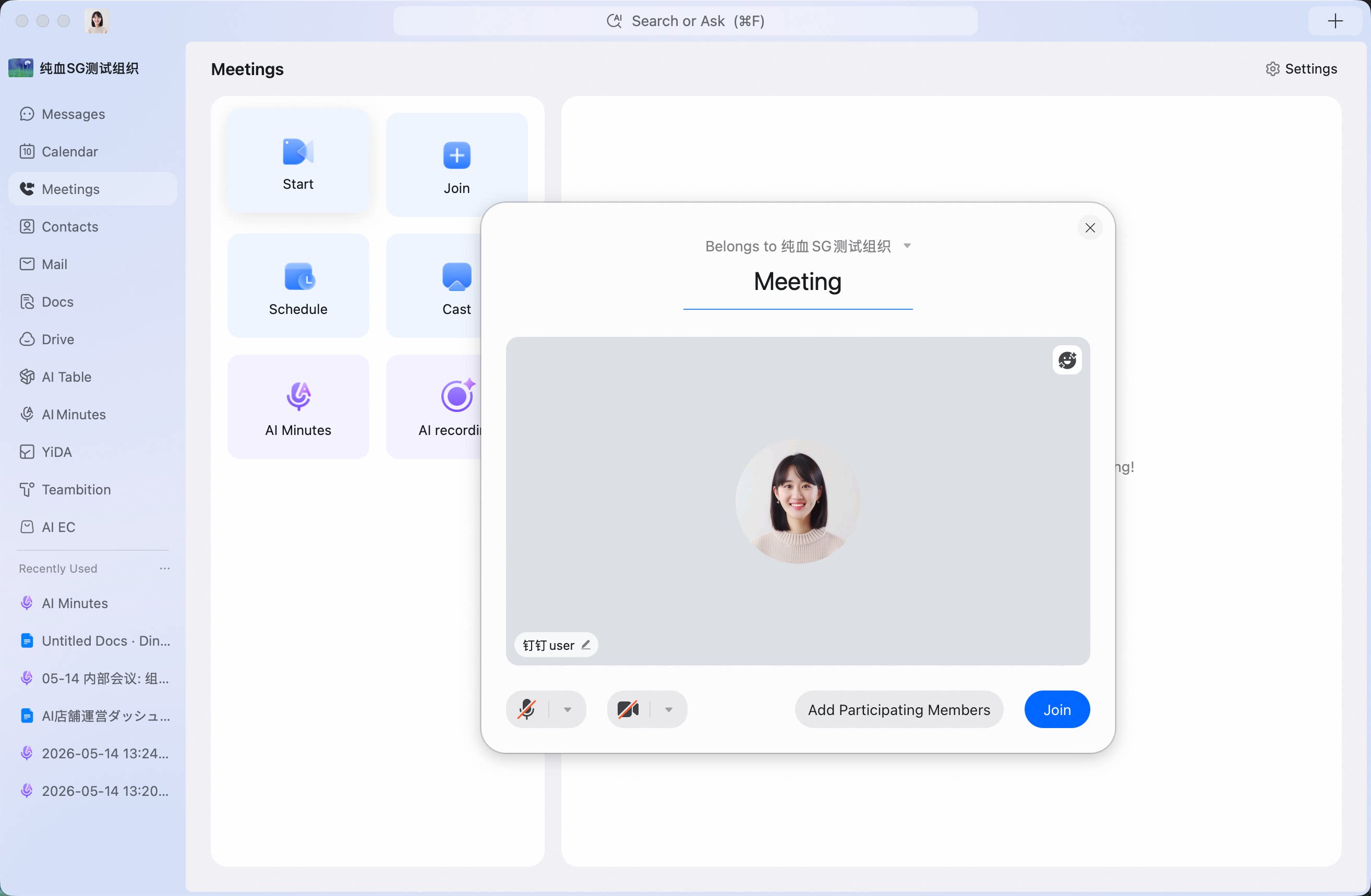
Invite When Scheduling a Meeting
On the Meetings page, select Schedule Meeting >> in the pop-up, select Add Participants >> search for participants by entering text, or use batch add to add multiple participants.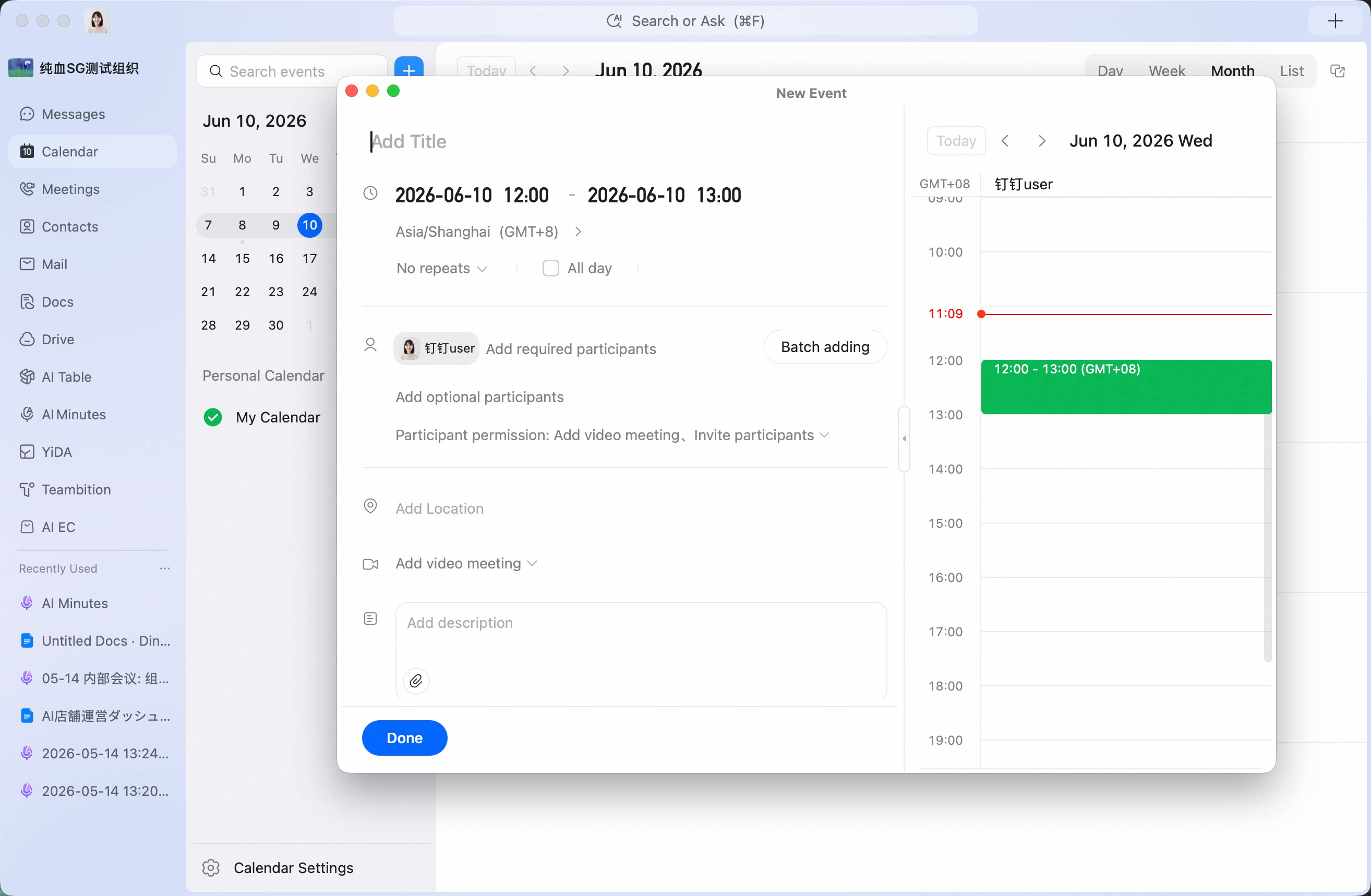
Invite from Calendar
Invite by adding participants: Click Calendar on the left to open Calendar >> view the event and click the meeting event you want >> click Add Members at the top of the meeting card >> select and add participants.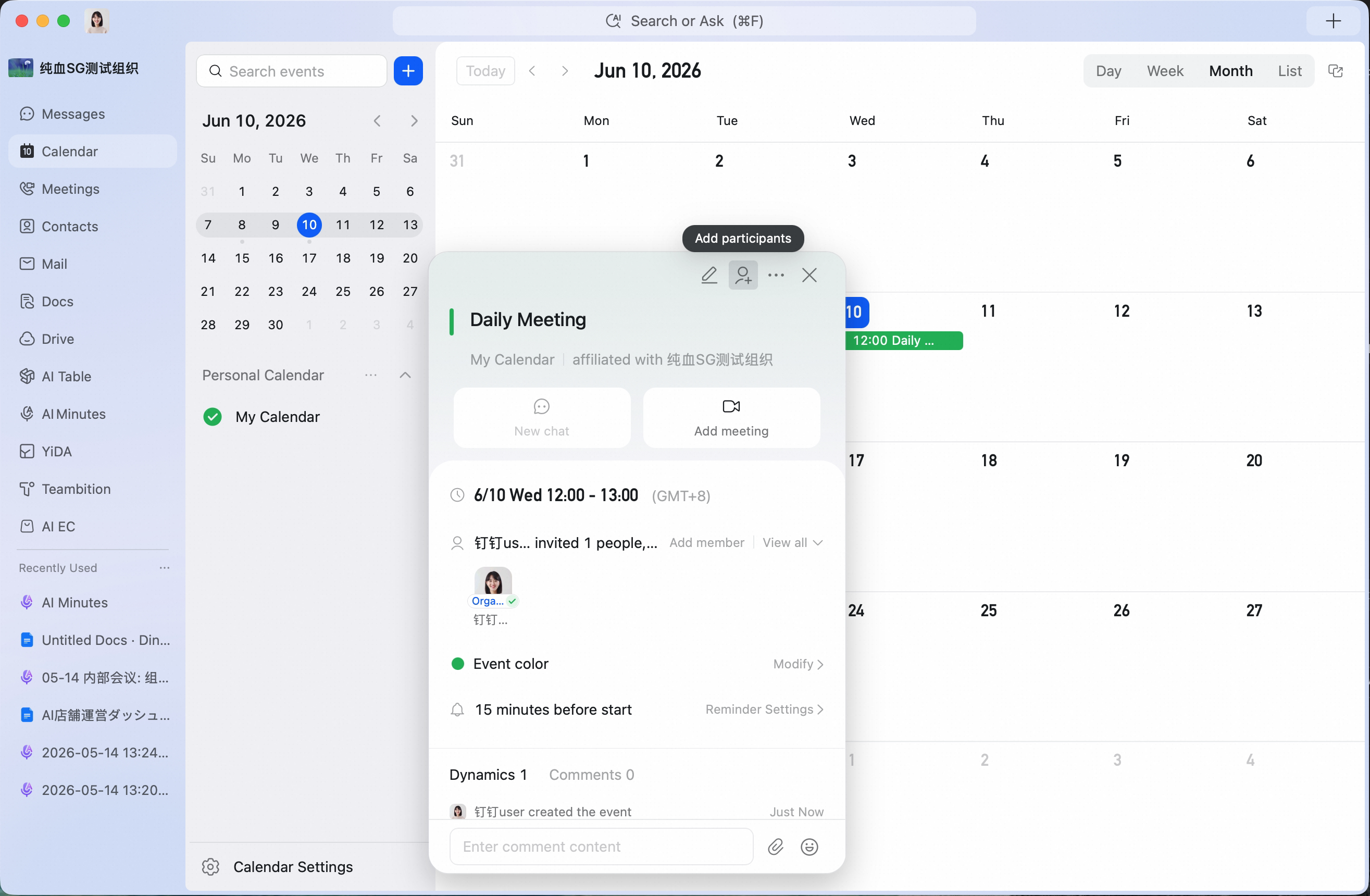
Invite During a Meeting
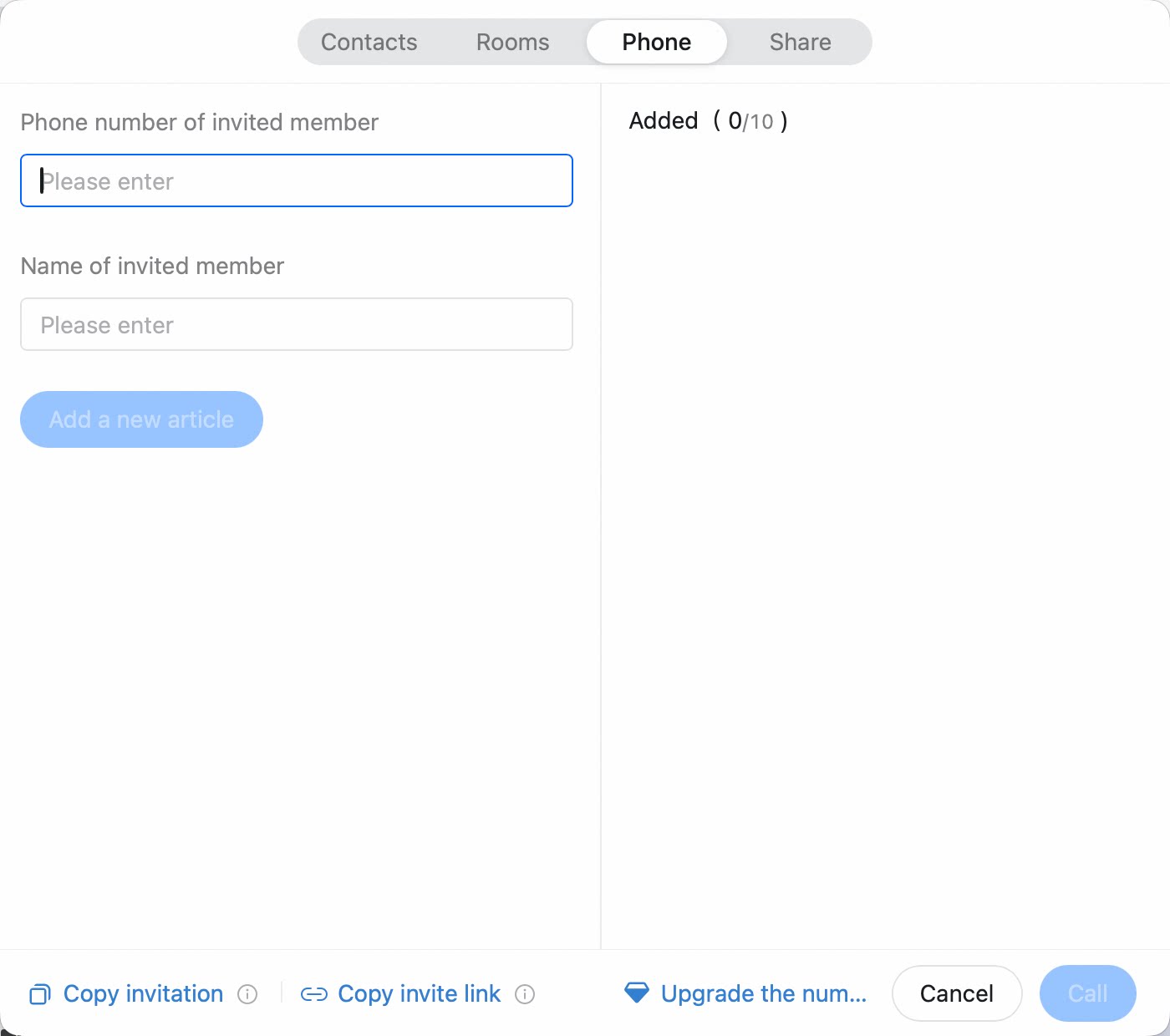
Method 1: During a meeting, click Invite at the bottom of the meeting screen >> choose Contacts to call participants through DingTalk, Meeting Room to call a meeting room by phone, or Share to Chat to send a meeting card in a chat >> select the participants to invite. Method 2: During a meeting, click Invite at the bottom of the meeting screen >> click Copy Join Information or Copy Join Link at the bottom >> notify participants through chat, email, or other channels. Contacts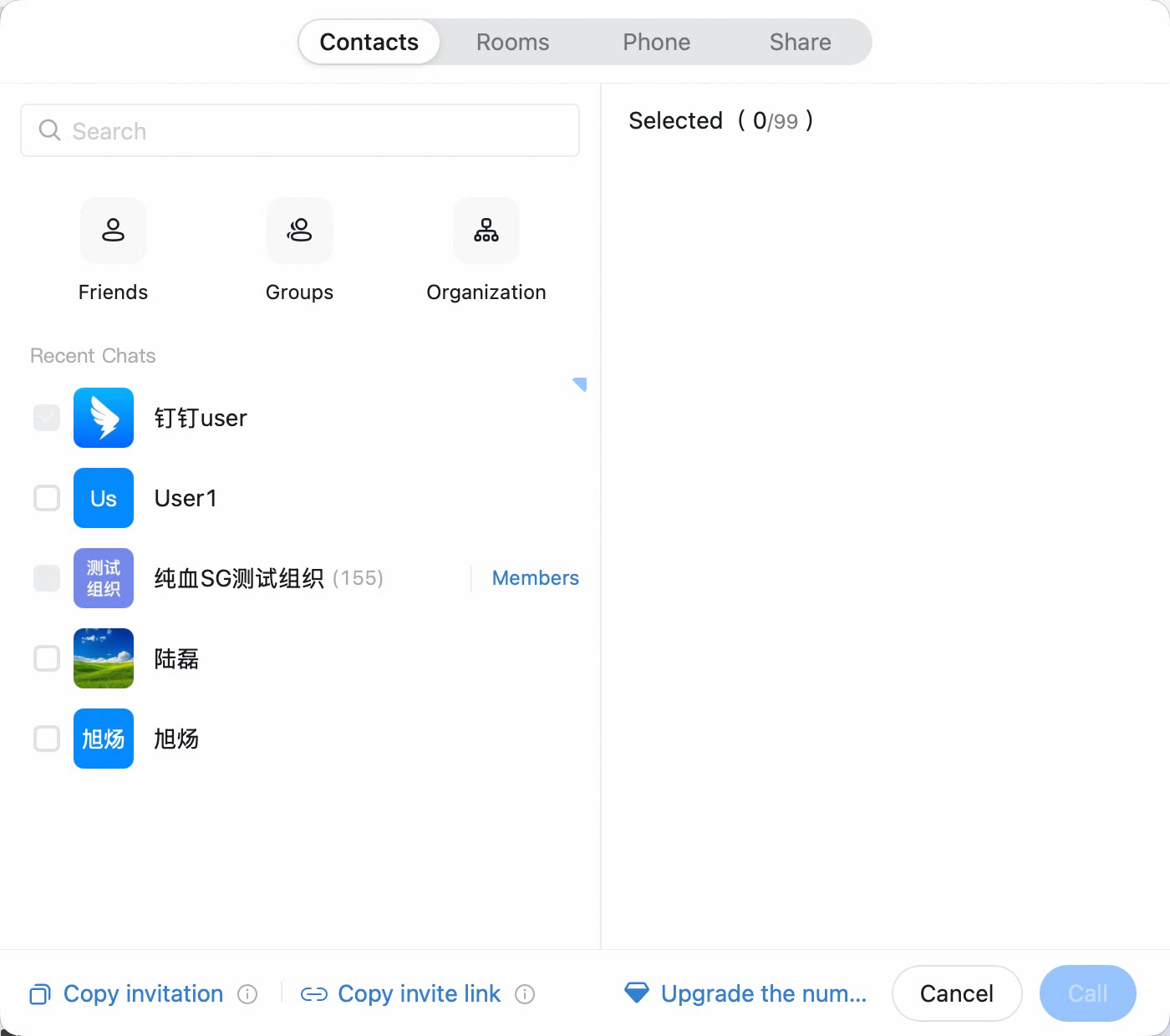 Send in a chat
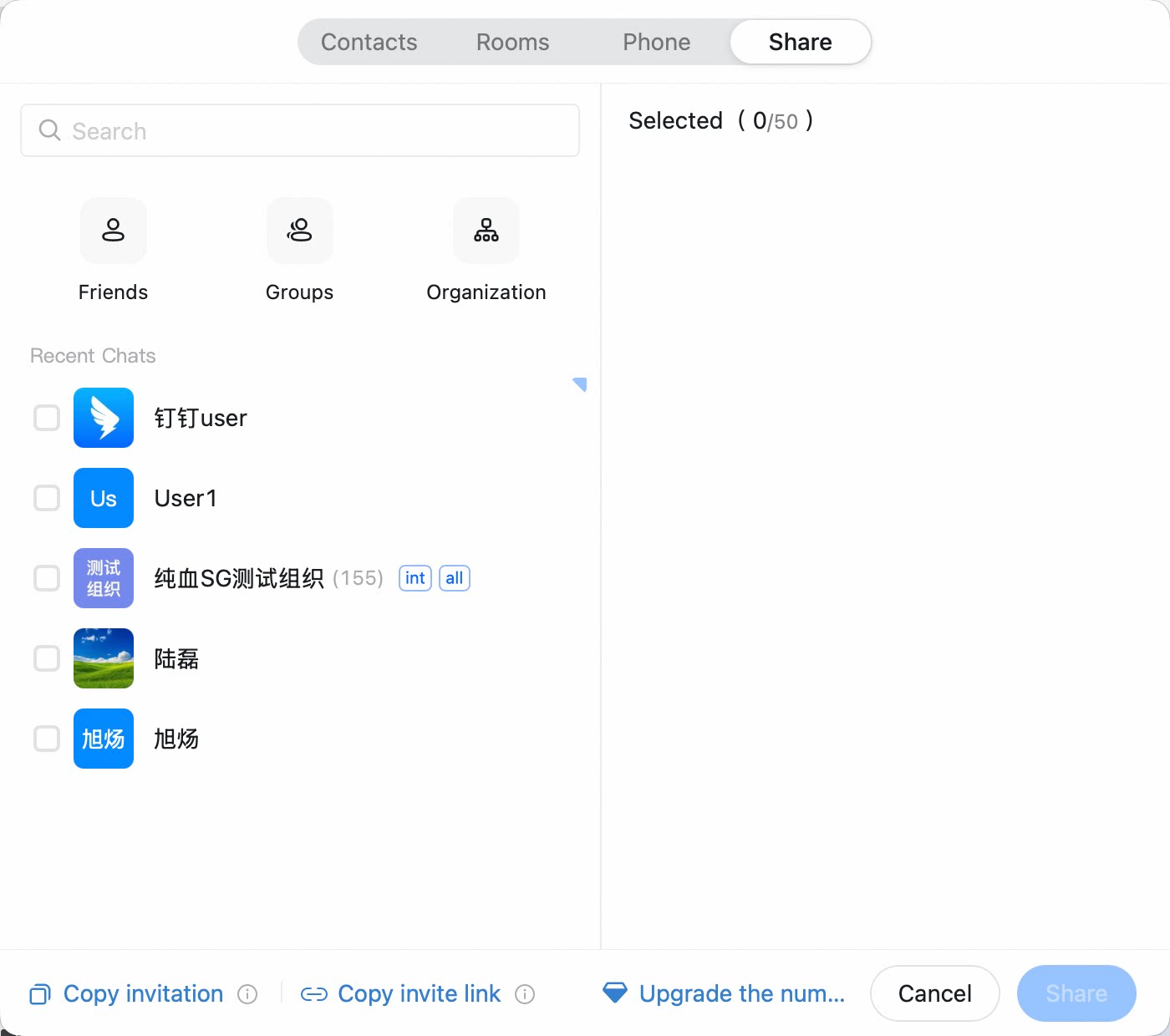 Meeting Room
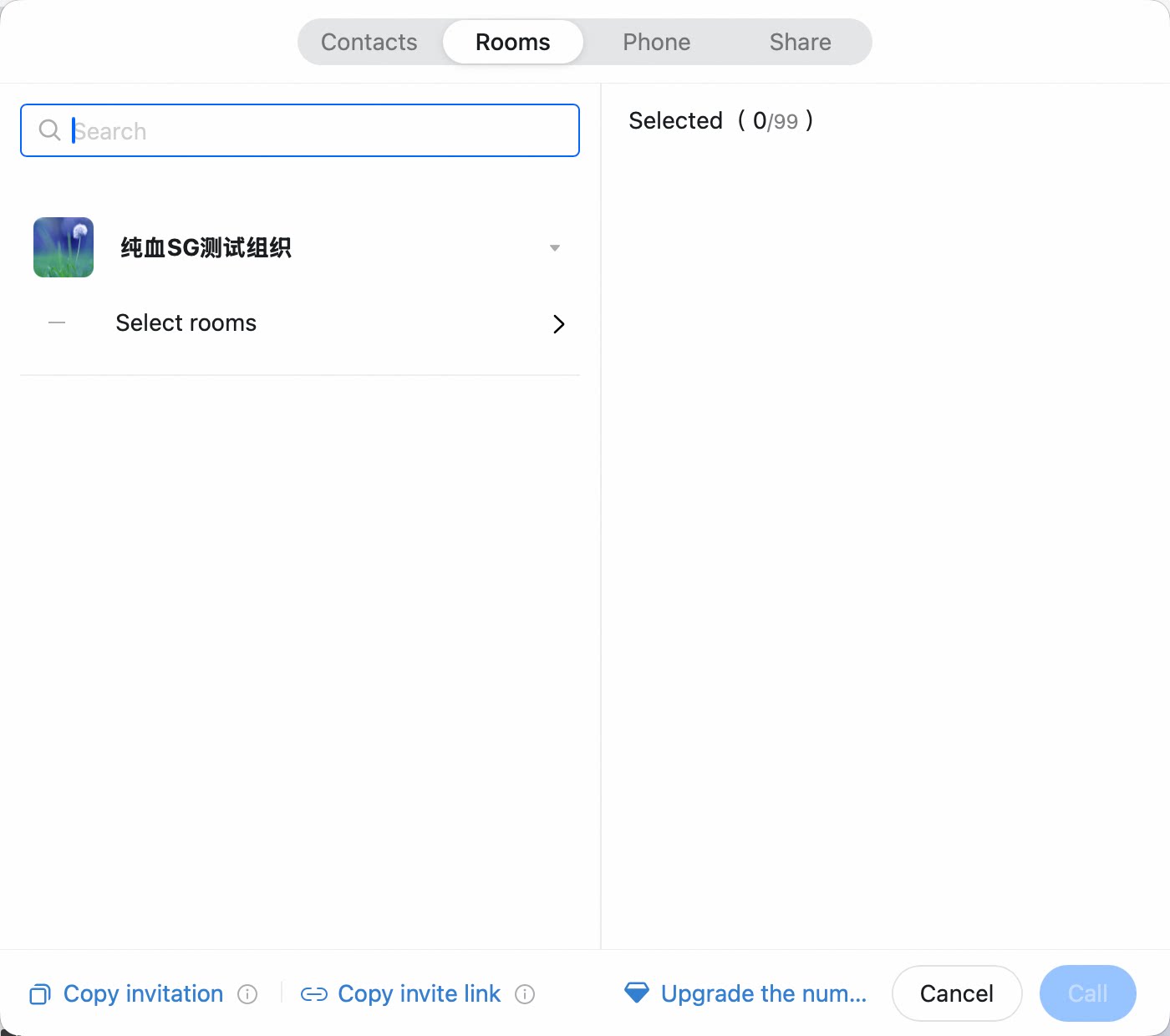 meeting card
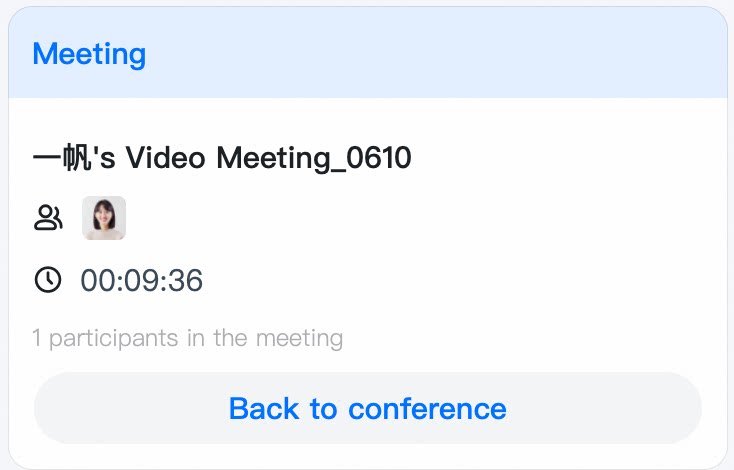 By phone
Invite Others on Mobile
Invite When Starting a Meeting
Open the DingTalk mobile app >> tap Meetings in the lower-right corner >> select Start Meeting >> choose to start a video meeting >> tap Add Participants at the bottom of the pop-up >> select the participants to invite.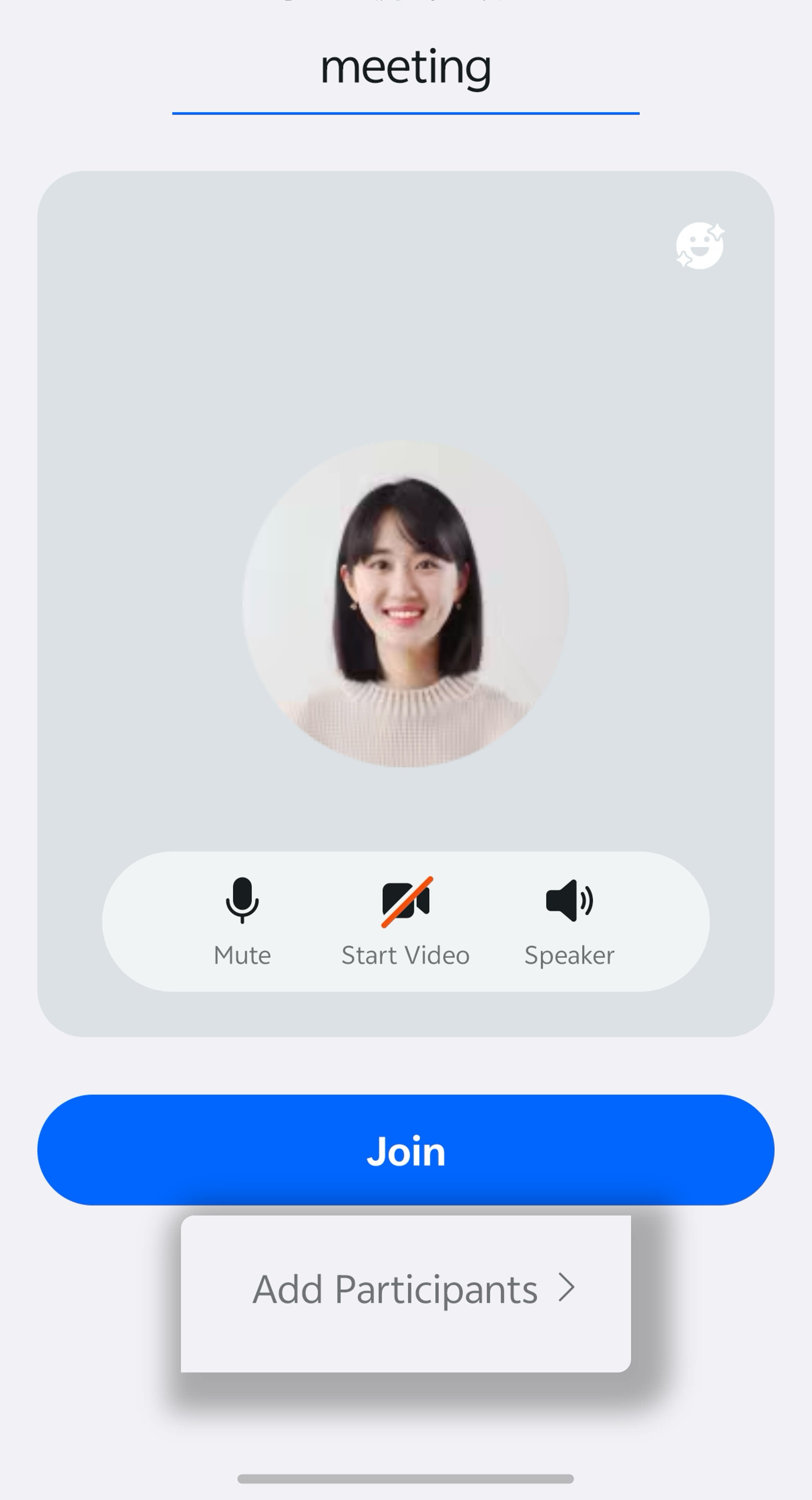
Invite When Scheduling a Meeting
Open the DingTalk mobile app >> tap Meetings in the lower-right corner >> select Schedule Meeting >> tap the edit icon in the upper-right corner >> tap the + icon to add participants >> select the participants to invite.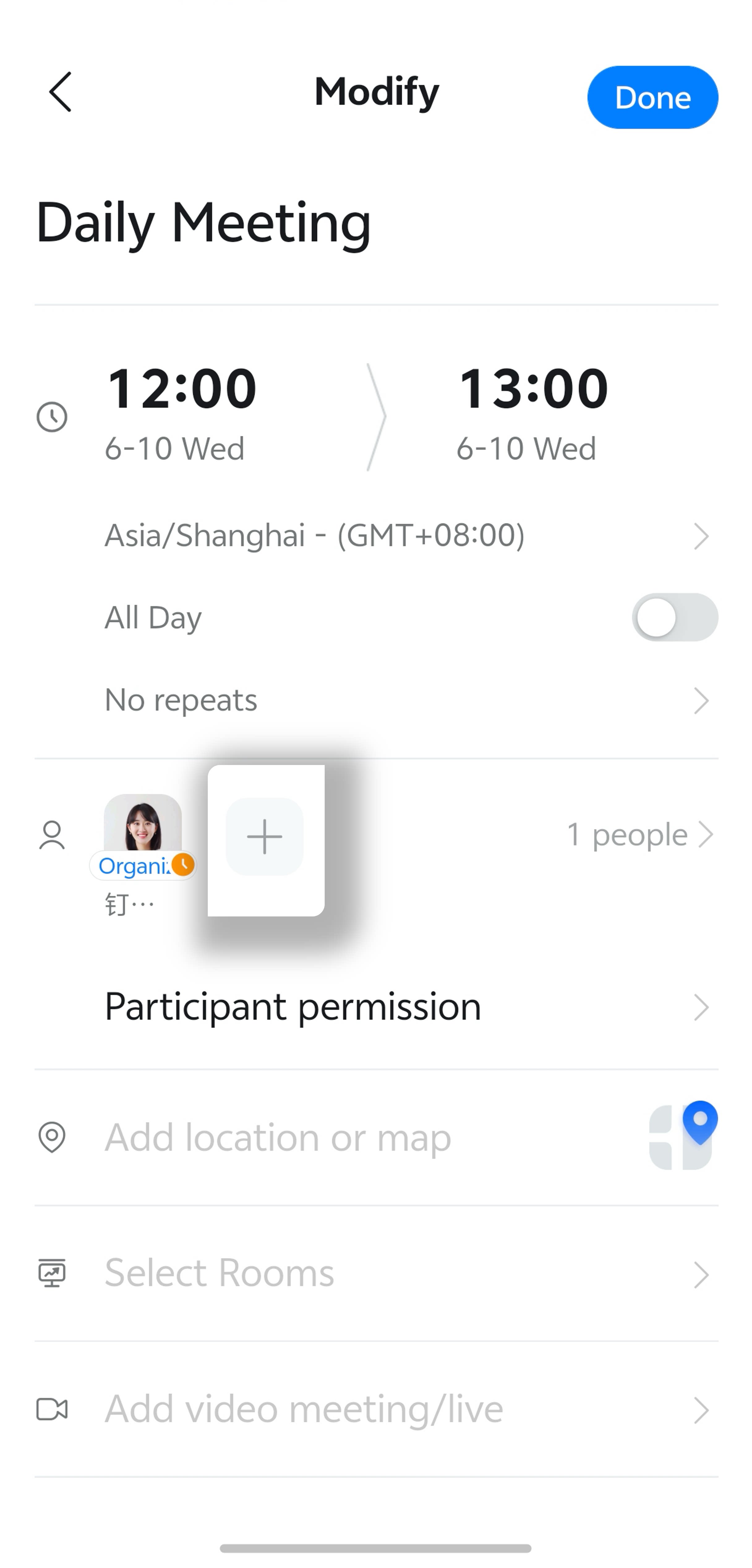
Invite from Calendar
Invite using join information: Open the DingTalk mobile app >> tap Calendar in the upper-left corner >> tap the meeting you want to enter >> open meeting details >> tap More Information next to the meeting ID >> tap Copy to copy the join information >> notify participants through chat, email, or other channels.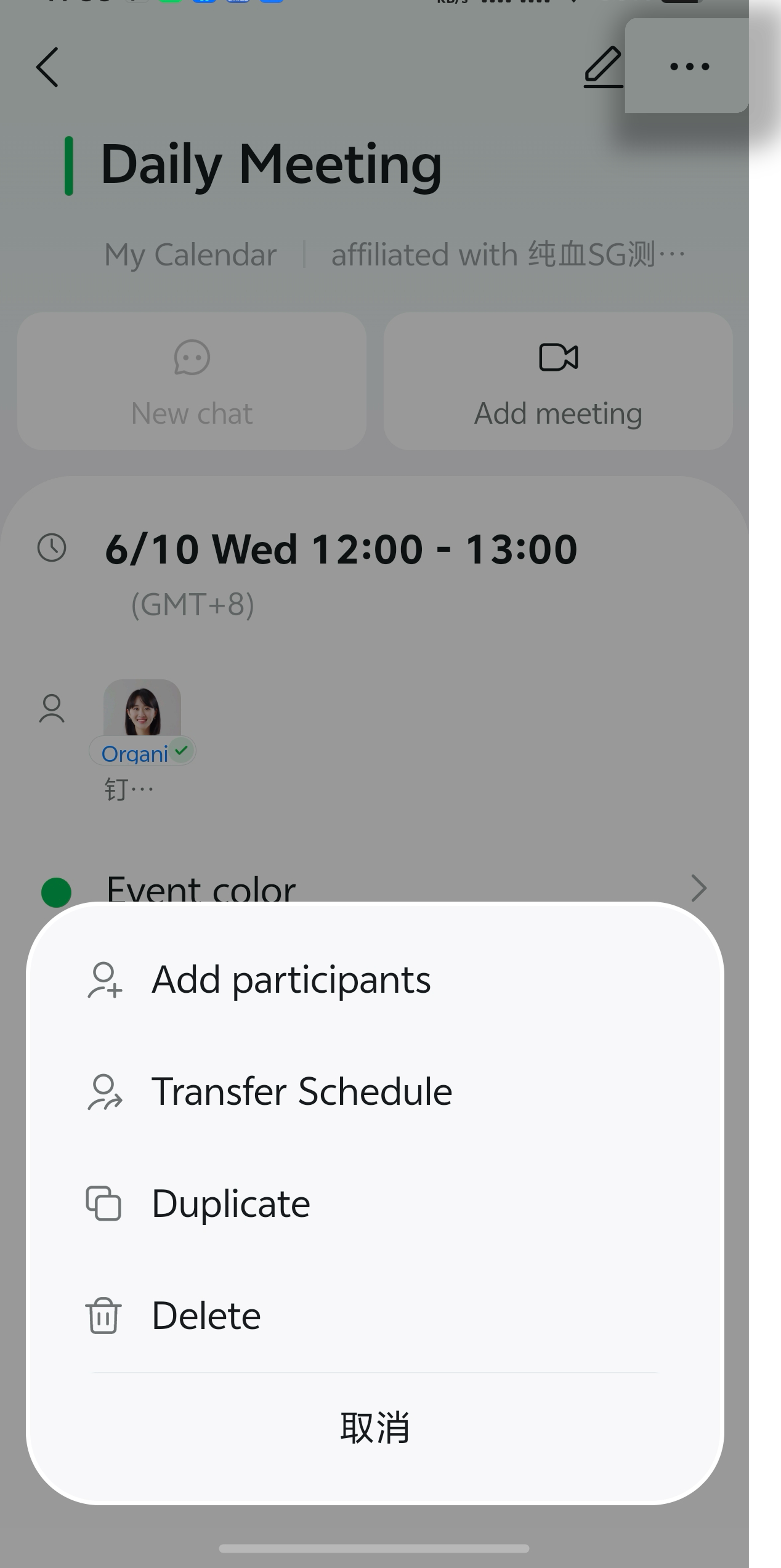
Invite During a Meeting
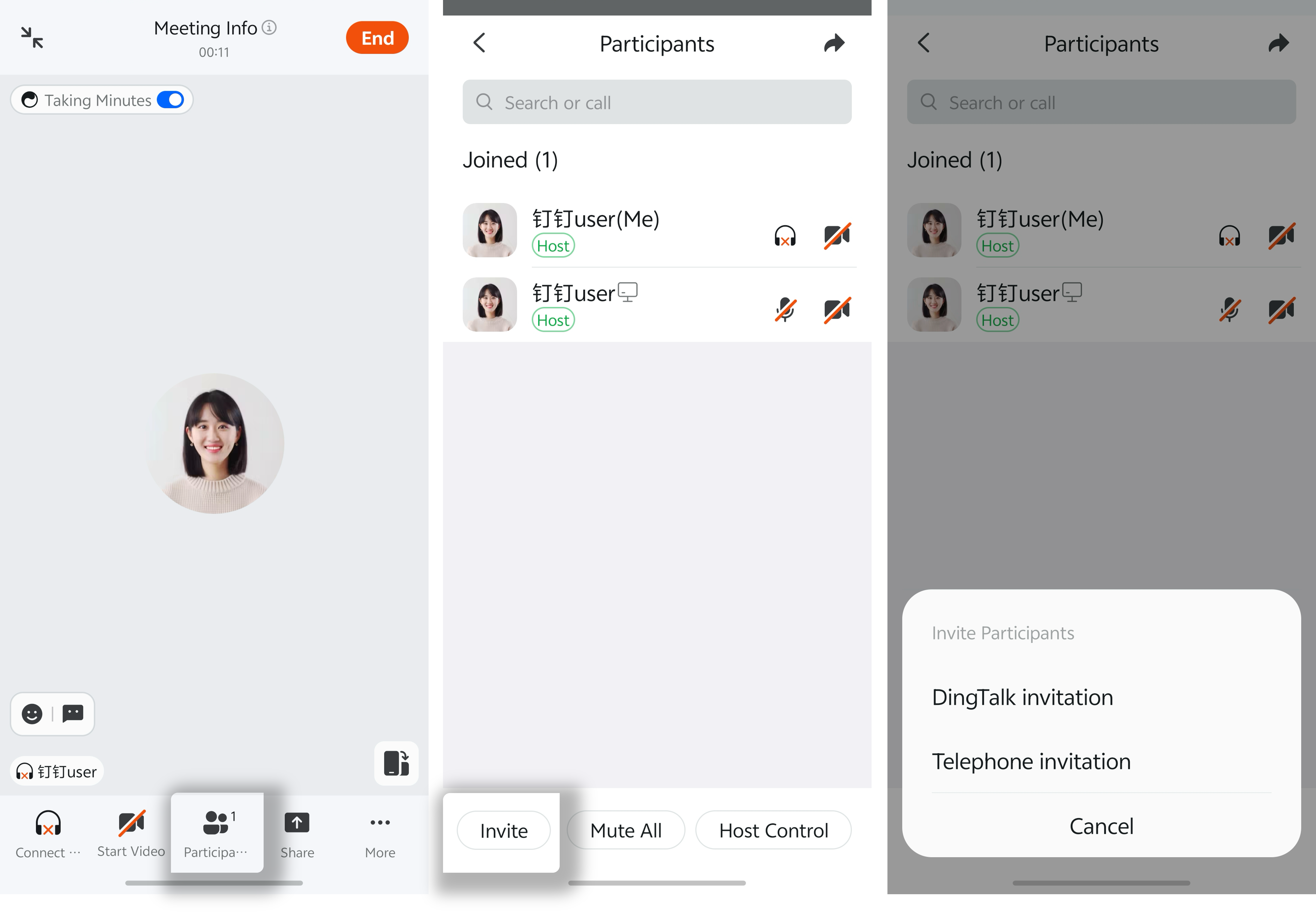
During a meeting, tap Members at the bottom >> on the member management page, tap Invite at the bottom >> select DingTalk Contacts or Meeting Room >> select the participants to invite.