Chats
Chats Calendar
 Meetings
 Contacts
 Mail
Mail Docs
Docs Drive
Drive AI Table
 AI Minutes
 Attendance
 Approval
 YiDA
YiDA Admin Console
Availability
- Free meetings do not support setting co-hosts.
- Paid Meeting membership supports up to 20 co-hosts. Cloud meeting rooms support up to 50 co-hosts.
Set a Host or Co-host on Desktop
During a meeting, click Members at the bottom, open the member management panel on the right, click the icon next to the member, then select Set as Host or Set as Co-host.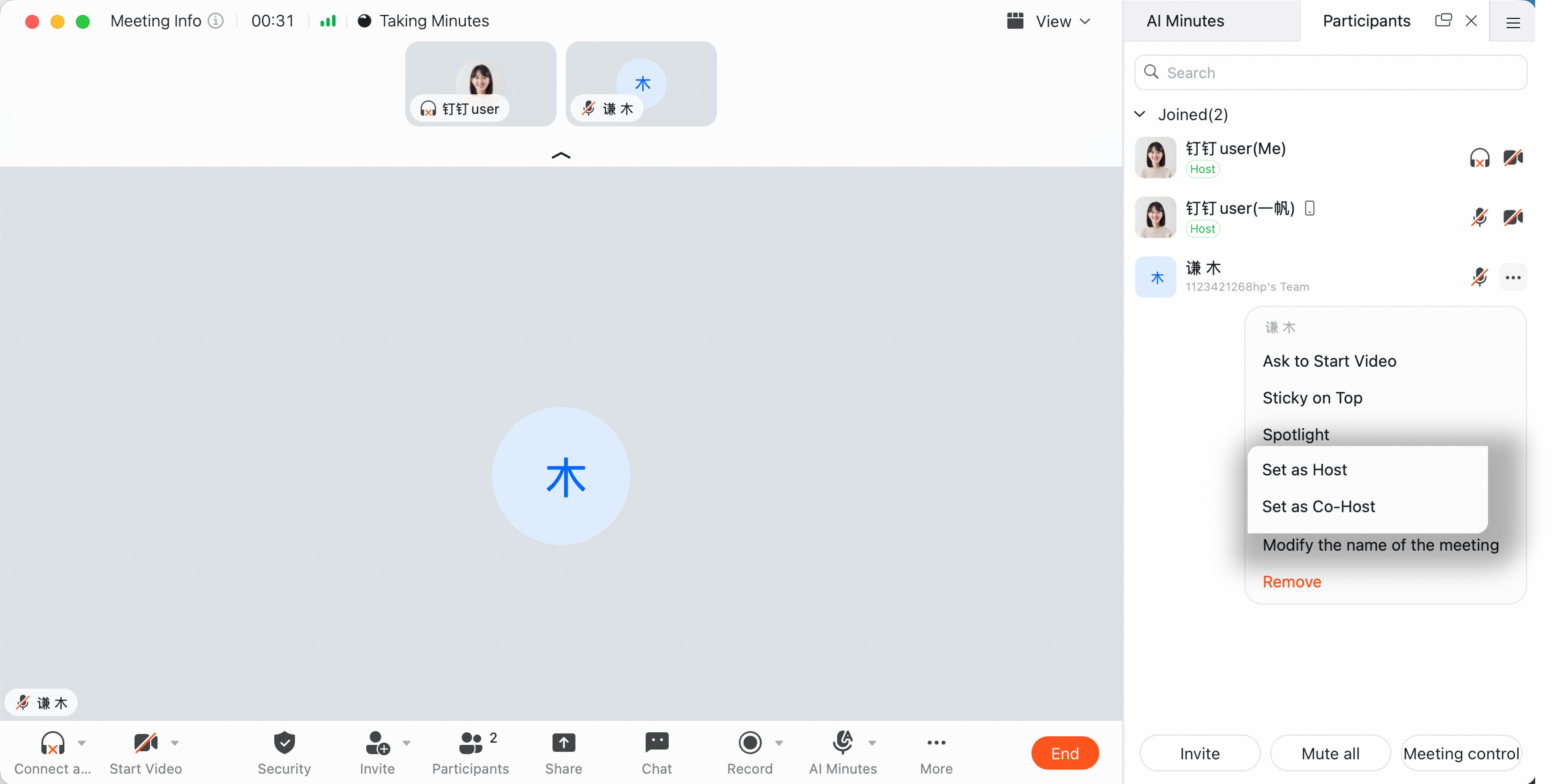
Set a Host or Co-host on Mobile
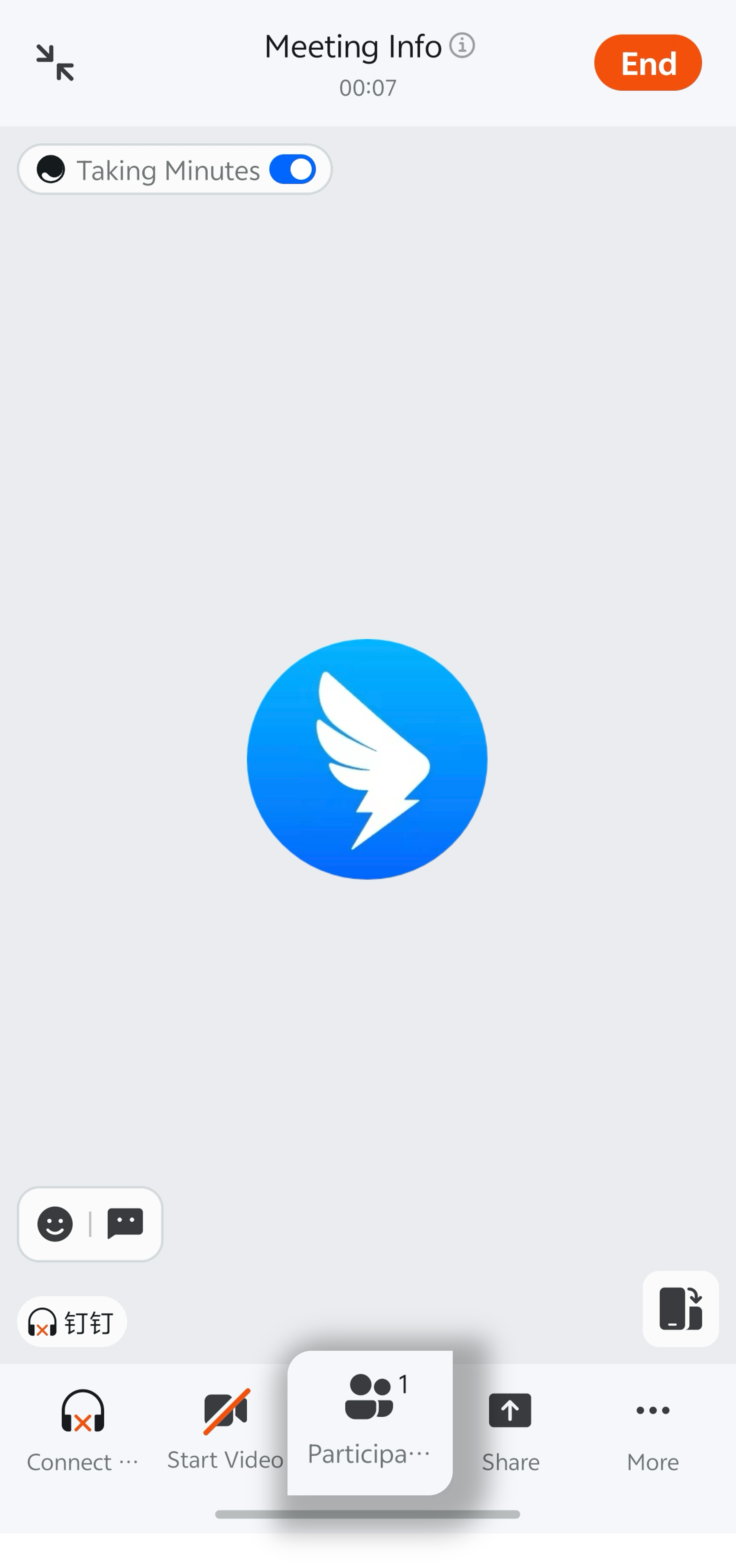
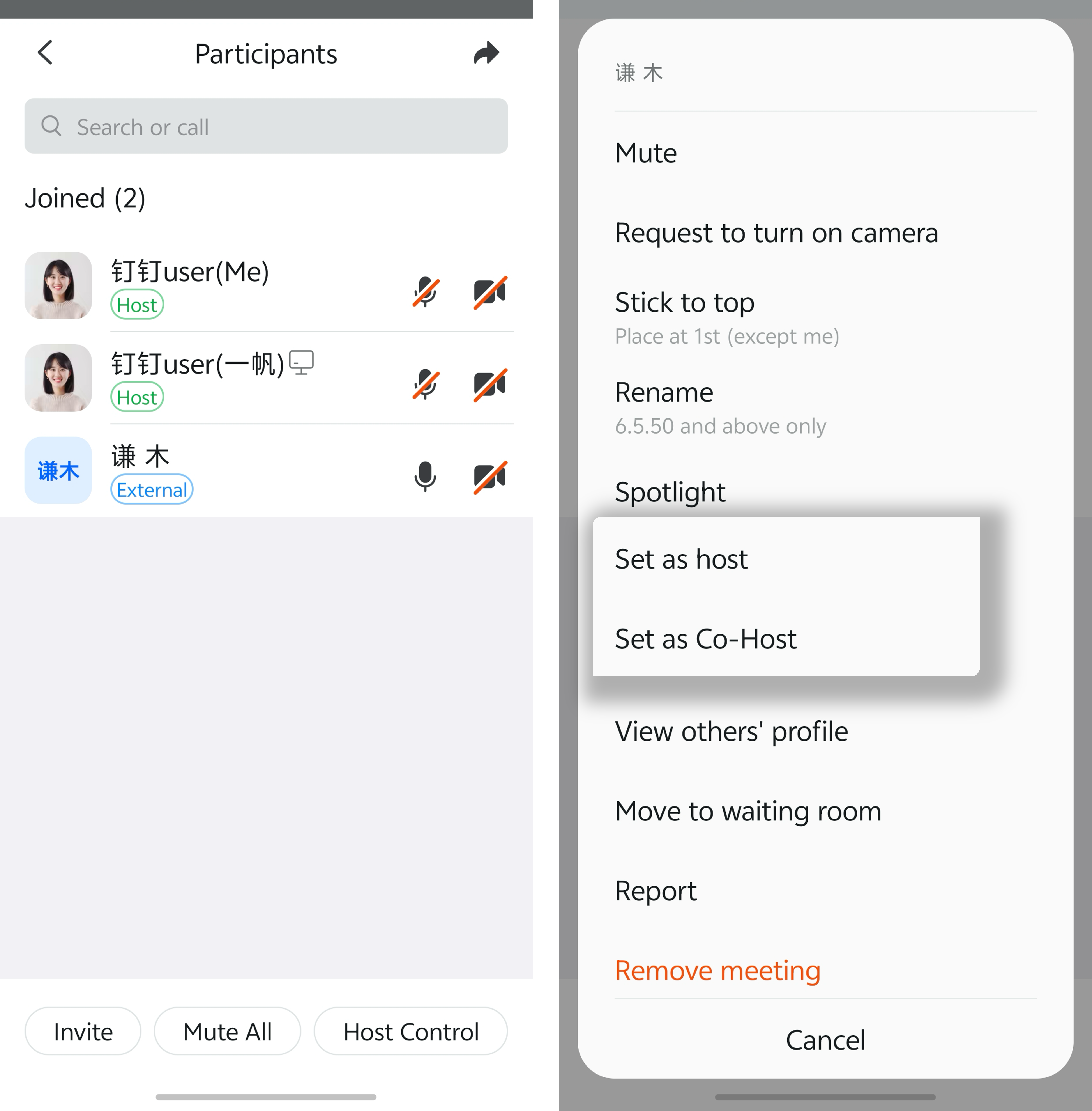
During a meeting, tap Members at the bottom, tap the member, then select Set as Host or Set as Co-host.