Chats
Chats Calendar
 Meetings
 Contacts
 Mail
Mail Docs
Docs Drive
Drive AI Table
 AI Minutes
 Attendance
 Approval
 YiDA
YiDA Admin Console
How to View Current Meeting Benefits
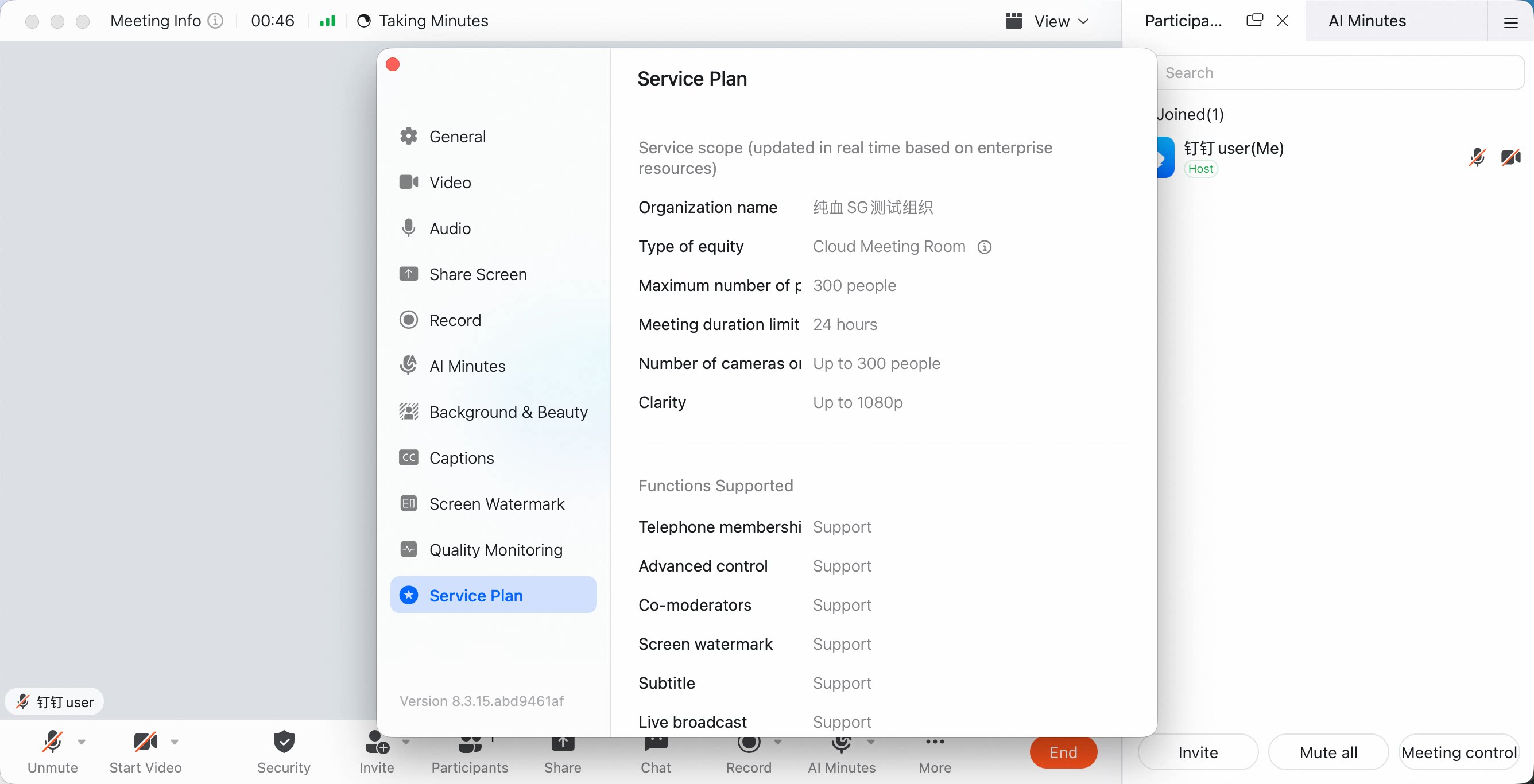
During a meeting, you can view the benefits used by the current meeting, including the participant limit, duration limit, and other benefit-related information. DingTalk Meetings paid plans provide unlimited-time meetings and 10+ benefits. Users can purchase or request consultation from the relevant DingTalk Meetings purchase pages.View Current Meeting Benefits on Desktop
In the desktop video meeting window, click More in the bottom menu bar, click Settings, then click Benefit Description on the left.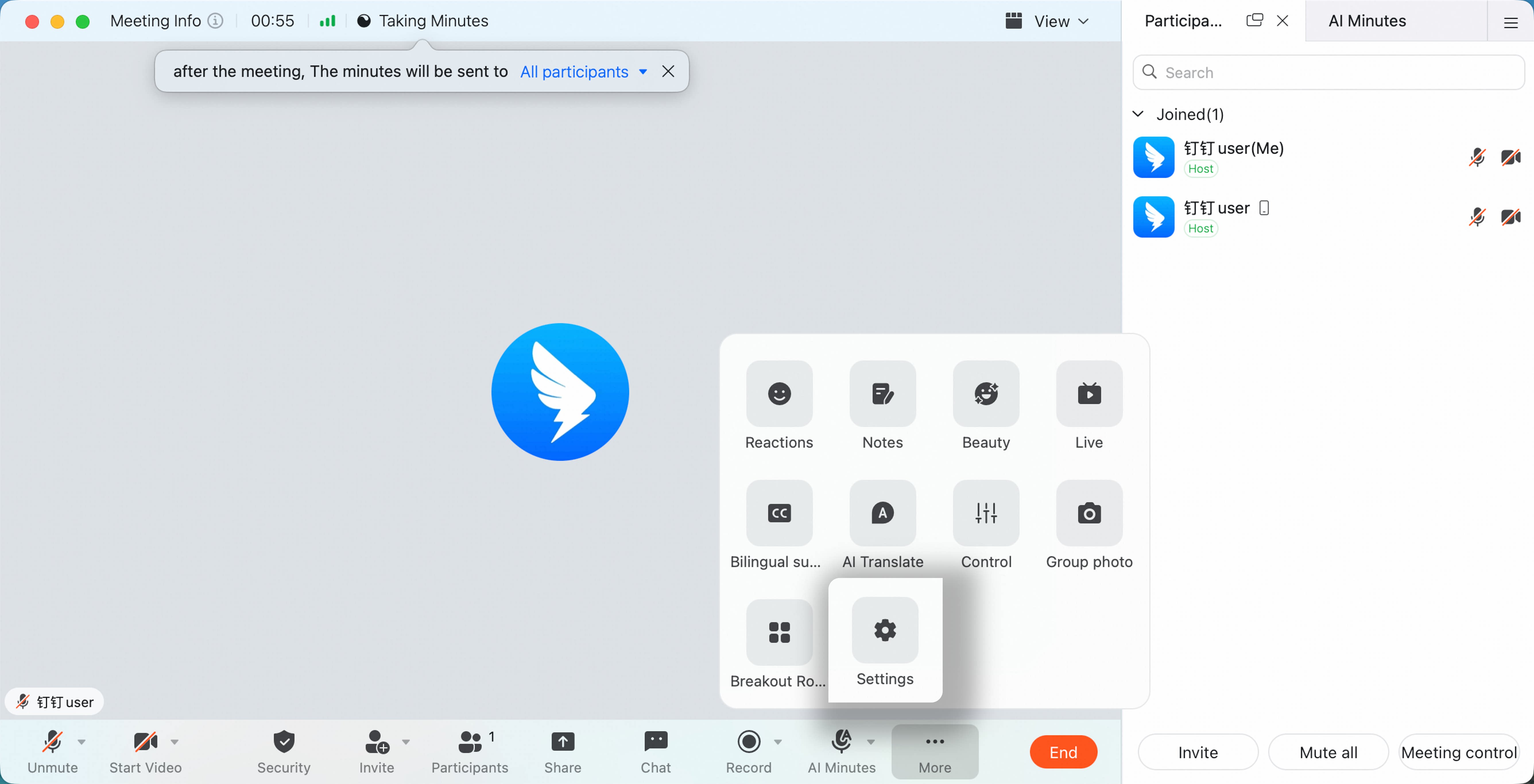
View Current Meeting Benefits on Mobile
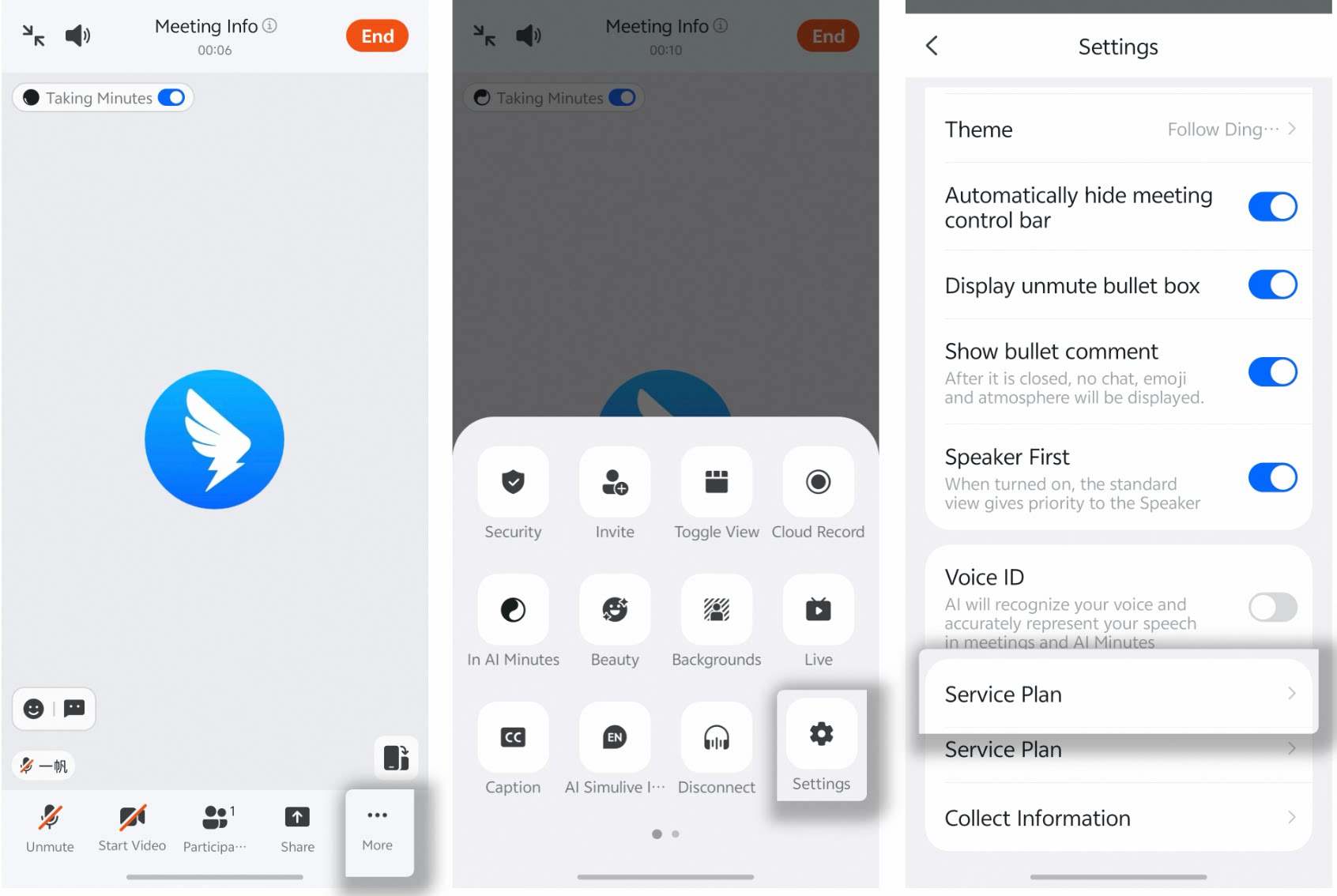
During a meeting, tap More in the lower-right corner, tap Settings, scroll to the bottom of the list, then tap Benefit Description.