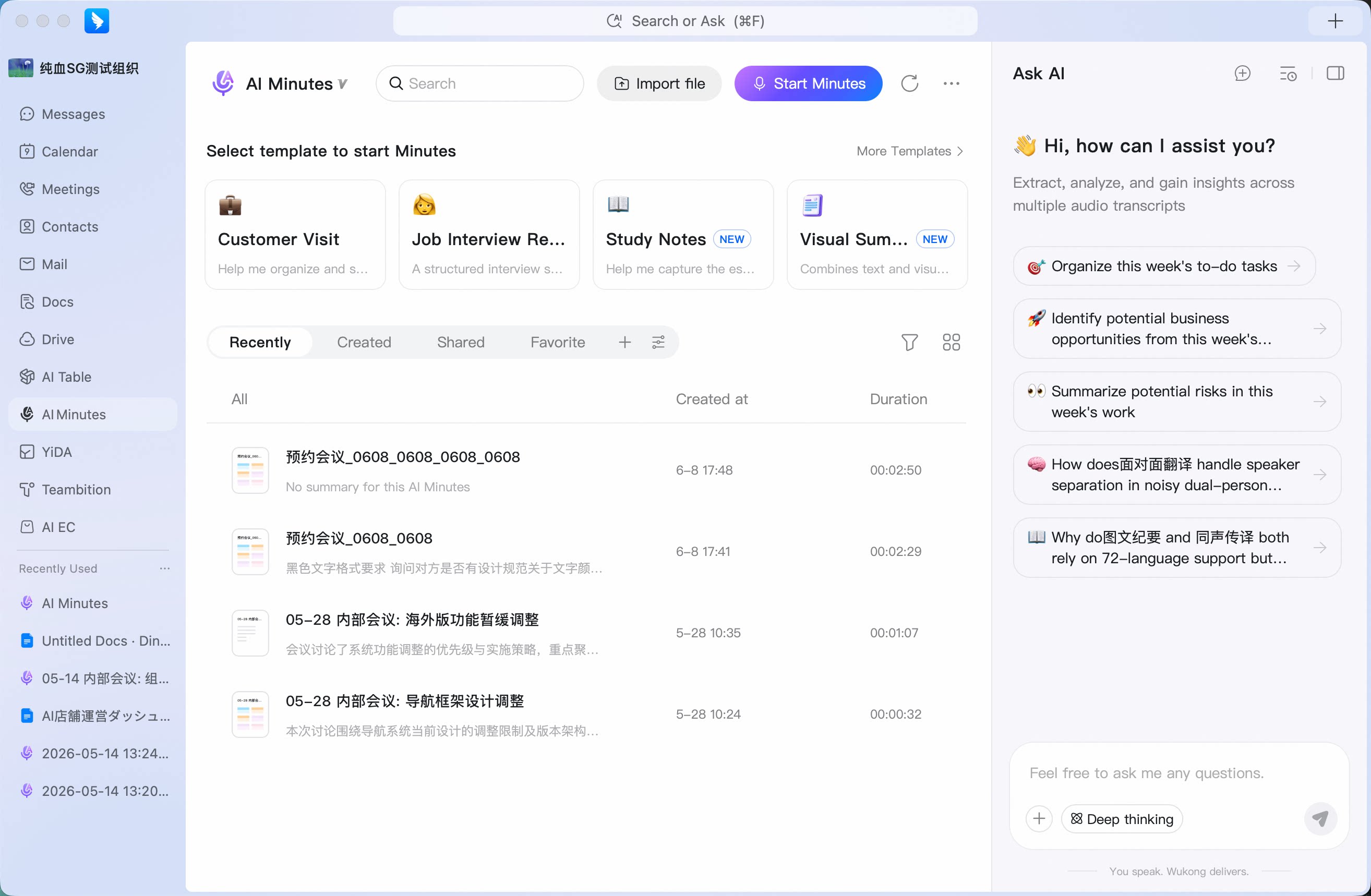
Chats
Chats Calendar
 Meetings
 Contacts
 Mail
Mail Docs
Docs Drive
Drive AI Table
 AI Minutes
 Attendance
 Approval
 YiDA
YiDA Admin Console
How to View AI Minutes Content?
After you use cloud recording and post-meeting AI Minutes, meeting audio can be converted into text and mapped to each speaker. AI Minutes also supports smart chapters and post-meeting summaries, helping participants and non-participants quickly understand key meeting information. AI Minutes text supports keyword search to quickly locate content. It also supports cloud editing and easy export. AI Minutes is an intelligent meeting assistant from DingTalk Meetings in cooperation with Alibaba Tongyi Tingwu. It generates meeting transcripts, smart chapters, and post-meeting summaries. When someone misses a meeting or joins late, they can use AI Minutes after the meeting to understand the key information.How to View AI Minutes
- After starting a meeting in DingTalk, the host clicks Cloud Recording.
- The meeting starts recording.
- When cloud recording ends, the meeting automatically uploads the recording to AI Minutes for speech-to-text transcription. After the meeting, the completed recording file is sent to the meeting initiator through the DingTalk AI Minutes Assistant service account. Participants can request viewing permission from the initiator. After the meeting, the initiator can also go to DingTalk Main Window > Meetings > AI minutes to view it.
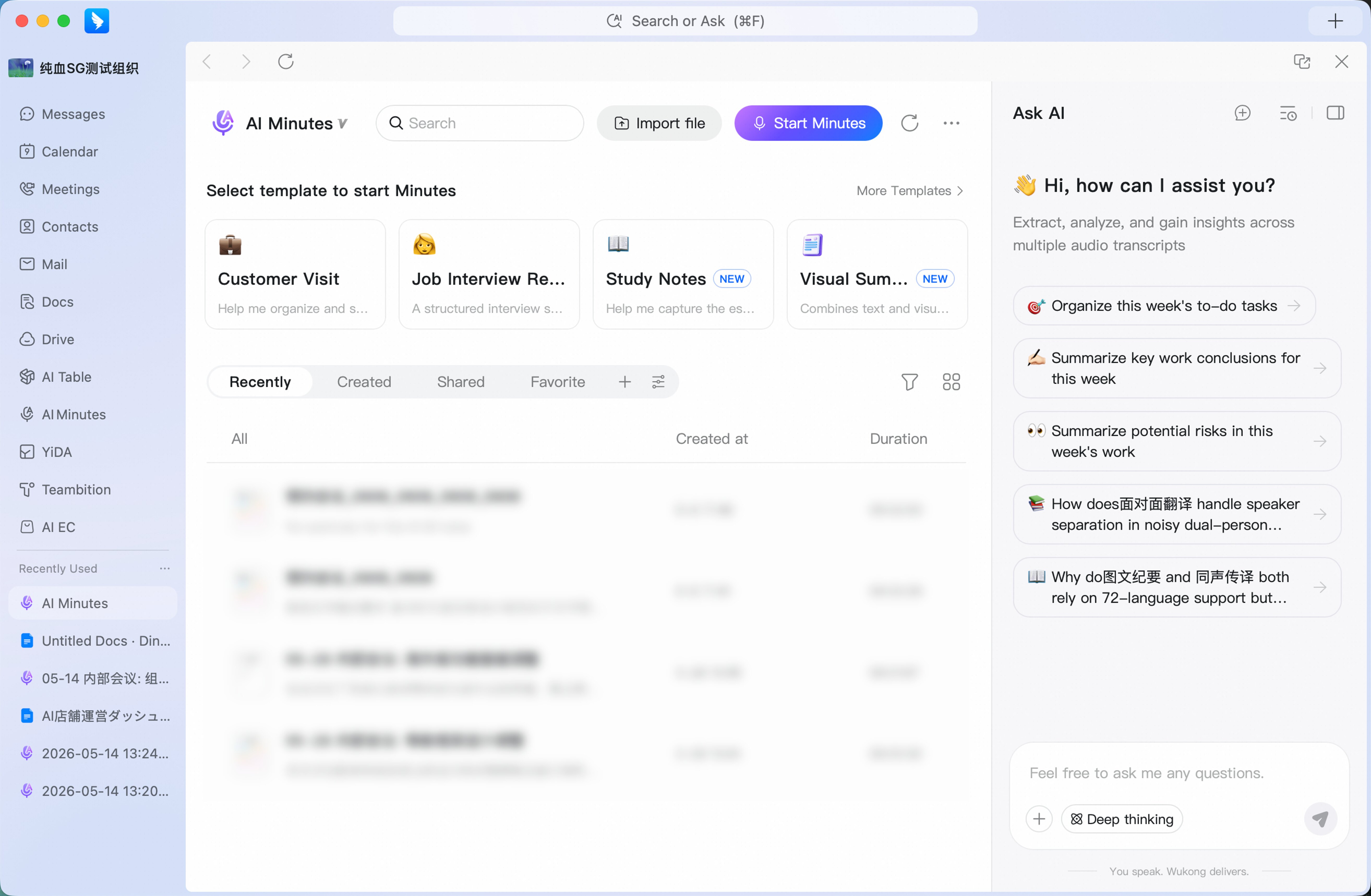 You can view AI Minutes in the DingTalk AI Minutes Assistant service window.
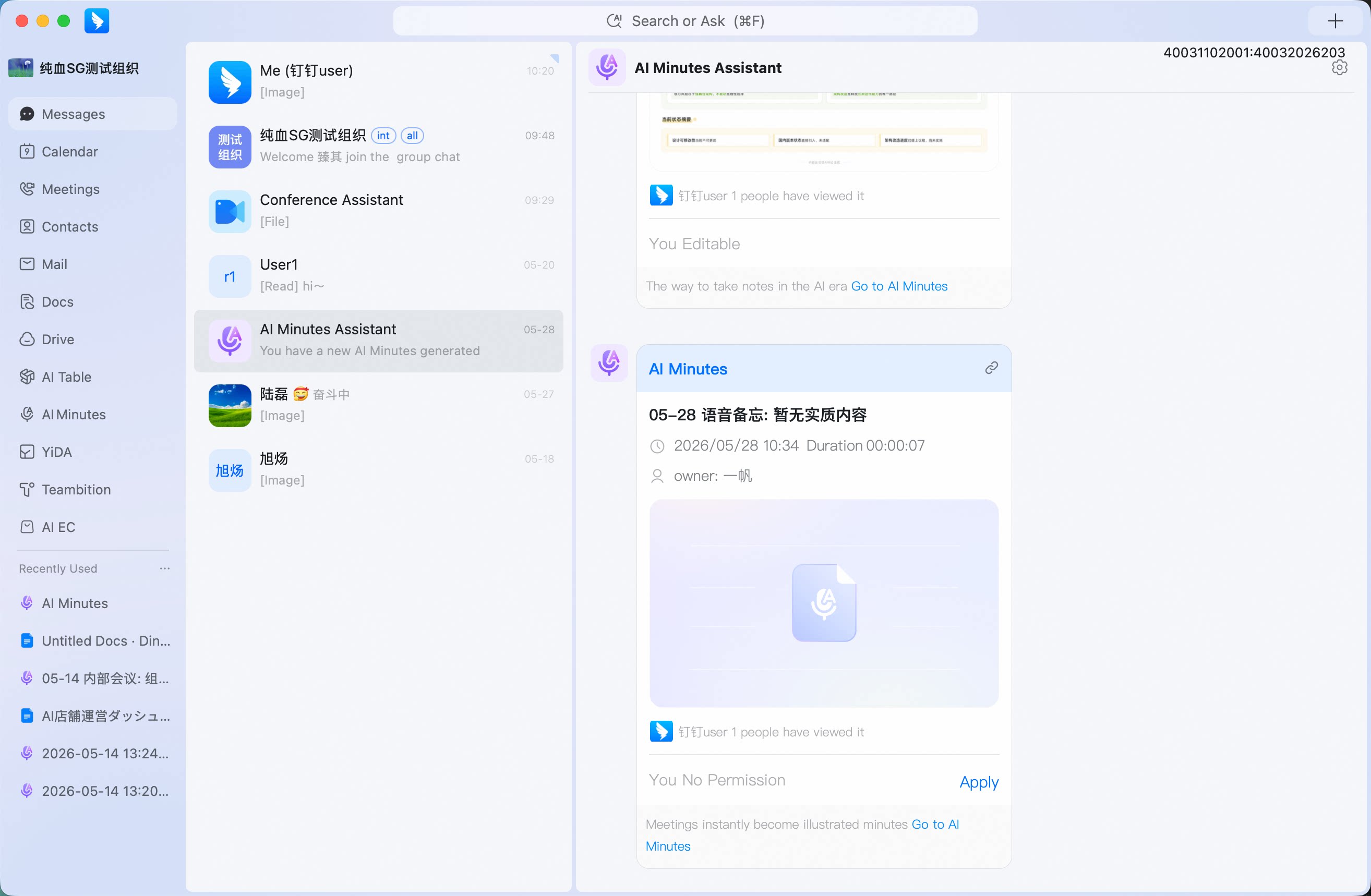 You can also go to DingTalk Main Window > AI Minutes to view AI Minutes.