Chats
Chats Calendar
 Meetings
 Contacts
 Mail
Mail Docs
Docs Drive
Drive AI Table
 AI Minutes
 Attendance
 Approval
 YiDA
YiDA Admin Console
Use Benefits
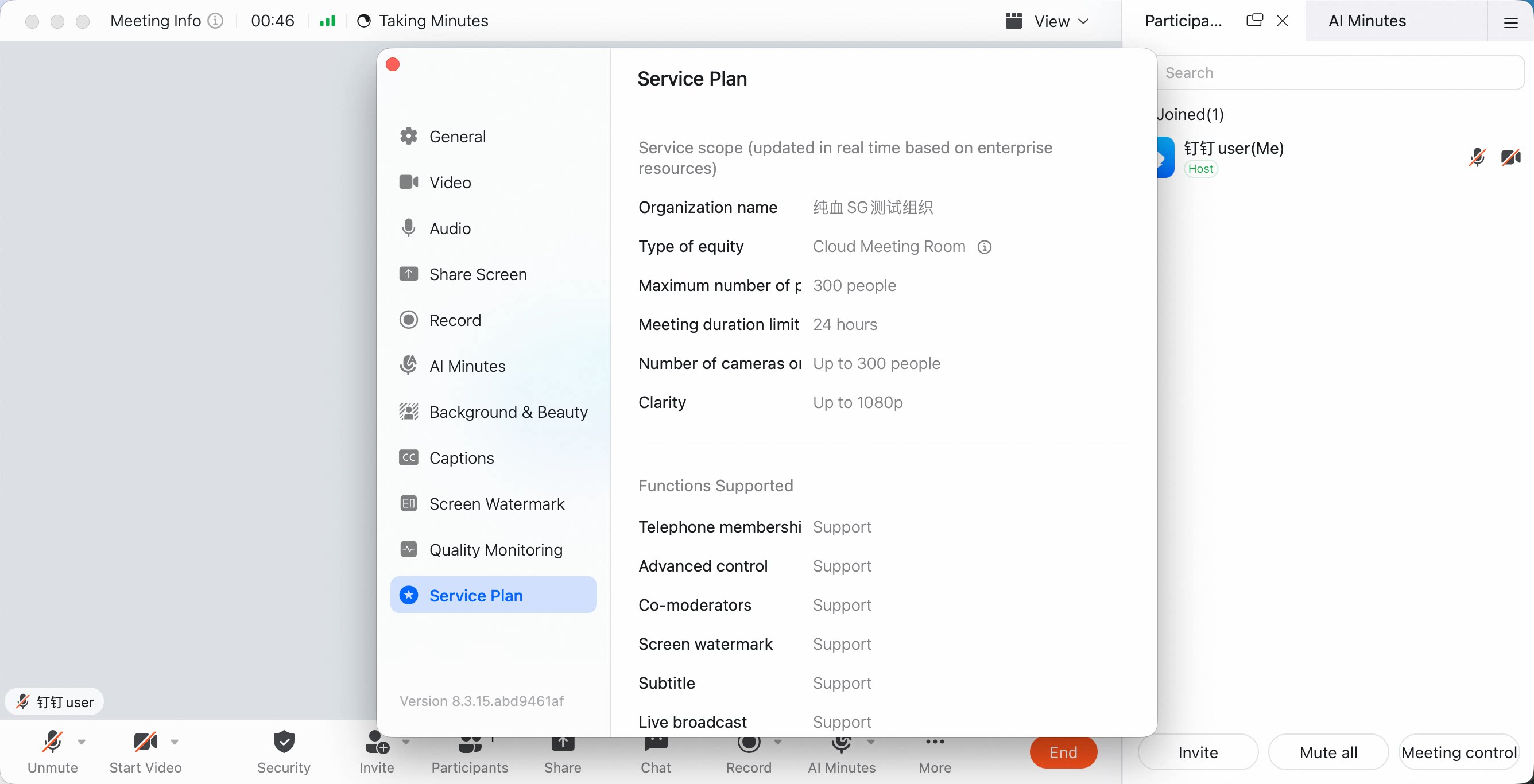
- Before starting a meeting, check the organization name shown in the upper-left corner of the app. You need to switch to the organization that has purchased the benefits.
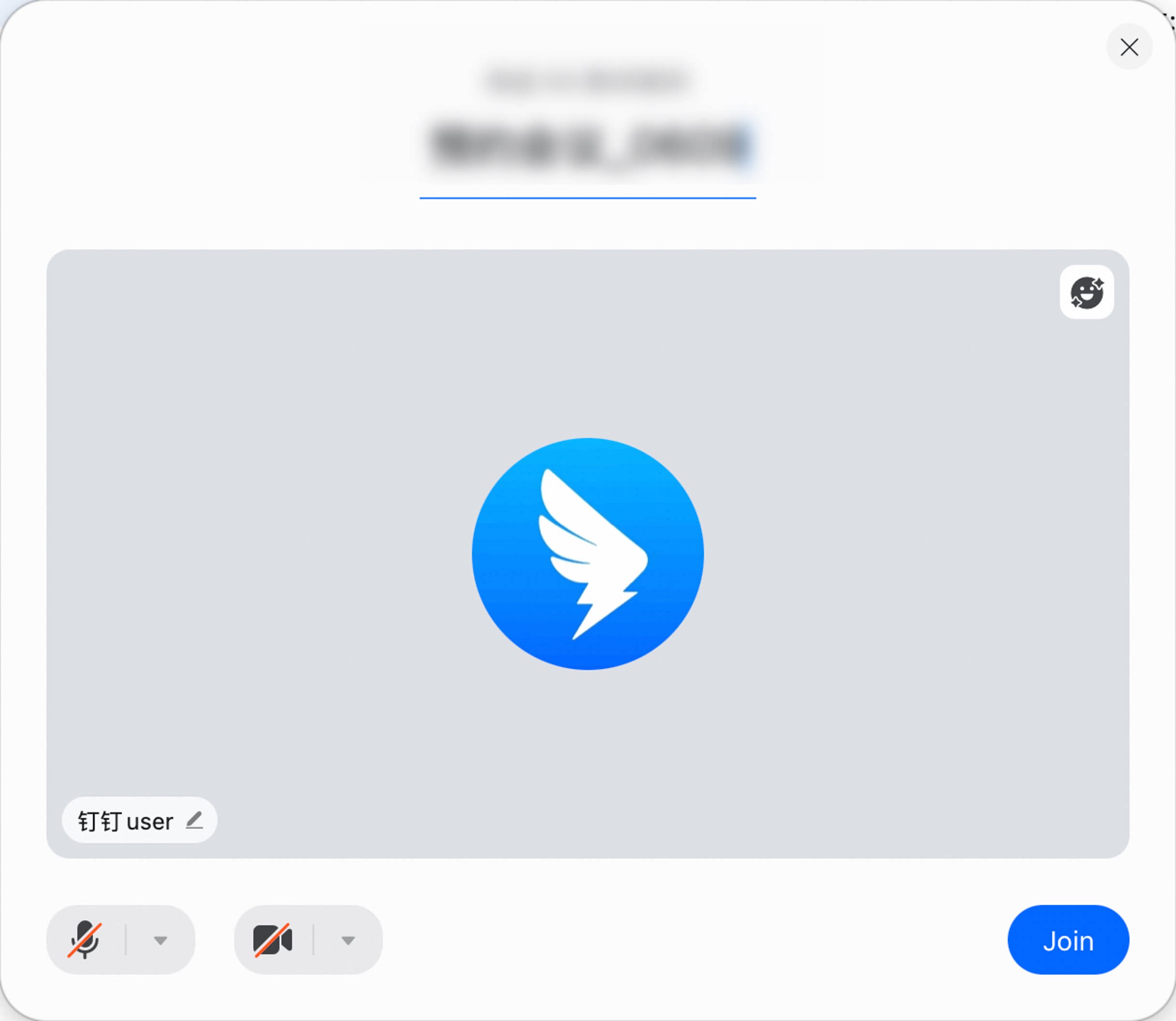
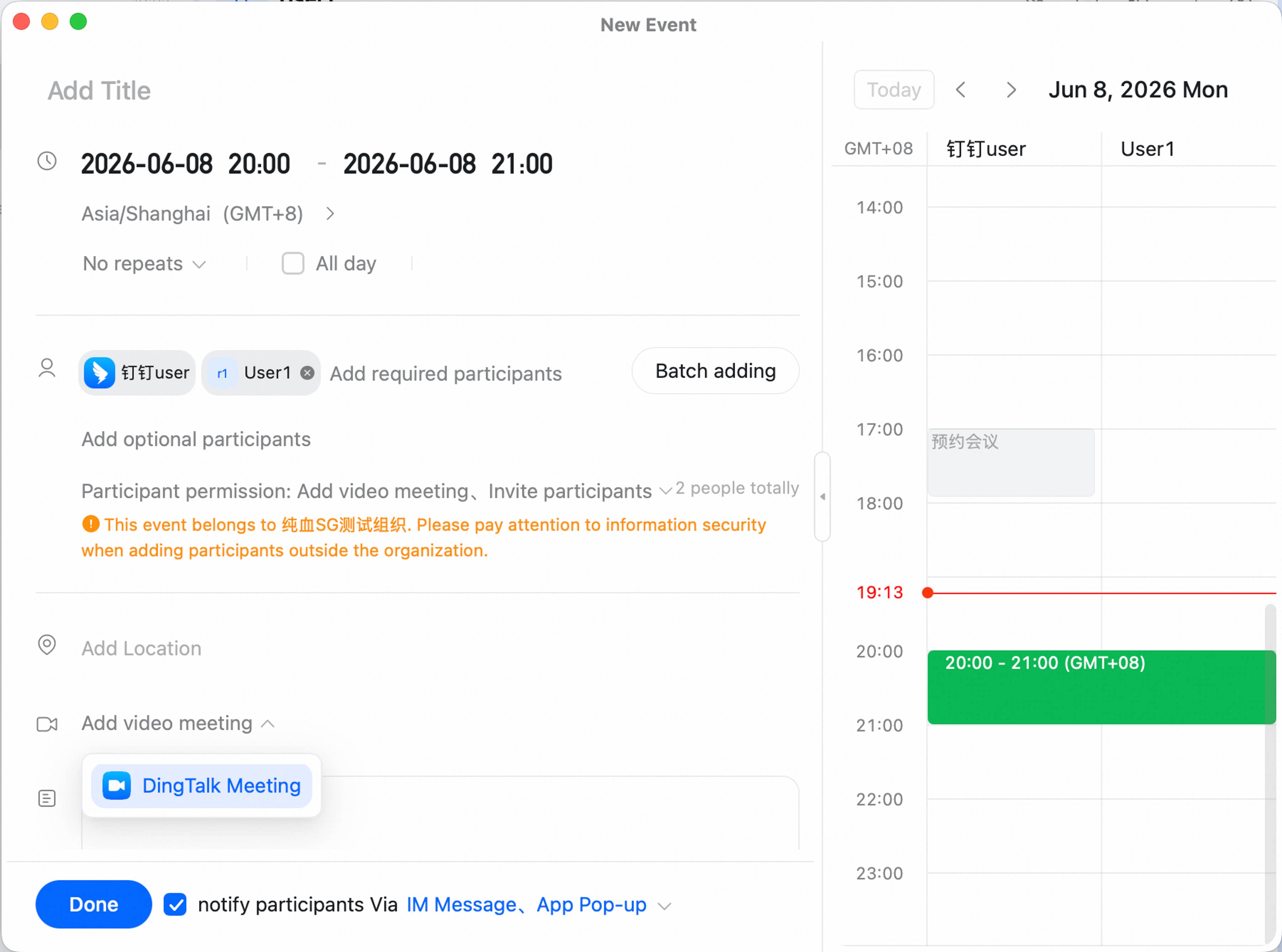
- You can also see the organization that owns the current meeting at the top of the meeting start page or meeting scheduling page. On the meeting scheduling page, you can switch organizations directly. Meeting start page:
 Meeting scheduling page:
- After entering a meeting, you can view the current meeting benefits in the Meeting Info panel in the upper-left corner and in Settings > Benefit Description. Make sure the correct meeting benefits are being used.
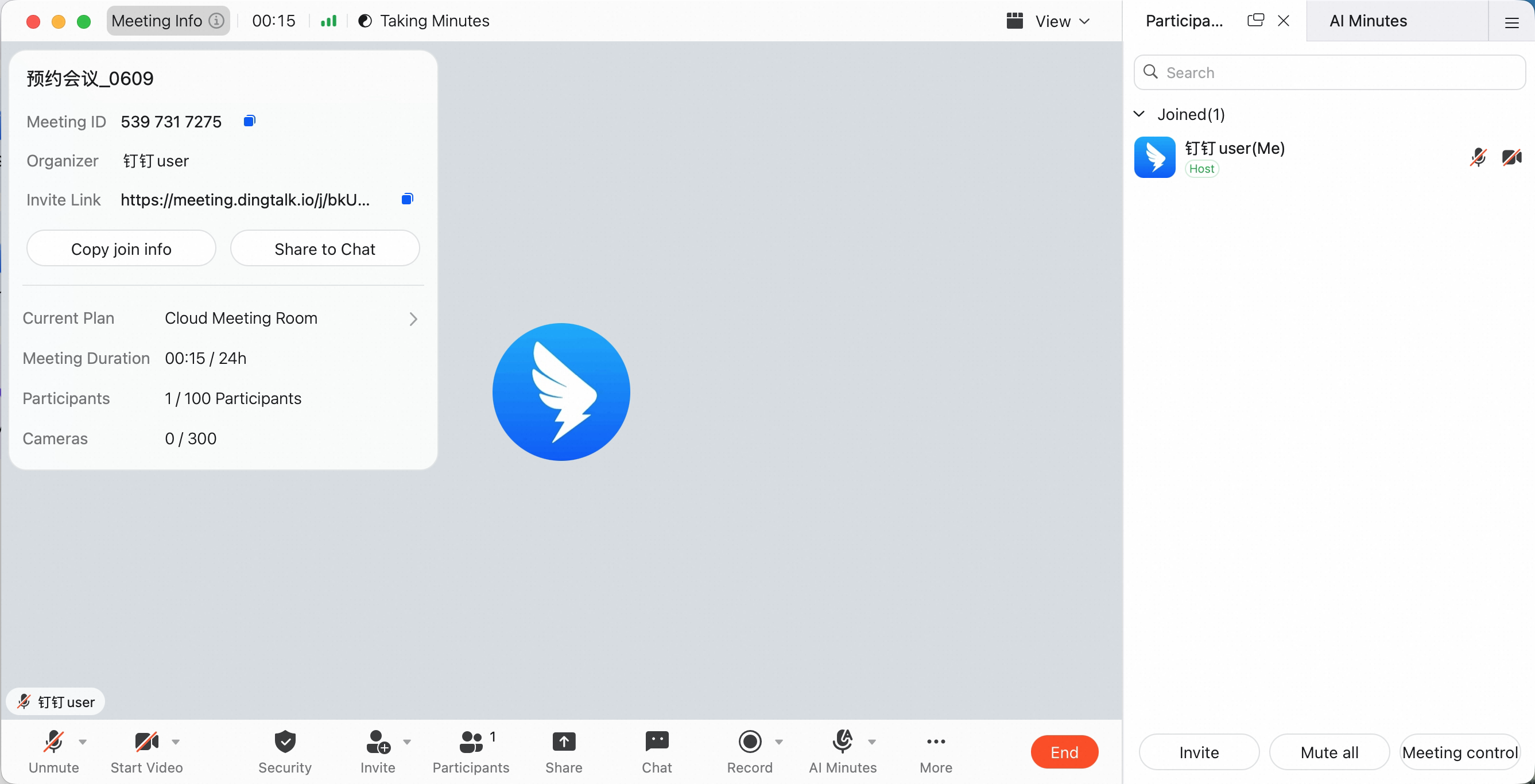 Settings > Benefit Description: