Chats
Chats Calendar
 Meetings
 Contacts
 Mail
Mail Docs
Docs Drive
Drive AI Table
 AI Minutes
 Attendance
 Approval
 YiDA
YiDA Admin Console
Requirements
- In the free version, up to 30 participants can turn on cameras at the same time. After purchasing a paid version, there is no such limit.
Purchase DingTalk Meetings to enjoy unlimited meeting duration and 10+ other benefits.
Turn the Camera On or Off on Desktop
Before the Meeting Starts
On the pre-meeting screen, click the Camera icon at the bottom and choose to turn the camera on or off.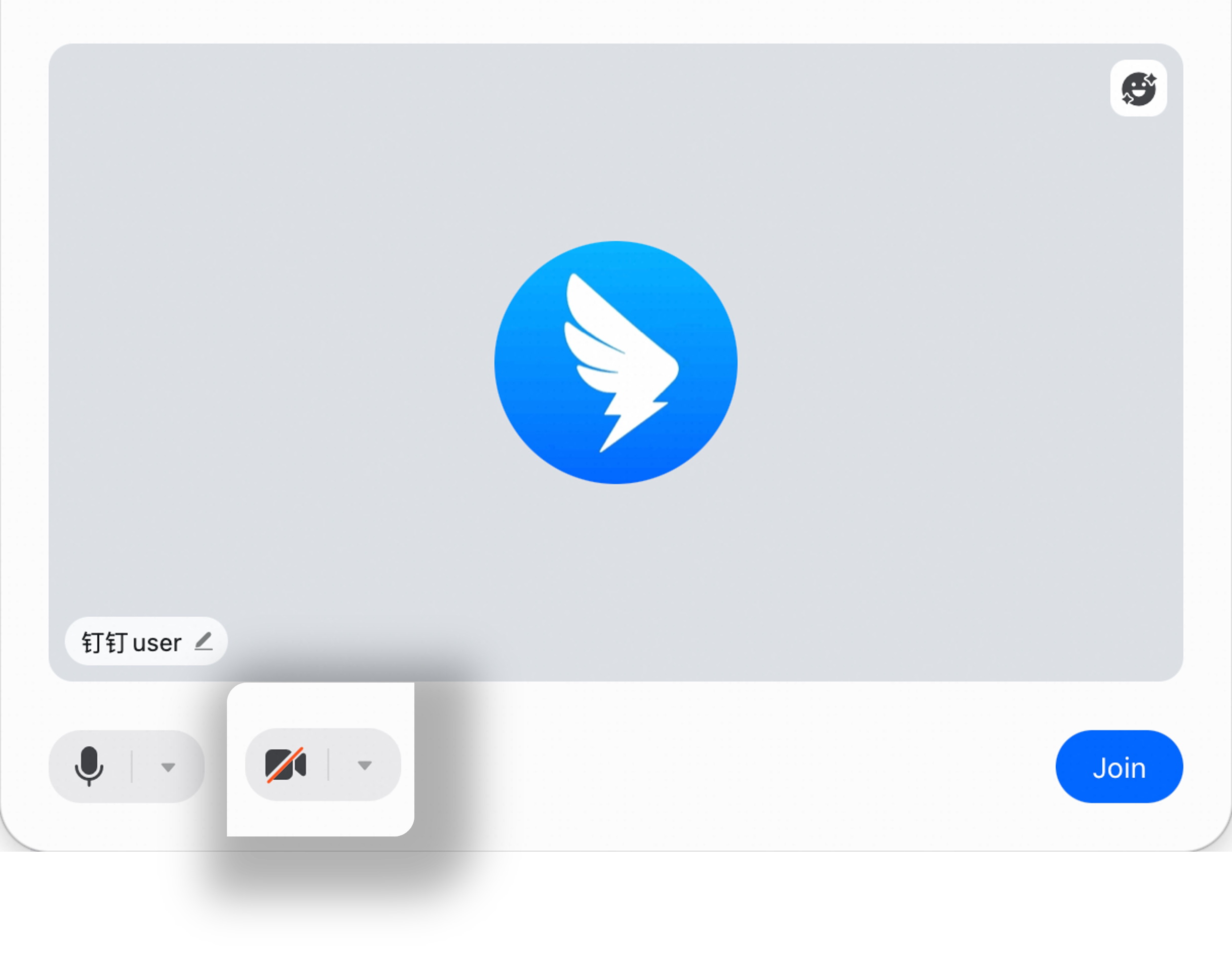
During the Meeting
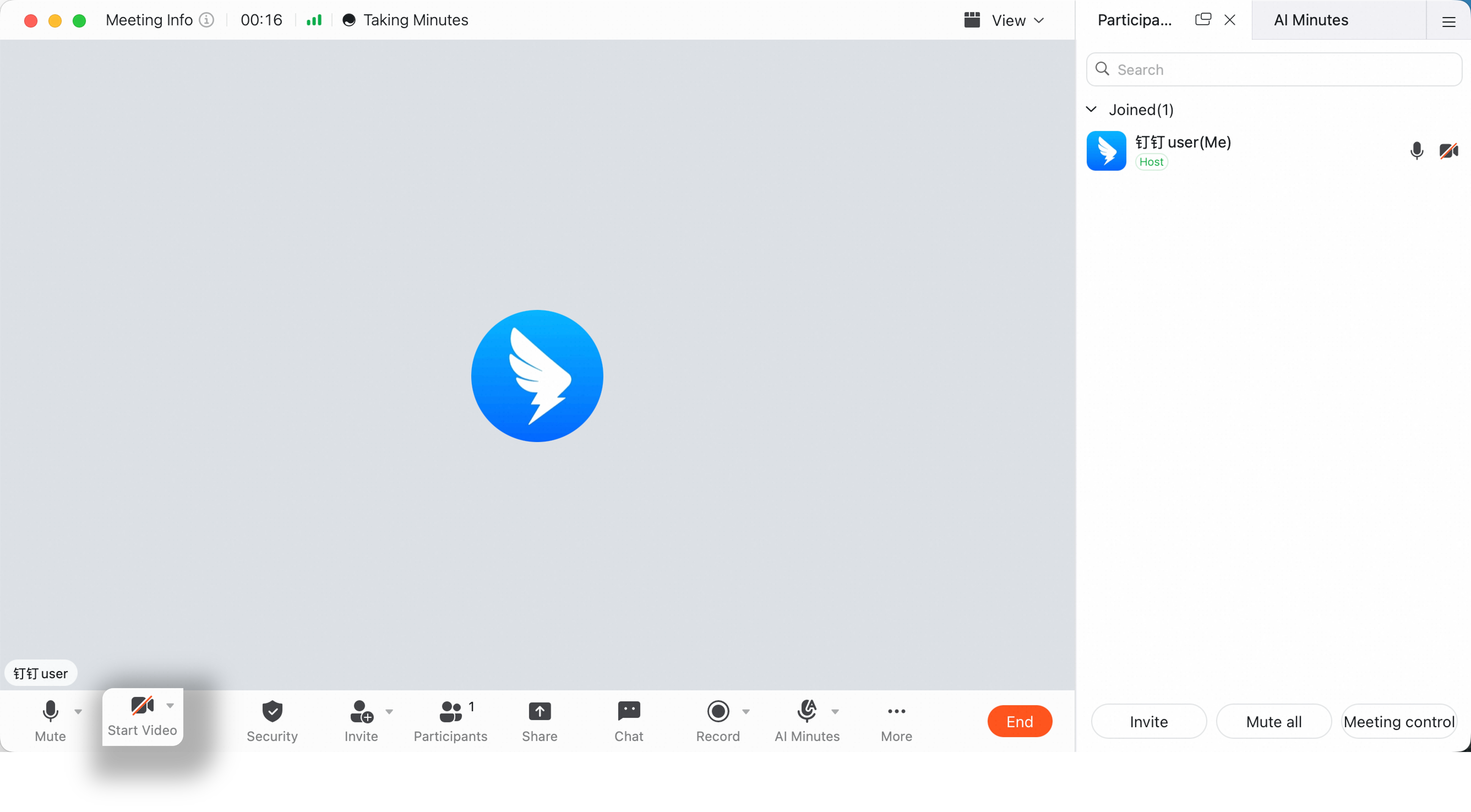
During the meeting, click the Camera icon in the lower-left corner and choose to turn the camera on or off.