Chats
Chats Calendar
 Meetings
 Contacts
 Mail
Mail Docs
Docs Drive
Drive AI Table
 AI Minutes
 Attendance
 Approval
 YiDA
YiDA Admin Console
Table of Contents
- Overview of internationalization features
- App multi-language management
- Internationalized time zone capabilities
- Global file acceleration
- Internationalized addresses
- Internationalized mail
- Internationalized currency
International Edition vs. China Edition for Overseas Use
- International edition of YiDA: Designed for overseas customers (overseas subsidiaries). The international edition of YiDA is deployed in Singapore and stores data there.
- China edition of YiDA (overseas use edition): Designed for Chinese organizations expanding overseas. The China edition of YiDA is deployed in China and stores data there, adding internationalization capabilities on top of the Professional edition and Dedicated edition.
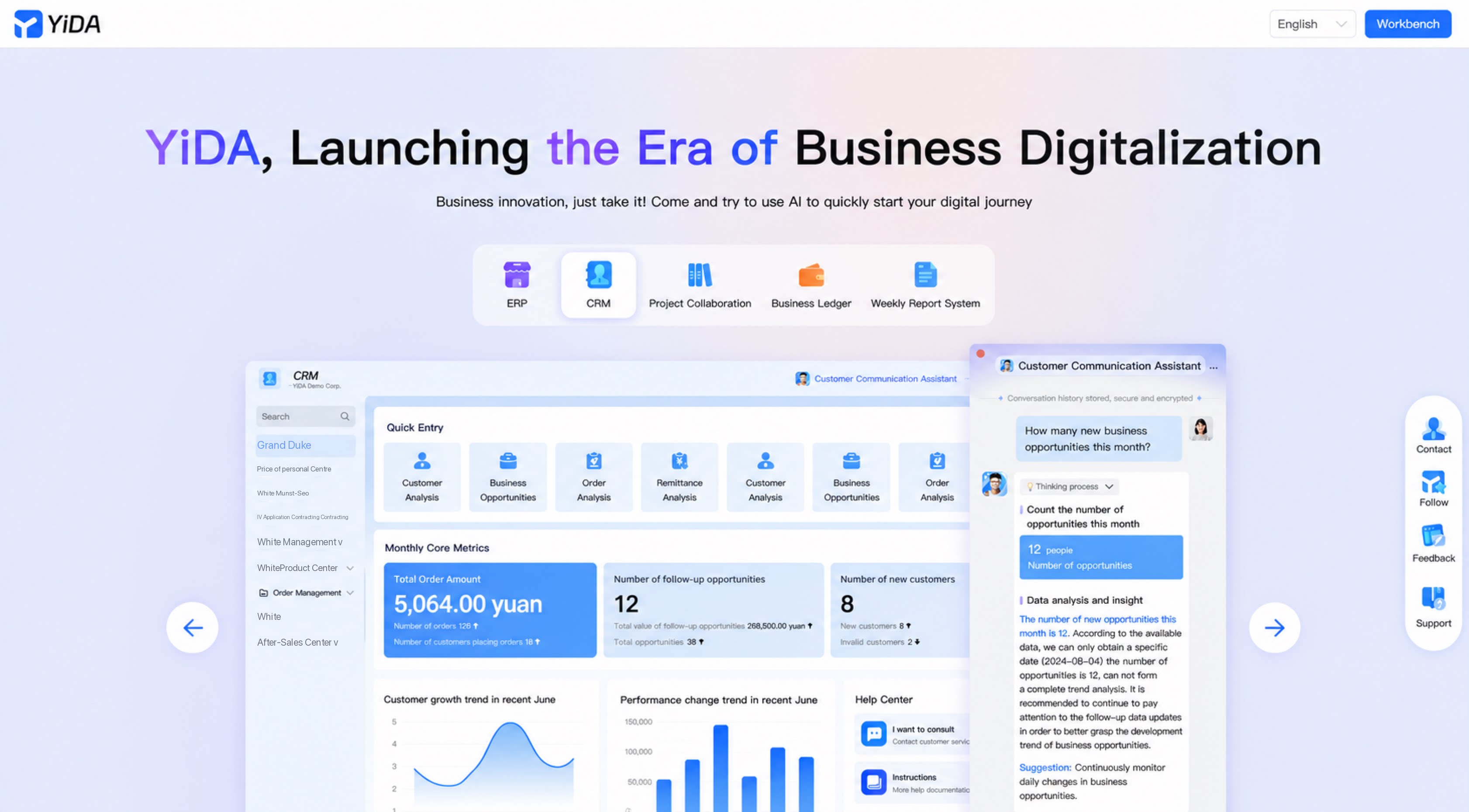
Multi-Language Capabilities
For details, see App multi-language management.
Internationalized Time Zones
Internationalized time zones offer comprehensive support for users managing time zones and time.- The Default time zone supports three configuration methods: Custom, data linkage, and quick configuration.
- Certain time formats are automatically converted based on the time zone, such as showing the difference between UTC+8 and UTC-8.
- Layout formats include horizontal (time zone on the left, date on the right) and vertical (time zone on top, date on the bottom).
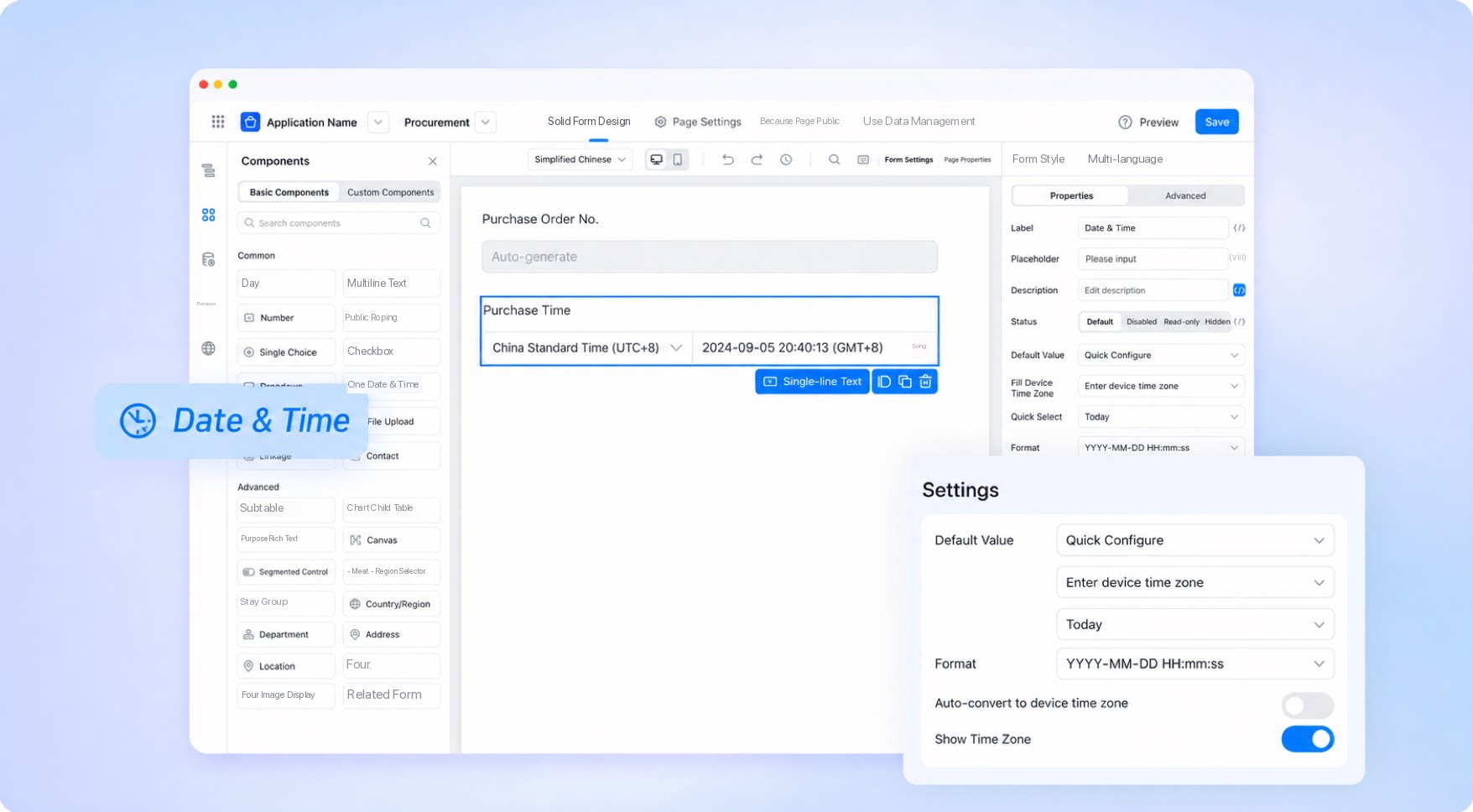
For details, see Internationalized time zone capabilities.
Global File Acceleration
The updated global file acceleration feature automatically selects the file storage region based on the user’s location, improving file preview and upload speeds. File sharing and transfer settings have also been optimized for multi-language management and global requirements.- Multi-region file acceleration has been enhanced to boost cross-region transfer speeds.
- The file storage database is automatically selected based on the user’s region, optimizing preview and upload performance.
- Multi-language management is supported to meet the language needs of global users.
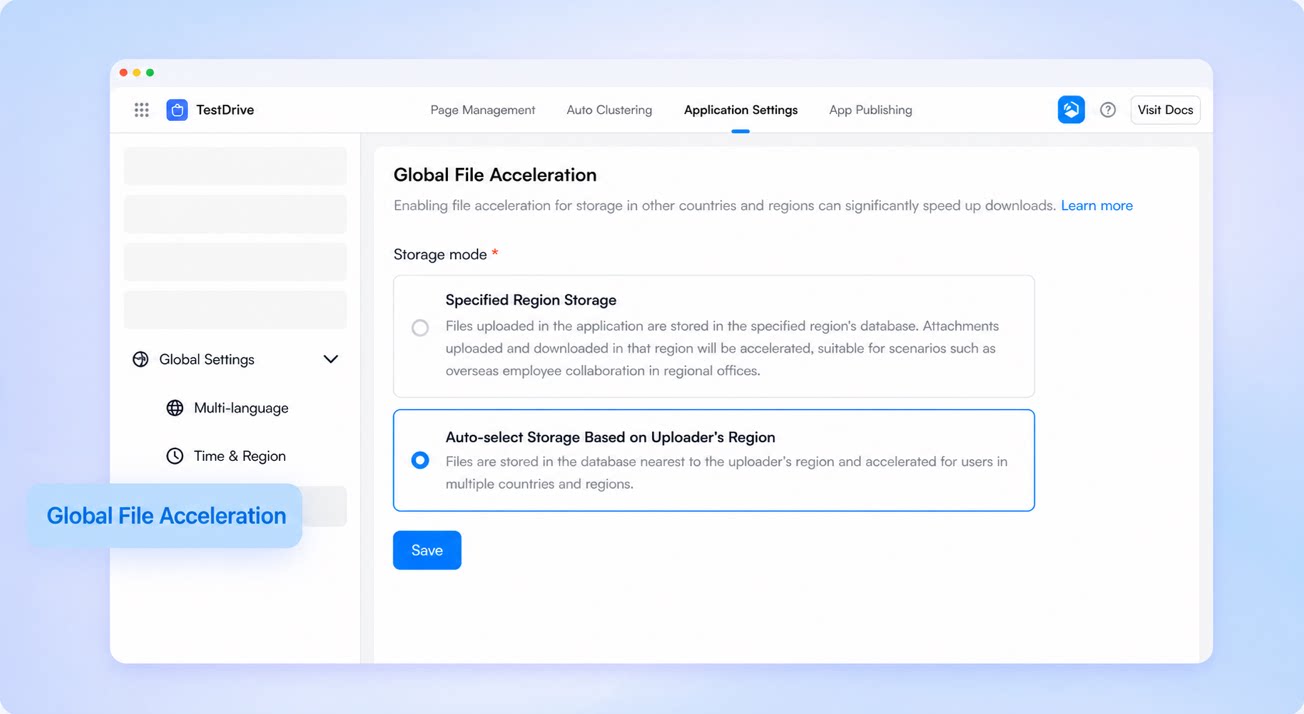
For details, see Global file acceleration.
Internationalized Addresses
The internationalized address component is an upgrade of the basic address component. It now covers every country and region worldwide, meeting international business requirements.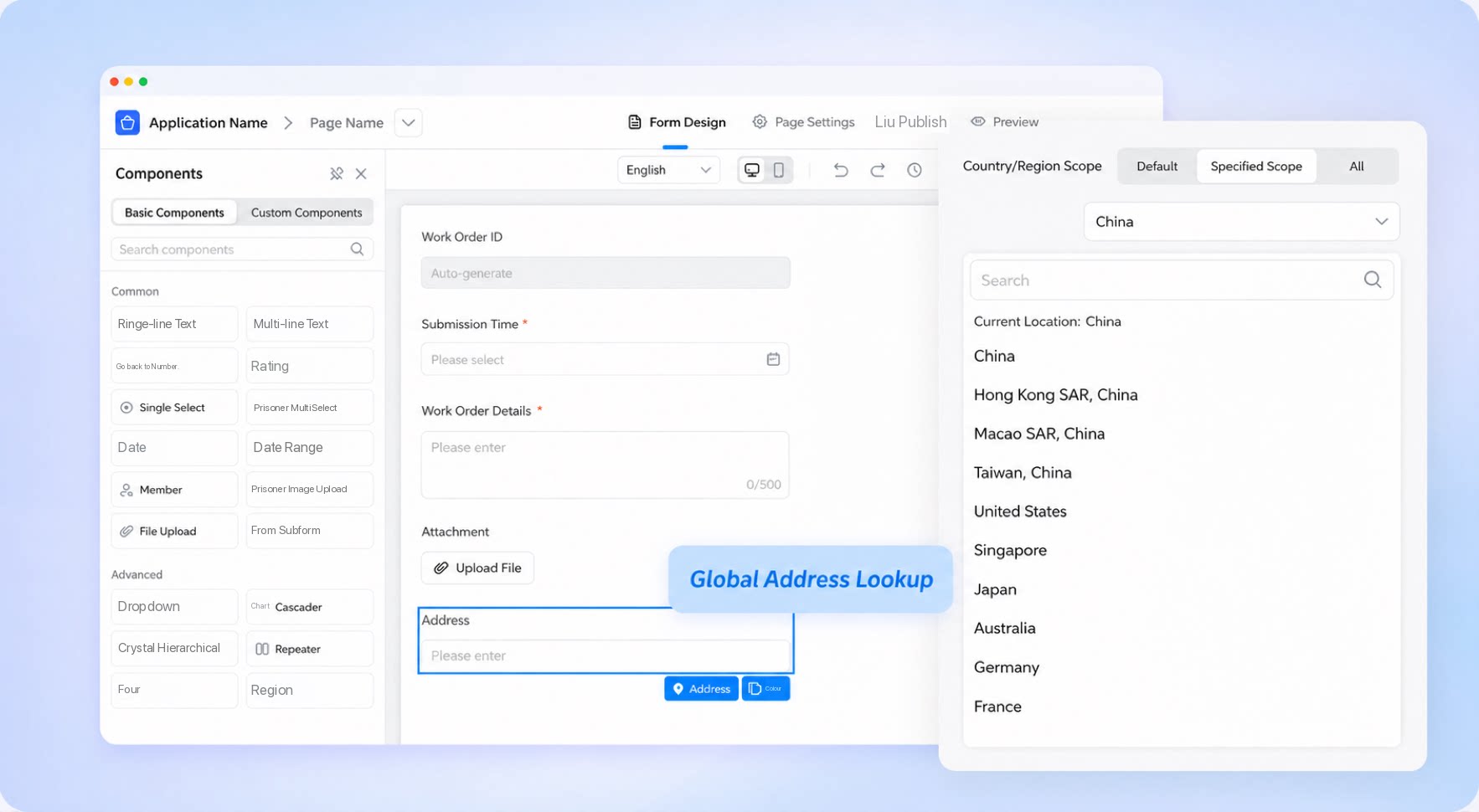
For details, see Internationalized addresses.
Internationalized Mail
The China edition of YiDA requires an internationalization capability extension module, while the international edition includes internationalization capabilities by default. Outlook and Gmail accounts are supported and can be used to send mail in Chats nodes.- To create an Outlook Mail account, obtain an authorization code to complete authorization.
- To create a Gmail account, enter the Mail account and authorization code, then save.
- Mail content can dynamically receive form parameters or system Default data for greater flexibility.
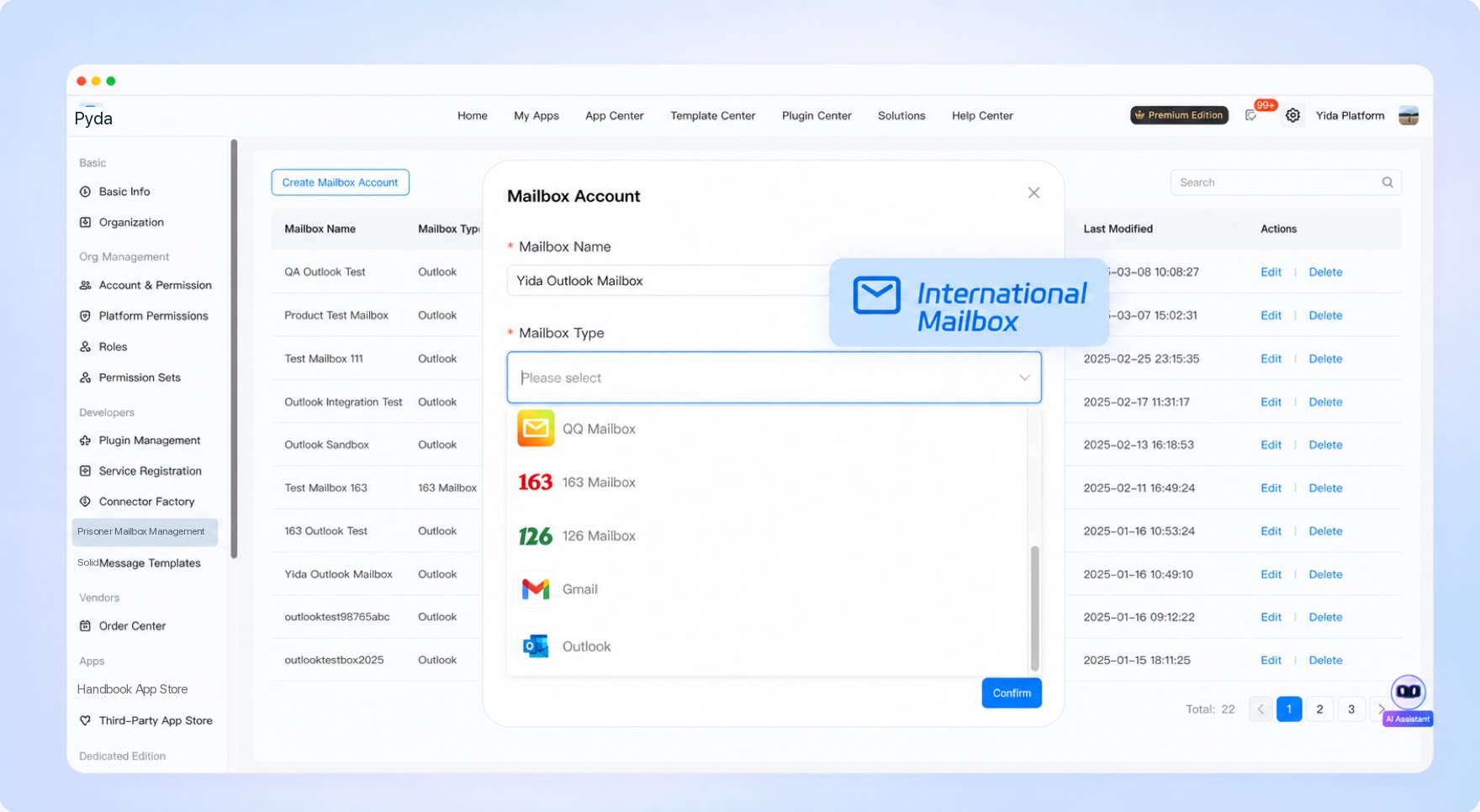
For details, see Internationalized mail.
Internationalized Currency
Internationalized currency supports multiple international currencies. The system supports various currency types (such as USD, JPY, and EUR), and users can select the appropriate one as needed. A clear currency Dropdown List enables intuitive and quick selection.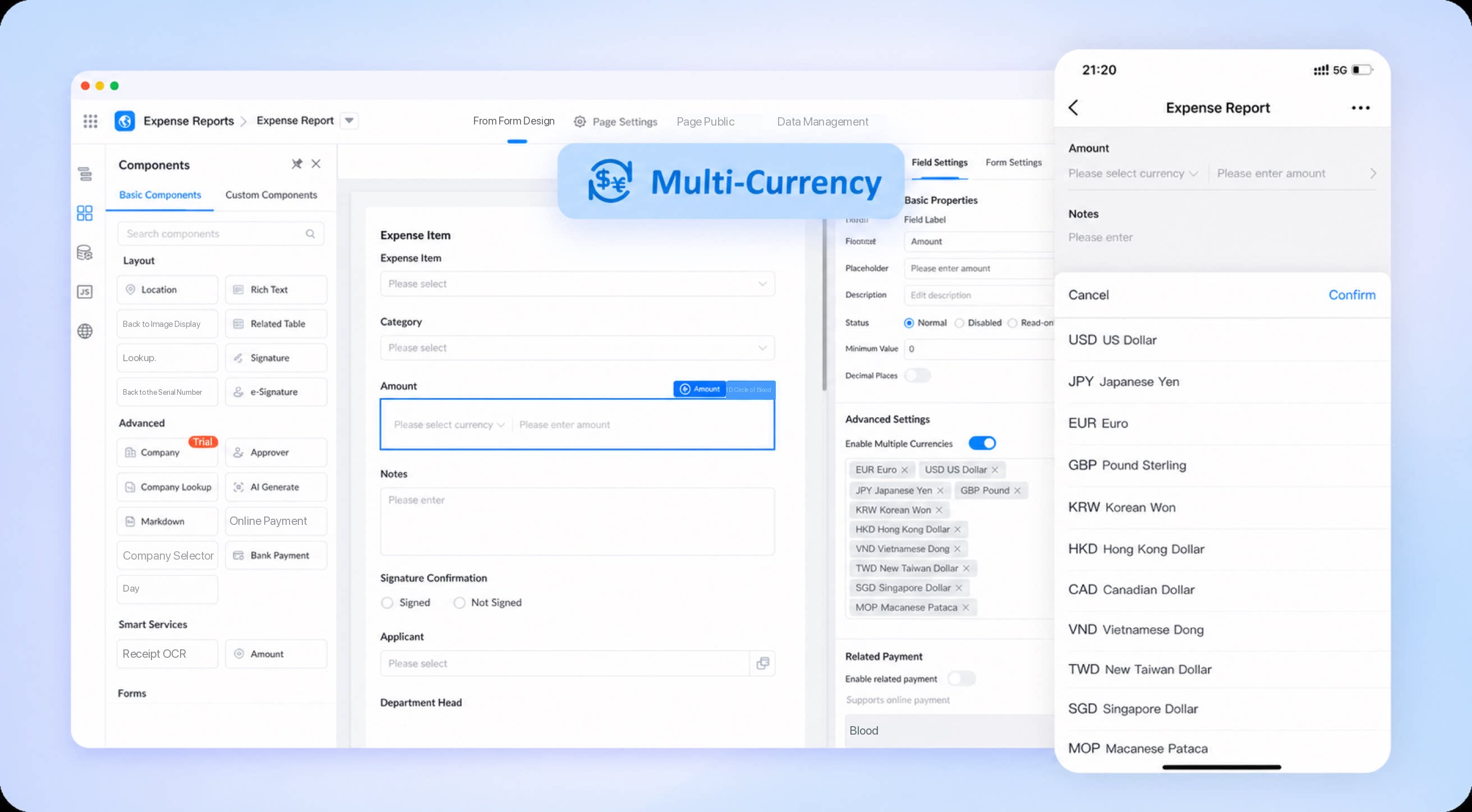
For details, see Internationalized currency.
Viewing Internationalization Entitlements
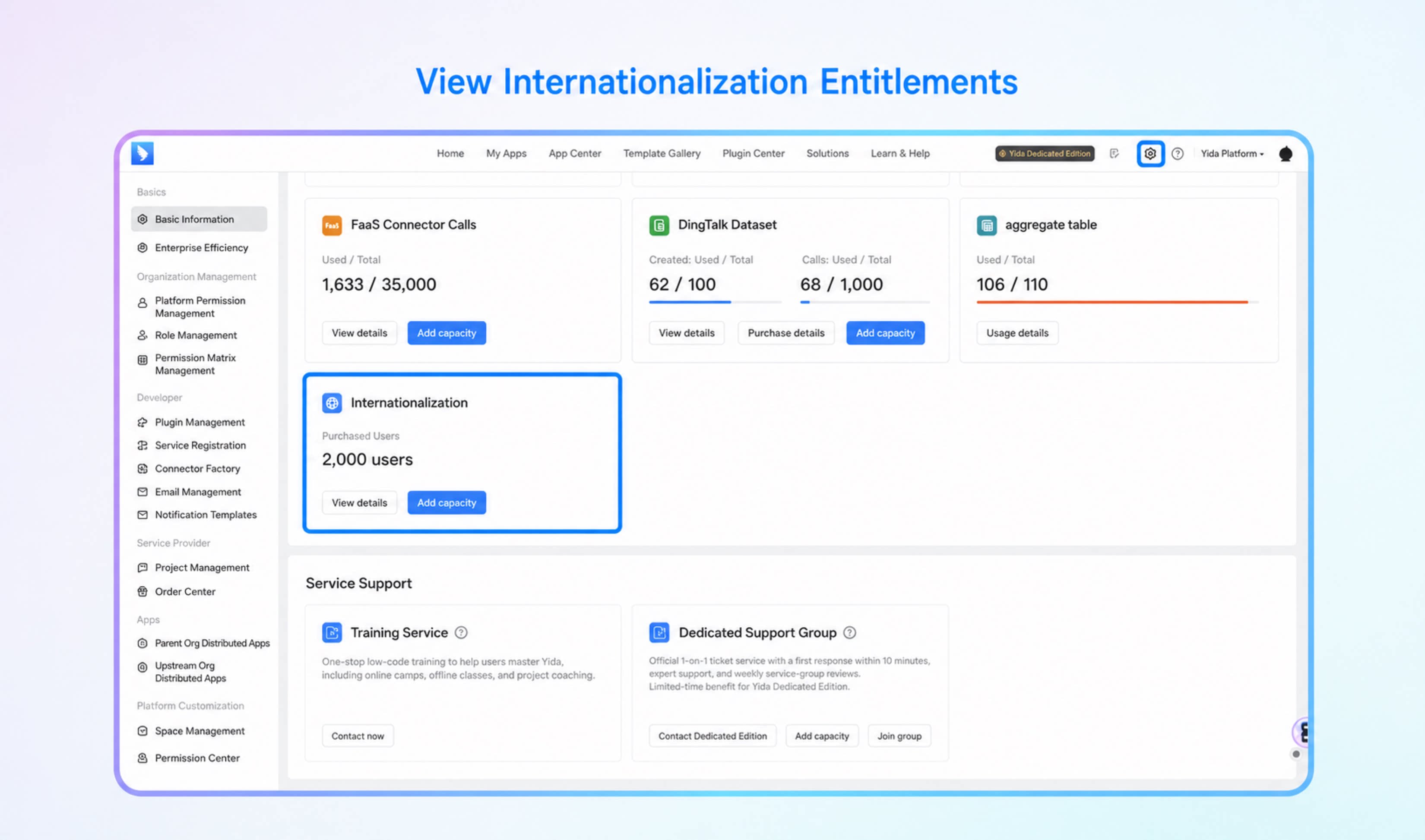
- In the China edition of YiDA, go to Platform management > Basic information > Internationalization entitlements Card to view and purchase additional entitlements.
- After purchasing YiDA internationalization entitlements, platform administrators can go to Platform management > Basic information to view details such as the number of licensed users and the expiration date.