Chats
Chats Calendar
 Meetings
 Contacts
 Mail
Mail Docs
Docs Drive
Drive AI Table
 AI Minutes
 Attendance
 Approval
 YiDA
YiDA Admin Console
- Introduction to Integration & Automation
- Create integration & automation
- Trigger types
- Step overview
- Run logs
- Error message notifications
- Common use cases
Overview
Integration & Automation is a comprehensive upgrade to the logic orchestration feature. It also integrates DingTalk connectors, allowing DingTalk official apps, apps within the DingTalk ecosystem, and enterprise proprietary systems to connect to YiDA with minimal effort. As a result, YiDA apps gain built-in connectivity.- Easily enable data connectivity between YiDA forms. With data operation step configuration and orchestration, business users no longer need to write advanced functions or code.
- YiDA integrates first-party DingTalk connectors, including Work Notifications, group notifications, To-Do tasks, Contacts, Events, Calendar, attendance, smart HR, and daily-monthly reconciliation (manufacturing), to support complex scenarios such as task processing and message sending.
- Supports building custom connectors for organizations, enabling resource integration, data transfer, and business linkage between DingTalk YiDA and DingTalk ecosystem apps as well as other third-party apps.
Automatic Triggering
Integration & automation flows support the Allow automatic triggering setting. Once enabled, the current flow is triggered whenever other automation flows or workflows meet its trigger event.Automatic triggering supports up to three consecutive levels: Flow A => triggers => Flow B, Flow B => triggers => Flow C, Flow C => cannot trigger ≠> Flow D.
- For OA approvals initiated through integration & automation, the [App event trigger] configured after OA approval completion does not take effect. In this case, only manually submitted OA approvals can trigger the automation flow.
- For approvals initiated through integration & automation, the [Create] trigger configured on the corresponding workflow form does not take effect.
- When data is added or updated through business association rules, the [Form event trigger] configured on the Target form does not take effect.
- When data is added or modified across apps through integration & automation, the automation flow configured on the Target form does not take effect.
- Currently, integration & automation steps do not take effect in auto-approval scenarios.
Edition Entitlements
- Enabling a template app that includes connectors counts toward the connector usage quota.
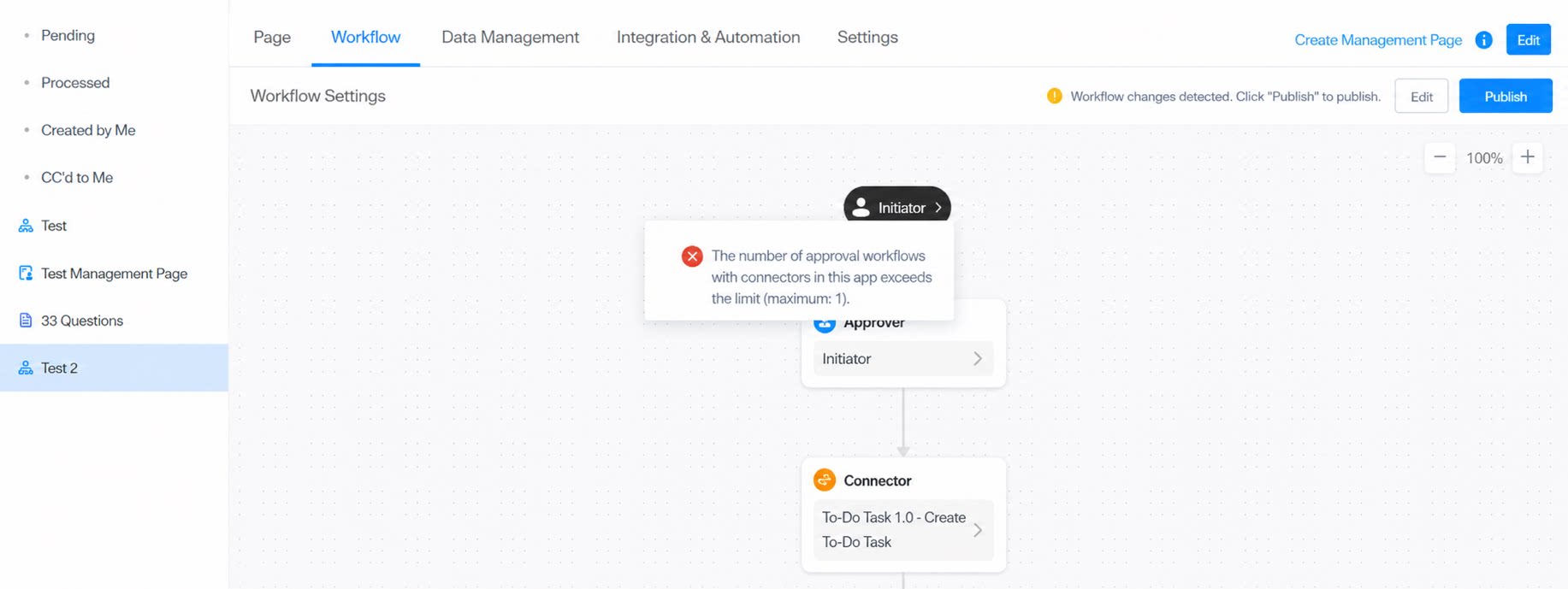
- In the Free plan and Basic edition, each app allows only one workflow form to use connectors in its workflow steps. This limit does not apply to the Professional edition or above.